
Imagine opening your inbox and discovering a flood of emails from your WordPress site. Confusing, right?
You might wonder which ones are important and which are just noise. Understanding the WordPress admin emails can save you time and prevent potential security risks. This guide will unravel the mystery behind every email you receive as a WordPress admin.
We’ll walk you through each type of email, explaining their purpose and how they can help you manage your site better. By the end of this article, you’ll feel more in control of your WordPress communications, ensuring you never miss a critical update or alert. Ready to streamline your inbox and enhance your site management skills? Let’s dive in!
Credit: www.wpbeginner.com
WordPress Admin Email Basics
Admin Email is like a manager for your website. It gets important messages about updates. It also alerts you if there are problems. Every WordPress site needs a good admin email. It helps keep your website safe and secure. Without it, you might miss vital information. This email is also used for resetting passwords. Admin Email plays a big part in your site’s security.
Setting up is simple. Go to WordPress settings. Find the General section. Enter your email in the Email Address field. Make sure the email is active. Check it regularly. This way, you won’t miss important notices. Always keep your email updated. If you change your email, update it here. This ensures you stay informed.
Types Of Emails Sent To Admin
Admins get emails when a new user registers. These emails help keep track of user activity. They ensure the admin knows who joins the site. Notifications show user details like username and email. This helps manage the user base efficiently.
Admins receive notifications for password reset requests. These emails alert admins about users needing help. Admins can assist users with login issues. Reset requests show the username needing a password change. This ensures quick action to support users.
Emails are sent to admins for comment moderation. These alerts inform about new comments needing approval. Admins review comments before they appear on the site. This helps control the content quality. Alerts include the comment text and author’s name.
Customizing Admin Email Settings
To change the admin email address, go to the settings. Click on the General tab. Find the Email Address field. Enter the new address. Save the changes. You will get a confirmation email. Click the link in the email. This confirms the new email address.
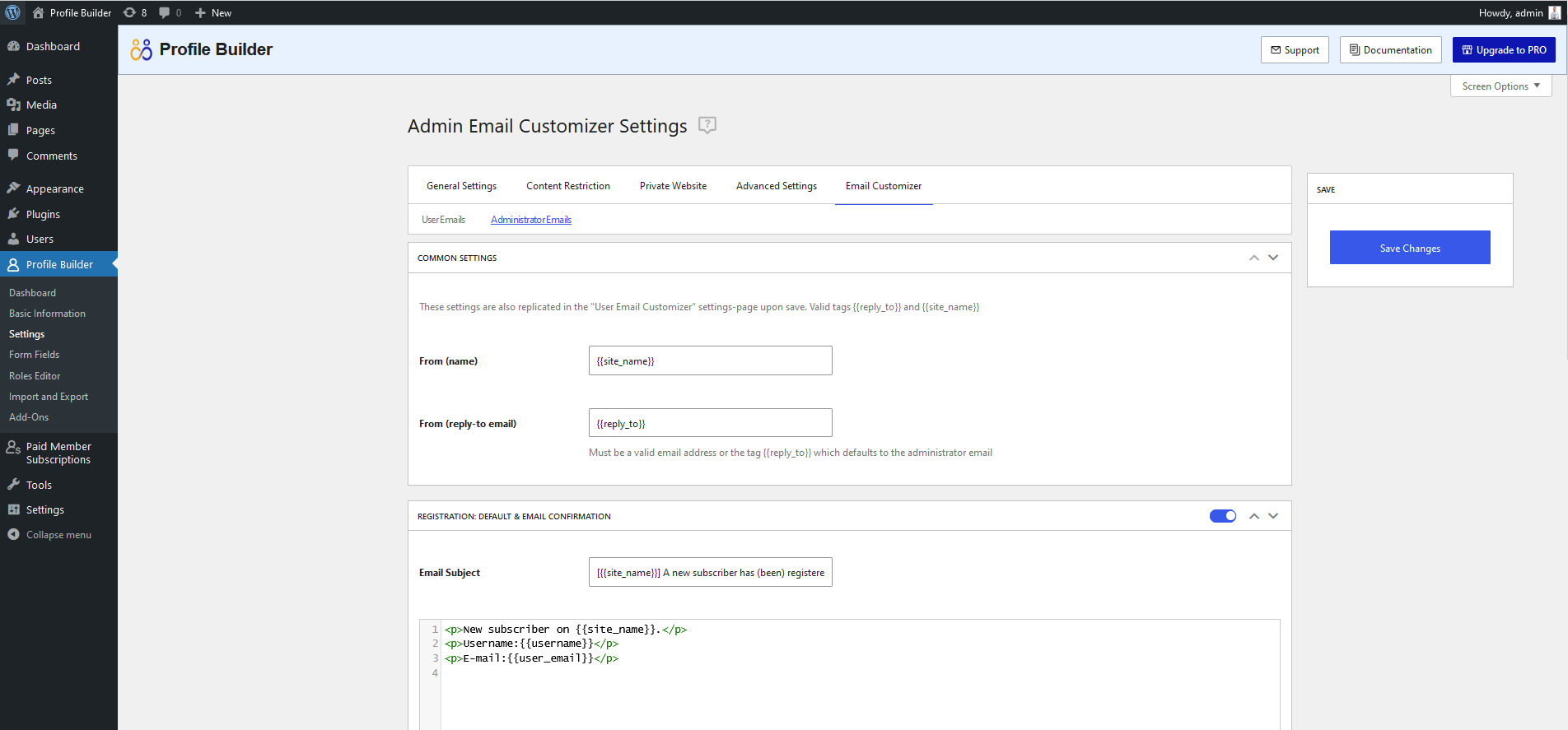
You can edit the content of admin emails. Go to the Email Templates section. Choose the template you want to change. Edit the text as needed. Use simple words. Save the changes. Now your emails look more personal. This helps in better communication.
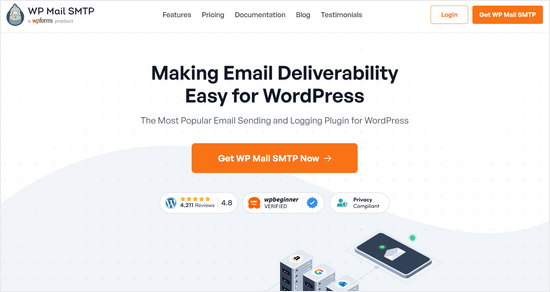
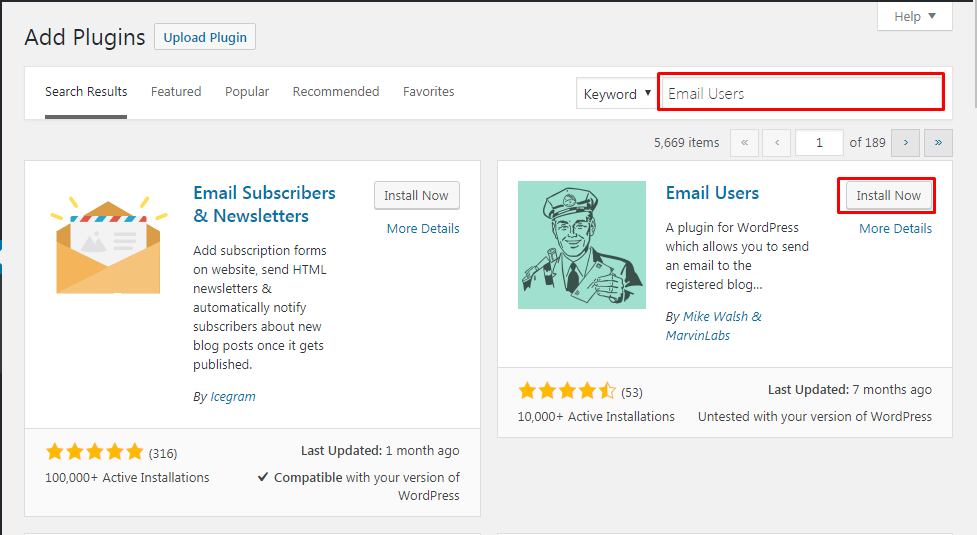
Some plugins can help customize admin emails. WP Mail SMTP is a good choice. It offers many options. Install the plugin. Go to the settings. Choose how you want to change emails. Plugins make the task easy. You don’t need coding skills.
Credit: www.templatemonster.com
Troubleshooting Email Issues
Email issues can be frustrating. Many users face emails not sending. Others complain about emails landing in spam. Sometimes, emails are delayed or not received. These problems can disrupt communication. It’s important to identify the root cause. Common issues include server settings and plugin conflicts. Check your WordPress settings. Ensure all configurations are correct.
Testing email functionality is crucial. Use tools to check if emails work. Email testing plugins are available for WordPress. These plugins send test emails. They help ensure everything works fine. Always test after making changes. This ensures no email issues are present. Testing helps in diagnosing problems early.
SMTP improves email delivery. It stands for Simple Mail Transfer Protocol. This method is more reliable. It sends emails directly from your server. Using SMTP reduces spam issues. Many plugins support SMTP configuration. Configure SMTP to ensure emails reach recipients. This method boosts reliability.
Security Considerations
WordPress admin email should be kept secure to protect sensitive information. Unauthorized access can lead to data breaches. Regularly update passwords and use two-factor authentication to enhance security.
Protecting Admin Email
Admin email protection is vital. Keep it safe from hackers. Use strong passwords. Change them often. Enable two-factor authentication. It adds another layer of security. Never share your password. Not even with friends. Always log out after use. Avoid using public Wi-Fi for admin tasks. It’s risky. Keep your email secure.
Avoiding Spam And Phishing
Spam and phishing emails are dangerous. They trick people. Don’t click on unknown links. They might be traps. Check the sender’s email address. Is it familiar? If not, be cautious. Use spam filters. They block unwanted emails. Report suspicious emails. Help protect others too. Be aware. Stay safe.
Best Practices For Admin Email Management
Check your admin email every day. Look for new messages. Respond to important emails quickly. Delete spam emails. Use filters to manage emails. Mark useful emails as important. This helps find them easily. Keep your inbox clean. It makes email management simple.
Save important emails for future use. Use folders to organize them. Create folders with clear names. Move emails into the right folders. This keeps emails safe. Easy to find when needed. Old emails can be useful. They hold important information. Keep them in a safe place.
Credit: www.cozmoslabs.com
Frequently Asked Questions
What Is The WordPress Admin Email Used For?
The WordPress admin email is used for important notifications and security alerts. It’s crucial for password resets and critical updates. Keeping this email updated ensures you receive timely information about your website’s performance and security.
How To Change WordPress Admin Email?
To change the WordPress admin email, navigate to the Settings > General page. Update the email in the “Email Address” field and save changes. Ensure the new email is valid to receive confirmation messages.
Why Am I Not Receiving WordPress Admin Emails?
Not receiving WordPress admin emails could be due to spam filters or server issues. Check your spam folder and ensure your email server settings are correct. Use plugins like WP Mail SMTP to improve email deliverability.
Can I Use Multiple Admin Emails In WordPress?
WordPress allows only one primary admin email per site for notifications. However, you can add multiple users with admin roles, each having different email addresses for specific tasks and notifications.
Conclusion
Managing WordPress admin emails is crucial for site efficiency. Keep your email list organized. This helps you stay updated on important notifications. Regularly check and respond to emails promptly. It ensures smooth communication with users and team members. Always verify email addresses for accuracy.
This avoids unnecessary errors and miscommunication. Use plugins to enhance email management. They offer features that simplify tasks. Prioritize security for your email accounts too. Protect sensitive information from threats. With these tips, your WordPress admin email experience will improve.
Stay consistent and attentive. It makes a big difference in website management.


