
Imagine connecting with your website visitors instantly, just like chatting with your friends. That’s the magic of integrating WhatsApp with your WordPress site.
Whether you’re a business owner, blogger, or entrepreneur, you know the importance of making communication easy and seamless. But here’s the thing: visitors often leave sites because they can’t find quick answers. What if you could change that? By adding WhatsApp to your WordPress site, you open a direct line to your audience, building trust and boosting engagement.
Curious about how this can transform your online presence? Stick around, because we’re diving into the practical steps and powerful benefits that await you. Get ready to make your site more interactive and your visitors more satisfied.
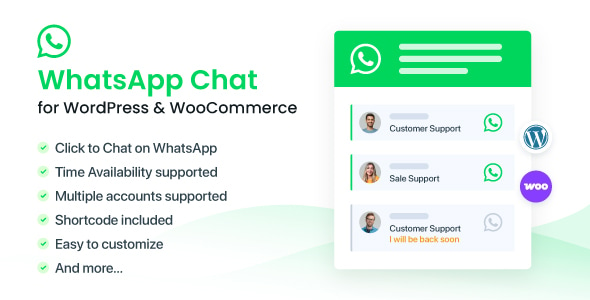
Credit: codecanyon.net
Whatsapp Integration Benefits
Adding WhatsApp to your site can be very helpful. It lets users talk to you easily. This makes them feel happy and heard. Quick replies make users satisfied. They don’t have to wait long for answers. This helps in building trust. Users feel more connected to your brand. They can ask questions anytime. Support is just a message away.
More people will visit your site. WhatsApp makes it easy to share. Users can send links to friends. Your site gets more views. People love to share things they like. This can make your site popular. Visitors might come back again. They remember a good experience. Sharing is simple and fast. Engagement goes up as more people join in.

Credit: wordpress.org
Setting Up Whatsapp On WordPress
Picking a good plugin is important. It should be easy to use. Look for one with good reviews. Check if it updates often. This ensures it works well. Some plugins are free. Others might cost money. Free ones are usually enough. They allow basic features. Paid ones offer extra tools. Think about what you need before choosing. Make sure it supports your WordPress version. Compatibility is key. Plugins that are not updated might break your site. Always read user feedback. It helps in making a better choice.
First, go to your WordPress dashboard. Click on “Plugins.” Then, “Add New.” Type the plugin name in the search box. Once found, click “Install Now.” After that, click “Activate.” Now, the plugin is ready. Find the plugin settings in your dashboard. You may need to enter your WhatsApp number. Customize settings to your liking. Some plugins let you change the button’s color. Others let you change its size. Test if it works. Open your site and look for the WhatsApp button. Click it to see if it opens the app.
Customizing Whatsapp Features
Adding custom buttons can make chats fun. Change the button colors for a better look. Use your favorite colors. Add icons to make buttons stand out. Icons help users click easily. Try different shapes for your buttons. Round or square, it’s up to you. Each button can lead to a different chat. Customize them to suit your style.
Automated responses save time. Set up quick replies for common questions. Users get answers fast. Use simple language in replies. Short sentences are best. Responses should be polite and friendly. Make users feel special. Change replies for different times of day. Morning, noon, or night, customize them all.
Best Practices For Whatsapp On WordPress
User privacy is very important on websites. Always use secure connections for chats. This means using HTTPS for all pages. Do not store user messages or numbers. Keep data safe and private. Explain how you protect user info. Make sure users know their data is safe. Clear privacy policies help build trust.
Mobile users need easy access to WhatsApp buttons. Place buttons where they can be seen. Ensure buttons work on all devices. Test buttons on phones and tablets. Make buttons large enough to tap. Avoid small or hard-to-read buttons. A fast site helps mobile users. Compress images for quicker loading. Check speed often.
Troubleshooting Common Issues
Plugin conflicts can cause errors on your WordPress site. Sometimes, plugins do not work well together. Check for conflicts by deactivating all plugins. Reactivate them one by one. This helps find the problem. Update all plugins to the latest version. Outdated plugins often cause issues. Make sure they are compatible with your WordPress version. Also, check your theme. Themes can conflict too. Switch to a basic theme like Twenty Twenty-One. See if the problem goes away.
Connectivity problems can stop your site from working. Check your internet connection first. Slow internet can cause trouble. Ensure your hosting service is active. Sometimes, hosting services go down. Visit your hosting provider’s website. Check for announcements or downtime. Your site might also have DNS issues. Verify DNS settings. They must point to the right server. Incorrect settings can block your site. Clear your browser cache. Sometimes old data causes connectivity problems.
Whatsapp Marketing Strategies
Messages must be clear and simple. Short sentences work best. Use friendly words. Make your message personal. People like feeling special. Ask questions. This keeps people engaged. Use emojis wisely. Too many can confuse. Timing is key. Send messages at the right time. Avoid late-night texts. Respect people’s schedules. Always be polite. Courtesy makes a difference.
Broadcast lists send messages to many people. Each person gets it separately. Messages feel personal. No group chat hassles. Easy to manage. Create lists based on interests. This increases engagement. Keep lists updated. Remove inactive contacts. Add new ones regularly. Always follow privacy rules. People value their privacy. Respect it. Test different messages. See what works best. Adjust as needed.
Tracking And Analyzing Performance
Use analytics tools to see how your site is doing. They help track visits, clicks, and more. You can find out which pages are popular. This helps you know what users like. Make changes if needed to improve your site. Good tools show data in charts and graphs. This makes it easy to read.
Look at user data to understand their actions. See how long they stay on pages. Check which links they click. This tells you what they find interesting. Use this information to make your site better. Happy users may visit again. Keep an eye on data to stay updated.
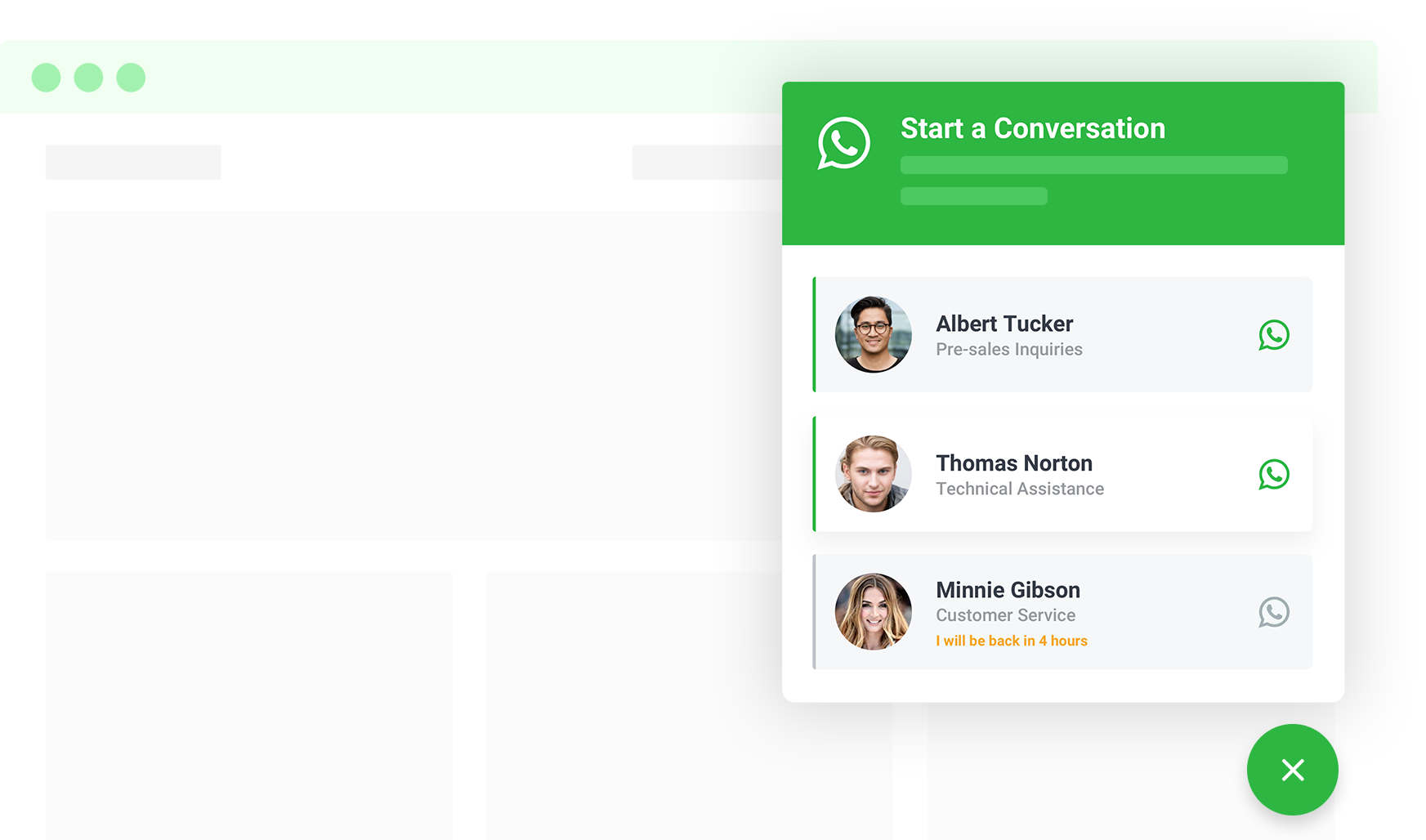
Credit: ninjateam.org
Frequently Asked Questions
How Do I Integrate Whatsapp With WordPress?
Integrating WhatsApp with WordPress is simple. Use plugins like WP Social Chat or WhatsApp Chat. These tools allow users to contact you directly through WhatsApp, enhancing engagement and customer support. Customize the button to match your site’s design for a seamless user experience.
Can I Add Whatsapp Chat To My Website?
Yes, you can add WhatsApp chat to your website using plugins. These tools enable real-time communication with visitors, boosting interaction and support. Choose a plugin that fits your needs and customize it to match your site’s aesthetics for a cohesive look.
Why Use Whatsapp For WordPress Sites?
Using WhatsApp on WordPress sites offers instant communication. It enhances user engagement and provides quick support. Customers can easily reach out with questions or concerns, improving satisfaction. It’s a powerful tool for boosting interaction and streamlining communication.
Which Plugin Is Best For Whatsapp Integration?
WP Social Chat is popular for WhatsApp integration. It offers customization and easy installation. It allows direct communication with users, enhancing support and engagement. Choose a plugin that fits your site needs and offers seamless integration for optimal performance.
Conclusion
Integrating WhatsApp with your WordPress site boosts user interaction. It’s a simple way to connect with visitors. Users can easily reach out with questions. This improves customer satisfaction and engagement. Setting it up is straightforward. Many plugins are available for seamless integration.
Choose one that fits your needs. Users will appreciate the direct communication. It enhances trust and reliability. So, consider adding WhatsApp to your site today. A small step towards better user experience. And a more interactive website.


