
Have you ever been puzzled by the term “bandwidth limit” when working with WordPress? You’re not alone.
Understanding bandwidth is crucial for ensuring your website runs smoothly and efficiently. Imagine visiting a website that takes forever to load or crashes frequently. Frustrating, right? That’s where bandwidth limits come into play. They determine how much data your site can handle, directly affecting your site’s performance and user experience.
We’ll unravel the mystery of bandwidth limits for WordPress and show you why it’s vital for your online success. Stay with us, and you’ll discover practical tips to optimize your site’s performance and keep your visitors happy.
Understanding Bandwidth In WordPress
Bandwidth refers to the amount of data your website can transfer. It is like a pipe. A bigger pipe lets more water flow. More bandwidth allows more data to move. If your site has videos and images, it needs more bandwidth. Text uses less bandwidth.
Bandwidth affects how fast your website loads. A slow site can lose visitors. They may leave before it loads. More bandwidth means a smoother experience. If many people visit your site, you need more bandwidth. It keeps your site reliable and fast.
Factors Influencing Bandwidth Usage
Higher traffic means more bandwidth use. More visitors equal more data. Busy hours can spike usage. Websites with global visitors may see varied patterns. Some users visit during the day, others at night. Consider this when estimating needs.
Large images and videos consume more bandwidth. These files are heavy. Compress media to save data. Use smaller files for faster loading. Text uses less data. So, balance media with text.
Some plugins need extra data to function. They can increase bandwidth use. Lightweight themes help reduce this. Choose themes wisely. Less code means less data. Keep the site simple to save bandwidth.
Setting Bandwidth Limits In WordPress
Servers have different plans. Each plan offers a specific bandwidth limit. Choose a plan that fits your needs. Some plans have unlimited bandwidth. But these might cost more. So, consider your budget. Check if your host offers scalable options. This helps if your traffic grows. Be sure to read the details. Plans can have hidden restrictions.
Allocate bandwidth wisely. Use content delivery networks. They speed up loading times. Optimize images for faster access. Reduce data usage with compression techniques. Serve cached pages to save bandwidth. Track usage patterns. Adjust settings based on traffic peaks. Balance loads across multiple servers. This prevents slowdowns.
Tools help track usage. Google Analytics shows traffic stats. Plugins can monitor bandwidth. Check reports regularly. Spot unusual spikes quickly. Investigate sudden changes. Adjust limits as needed. Protect from bandwidth overuse. Proper monitoring helps prevent downtime.

Credit: ideastack.com
Tools For Managing Bandwidth
WordPress websites often face bandwidth limits, affecting site performance. Tools for managing bandwidth help optimize data usage. Effective solutions ensure smooth user experience without exceeding server limits.
WordPress Plugins For Optimization
WordPress plugins help make websites faster. They reduce the site’s data load. This helps to manage the bandwidth effectively. Some popular plugins are WP Rocket and Smush. These plugins compress images and cache pages. This means less data is used. So, the website loads quickly. Users enjoy a smooth experience.
Cdn Integration Benefits
A Content Delivery Network (CDN) stores copies of your site across the globe. This means users get data from the nearest server. It reduces load time and saves bandwidth. With a CDN, your site can handle more visitors. Popular CDNs include Cloudflare and Amazon CloudFront. They help make the website faster and more reliable.
Caching Techniques
Caching saves data for future use. It helps websites load faster. There are different ways to cache. Browser caching stores files on a user’s device. Server caching stores data on the server. Both methods save bandwidth. They make the website experience better for everyone. Caching is simple and effective.
Troubleshooting Bandwidth Issues
Too much bandwidth slows down websites. Check visitor numbers. Look at file sizes. See if plugins are heavy. Images can be large too. Analyze server logs. Find what takes up space. Use tools to monitor data flow.
Optimize images first. Use smaller files. Limit video uploads. Reduce plugin usage. Cache pages to save data. Use content delivery networks. They spread data better. Limit external scripts. Keep site simple.
Change settings in WordPress. Lower image resolution. Set video limits. Adjust plugin options. Remove unused plugins. Use efficient themes. Limit user access. Secure server settings. Keep software updated. Monitor changes regularly.

Credit: verpex.com
Best Practices For Bandwidth Management
Large images can slow down your site. Use smaller file sizes. Compress images before uploading. This helps save bandwidth. Tools like TinyPNG can help. Choose the right format. JPEGs are good for photos. PNGs work for graphics. Limit media files. Videos and music can be big. Use external links if needed. This keeps your site fast.
Check your site often. Look for big files. Remove unused plugins. They can take up space. Update your themes. New versions are better. Test speed with tools. This shows slow areas. Fix issues fast. This saves bandwidth.
Use a CDN. It helps deliver content fast. Choose a good hosting plan. Ensure it meets your needs. Cache your pages. This makes them load quickly. Minimize HTTP requests. Fewer requests mean less bandwidth. Use lazy loading for images. They load as you scroll. This saves data.
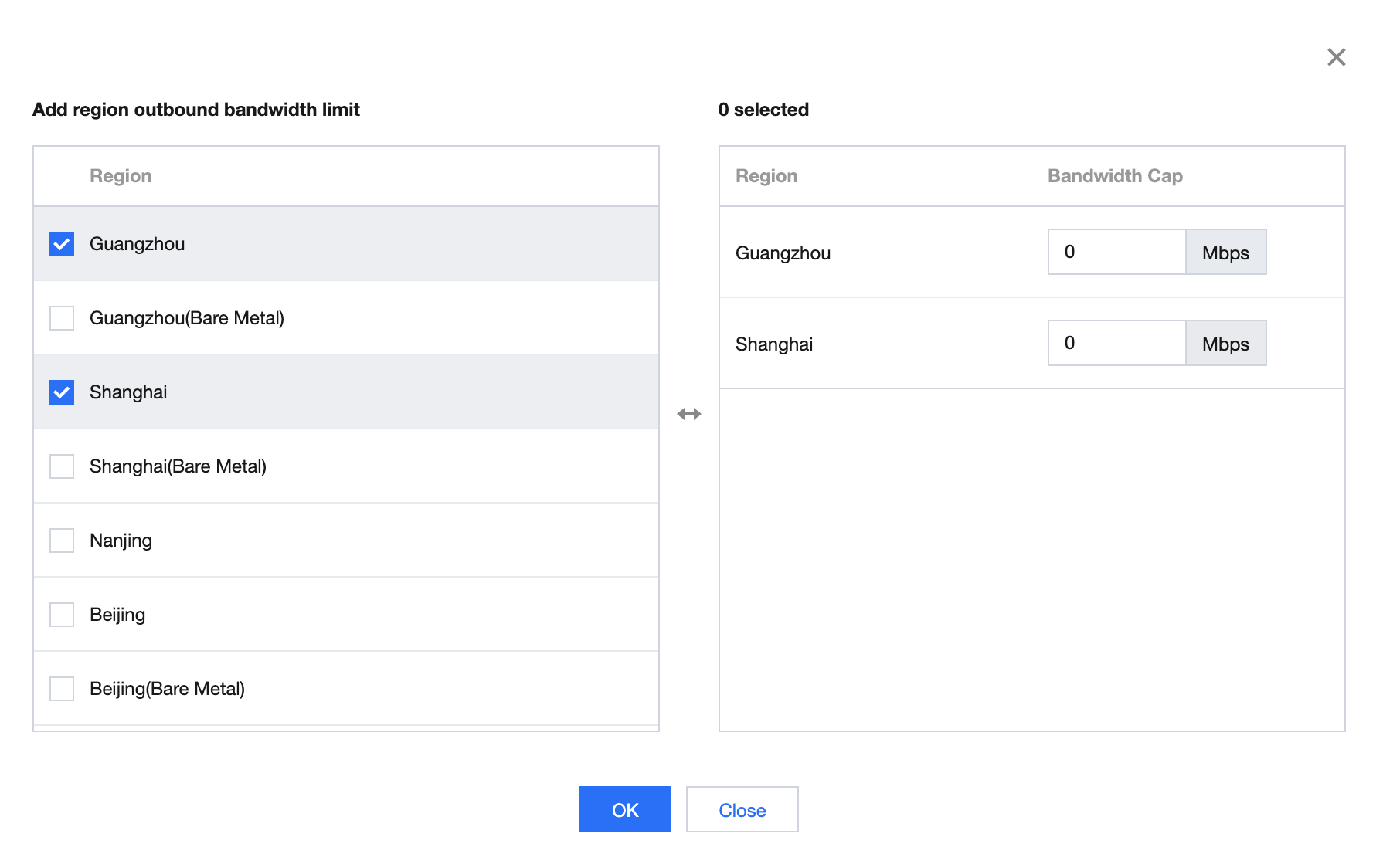
Credit: www.tencentcloud.com
Frequently Asked Questions
What Is A Bandwidth Limit In WordPress?
A bandwidth limit in WordPress refers to the maximum data transfer allowed. It includes data from your website to visitors. Bandwidth limits are set by hosting providers. Exceeding this limit can slow down your site or incur additional charges.
How Does Bandwidth Affect Website Performance?
Bandwidth affects how quickly data is transferred to users. A higher bandwidth allows more simultaneous users and faster loading times. Limited bandwidth can lead to slow performance, reducing user satisfaction and increasing bounce rates.
Can I Increase My WordPress Bandwidth Limit?
Yes, you can increase your WordPress bandwidth limit. Contact your hosting provider to upgrade your hosting plan. Some providers offer scalable options to accommodate growing traffic needs.
What Happens If I Exceed My Bandwidth Limit?
Exceeding your bandwidth limit can result in additional charges or throttled speeds. Your website may experience downtime or slower performance. Regularly monitor your usage to avoid unexpected issues.
Conclusion
Understanding bandwidth limits is crucial for WordPress site performance. It ensures smooth user experiences and prevents unexpected slowdowns. Regularly monitor your site’s bandwidth usage. This helps avoid issues and keeps the site running well. Consider hosting plans that fit your needs.
This ensures adequate bandwidth for traffic surges. Stay informed about your site’s demands and adjust accordingly. Choose a reliable hosting provider. They offer support and resources for managing bandwidth. By managing bandwidth effectively, you enhance your site’s reliability. Visitors enjoy a seamless experience, encouraging return visits.
A well-managed site is key to online success.


