
Curiosity often strikes when you stumble upon a beautifully designed website. You find yourself wondering, “What WordPress theme is this site using?”
Imagine unlocking the secret behind those stunning layouts and seamless functionalities. The good news is, you can! You’ll discover simple techniques to identify the WordPress theme behind any site. Whether you’re looking to replicate a design or just satisfy your curiosity, this guide will equip you with the tools you need.
Prepare to uncover the mysteries of your favorite websites and take your own site design to the next level. Ready to dive in and unveil the secrets? Let’s get started!
Identifying WordPress Themes
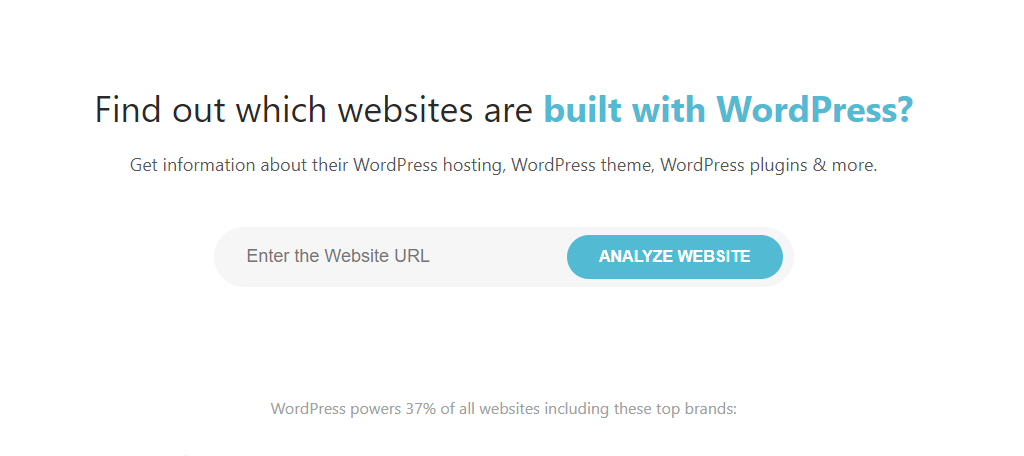
Many people want to know the theme used by a website. This can be important for design inspiration. Look at the website’s footer. Sometimes, the theme name is there. If not, use online tools. Tools like “What Theme” can help. They are easy to use. Just enter the website URL. The tool tells you the theme name. It also shows plugins used. Some plugins might hide theme information. In such cases, check the website’s source code. Right-click on the page. Then, select “View Page Source.” Search for “theme” in the code. This helps find the theme’s name.
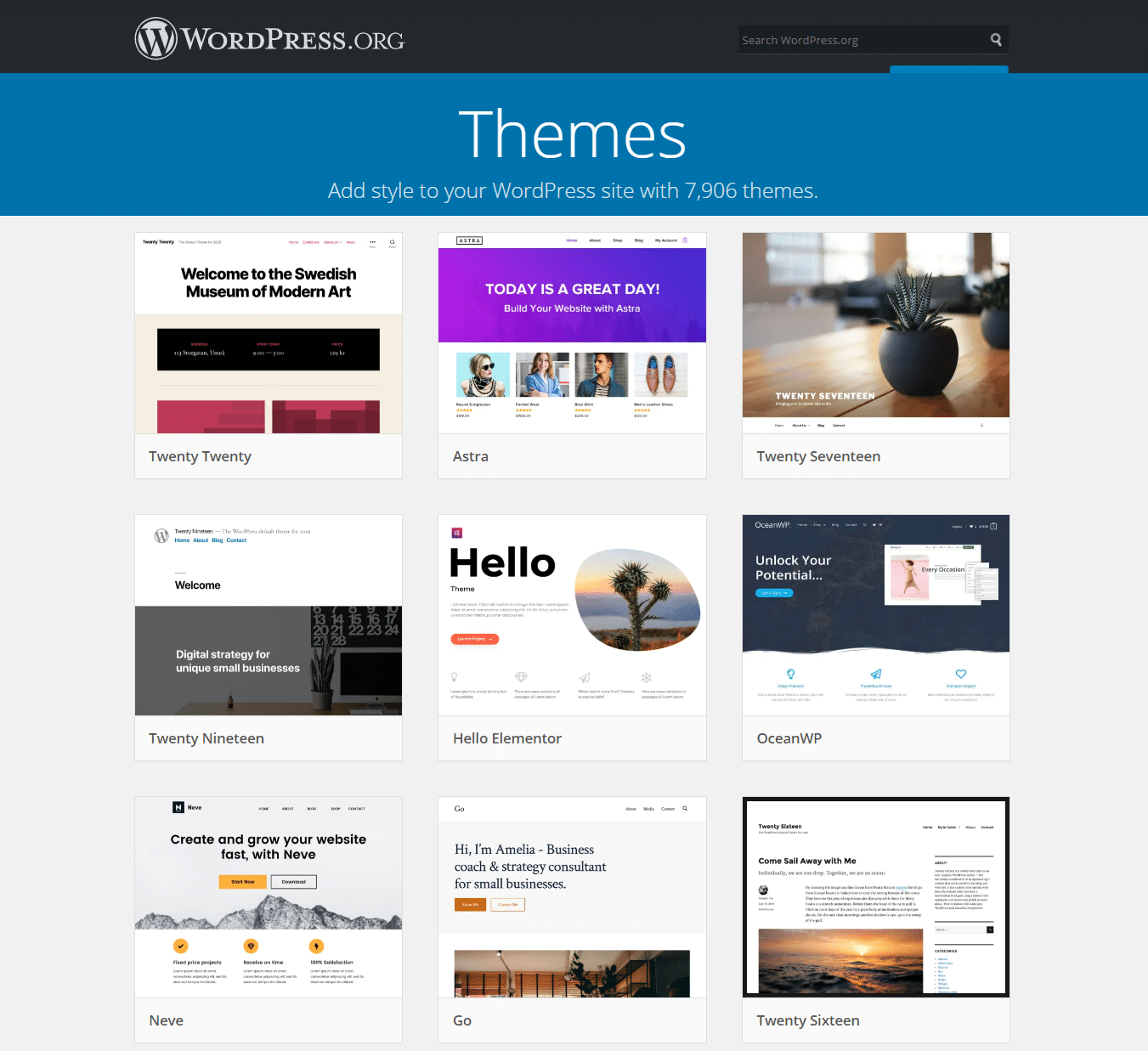
The theme affects how a site looks. A good theme makes a site attractive. It also makes it easy to use. Knowing the theme can guide your own site design. It helps in choosing features. You can see what works well. This saves time in website design. It also helps in learning new design ideas. Themes shape how visitors feel about the site. A good theme can make visitors stay longer. It can make them come back.
Credit: kinsta.com
Online Tools For Theme Detection
Many free tools can help find the WordPress theme a site uses. WP Theme Detector is a popular choice. It shows the theme name and details. Another tool is What WordPress Theme Is That. This tool is simple and easy to use. ScanWP also provides theme information. These tools are great for beginners. They show the theme without any cost. Just enter the site URL, and the tool does the rest.
Premium tools offer more features for theme detection. These tools often give extra information. BuiltWith is one such tool. It provides detailed reports. Another option is ThemeCheck. It checks for theme quality and security. IsItWP is another paid tool. It gives theme insights and plugin info. Premium tools are for those who need more than basic details. They usually require a subscription.
Browser Extensions For Theme Identification
Discovering the WordPress theme used by a site becomes easy with browser extensions. These tools quickly identify themes, helping users understand design choices. They provide instant information right from your browser, saving time and effort. Perfect for designers and developers exploring creative inspirations online.
Popular Extensions
Many people use extensions to find WordPress themes. A popular choice is Wappalyzer. It shows details about websites easily. BuiltWith is another great tool. It tells you about a site’s technology.
Installation And Usage
Start by visiting your browser’s extension store. Search for the extension you want, like Wappalyzer. Click on “Add to Browser” or “Install”. After installation, look for the extension icon on your browser.
Click the icon while on a website. It will show the WordPress theme used. These tools are simple and quick. They save you time and effort.
Manual Theme Identification
To find a WordPress theme manually, right-click on the web page. Choose “View Page Source”. This will open a new tab with code. Look for lines that mention “wp-content/themes”. These lines show the theme’s name. It’s like reading a map. The folder name after “themes/” is the theme name. It’s usually easy to spot.
Another way is to check the stylesheets. Right-click and select “Inspect”. This opens a panel with more code. Look under the “Sources” tab. Find files in “wp-content/themes” folder. The stylesheets often have the theme name. This is a simple way to confirm the theme. Remember, this works for most sites.
Limitations Of Theme Detection
Many websites use customized themes. These themes can look very different. They are often made by skilled developers. They change the design and features. Regular tools can’t detect these changes easily. This makes theme detection hard. Custom themes can hide their original look. They might use special code. This code can confuse detection tools. So, finding out the theme becomes tricky.
Some themes hide their information on purpose. They might use code to hide names. This is called obfuscation. It keeps websites safe from copying. Many websites don’t want to share their theme names. They use plugins to hide details. These plugins make it hard to see theme info. This limits the detection of themes. It keeps websites unique and safe.
Credit: www.greengeeks.com
Benefits Of Knowing A Site’s Theme
Discovering a site’s theme can spark creative ideascolor schemes. Themes show what looks nice together. They give hints on what works. Themes are like a guide for design choices. They show how elements fit together. This helps to plan your own design.
Knowing the theme aids in better website building. It reveals the structure. This helps in organizing content. Themes show how to set up pages. They help in making sites user-friendly. Understanding the theme improves navigation. It guides on placing buttons and links. Themes are key for making sites easy to use.
Credit: www.hostinger.com
Frequently Asked Questions
How Can I Find A Site’s WordPress Theme?
To find a site’s WordPress theme, use online tools like What WordPress Theme Is That. You can also inspect the page’s source code. Look for references to themes in the HTML or CSS files. These methods help identify the theme quickly and accurately.
Why Is Knowing A Site’s Theme Useful?
Knowing a site’s theme can inspire your own design choices. It helps you understand the features and functionalities available. You can also assess the theme’s popularity and compatibility with plugins. This knowledge aids in making informed decisions for your website.
Can I Use The Same WordPress Theme?
Yes, you can use the same WordPress theme if it’s available for purchase or free download. Ensure you have the proper license or permission. Using the same theme can give your site a similar look and feel, enhancing user experience and consistency.
What Tools Help Identify WordPress Themes?
Tools like What WordPress Theme Is That, WP Theme Detector, and BuiltWith help identify WordPress themes. These tools analyze a website’s code to determine the theme and plugins used. They are user-friendly and provide accurate results, aiding in theme discovery.
Conclusion
Discovering a site’s WordPress theme can be simple. Use online tools to identify it. Many websites hide their theme, but some tools can still find it. Knowing the theme offers insight into design choices. It helps you understand the site’s style and functionality.
Explore themes to find one that suits your needs. Choosing the right theme boosts your site’s appeal. Make sure it matches your content and audience. Remember, a good theme enhances user experience. Keep it simple and engaging. Your site deserves the best look and feel.


