

Managing your business expenses can be a real headache, especially when you have piles of receipts and spreadsheets to sort through. What if there was software that could do the heavy lifting for you?
Imagine saving hours every week by automatically importing your expenses, giving you more time to focus on growing your business. You’ll discover the best software options that make tracking and importing your business expenses simple and stress-free. Keep reading to find the perfect tool that fits your needs and takes the hassle out of expense management.
Key Features For Expense Import
Importing business expenses efficiently saves time and reduces errors. The right software includes key features that help automate and simplify this process. These features ensure accurate tracking and easy management of expenses across various sources.
Automated Data Capture
Automated data capture extracts expense details without manual entry. It uses technology to read invoices, bills, and emails. This feature saves time and reduces mistakes in recording expenses. Users get fast, accurate data ready for accounting or reporting.
Bank And Credit Card Integration
Software with bank and credit card integration imports transactions directly. It links with financial accounts to pull expense data automatically. This keeps records up-to-date and matches payments with receipts easily. It helps businesses monitor spending and manage cash flow better.
Receipt Scanning
Receipt scanning allows users to upload paper or digital receipts. The software reads and extracts key information like date, amount, and vendor. This eliminates the need for manual typing. It organizes receipts with expenses for quick access during audits or tax filing.
Multi-currency Support
Multi-currency support manages expenses in different currencies smoothly. It converts amounts using current exchange rates. This helps businesses with international transactions keep accurate records. The software handles currency differences without extra manual work.
Top Expense Import Tools
Managing business expenses can be a tough task without the right tools. Expense import software makes this easier by automatically bringing your costs into one place. These tools save time and reduce errors in your financial records.
Here are some top expense import tools that help track and manage business expenses efficiently.
Quickbooks
QuickBooks is a popular choice for small businesses. It imports expenses directly from bank accounts and credit cards. Users can categorize costs and generate detailed reports. The software also syncs with many other business apps.
Expensify
Expensify simplifies expense tracking with receipt scanning. It imports expenses from credit cards and bank feeds. The app offers easy approval workflows and integrates with accounting software. It is ideal for teams and freelancers.
Xero
Xero offers automatic bank feeds to import expenses. It helps users match transactions and reconcile accounts quickly. The tool supports multi-currency expenses and real-time reporting. Xero works well for businesses of all sizes.
Zoho Expense
Zoho Expense automates expense import from cards and bank accounts. It includes features for policy compliance and expense approvals. The software integrates with Zoho’s suite and other accounting systems. It suits small to medium businesses.
Wave
Wave provides free expense import from bank accounts and credit cards. It allows easy categorization and receipt management. Wave is designed for small businesses and freelancers. The tool also offers basic accounting features.
Comparing Pricing Plans
Choosing the right software to import business expenses means understanding its pricing plans. Pricing affects your budget and the features you get. This section breaks down the common pricing structures and what to expect.
Free Vs Paid Options
Many expense software tools offer free versions. These usually cover basic features like importing receipts and tracking expenses. Free plans suit small businesses or startups with limited needs.
Paid options provide more tools and better support. They often include advanced reporting, multiple user access, and faster syncing. Paid plans fit businesses that need more detailed expense management.
Subscription Models
Most software charges monthly or yearly fees. Monthly plans give flexibility to cancel anytime. Yearly plans often cost less overall but require upfront payment.
Some tools offer tiered pricing. Higher tiers unlock extra features and more users. Choose a plan that matches your business size and growth plans.
Additional Fees
Watch for extra charges beyond the subscription. Some software adds fees for extra users or high transaction volumes. Others charge for premium support or integrations with other tools.
Check if the software limits the number of imported expenses. Exceeding limits can lead to additional costs. Always read the pricing details carefully before deciding.
Ease Of Use And Setup
Choosing software to import business expenses should be simple and quick. Easy setup saves time and reduces stress. Software with a clear design helps users work without confusion. Let’s explore how ease of use and setup appear in expense software.
User Interface
The user interface shows what you see on the screen. A clean and simple layout guides users smoothly. Big buttons and clear labels make it easy to find tools. Color contrasts highlight important areas, helping users focus. Software that looks neat and organized feels less scary to new users.
Onboarding Process
Onboarding means setting up your account and learning how to use software. Good onboarding gives step-by-step help, not long manuals. Tutorials and tips appear when needed, not all at once. Many programs offer sample data to practice with. This helps users feel ready and confident to start importing expenses.
Mobile App Availability
Mobile apps let users manage expenses anytime, anywhere. Apps that sync with desktop versions keep data updated. Simple mobile design means adding expenses takes only seconds. Push notifications remind users to upload receipts or check reports. Easy mobile access helps busy business owners stay on top of costs.
Integration With Other Tools
Integration with other tools is vital for importing business expenses smoothly. It helps connect different software, saving time and reducing errors. This connection creates a better workflow and makes managing expenses easier.
Accounting Software
Many expense import tools work well with popular accounting software. This link allows automatic transfer of expense data into financial records. It keeps books updated without manual entry. It also helps track spending and budget more accurately.
Payroll Systems
Some software sync expense data with payroll systems. This connection ensures employee reimbursements are accurate and timely. It simplifies payroll processing and avoids payment delays. It also helps keep clear records for audits and reports.
Tax Preparation Tools
Expense import software often connects with tax preparation tools. This link helps organize expenses for tax deductions and filings. It reduces the risk of missing important information. It makes tax time less stressful and more efficient.

Credit: quickbooks.intuit.com
Security And Compliance
Security and compliance are key when choosing software to import business expenses. Businesses handle sensitive data daily. Protecting this data is not just smart. It is necessary. Proper security measures help prevent data theft and misuse. Compliance ensures the software meets legal and industry standards. This builds trust with users and regulators alike.
Data Encryption
Data encryption converts information into a coded format. This makes data unreadable to unauthorized users. Good software uses strong encryption during data transfer and storage. Encryption protects expense details from hackers and breaches. It keeps your financial data safe and private.
User Permissions
User permissions control who can access and edit data. The software lets you assign roles and limits actions. Only authorized staff can add or change expense records. This reduces risks of errors or fraud. Clear permissions help maintain accurate and secure expense management.
Regulatory Compliance
Regulatory compliance means following laws and rules for data handling. Expense software must meet standards like GDPR or HIPAA. Compliance avoids legal penalties and fines. It also ensures your business respects customer privacy. Choose software that regularly updates to meet new regulations.
Customer Support And Resources
Customer support and resources are key when choosing software to import business expenses. Good support helps users solve problems fast. It also makes using the software easier and less stressful.
Many software companies offer different ways to help customers. These include help centers, live support, and community forums. Each option serves a unique purpose and suits different user needs.
Help Centers
Help centers contain guides, FAQs, and tutorials. They cover common questions and basic issues. Users can find step-by-step instructions to import expenses smoothly. Help centers are available 24/7 for quick answers anytime.
Live Support Options
Live support includes chat, phone, and email help. It connects users with real people. This support solves complex problems that guides cannot. Quick responses reduce downtime and improve user experience.
Community Forums
Community forums let users share tips and ideas. They build a support network among users. Forums often have expert advice and real-life solutions. This resource is useful for learning new tricks and troubleshooting.

Credit: www.youtube.com
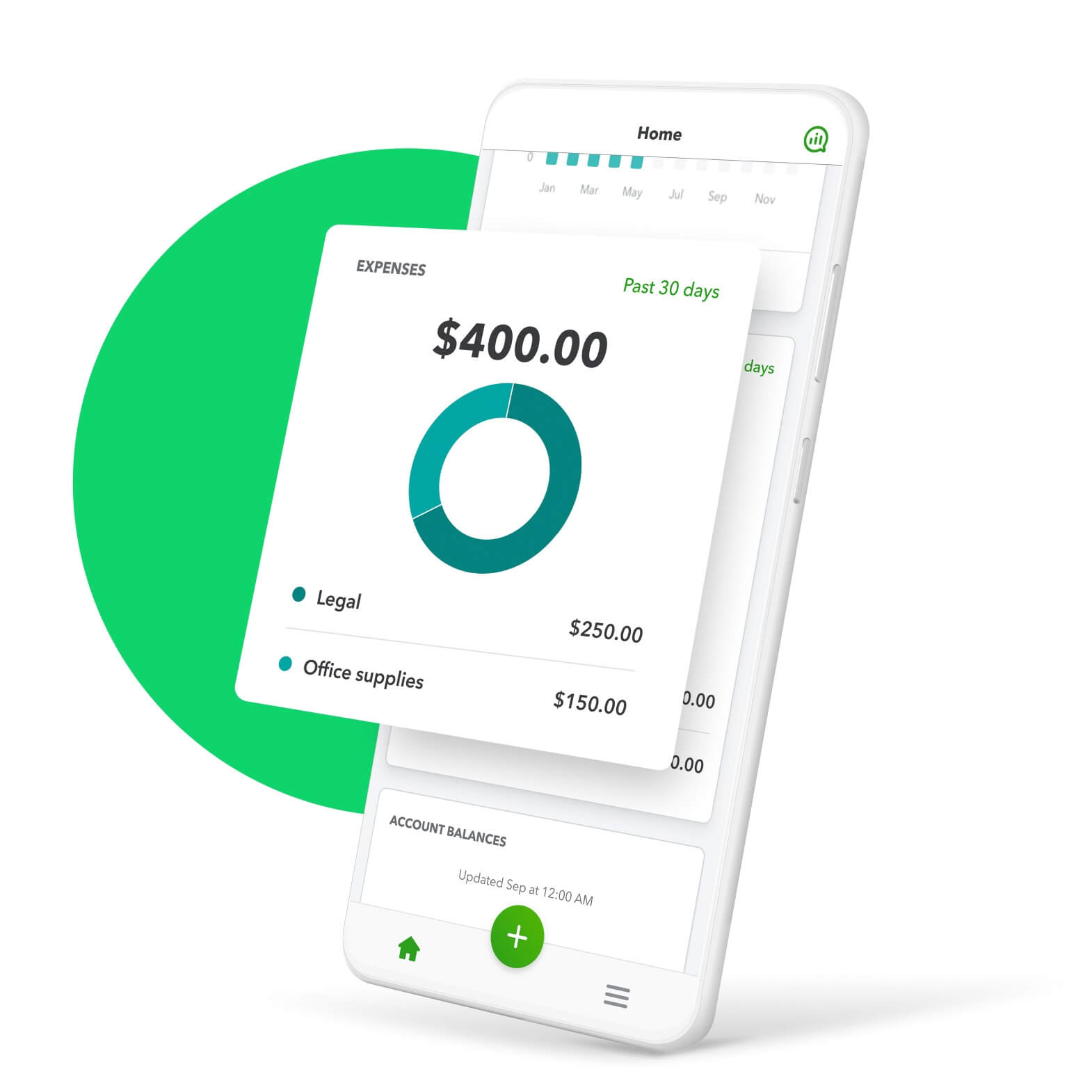
Credit: quickbooks.intuit.com
Frequently Asked Questions
What Software Can Import Business Expenses Automatically?
Popular software like QuickBooks, Xero, and Expensify import business expenses automatically. They connect to bank accounts and credit cards, simplifying expense tracking and reconciliation.
How Does Expense Import Software Improve Business Accounting?
Expense import software reduces manual entry, minimizes errors, and saves time. It streamlines bookkeeping and provides real-time expense visibility for better financial decisions.
Can I Import Expenses From Multiple Accounts Into One Software?
Yes, most expense software supports importing expenses from multiple bank and credit accounts. This centralizes your financial data for easier management and reporting.
Is Importing Business Expenses Safe And Secure?
Reputable software uses encryption and secure connections to protect your financial data. Always choose software with strong security measures and positive user reviews.
Conclusion
Choosing the right software helps manage business expenses with ease. Many tools import expenses quickly and save time. They keep your records organized and reduce mistakes. Easy import features let you focus on growing your business. Consider your needs and budget before picking one.
The right choice makes expense tracking simple and clear. This helps you stay on top of your finances every day.


