
Have you ever wondered how websites manage to create user accounts and personalize experiences for their visitors? If you’re exploring ways to enhance your website, understanding WordPress user registration is a game-changer.
Imagine a seamless process where users can effortlessly register, login, and even customize their profiles, all with just a few clicks. This feature not only boosts user engagement but also opens up a world of possibilities for building a vibrant online community.
Curious to discover how this works and how it can transform your website? Dive into our guide on WordPress user registration and unlock the potential to connect with your audience like never before.
WordPress User Registration Basics
Users have different roles. Each role has specific permissions. The Administrator has all powers. The Editor can edit posts. The Author writes posts. The Contributor can submit posts. The Subscriber reads content.
Enable registration in settings. Go to your dashboard. Click on Settings. Then click General. Find Membership. Check the box for “Anyone can register”. Choose default role. Save changes.
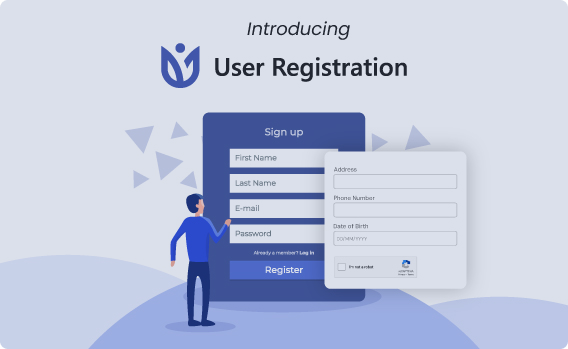
Default forms are basic. Use plugins for customization. Plugins add features. Some plugins are free. Others need payment. Popular plugins include User Registration and WPForms. They offer templates and drag-and-drop builders.
Data is stored in the database. User information includes name, email, and role. Administrators view and edit details. Keep data secure. Regular backups help. Use strong passwords.
Setting Up User Registration
User registration allows people to join your WordPress site. First, go to the dashboard. Click on Settings, then General. Find the section for Membership. Check the box labeled Anyone can register. Now, visitors can create accounts. They will see a Register link on your site. Easy and simple.
Customize settings to fit your needs. Go to Settings and choose General. Look for New User Default Role. Select the role for new users. You can choose Subscriber, Contributor, or others. This decides what new users can do. Keep things organized. Ensure security.
Roles And Permissions
WordPress has different user roles. Each role has a set of permissions. Administrator is the top role. This role can do almost anything on the site. Editor can edit and publish posts. But cannot change site settings. Author can write and publish their posts. Cannot edit others’ posts. Contributor can write but not publish. Needs approval from an Editor or Admin. Subscriber can only read content. They cannot write or publish.
Permissions decide what users can do. Admins assign these permissions. Permissions are linked to user roles. Admins set permissions based on user needs. It’s important to manage these permissions well. This keeps the site secure. Each role has different access levels. Proper management helps in smooth site operations.
Custom Registration Forms
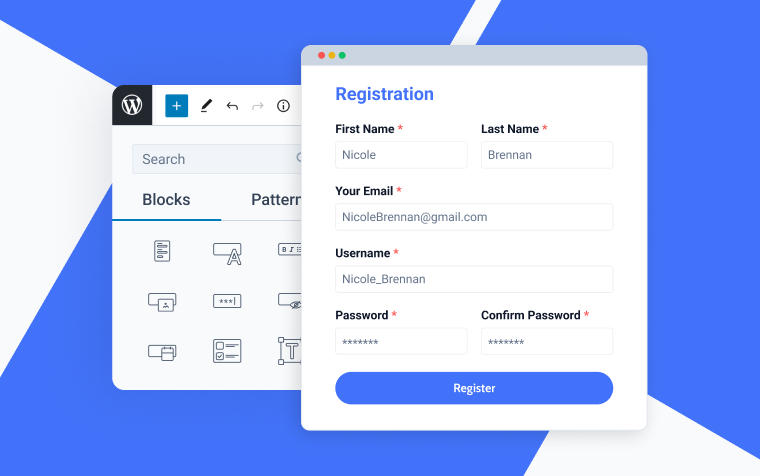
Plugins for Custom Forms help create unique user experiences. These tools allow you to add fields like phone numbers or addresses. Popular plugins include WPForms, Gravity Forms, and Ninja Forms. Each plugin offers different features and ease of use. WPForms is popular for its drag-and-drop builder. Gravity Forms is known for advanced features. Ninja Forms provides many free options. Choosing the right plugin depends on your needs.
Designing User-Friendly Forms is important for user satisfaction. Keep forms simple and short. Only ask for necessary information. Use clear labels for each field. This helps users know what to enter. Provide instructions for complex fields. Add a progress bar for longer forms. It shows users how much is left. Make sure forms work well on mobile devices. This ensures all users can fill them out easily.
Managing Registered Users
Checking user profiles is easy. Go to the WordPress dashboard. Click on Users. Here, all users are listed. Click on a username to see their profile. You can find their username, email, and role. It helps to know your users better. User profiles show when they last logged in. You can also see their activity. This way, you know who is active and who is not.
Sometimes, user information needs updates. Click the Edit button next to the user. Here, you can change their name or email. You can also change their role. Make sure to save changes. This helps keep records correct. Always confirm changes with the user. It avoids mistakes. Editing is important for managing users. It keeps the system organized.
Credit: wpuserregistration.com
Security Considerations
Understanding WordPress user registration requires attention to security. Protect user data by implementing strong passwords and secure login methods. Regular updates and plugins enhance safety, ensuring user information remains confidential.
Protecting User Data
Every user shares important information during registration. This data needs strong protection. Use secure servers to store data safely. Encrypt data to keep it safe from hackers. Always update your security plugins. This helps to keep user data safe from threats. A strong password policy is a must. Ensure users create strong passwords. Avoid easy-to-guess passwords. Regularly review your security measures. This will help in protecting user data effectively.
Preventing Spam Registrations
Spam registrations can be a big problem. Use CAPTCHA to stop bots. They help in verifying real humans. Limit registration attempts. This prevents spammers from trying again and again. Enable email verification. This ensures only genuine users register. Monitor new registrations closely. Spot and remove any suspicious ones. Use antispam plugins. They are useful in blocking unwanted registrations. Regular updates keep your system secure. Always check for new security features.
Enhancing User Experience
Send a welcome email after registration. It makes users feel special. A simple “Thank you for joining” works well. Welcome emails build trust and connection. Users get needed info easily. This can include login details and links.
Notifications keep users engaged. You can notify about new features or updates. They help users stay informed. Short, clear messages work best. Ensure notifications are useful and not annoying.
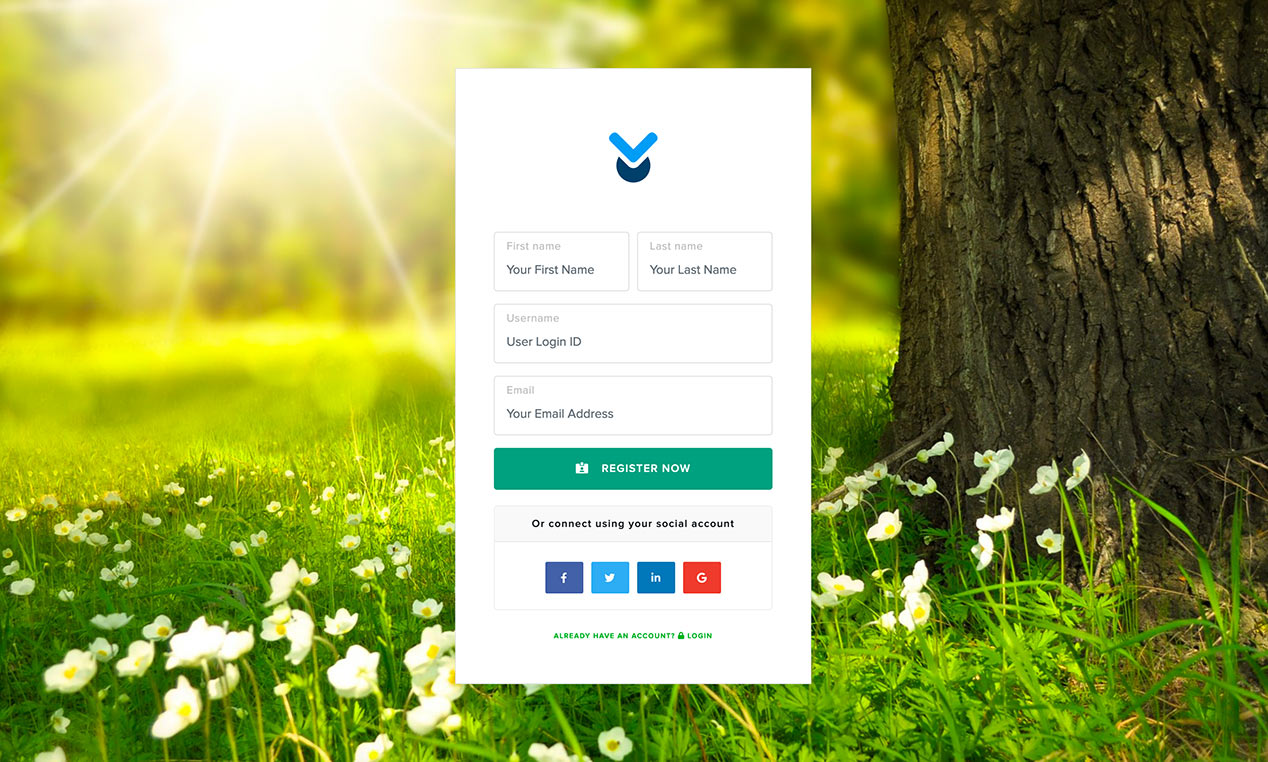
Encourage users to create profiles. This helps them feel more involved. Use simple forms to make it easy. Profile pictures add a personal touch. Users like seeing their faces.
Provide forums or comment sections. This lets users share thoughts. It builds a community feel. Also, consider adding polls or quizzes. They make the site more interactive. Users enjoy these features and stay longer.
Credit: www.wpdownloadmanager.com
Troubleshooting Common Issues
WordPress user registration allows individuals to create accounts on your site. This process enables personalized experiences and access to exclusive content. Troubleshooting common issues can enhance user experience, ensuring smooth registration and login processes for all users.
Resolving Registration Errors
Many users face registration errors. These errors can be frustrating. One common error is an invalid email. Check if the email is correct. Another issue can be a username conflict. Try using a different username. Users sometimes see a password mismatch. Ensure the passwords match exactly. If errors persist, it might be a plugin issue. Disable suspicious plugins and retry registration.
Handling Forgotten Passwords
Forgetting passwords is common. Use the password reset feature. Click “Forgot Password” on the login page. Follow the instructions sent to your email. If the email doesn’t arrive, check the spam folder. Make sure your email is correct in the system. Create a new password that is easy to remember. Avoid using common words. Ensure it’s strong by using numbers and symbols.
Credit: jetformbuilder.com
Frequently Asked Questions
How Do I Register A User On WordPress?
To register a user on WordPress, navigate to your site’s dashboard. Go to “Settings,” then “General,” and enable “Anyone can register. ” Users can then sign up via your site’s registration page. Plugins like User Registration also provide enhanced features for customizing registration forms.
What Plugins Help With WordPress Registration?
Several plugins enhance WordPress registration, including User Registration, WPForms, and Ultimate Member. These plugins offer customizable forms, user management, and integration with email services. They simplify the registration process and improve user experience, making it easier for admins to manage new sign-ups.
Can I Customize WordPress Registration Forms?
Yes, you can customize registration forms using plugins like User Registration and WPForms. These tools allow you to add fields, set user roles, and design forms that match your site’s aesthetics. Customization enhances user experience and can be tailored to specific website needs.
Is WordPress Registration Secure?
WordPress registration can be secure with proper measures. Use strong passwords, enable CAPTCHA, and consider plugins like Wordfence for security enhancements. Regularly update WordPress and plugins to protect against vulnerabilities. Security measures ensure safe user data handling and deter unauthorized access.
Conclusion
WordPress user registration offers great flexibility. It helps manage website users easily. You can create roles and permissions quickly. This enhances security and control. Building a community becomes simple with user registration. Engaging your audience is easier. It also improves user experience significantly.
Many plugins are available to extend functionality. This makes customization straightforward. Start exploring WordPress user registration today. It can elevate your website’s interaction. You’ll find it beneficial for growth. Enjoy the process and watch your community grow.


