
Are you looking to showcase your photos or artwork online in a stunning and organized manner? If so, you’ve probably heard of the term “WordPress Gallery.”
But what exactly is it, and how can it transform your website? Imagine turning your website into a captivating visual experience that keeps your visitors engaged and eager to see more. With a WordPress Gallery, you can do just that.
It’s not just a tool; it’s a powerful way to tell your story visually. Whether you’re a photographer, an artist, or just someone who loves to share images, understanding what a WordPress Gallery is can open up a world of possibilities for your site. Ready to dive in and discover how you can enhance your online presence with this fantastic feature? Let’s explore the magic of WordPress Galleries and what they can do for you!

Credit: wordpress.org
WordPress Gallery Basics
WordPress galleries help show pictures on websites. They make it easy to show many images together. This helps visitors see your best photos. Use the gallery feature to arrange pictures. Choose how many pictures to show in each row. Add captions to tell more about each image.
Using galleries can make a website look nicer. They help keep things tidy and organized. Many themes come with built-in galleries. Some plugins offer extra features for galleries. Consider using plugins to improve gallery functions. This can help customize how pictures are displayed. Always check for updates to keep galleries working well.
Benefits Of Using WordPress Gallery
WordPress galleries make photos look neat and organized. Users can easily upload images. This saves time. Galleries are simple to set up. No special skills needed.
Galleries load quickly. This helps the site run smoothly. Visitors enjoy browsing. They stay longer. This improves engagement. Galleries work well on phones. They adapt to screens.
Galleries are customizable. Choose layouts and styles. Make them fit your site. Show off your creativity. Add captions to images. This gives more info. Enhance your site’s visual appeal.
Creating A WordPress Gallery
WordPress allows creating galleries easily. Use the default editor to add images. Click on “Add Media”. Select multiple images. Click on “Create Gallery”. Adjust settings like columns and captions. This method is quick. You can preview your gallery before publishing. It helps in organizing photos neatly. Galleries make your site attractive.
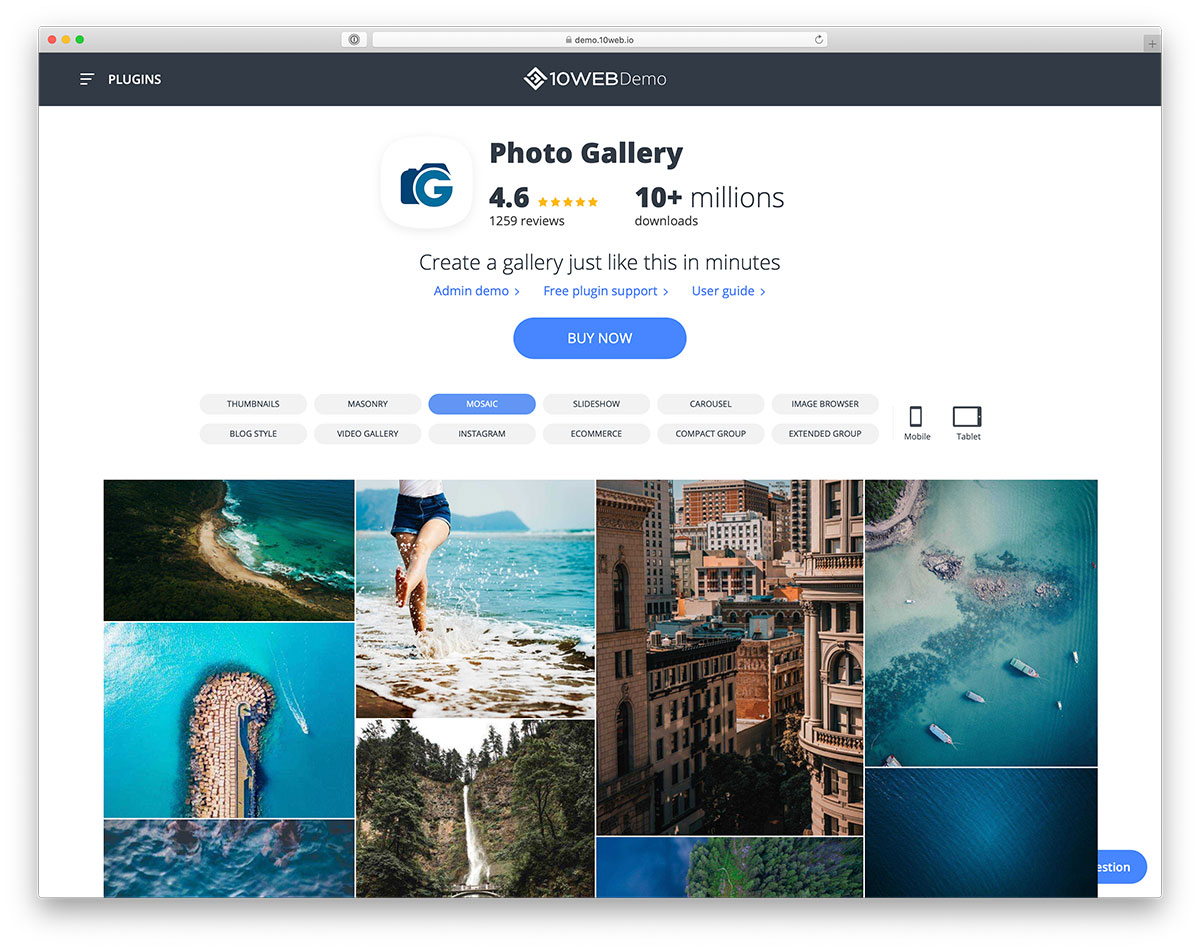
Plugins offer extra features. Many free plugins are available. They offer customization options. Some plugins allow animations. Others provide lightbox effects. To install, go to the “Plugins” section. Search for gallery plugins. Click on “Install Now”. Activate the plugin. Follow instructions to set up. Plugins enhance user experience. They improve site visual appeal. Choose plugins based on your needs.
Credit: colorlib.com
Customizing Gallery Appearance
WordPress galleries can have different layouts. You can choose a grid or a slideshow. Each layout gives a different look. Grids show many images at once. Slideshows show one image at a time. You can also change the image size. Bigger images show more details. Smaller images fit more on the screen. Changing layout settings is easy. Just click and select from the options.
Captions give information about images. Descriptions tell more details. Adding captions is simple. Write a few words to describe the picture. Descriptions can be longer. They give more context or story. Both help users understand the images better. Use clear and short sentences. This makes the text easy to read. Captions and descriptions make galleries more engaging.
Best Practices For Galleries
WordPress Gallery helps showcase images beautifully on your website. It offers easy-to-use tools for creating image collections. Enhance user experience by organizing photos clearly.
Optimizing Image Sizes
Images make galleries look nice. But big images can slow websites. Slow websites make visitors leave. It is important to use small image sizes for fast loading. Tools like TinyPNG can help. They make images smaller without losing quality. Always check the image resolution. It should be clear but not too big. A good size is 800×600 pixels. This keeps the site fast and images sharp.
Ensuring Mobile Responsiveness
Most people use phones to browse. Your gallery should work on all devices. Use responsive design techniques. This means images adjust to different screens. WordPress plugins like Envira Gallery can help. They make galleries fit any screen. Test your gallery on different devices. Ensure it looks good on small and big screens. A responsive gallery keeps visitors happy.
Popular WordPress Gallery Plugins
WordPress has many gallery plugins. Some are more popular. They have unique features. Most plugins support image and video galleries. Users can add captions. They can also create slideshows. Some plugins offer drag-and-drop functionality. This makes organizing easy. Many plugins provide responsive design. This means galleries look good on phones. Security is important too. Plugins often have watermark options. This protects images.
Selecting the best plugin can be tricky. Consider your needs. Think about the site’s style. Some plugins focus on speed. Others highlight design. Check user reviews. They can help decide. Compare features. Some plugins are free. Others cost money. Look at your budget. Pick a plugin that suits you. Make sure it is easy to use.
Troubleshooting Common Issues
WordPress galleries sometimes don’t load. This can be frustrating. Check your internet connection first. A slow connection can cause issues. Clear your browser cache too. It helps refresh the page. Update WordPress to the latest version. Older versions may have bugs. Check your theme settings. Some themes might block galleries. Fix these small issues first. Your gallery might start working.
Plugins can clash with each other. This can break your gallery. Deactivate all plugins and check the gallery. Reactivate plugins one by one. This finds the faulty plugin. Update all plugins to their latest versions. Older plugins might have errors. Choose high-rated plugins from trusted sources. This reduces conflict chances. Always keep your plugins in check.
Enhancing Galleries With Add-ons
Sharing your photos on social media is easy. Social media add-ons help with this. They let visitors share your gallery. Friends see and enjoy your pictures. More people visit your site. It’s a fun way to connect. Easy to set up, too. Add this feature to your gallery. Watch your engagement grow!
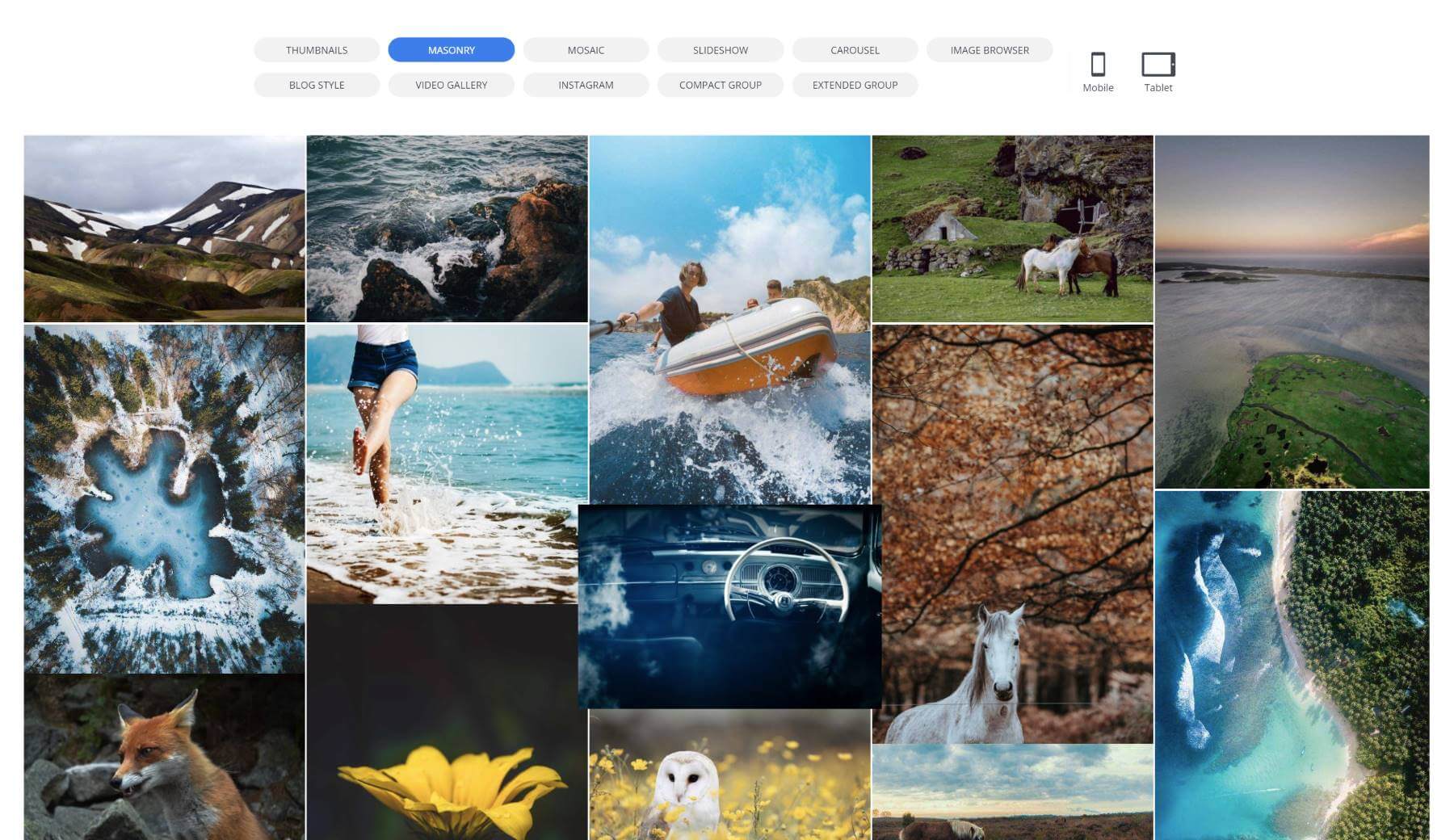
Lightbox effects make photos pop. Click on a photo and see it larger. It’s like magic! The background goes dark. The picture becomes clear and bright. Visitors love this. They can see all details. It feels like a real photo album. Adding this effect is simple. Just use a plugin. Make your gallery stand out!
Credit: www.elegantthemes.com
Frequently Asked Questions
What Is A WordPress Gallery?
A WordPress gallery is a feature that lets users display images. It organizes images in a grid format, enhancing visual appeal. Users can create galleries using plugins or built-in features. They can customize layouts, captions, and links. It’s a great way to showcase photos on a WordPress site.
How Do I Create A Gallery In WordPress?
Creating a gallery in WordPress is easy and quick. Use the Gutenberg block editor to add a Gallery block. Upload your images or select from the media library. Customize the layout, columns, and captions as desired. Save and publish your page or post.
Your gallery is now live.
Are WordPress Galleries Mobile-friendly?
Yes, WordPress galleries are generally mobile-friendly. They automatically adjust to fit different screen sizes. Most themes and plugins ensure responsive design. This means galleries look good on smartphones, tablets, and desktops. Always check your gallery’s appearance on multiple devices to ensure optimal user experience.
What Plugins Enhance WordPress Galleries?
Several plugins enhance WordPress galleries with additional features. Popular ones include NextGEN Gallery, Envira Gallery, and FooGallery. They offer advanced customization options, such as lightboxes, slideshows, and image optimization. These plugins make it easy to create stunning, interactive galleries that captivate visitors.
Conclusion
WordPress Gallery offers a simple way to showcase photos. It enhances your website’s visual appeal effortlessly. Creating a gallery is quick. Choose images, arrange them, and display. No coding skills needed. Visitors enjoy browsing through your photos. Your website looks professional.
Galleries improve user engagement. Enhance storytelling through images. Customize layout to fit your style. Add captions to provide context. Galleries make content more interactive. Perfect for artists, bloggers, and businesses. Try using WordPress Gallery today. Boost your site’s visual impact.
Easy to use, yet effective. A great tool for everyone.


