
Are you considering building a website and wondering if WordPress is the right platform for you? You’re not alone.
With its immense popularity, WordPress has become a go-to choice for many, but like any tool, it comes with its own set of advantages and disadvantages. Before diving in, it’s crucial to weigh these pros and cons to ensure it aligns with your goals and needs.
In this blog post, we will explore the key benefits and potential drawbacks of using WordPress, helping you make an informed decision. Whether you’re a seasoned developer or a beginner just starting out, understanding these elements will empower you to create a successful online presence. Stay tuned to uncover the truths about WordPress and find out if it’s the perfect fit for your website ambitions!
WordPress Basics
WordPress is a popular tool for building websites. It is easy to use. Many people like it for its flexibility. You can create blogs, stores, and more. WordPress is open-source. This means anyone can use it for free. You can find many themes and plugins. These help to change how your site looks and works. No coding skills are needed. This makes WordPress friendly for beginners.
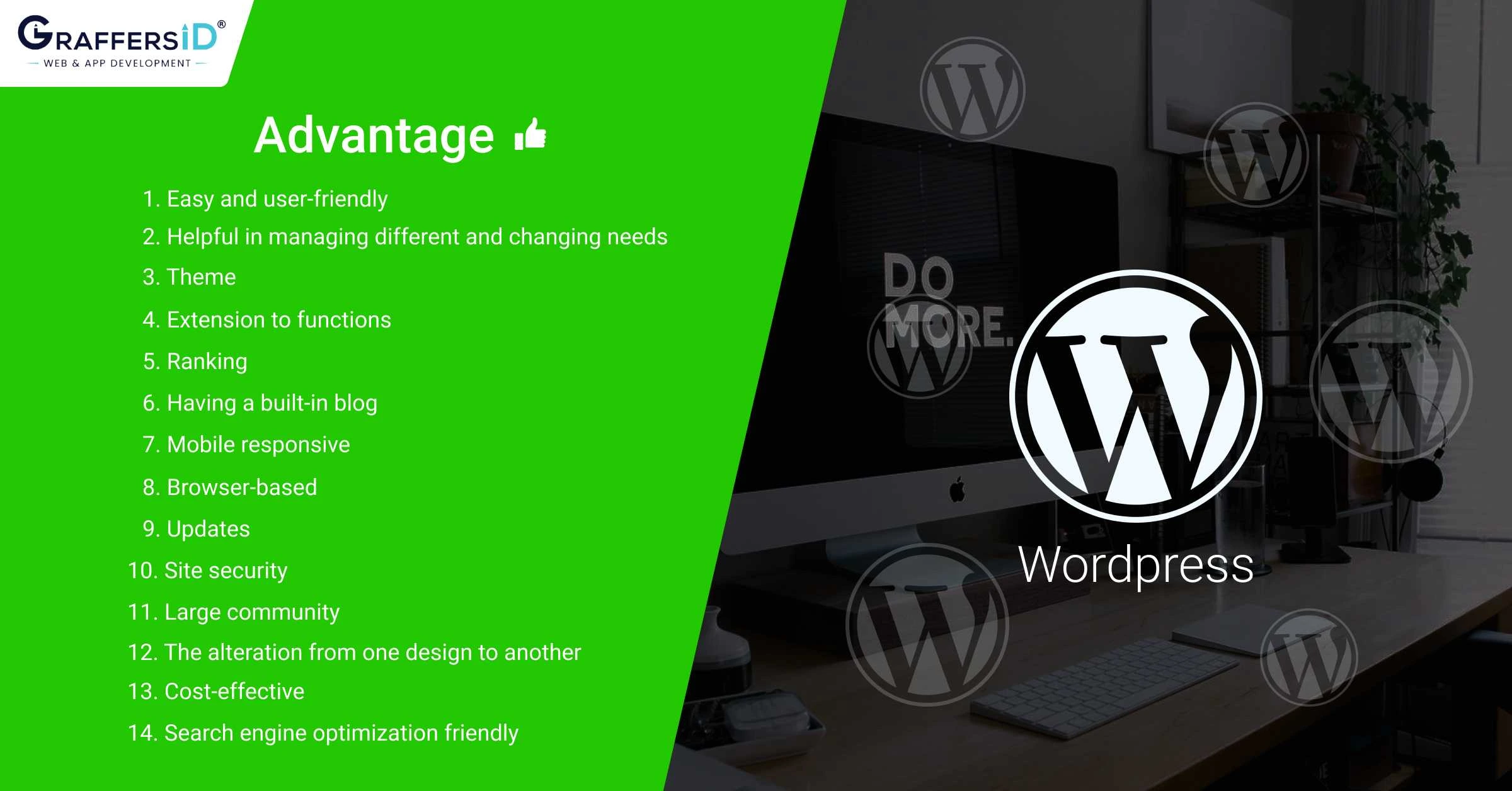
WordPress offers many features. It has a simple dashboard to manage your site. You can add new posts easily. It supports multimedia like images and videos. WordPress is SEO-friendly. This helps your site show up on Google. You can also customize your website a lot. The community is large. Many people can help if you have questions.
Credit: www.digitilizeweb.com
Benefits Of WordPress
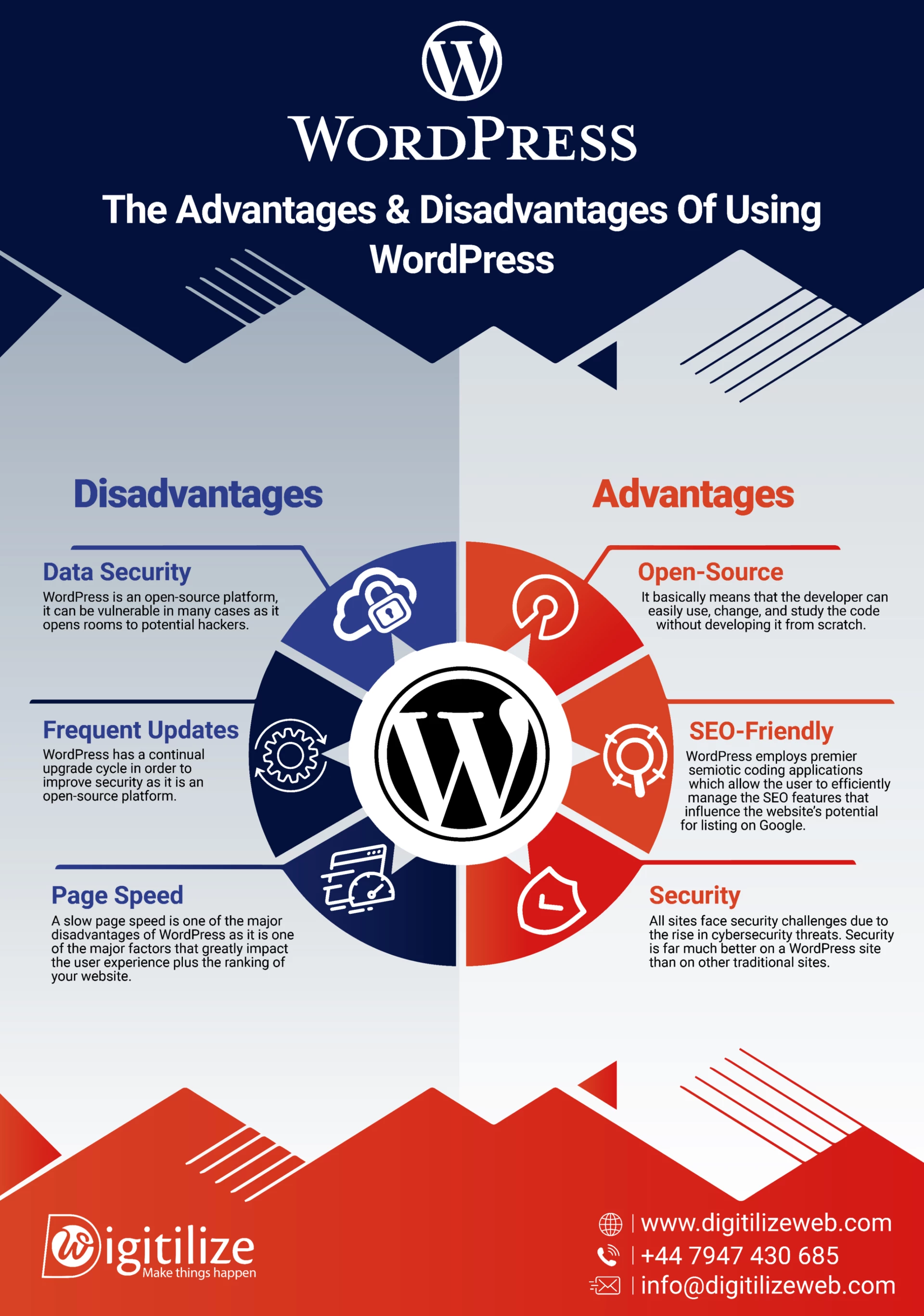
WordPress offers easy website creation with customizable themes and plugins. It’s user-friendly and supports SEO integration. While popular for its flexibility, it may require regular updates and security measures.
User-friendly Interface
WordPress is easy to use. Even beginners can manage it well. The dashboard is simple and clear. You can write and publish posts easily. Changes are quick and simple. Many people enjoy using it.
Customization Options
There are many themes and plugins. They change the look of your site. You can make it unique. Add features with plugins. No coding needed. Everyone can personalize their site.
Seo-friendly Features
WordPress helps with search engines. It has tools for better ranking. You can add keywords easily. The site loads fast. This helps in better visibility online.
Large Community Support
Many people use WordPress. There is a big support group. Help is available in forums. Solutions are shared freely. Everyone learns from each other.
Cost-effective Solutions
WordPress is free to use. Hosting costs are low. Many plugins are free. This saves money. It is good for small budgets. Many businesses choose it.
WordPress For Businesses
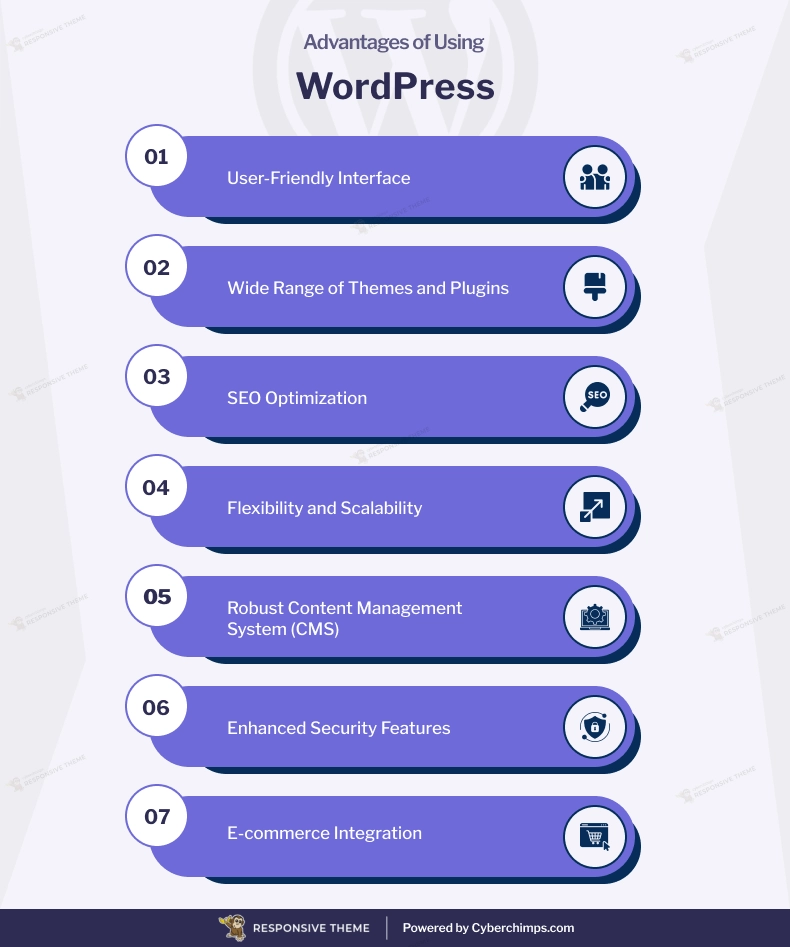
WordPress makes it easy to sell online. With plugins like WooCommerce, businesses can create online stores. These plugins are easy to use and set up. You can add products and manage stock. Payment gateways like PayPal and Stripe work well with WordPress. This makes selling simple and secure.
WordPress can grow with your business. Start with a small site, and add more pages later. You can upgrade hosting plans as traffic increases. Plugins help manage large sites. This makes WordPress a good choice for growing businesses.
Managing content on WordPress is easy. The dashboard is user-friendly. You can create posts and pages quickly. Editing is simple with a visual editor. WordPress lets you add images and videos too. This helps keep your site fresh and engaging.
Credit: cyberchimps.com
Security Concerns
WordPress can be a target for hackers. Its popularity makes it a big target. Many people use it, so hackers try to break it. This is called vulnerability risks. Plugins and themes can be weak points. They might have bugs or old code. Hackers can find these and use them to get in.
WordPress needs regular maintenance. Updates are important. They fix bugs and keep sites safe. Without updates, sites become easy targets. Users need to check for updates often. This helps keep their site safe from attacks.
Following best practices for security is key. Always use strong passwords. Change them often. Limit login attempts to stop hackers. Install security plugins. They can help watch for threats. Back up your site often. This way, you won’t lose everything if something goes wrong.
Challenges With WordPress
WordPress offers user-friendly design and a vast range of themes. Yet, challenges exist. Beginners might struggle with plugin compatibility and frequent updates. Security vulnerabilities also pose risks, requiring constant vigilance. These issues balance its advantages, making it essential to weigh both before choosing WordPress for your website.
Plugin Compatibility Issues
Plugins can make WordPress powerful. Yet, sometimes they don’t work well together. This can break your website. Always check for updates. Try using plugins with good reviews.
Performance Optimization
Fast websites keep users happy. WordPress sites can become slow with too many plugins. Use caching plugins to help. Also, optimize images for faster load times. Choose a reliable host for better performance.
Learning Curve For Beginners
WordPress is not always easy for beginners. Many options can be confusing. Start with basic tutorials. Learn step by step. Use online communities for help. Practice makes it easier over time.
Credit: graffersid.com
WordPress Vs. Other Platforms
WordPress offers more customization options than Wix. Users can change almost every detail. Wix limits what you can change. WordPress has thousands of plugins. Wix has fewer. WordPress is more flexible. Wix is easier for beginners. WordPress needs some learning. Wix is more user-friendly. WordPress has a larger community. More help is available. Wix support is limited. WordPress can manage complex sites. Wix suits simpler sites.
Squarespace offers stylish templates. WordPress provides more design freedom. Squarespace is good for creative projects. WordPress supports e-commerce better. Squarespace limits third-party tools. WordPress integrates easily. Squarespace has built-in features. WordPress relies on plugins. Squarespace is simple to use. WordPress has a steeper learning curve. Squarespace includes hosting. WordPress requires separate hosting.
Joomla and WordPress both offer open-source platforms. WordPress is easier to learn. Joomla has advanced features. WordPress is popular for blogs. Joomla suits complex sites. WordPress supports many plugins. Joomla has fewer options. WordPress has a larger community. Joomla support is smaller. WordPress is more user-friendly. Joomla has a steeper learning curve.
Future Of WordPress
WordPress is always growing. New features often get added. Plugins and themes become more advanced. This helps users. They can create better websites. Security is a major focus. Updates are regular. They protect sites from threats. Customization is easier. Tools improve often. Users get more options. This makes sites unique.
WordPress is popular. Many people use it. More businesses choose WordPress. They like its flexibility. Trends show steady growth. More developers join the WordPress community. They help with innovation. Themes and plugins improve. This makes WordPress competitive. It stays ahead of other platforms.
Frequently Asked Questions
What Makes WordPress Popular?
WordPress is popular due to its user-friendly interface, extensive plugin library, and customizable themes. It supports various content types, including blogs, portfolios, and e-commerce stores. Additionally, it’s open-source, allowing developers to contribute and improve its functionality constantly. Its large community offers support and resources, enhancing its appeal.
Is WordPress Suitable For Beginners?
Yes, WordPress is suitable for beginners. Its intuitive dashboard makes it easy to manage content without technical skills. Many tutorials and forums provide guidance for new users. The platform offers simple themes that require minimal customization, allowing beginners to create websites quickly and efficiently.
What Are WordPress’s Main Advantages?
WordPress’s main advantages include flexibility, scalability, and ease of use. It supports a wide range of plugins, enhancing functionality. The CMS is free and open-source, providing cost-effective solutions. Its large community offers continuous support and updates. Users can easily customize themes to match their brand identity.
Are There Any Disadvantages Of Using WordPress?
While WordPress offers many benefits, it has disadvantages. It can be vulnerable to security threats if not properly managed. Some plugins may conflict, causing website issues. High-traffic sites may require additional optimization for performance. Regular updates are necessary to maintain site security and functionality.
Conclusion
WordPress offers many benefits for creating websites. It’s user-friendly and flexible. You can customize it with countless themes and plugins. But, some users might find it slow or complex. Security concerns can also arise. These factors should be considered when choosing a platform.
It’s important to weigh both sides. Understanding its strengths and weaknesses helps you decide. WordPress can be a great choice for many. But, it might not fit everyone’s needs. Evaluate your goals carefully. Make sure WordPress aligns with your vision.
Choose wisely for your website’s success.


