
Have you ever wondered what makes your WordPress website look visually appealing and function smoothly? The answer lies in something called a WordPress theme.
If you’ve just started using WordPress or are looking to enhance your site’s design, understanding themes is crucial. They are the backbone of your site’s appearance and can drastically impact how users interact with your content. By the end of this article, you’ll have a clear understanding of what a WordPress theme is, how it works, and why choosing the right one is essential for your site’s success.
So, if you’re eager to make your website stand out and function at its best, read on to discover the secrets behind WordPress themes.
WordPress Theme Basics
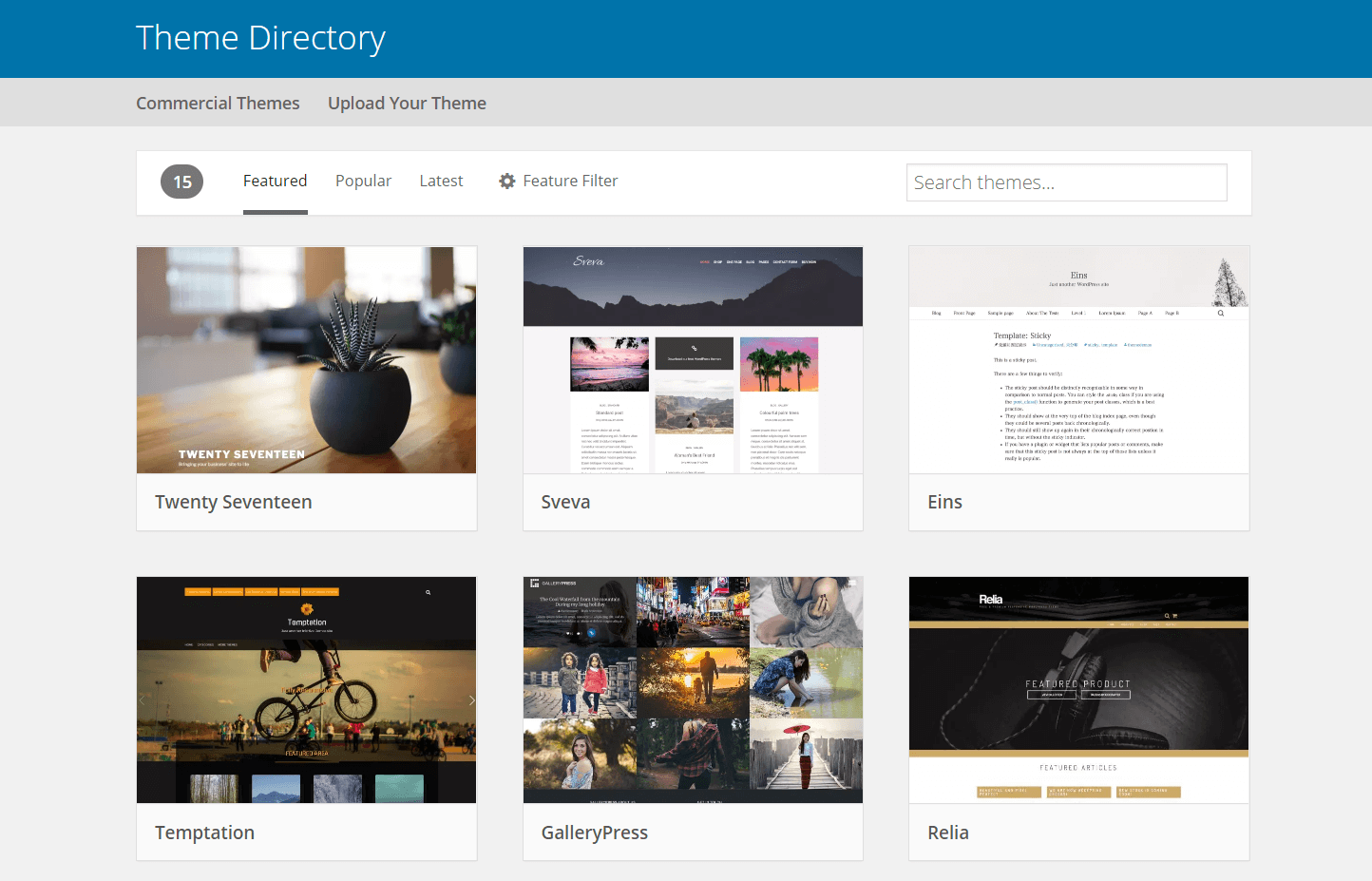
A WordPress theme changes how your site looks. Themes make your site unique. They control the layout, colors, and fonts. Some themes are free. Others cost money. You can find them in the WordPress Theme Directory. Themes are easy to install. Anyone can do it. They help you create the website you want.
Themes can be simple or complex. Some have many features. Others are basic. Choose one that fits your needs. Themes let you change your site without coding. This saves time and effort. Use themes to make your site stand out. They are a big part of WordPress.

Credit: wordpress.org
Importance Of Themes
Themes in WordPress are like clothes for your website. They give it a unique look. Themes make your site attractive and easy to use. Without a theme, a site looks plain and boring. They help in organizing content neatly. Visitors can find what they need quickly.
Good themes improve site speed. This is important for keeping users happy. A slow site can make visitors leave. Themes also make sure your site works on phones and tablets. This is called being responsive. A responsive site looks good on any device.
Some themes come with special features. These features add extra functions to your site. You can change colors, fonts, and layouts with ease. This makes customization simple. Themes help your site stand out from others.
Types Of WordPress Themes
Free themes are available without cost. They offer basic features. Simple design is common in free themes. They are easy to use. Perfect for beginners. Updates might not be regular. Support can be limited. Many free themes exist in the WordPress library.
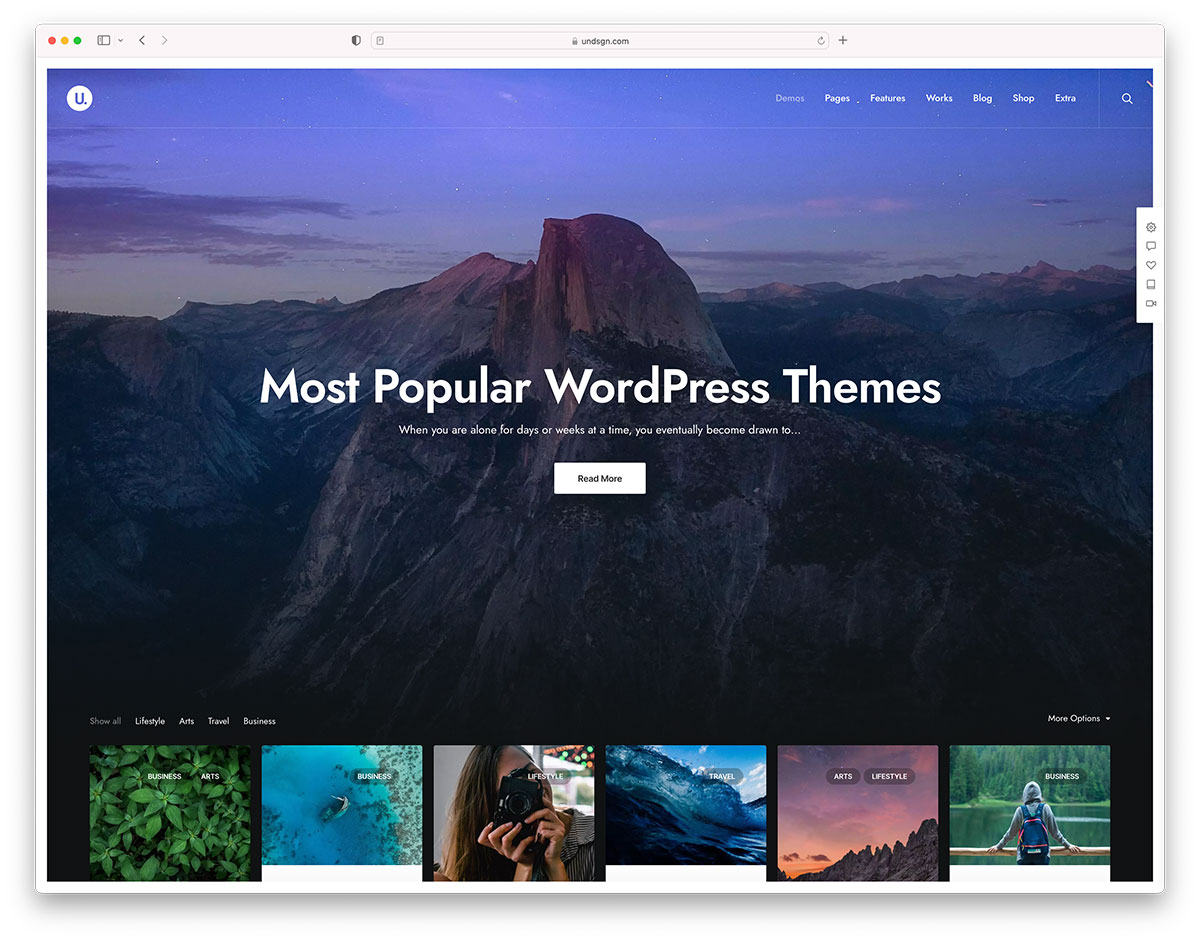
Premium themes need payment. They come with advanced features. Users get professional design. Support is usually strong. Regular updates keep them fresh. Premium themes are more flexible. They offer unique customization options. Users need to check reviews before buying.
Custom themes are made for specific needs. They are designed by experts. These themes are unique. Users have full control. They can match a brand perfectly. Custom themes can be expensive. Development time might be long. They offer the best performance.
Credit: colorlib.com
Key Features Of A Good Theme
A good theme has a clean design. It should load quickly. Fast loading helps your website. Responsiveness is crucial. It adjusts to different devices. This includes phones and tablets. Customization options are important. They let you change colors and fonts. You can make the site look unique. SEO-friendly themes help your site rank. This means more visitors can find you. Security features protect your site. Hackers can’t access your data. Compatibility with plugins adds more features. You can extend your site easily. Easy navigation improves user experience. People find information faster.
Regular updates ensure your theme stays current. Bugs get fixed. New features are added. Good support is essential. Help is available when you need it. A theme should be easy to install. This saves time and effort. Accessibility means everyone can use your site. This includes people with disabilities. Multilingual support reaches more people. You can translate your site into many languages. Documentation provides guidance. It helps you set up and use the theme.
How To Choose The Right Theme
Choosing the right theme is important. Functionality matters a lot. A theme must support your website’s purpose. For a blog, easy reading is key. An online store needs shopping features. Check if the theme offers easy navigation. Features like contact forms can be helpful. A theme should be responsive to all devices. It must load quickly. Slow themes lose visitors. Ensure it is SEO-friendly. This helps with search rankings.
Design affects user experience. Choose a theme that matches your brand style. Colors should be eye-friendly. Font sizes must be readable. Images need to be clear. A simple layout keeps users engaged. Avoid cluttered designs. Visual appeal is crucial for staying on site. Themes with customizable options are useful. This allows changes to fit your brand. Look for themes with modern designs.
Themes vary in cost. Some are free; others cost money. Free themes are good for tight budgets. They offer basic features. Paid themes provide more advanced options. They often have better support. Consider what your site truly needs. Spending wisely is smart. Balance features with cost. Look for discounts or bundles. Invest in a theme if it boosts your site.
Installing And Activating A Theme
Choose a theme from the WordPress library. Click on the “Appearance” tab on the dashboard. Then click on “Themes”. You will see a list of themes. Pick one you like. Click on “Install” to add it. After installation, click on “Activate” to use it.
Ensure the theme matches your site’s purpose. Simple themes load quickly. This is good for users. Some themes are free. Others are premium. Premium themes might have extra features. Check reviews before choosing a theme.
Change the theme anytime. Just repeat the steps. Always keep your themes updated. This helps with security. A good theme makes your site look nice.
Customizing Your Theme
The WordPress Customizer helps you change your theme easily. You can edit colors, fonts, and background images. It shows changes in real-time. This helps you see how your site will look. You can also add widgets for more features. These include social media links and search bars.
Advanced options give you more control. You can edit CSS to change your site’s style. This requires some coding knowledge. Plugins can add new features. They can help with SEO, security, and design. You can use page builders for custom layouts. These tools are powerful but user-friendly. They help you make a site unique and personal.
Popular WordPress Themes
WordPress themes make your site look good. They change colors, fonts, and layout. Some themes are very popular. Astra is one of them. It is fast and simple. Many people use it for their blogs. Divi is another favorite. It has a lot of features. You can build any kind of site with it. OceanWP works well for online stores. It is flexible and easy to use. Each theme has its own style and tools. Choose one that fits your needs.
Most themes are free. Some have paid versions. Paid themes offer extra features. But free themes work well for most sites. Check ratings and reviews before picking a theme. This helps you find a good one. Themes can change how your site looks. So pick wisely!
Troubleshooting Common Theme Issues
Themes might break after an update. Check for compatibility with your WordPress version. Sometimes, plugins clash with themes. Deactivate plugins to see if the problem resolves. Styles may look odd if CSS files don’t load. Clear your browser cache to fix this. Themes might not display content right. Check widget settings and menus. Theme settings can reset. Back up your theme files regularly.
Errors may come from custom code. Remove it to test if that’s the issue. Image issues? Ensure proper links. Debugging helps find errors. Enable WP_DEBUG to see errors. Sometimes, themes are too slow. Optimize images and disable unneeded features. If nothing works, contact theme support. They can offer help.
Credit: wpengine.com
Frequently Asked Questions
What Is A WordPress Theme?
A WordPress theme is a collection of files that dictate the design and layout of your website. It controls aspects like colors, fonts, and page layouts. Themes can be customized to fit your brand’s style, providing a cohesive and visually appealing user experience.
How Do WordPress Themes Work?
WordPress themes work by altering the visual presentation of your website without changing its core functionality. They use templates and stylesheets to define the website’s appearance. Themes can be easily switched, allowing you to refresh your site’s look without losing content.
Can I Customize A WordPress Theme?
Yes, you can customize a WordPress theme to fit your needs. Most themes offer customization options through the WordPress Customizer. You can change colors, fonts, and layouts. Advanced users can edit theme files or use child themes for more detailed customizations.
Are WordPress Themes Responsive?
Most modern WordPress themes are responsive and adapt to different screen sizes. A responsive theme ensures your website looks good on desktops, tablets, and smartphones. This adaptability is crucial for user experience and SEO, as search engines prefer mobile-friendly sites.
Conclusion
Choosing the right WordPress theme matters. It shapes your site’s look. Themes affect user experience and site speed. Easy navigation is key for visitors. Many themes offer customization options. This helps create a unique website. Consider your site’s purpose before picking a theme.
Free themes work for basic needs. Premium themes offer more features. Always check for theme updates. Ensure compatibility with plugins. Regular updates keep your site secure. Explore various themes. Find one that suits your style and needs. A well-chosen theme enhances your website’s appeal and functionality.


