
You’ve spent hours perfecting your WordPress site, ensuring everything looks just right, only to be greeted with a daunting “HTTP Error 500” message. This unexpected roadblock can leave you feeling frustrated and stuck.
You might wonder, “What went wrong? ” Or “How do I fix this? ” You’re not alone; many WordPress users encounter this error, and understanding its cause is the first step to reclaiming control over your website. HTTP Error 500, often referred to as the “Internal Server Error,” is a common issue that can disrupt your site’s functionality.
But don’t let it overwhelm you. Knowing why it happens and how to resolve it can save you time and stress. We’ll dive into the reasons behind this error and provide simple, actionable solutions to get your site back on track. Stick around, and you’ll soon have the tools to tackle this challenge with confidence.
Http Error 500 Basics
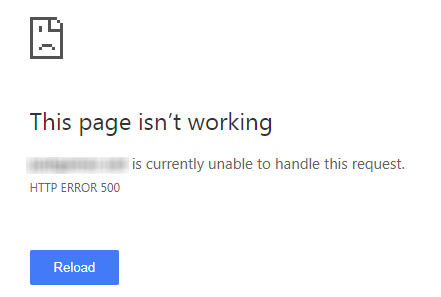
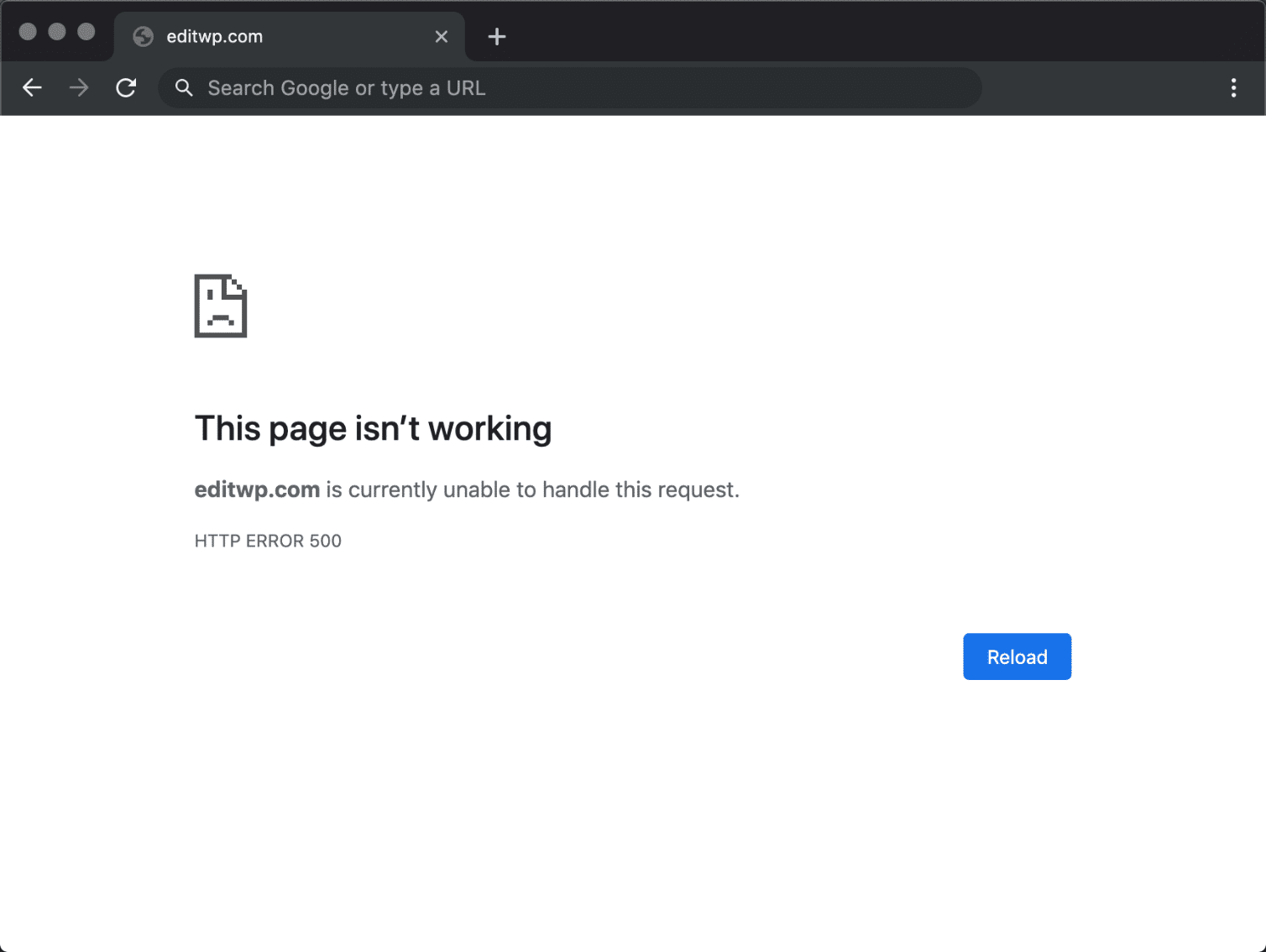
Http Error 500 is a common server error on websites. It means something went wrong on the website’s server. The error is not specific and does not show details. The server is unable to complete the request. Most users see a blank page or a general error message.
For WordPress users, this error can be frustrating. It often happens due to plugin or theme conflicts. It may also occur because of a corrupted .htaccess file. Checking server logs can help find the problem. Fixing this error might require technical help.
Credit: www.cloudways.com
Common Causes
Sometimes, servers have wrong settings. This can lead to errors. Http Error 500 may appear. Fixing settings can help solve this.
The .htaccess file controls site rules. If it breaks, errors can occur. Restoring a backup often resolves the issue.
Every site has a PHP memory limit. If the site uses too much, it crashes. Increasing the limit can fix the error.
Some plugins or themes cause problems. They may not work well together. Deactivating one by one can identify the faulty one.
WordPress needs many files to work. If they break, errors show up. Reinstalling WordPress often fixes this problem.
Troubleshooting Steps
Server logs hold important information. They can show error details. Check them in your hosting account. This helps find what caused the error. It’s a good first step.
Sometimes the server needs more memory. You can increase the PHP memory limit. Edit the wp-config.php file. Add the line: define('WP_MEMORY_LIMIT', '64M');. This can fix the error.
Plugins and themes can cause problems. Rename the plugins folder to disable them. Check if the site works. If it does, enable plugins one by one. This finds the problem plugin.
The .htaccess file can get corrupted. Rename it to .htaccess_old. Visit your site’s settings. Save permalinks again. This creates a new .htaccess file.
Core files may be missing or broken. Download a fresh WordPress copy. Upload its core files. Do not overwrite the wp-content folder. This keeps your data safe.
Preventive Measures
Always backup your website data. This protects your content. You can restore it if needed. Use tools that make backups easy. This keeps your site safe. It helps you avoid data loss.
Keep your plugins and themes updated. Updates fix bugs and security issues. Outdated plugins can cause errors. Check for new versions often. This helps your site run smoothly.
Watch your server resources closely. Too much usage can crash your site. Check CPU, RAM, and storage. This helps identify problems early. Fix them before they cause issues.
Pick a reliable hosting provider. Good hosts have strong support. They help with server issues. Read reviews before choosing. Reliable hosting prevents many problems.
When To Seek Professional Help
Encountering Http Error 500 in WordPress can be frustrating. Sometimes, the problem isn’t easy to fix. An expert can save time. Complex coding issues need professionals. They understand the system better. If the site is down for long, seek help. It’s crucial for business sites. Errors can harm reputation. Professionals offer quick solutions. They prevent future issues. They also ensure site security. Experts can spot hidden problems. They have the right tools. Their knowledge is vast and useful.
Trying alone can cause more errors. Mistakes can be costly. An expert can ensure smooth operations. They provide peace of mind. If unsure, always reach out. It’s better to be safe.
Credit: wp-umbrella.com
Additional Resources
Many websites offer help for fixing HTTP Error 500 in WordPress. Some provide step-by-step guides. Others offer detailed video tutorials. Forums are a good place to ask questions. Experts share tips and tricks there. You can find plugins that help solve this error. Some plugins are free to use. Paid plugins often offer more features. Online communities discuss common causes of this error. They also share solutions that work for them. Remember to always backup your site. This helps avoid losing data while fixing errors. Keep your WordPress updated. Updates fix bugs and improve security. Regular updates can prevent many errors.
Credit: kinsta.com
Frequently Asked Questions
What Causes Http Error 500 In WordPress?
Http Error 500 in WordPress is caused by server-side issues. Common reasons include corrupted. htaccess files, plugin conflicts, or PHP memory limits. It can also be due to theme compatibility problems. Resolving these issues often involves checking error logs, disabling plugins, or increasing memory limits.
How Do I Fix Http Error 500?
To fix Http Error 500, start by renaming the. htaccess file. Check plugin conflicts by deactivating all plugins. Increase PHP memory limit in wp-config. php. If the issue persists, consult your hosting provider for server-side errors or review error logs for more details.
Can Plugins Cause Http Error 500 In WordPress?
Yes, plugins can cause Http Error 500 in WordPress. Conflicts between plugins or outdated plugins may trigger server errors. Deactivating plugins temporarily can help identify the problematic plugin. Updating or removing the faulty plugin often resolves the error.
Is Http Error 500 A Server Issue?
Http Error 500 is primarily a server issue. It indicates a generic server error preventing proper webpage loading. Server-side scripts, configurations, or insufficient memory can trigger this error. Regular monitoring and maintenance of server settings can prevent its occurrence.
Conclusion
Understanding HTTP Error 500 in WordPress is crucial. It helps maintain a smooth website experience. This error often relates to server issues. Sometimes, it’s due to plugin conflicts or corrupted files. Troubleshooting requires checking these elements. Regularly updating themes and plugins can prevent errors.
Backup your website to safeguard data. Consult your hosting provider if the issue persists. They offer valuable insights and solutions. Keeping your WordPress site healthy ensures better performance. It enhances user satisfaction. Stay informed and proactive. Your website’s success depends on it.


