
Are you looking to elevate your WordPress site without diving deep into complex coding? Meet the Genesis Framework, your potential new best friend in the world of website building.
Imagine having the power to create stunning, professional websites with ease, without needing to be a tech wizard. Sounds intriguing, right? Genesis Framework isn’t just another tool; it’s a game-changer for anyone serious about their online presence. You’ll discover why it’s trusted by developers and loved by users.
Let’s explore how Genesis can transform your WordPress experience, making it more efficient and visually appealing. Get ready to unlock the secrets behind one of the most powerful frameworks available and see how it can work wonders for your site.
Genesis Framework Overview
The Genesis Framework is a popular tool for WordPress. It helps users create websites easily. Many people use it for its simplicity and flexibility. You can build a site without knowing much about coding. It provides a range of themes and plugins to customize your site. Users enjoy its SEO-friendly features. These features help your site rank better in search results.
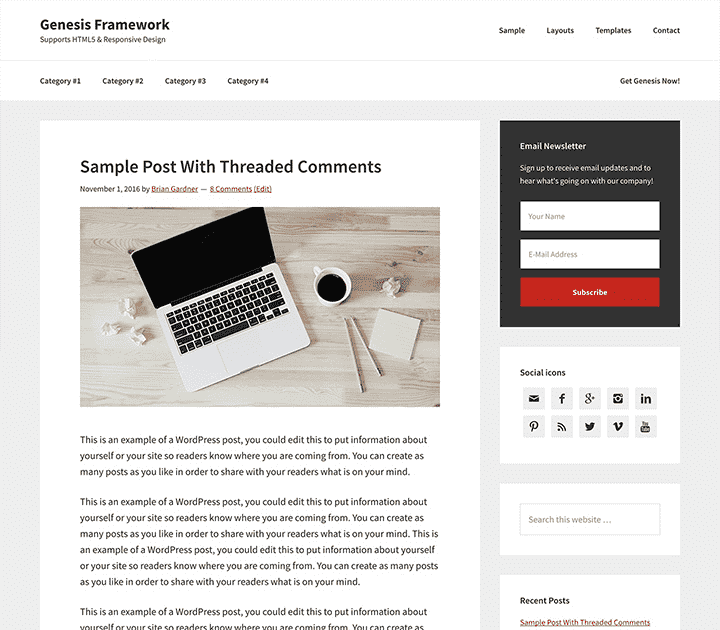
Genesis also offers security benefits. It keeps your site safe from threats. You can update your site with ease. Many developers trust Genesis for reliable performance. It supports responsive design. Your site looks good on phones and tablets. Genesis is a solid choice for both beginners and experts.
Credit: www.studiopress.com
Benefits Of Using Genesis
Genesis Framework helps websites rank higher. It has clean code and fast loading. Search engines love this. The framework uses best SEO practices. It makes your site easy to find. You don’t have to be an expert. Genesis does the hard work for you.
Genesis Framework keeps your site safe. It has strong security features. They protect against hackers. Your data stays safe. Genesis updates automatically. This keeps security fresh and strong. Your peace of mind is important.
With Genesis, designing is simple. You can choose themes easily. Colors and layouts are customizable. No coding skills needed. Make your site unique. You have control over your site’s look. It’s fun to play with designs.
Key Features
Genesis Framework uses child themes to make websites unique. These themes are like clothes for a website. They decide how a site looks and feels. Developers use child themes to keep the main website safe. This way, updates will not break the site. It is easy to switch child themes. This makes changing website styles simple.
Widgets are small tools on a site. Genesis offers many widget options. These options help add features like search bars, menus, and images. Widgets make websites more fun and useful. With Genesis, placing widgets is easy. Just drag and drop them where needed.
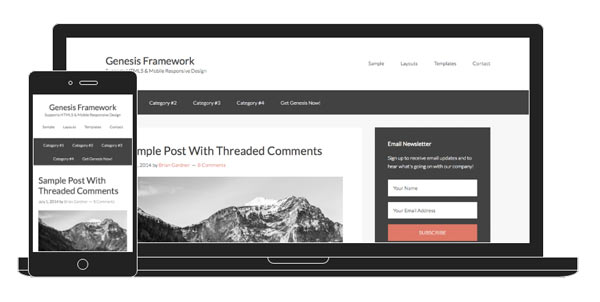
Websites need to look good on all devices. Genesis Framework uses responsive design. This means websites fit any screen size. From phones to big computers, the site looks great. Responsive design helps users have a good experience. No need to zoom in or out.
Credit: artdriver.com
Getting Started With Genesis
Genesis Framework is easy to install. First, download the Genesis file. Next, go to your WordPress dashboard. Click on Appearance, then Themes. Click Add New and then Upload Theme. Choose the Genesis file you downloaded. Finally, click Install Now. It’s that simple!
A child theme is important for custom changes. Download a Genesis child theme. Repeat the steps from Genesis installation. Upload the child theme file instead. Activate it after installation. Now your site uses the child theme.
Basic settings make your site look nice. Go to the WordPress dashboard. Click on Genesis and then Theme Settings. Here you can change your site layout. Also, you can add a custom logo. Save changes when done. Your site is ready!
Customization Options
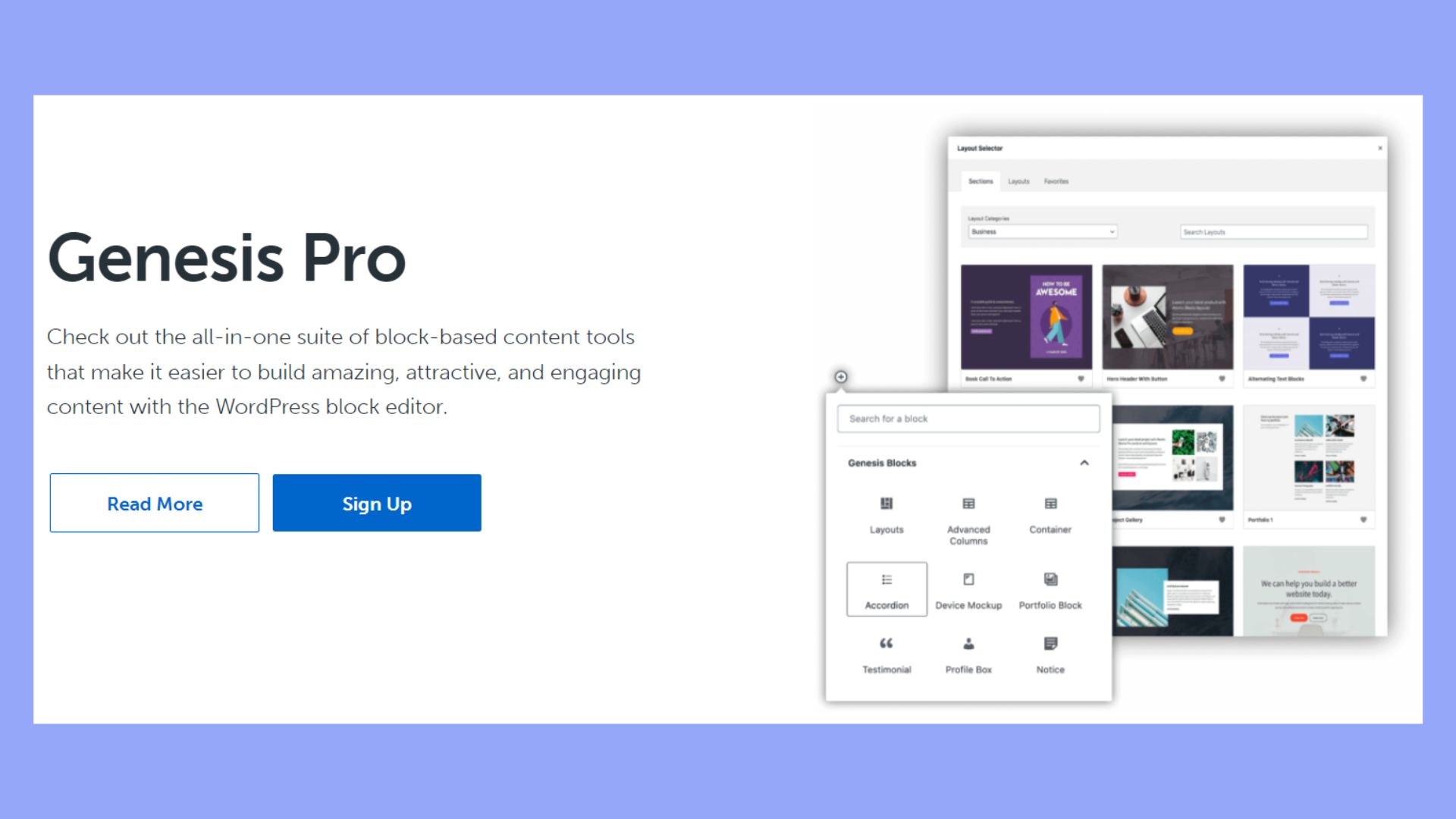
Genesis Framework offers easy theme settings for users. Change colors, fonts, and layout. Make your site look unique. No need for coding skills. Just click and select options. It is user-friendly and intuitive. Perfect for beginners who want control.
Add custom widgets to your site. Enhance functionality with just a few clicks. Weather updates, social media feeds, and more. Widgets are easy to manage. They improve user engagement. Drag and drop them where needed. Make your site interactive and lively.
For those who seek more, advanced customization is available. Tailor your site with custom code. Experienced users can add CSS and HTML. Make deep changes to design and layout. Create a site that truly stands out. Flexibility is key with Genesis Framework.
Comparing Genesis To Other Frameworks
Genesis Framework in WordPress offers a solid foundation for building websites. It provides customizable themes and SEO-friendly features. Comparing Genesis to other frameworks highlights its simplicity, stability, and efficiency in enhancing website performance.
Genesis Vs. Divi
Genesis offers a clean and lightweight design. Divi focuses on visual building with drag-and-drop features. Genesis is ideal for developers who enjoy coding. Divi suits those who prefer visual creativity. Genesis has simple customization options. Divi provides advanced design controls. Genesis is known for speed and performance. Divi can be resource-heavy due to its features.
Genesis Vs. Elementor
Genesis provides a solid foundation for building sites. Elementor is a flexible page builder. Genesis requires coding knowledge for customization. Elementor allows easy design with its editor. Genesis focuses on SEO and efficiency. Elementor enhances design flexibility and user experience. Genesis is minimalist and efficient. Elementor offers dynamic design options.
Best Practices
Genesis Framework in WordPress offers a foundation for building secure and SEO-optimized websites. It provides customizable themes and clean code, enhancing site speed and performance. Ideal for both beginners and developers, it simplifies website creation with built-in features and responsive design options.
Maintaining Updates
Keeping your Genesis Framework updated is important. Updates fix bugs and improve security. They also add new features. Set reminders to check for updates. This keeps your site running smoothly. Use the WordPress dashboard for easy updates.
Optimizing Performance
Fast sites rank better on search engines. Minimize images and use caching plugins. This helps pages load faster. Clean code improves speed too. Genesis Framework is known for its clean code. Ensure your site is mobile-friendly. This enhances user experience.
Utilizing Support Resources
Genesis Framework offers many support options. Use the community forums for help. They are full of helpful advice. Check tutorials and documentation regularly. These resources help solve common issues. Consider joining user groups. Sharing ideas can improve your website skills.
Credit: 10web.io
Frequently Asked Questions
What Is Genesis Framework?
Genesis Framework is a powerful WordPress theme framework. It offers a secure and search-engine-optimized foundation for building websites. Known for its flexibility and customization options, it helps developers create beautiful and responsive designs. With Genesis, you get clean code and fast performance, ideal for modern web standards.
Why Choose Genesis Framework For WordPress?
Genesis Framework provides top-notch security and performance. It is highly customizable, making it suitable for any website type. Its SEO features help improve search engine visibility, while its clean code ensures fast loading times. Genesis is trusted by developers for its reliability and ease of use.
How Does Genesis Improve Site Speed?
Genesis Framework is built with optimized code. Its minimalist design reduces unnecessary elements, enhancing loading speed. This efficiency improves user experience and search engine rankings. Fast sites are more engaging, keeping visitors interested and reducing bounce rates. Genesis helps achieve these performance goals.
Is Genesis Framework Beginner-friendly?
Genesis Framework can be suitable for beginners. Its user-friendly interface and comprehensive documentation make it accessible. While customization requires some learning, basic setup is straightforward. Many themes and plugins support Genesis, simplifying the process. Beginners can create professional websites with minimal experience.
Conclusion
Genesis Framework offers a solid foundation for WordPress websites. It provides stability, flexibility, and speed. Developers find it easy to customize designs. Beginners appreciate its user-friendly interface. SEO tools are built-in, helping improve site visibility. Security features keep websites safe from threats.
Many themes are available to suit different needs. Overall, Genesis Framework simplifies WordPress site creation. It supports growth and functionality without complexity. Perfect for anyone looking to build a reliable website. Users can enjoy a professional look with minimal effort.
Explore Genesis Framework for a better WordPress experience.


