
Are you looking to create a stunning website without the hassle of coding? The Avada WordPress Theme might just be your perfect match.
Imagine a tool that empowers you to design a professional, eye-catching website with ease and flexibility. That’s exactly what Avada offers. Picture this: a theme that has been trusted by over 875,000 users worldwide. Why do so many people choose Avada?
It’s simple. Avada is not just a theme; it’s a complete design toolkit. Whether you’re a seasoned web designer or just starting out, Avada gives you the power to bring your unique vision to life. But what exactly makes Avada stand out in a sea of WordPress themes? It’s all about customization, user-friendliness, and performance. You’ll discover how Avada’s intuitive drag-and-drop builder, pre-built websites, and endless customization options can transform your web development process. Ready to explore how Avada can elevate your online presence? Dive into our detailed exploration of Avada WordPress Theme and unlock the secrets to crafting a website that truly reflects your brand. Your journey to a more dynamic and engaging website starts here.
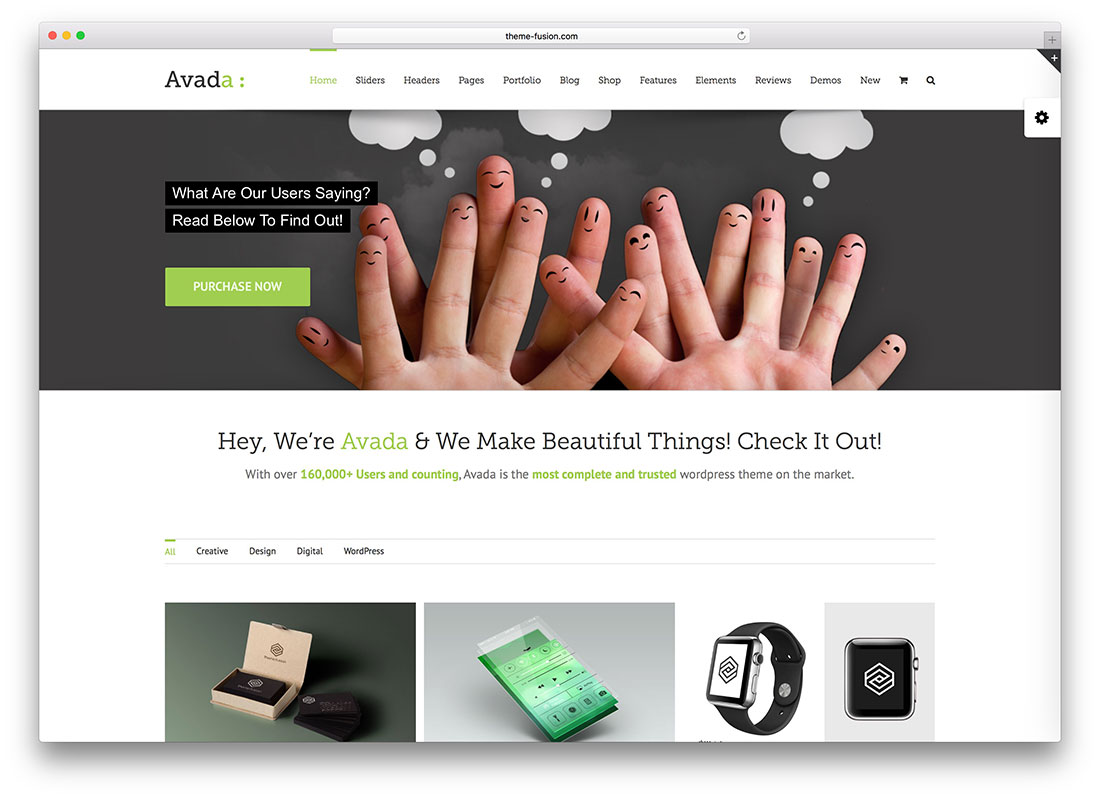
Credit: colorlib.com
Avada Theme Overview
Avada is a popular WordPress theme. Many people use it for their websites. It is easy to set up and manage. Avada offers a lot of customization options. Users can change colors, fonts, and layouts. This theme works with most plugins. It is responsive, so it looks good on phones and computers.
Avada has a drag-and-drop builder. This helps users design pages easily. No coding skills needed. Many templates are available. Users can start their site quickly. It also includes pre-made designs. These designs suit different business needs.
Avada offers good support. Users can find help in online forums. There are many tutorials available. This theme is well-known in the WordPress community. It is updated regularly. This helps keep sites safe and fast.
Key Features
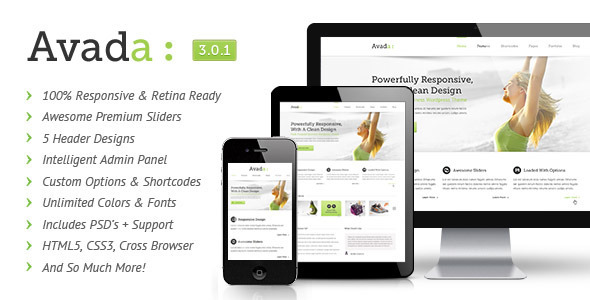
Avada adjusts to any screen size. It looks good on phones and tablets. Your site will always be easy to use.
Change colors and fonts easily. You can make your site look unique. No coding skills are needed.
Avada offers many pre-built demos. Choose a demo and set up your site quickly. This saves a lot of time.
The Fusion Builder is a drag-and-drop tool. It helps build pages easily. Just drag elements and drop them where you want.
Installation Process
The Avada WordPress Theme needs a few things to work well. PHP 7.3 or higher is needed. MySQL 5.6 or above is also required. Your server must have WordPress 5.0 or newer. These are important for smooth running. Ensure your server meets these needs.
First, download the Avada theme from ThemeForest. Next, log into your WordPress Dashboard. Click on Appearance and then Themes. Choose Add New. Click on Upload Theme. Select the Avada zip file. Click Install Now. Wait for the process to finish. Finally, click Activate to start using Avada.
Credit: wpml.org
Customization Techniques
Avada theme has many options. You can change colors, fonts, and layouts. These options help make your site unique. It’s easy to use. Click and choose your settings. The theme will update right away.
Fusion Builder is a tool for creating pages. Drag and drop items onto your page. It’s simple. No coding is needed. Add text, images, or buttons with ease. You can make pages look just how you want.
Start with demo content to build your site fast. Avada offers many demos. Choose one that fits your style. Importing is quick. The demo will fill your site with text and images. Then, edit to make it yours.
Performance Optimization
Avada Theme can be fast. Keep images small. Use a plugin for caching. This helps load pages quicker. Turn off unused features. These can slow down your site.
SEO Best Practices are important. Use clean URLs. This helps search engines. Make sure your site is mobile-friendly. Many people use phones to browse. Check your site’s speed often. Fast sites rank better.

Credit: wpmarmite.com
Common Issues And Fixes
Avada theme can show errors. One common error is a 404 page. This happens when links break. To fix, check your permalinks. Update them from the settings menu. Another issue is slow loading. This can happen with too many plugins. Reduce plugins to speed up the site. If you see a white screen, it might be a memory issue. Increase memory in your site’s config file. Broken layouts are also a problem. Clear your cache and refresh the page to fix layout issues.
Help is available for Avada users. The Avada support forum is a great resource. People share tips and solutions there. You can read the Avada documentation. It has step-by-step guides. Video tutorials are also available. They show how to fix common problems. If you need more help, you can contact Avada support. They are ready to assist you.
User Reviews
Avada theme is known for its easy customization. Users love the flexibility it offers. Many say it’s user-friendly even for beginners. The theme includes many pre-built designs. This helps in creating a site quickly. Some users mention it can be slow to load at times. Others find the numerous options a bit overwhelming. Overall, it receives positive feedback.
People often share their experiences online. Many discuss the helpful support from the Avada team. Forums are filled with tips and tricks. Users help each other with theme issues. Some users feel the updates are frequent. They say this keeps the theme current. A few people wish for more tutorials and guides. The community is active and engaged.
Alternatives To Avada
Avada is a popular WordPress theme known for its flexibility and design options. Many seek alternatives to Avada like Divi, Astra, and Elementor for different features and pricing. These options offer unique customization tools and user-friendly interfaces for building attractive websites.
Comparison With Other Themes
Avada is popular, but there are other themes too. Divi is one option. It is easy to use. Elementor offers many design choices. These themes have unique features.
Divi and Elementor are good for beginners. They have simple tools. Experienced users may like them too. Divi has a drag-and-drop builder. Elementor is very flexible. Each theme has its own style.
Choosing the right theme depends on needs. Think about ease of use. Consider design options. Check the speed of each theme. Look at customer reviews. See what others say.
Ease of use and design are important. Speed matters a lot. Read what users say. Reviews help in choosing the best theme.
Choosing The Right Theme
Picking a theme can be fun. Check if it is easy to use. Look at design choices. Speed is important too. Read what others think. Good themes have positive reviews.
Design and speed are key factors. User reviews can help. Choose a theme that fits your needs. Make sure it is easy to use and looks good.
Frequently Asked Questions
What Is Avada WordPress Theme?
Avada is a versatile and highly customizable WordPress theme. It’s perfect for creating professional websites without coding knowledge. With its intuitive Fusion Builder, users can easily design pages. Avada is popular for its flexibility and extensive pre-built templates. It’s suitable for blogs, portfolios, eCommerce, and corporate sites.
How Do I Install Avada Theme?
To install Avada, purchase it from ThemeForest, then download the theme files. In your WordPress dashboard, navigate to Appearance > Themes > Add New. Upload the Avada zip file and click “Install Now. ” Once installed, activate the theme and begin customizing it to suit your needs.
Is Avada Theme Mobile-friendly?
Yes, Avada is fully responsive and mobile-friendly. It automatically adjusts to different screen sizes, ensuring optimal viewing on smartphones and tablets. The theme’s design and functionality remain intact on mobile devices. This feature enhances user experience and improves search engine rankings, making Avada a great choice for modern websites.
Can Avada Be Used For Ecommerce Sites?
Yes, Avada supports eCommerce with its WooCommerce integration. You can create online stores with ease, utilizing Avada’s design flexibility. It offers various shop layouts and features, enhancing the shopping experience. Avada’s eCommerce capabilities make it ideal for businesses looking to sell products online effectively.
Conclusion
Avada WordPress Theme offers simplicity and versatility for website design. It suits beginners and experts alike, providing flexibility. Users enjoy various customization options without complexity. The theme’s user-friendly interface makes setup straightforward. Avada integrates seamlessly with plugins, enhancing functionality. Regular updates ensure security and new features.
This theme supports diverse website needs, from blogs to e-commerce. Its responsive design adapts to different devices, ensuring accessibility. Avada stands as a dependable choice for creating stunning websites. Its popularity reflects its effectiveness and ease of use. Consider Avada for your next WordPress project.


