
Are you looking to improve your website’s user experience while keeping your design sleek and modern? An off canvas menu in WordPress might be just what you need.
This innovative navigation tool helps you save space and maintain a clean layout, while still offering users easy access to your site’s content. Imagine a menu that slides out from the side of the screen, like a hidden drawer, whenever your visitors need it.
It’s not just about aesthetics; it’s about creating a seamless journey for your audience. Curious about how this can transform your website? Let’s dive deeper into how an off canvas menu works, why it’s becoming so popular, and how you can implement it on your WordPress site. Keep reading to discover how this simple change can enhance user engagement and boost your website’s overall functionality.
Credit: powerpackelements.com
Off Canvas Menu Basics
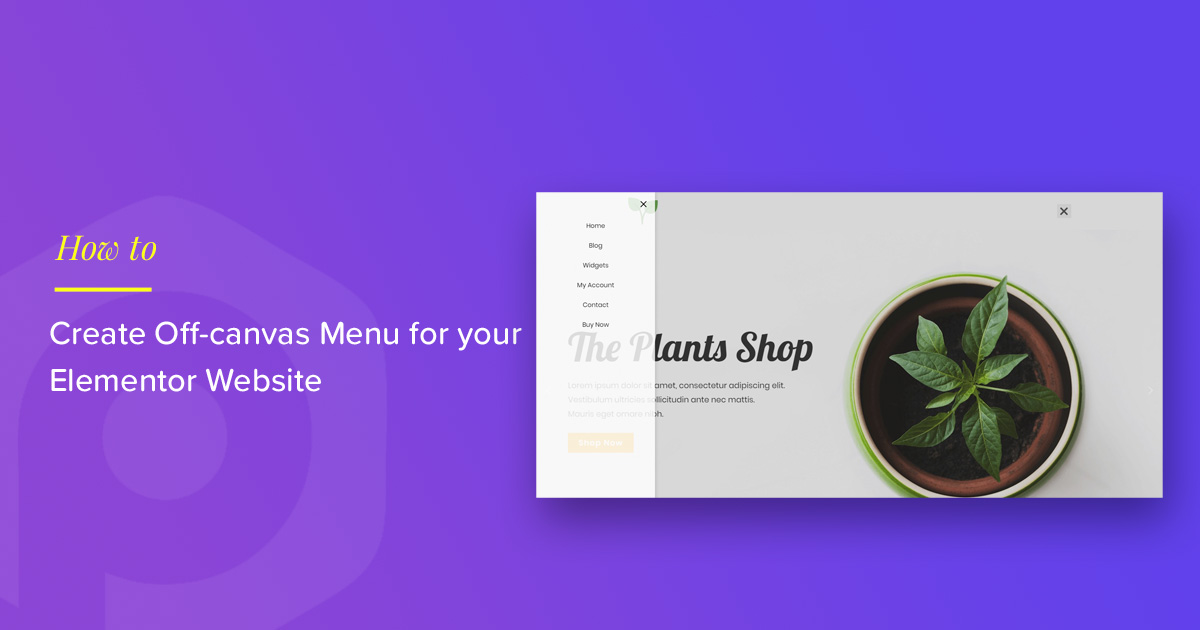
Off Canvas Menu is a special type of menu. It hides off the screen until opened. Users click a button to see it. This menu is popular on mobile sites. It saves space on small screens. Users find it easy to use. The menu slides in from the side. It can come from the left or right. It provides a clean look to a website. Many themes in WordPress support this menu. You can customize it easily. It enhances user experience by keeping the screen tidy. It’s a good choice for modern web design. Try using it for a neat look.
Benefits Of Using Off Canvas Menus
Off Canvas Menus keep your website clean and neat. They hide menu options until needed. This saves space on the screen. Users find what they need easily.
These menus work well on mobile devices. Small screens need simple layouts. Off Canvas Menus help with that. They make the site look good on any device.
Users like easy websites. Off Canvas Menus make navigation simple. Visitors find pages fast and stay longer. A good experience brings more visitors back.
Designers enjoy Off Canvas Menus. They can create unique sites. These menus fit different styles. They allow more creativity with layouts and visuals.
Design Considerations
Users find off-canvas menus helpful. They save space on the screen. Menus slide from the side. This makes the design neat and tidy. Users can focus on content. It’s important to keep the menu simple. Avoid too many options. Easy navigation is key. Users should find what they need fast. Test the menu on all devices. Make sure it works well on phones and tablets.
Accessibility is important for all users. Menus should be easy to use for everyone. Screen readers should work well with them. Use large text and icons. This helps users with poor vision. Color contrast should be strong. Users with color blindness can read better. Make sure users can navigate with a keyboard. This helps those who can’t use a mouse.
Credit: www.wpbeaverbuilder.com
Implementing In WordPress
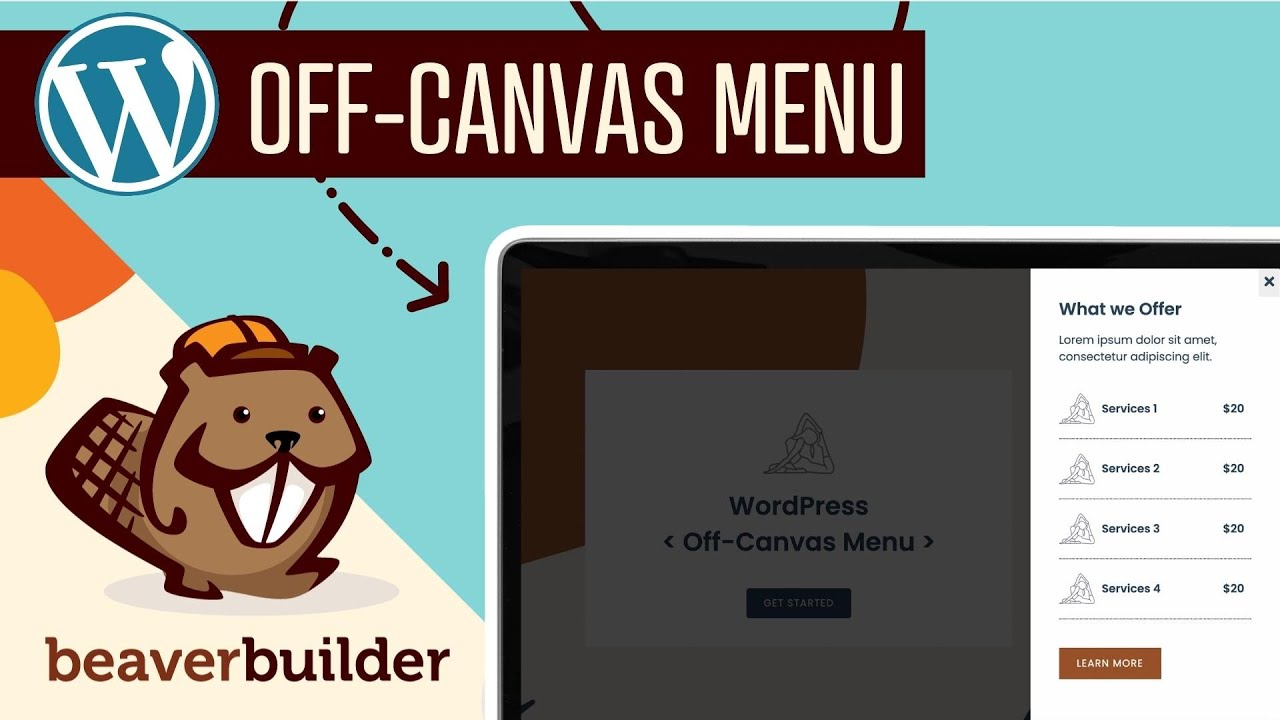
An off-canvas menu in WordPress is a hidden navigation option that appears when activated, often sliding from the side. It enhances user experience by keeping the interface clean and accessible. This feature is particularly useful for mobile-friendly designs, optimizing limited screen space effectively.
Using Themes
Many WordPress themes have built-in off-canvas menu support. This makes it easy to add stylish menus without coding. Check your theme settings. Look for menu options. You might find a toggle for off-canvas style. It’s often under Appearance. This lets you customize how the menu looks. Some themes offer color settings. Others allow font changes. If your theme lacks this feature, consider switching themes. Many free themes support off-canvas menus. Pick one that suits your site. Always preview changes before publishing.
Popular Plugins
Plugins can add off-canvas menus to any WordPress site. They are simple to install. Just go to the Plugins section. Search for menu plugins. Some popular ones include WP Off-Canvas, HeroMenu, and Max Mega Menu. They offer customization options. You can choose animation styles. Set menu positions. Plugins often have tutorials. These help you set up the menu step-by-step. Many plugins are free. Some have premium features. Choose a plugin that fits your needs. Always test the menu on mobile devices.
Customization Options
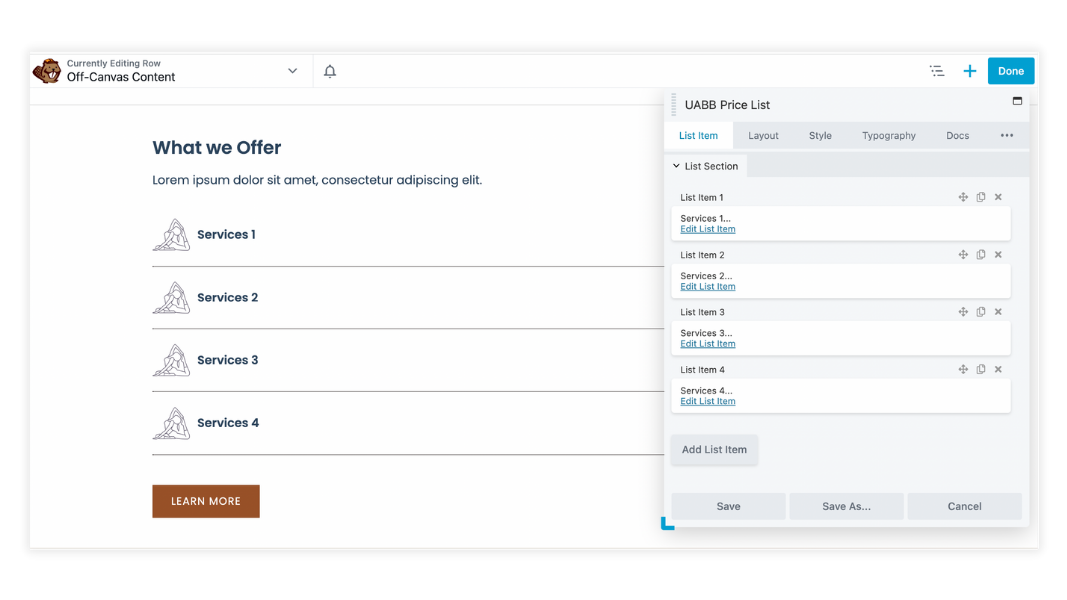
Off canvas menus offer many styling choices in WordPress. Colors can be changed to match any design. Fonts are adjustable to fit your site’s theme. You can add images for a more visual menu. These options help make menus look unique and attractive.
Animations bring life to off canvas menus. They can slide in from the side. Menus can also fade in for a softer feel. Bounce effects make menus playful. Each animation type adds personality to the menu. Choosing the right effect is important for user experience.
Credit: www.wpbeaverbuilder.com
Common Challenges
Managing an off Canvas Menu in WordPress can be tricky. Users often struggle with menu visibility and accessibility. Ensuring responsive design compatibility and smooth user experience poses significant challenges.
Compatibility Issues
Off canvas menus might not work with all themes. Some themes have different layouts that clash. This can break the menu display. Always check theme compatibility before you add a menu. Some plugins promise to fix these problems. They may not always work. Testing on different devices is wise.
Performance Concerns
Off canvas menus can slow down websites. Extra code can make pages load slower. This can affect user experience. Visitors may leave if pages are slow. To fix this, optimize the code. Minimize the use of large images. Use plugins that enhance speed. They help in keeping the site fast. Faster websites retain more visitors.
Best Practices
Creating an off-canvas menu can enhance user experience. Ensure the menu is easy to find and use. Make it accessible on all devices. Users should open and close the menu easily. Use clear icons like hamburger icons for better understanding. Design the menu with a simple layout. Avoid overcrowding with too many items. Each menu item must be easy to read and understand.
Test the menu for speed. It should load quickly and respond fast. Use animation effects wisely. Avoid distracting users with too much movement. Ensure the menu is visually appealing. Choose colors and fonts that match your site’s theme. Make sure the menu works with screen readers. This helps users with disabilities.
Regular updates keep the menu fresh. Always check for bugs and fix them. User feedback is vital. Listen to users and make changes accordingly.
Future Trends
Off canvas menus are getting more popular. They save screen space on websites. Users find them easy to use. Many websites are using them now. They look clean and modern. More themes support these menus. Developers are always improving them. They load faster and work smoothly.
Mobile users love these menus. They make navigation simple. Users swipe to open or close. As more people use phones, these menus will grow. They fit well with all screen sizes. Designers can add images and icons. This makes them even more fun. They help users find what they need fast.
Businesses can customize them. They can match their brand colors. This keeps the website’s look neat. Off canvas menus are here to stay. They make the web browsing experience better.
Frequently Asked Questions
What Is An Off Canvas Menu?
An off canvas menu is a hidden menu that slides into view. It’s commonly used in WordPress themes for mobile-friendly navigation. This menu improves user experience by saving screen space and offering a clean design. It often appears on the side or top of the screen.
How Do You Add An Off Canvas Menu In WordPress?
You can add an off canvas menu using a WordPress plugin or theme feature. Plugins like Elementor and WP Off-Canvas Menu offer easy solutions. Simply install the plugin, activate it, and configure your menu settings. Some WordPress themes include built-in off canvas menu options.
Why Use An Off Canvas Menu?
Off canvas menus enhance user experience by decluttering the screen. They provide quick access to navigation without taking up space. This design is ideal for mobile devices, offering intuitive navigation. It also adds a modern touch to websites, improving their overall aesthetics.
Is Off Canvas Menu Mobile-friendly?
Yes, off canvas menus are highly mobile-friendly. They offer a responsive design that adapts to various screen sizes. This menu style is perfect for smartphones and tablets, ensuring easy navigation. It enhances usability and keeps the interface clean and organized.
Conclusion
Off canvas menus enhance website navigation. Users find them intuitive and sleek. They keep your site organized and clutter-free. Implementing one in WordPress is straightforward. Many themes and plugins support this feature. It improves user experience and mobile usability. Off canvas menus are popular for modern web designs.
They provide easy access to hidden content. This feature can make a site more user-friendly. Consider adding it to your WordPress site. It might be the enhancement you need. Engage your visitors with clean and simple navigation. Keep your site fresh and functional.


