
Have you ever visited a website and found it difficult to navigate or understand? You’re not alone.
Many websites overlook the importance of accessibility, leaving some users frustrated and excluded. In the digital world, inclusivity isn’t just a nice-to-have; it’s a must-have. That’s where “Accessibility Ready” in WordPress comes into play. Imagine being able to reach a wider audience, improve user satisfaction, and even boost your SEO—all by making your site accessible to everyone.
Sounds compelling, right? By the end of this article, you’ll understand what “Accessibility Ready” means in WordPress and how it can transform your website into a more welcoming place for all users. Stick around to discover how you can make your site not only user-friendly but also a champion of inclusivity.
Understanding Accessibility Ready
Accessibility Ready themes help everyone use your site. WordPress themes must follow certain rules. These rules make sites easier to see and navigate. People with disabilities can use the site better. Blind users need screen readers. Some users need larger text. Themes must be adjustable.
Good accessibility means more people can use your site. Inclusive design attracts more visitors. Search engines favor accessible sites. Your site ranks higher. Everyone deserves a good experience online. Accessibility benefits all users.
Themes labeled “Accessibility Ready” meet requirements. Check theme details before choosing. Look for accessibility features listed. Test themes with tools like WAVE. Ensure your site works well for all users.
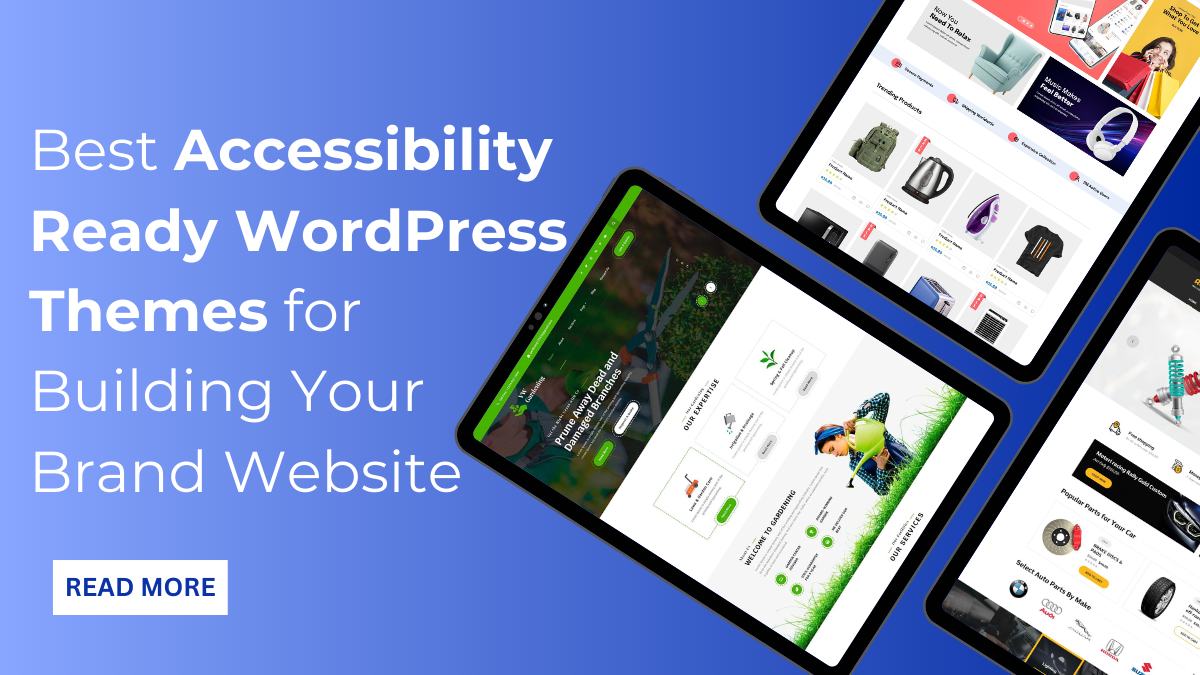
Credit: www.vwthemes.com
Importance Of Accessibility
Accessibility is not just nice; it’s the law. Websites must be usable by everyone. Many countries have legal rules for accessibility. Breaking these rules can lead to big fines. Businesses might face lawsuits. It’s important to make sure your site is accessible. This keeps you safe from legal trouble.
Good accessibility improves user experience. Everyone should enjoy your site. Clear text and simple navigation help. It makes your site easy for people with disabilities. People feel happy when they can use websites easily. They spend more time on your site. This helps your site grow.
Accessibility helps you reach more people. Many people have different needs. An accessible site welcomes everyone. Your audience gets bigger. This means more visitors and customers. Accessible sites are better for search engines too. They rank higher and get more views. Accessibility is key for growth.
Features Of Accessibility Ready Themes
Keyboard navigation is very important for users. It helps users who cannot use a mouse. They can move through a site using keys. Pressing Tab helps jump from one link to the next. Enter selects the link. This makes browsing easy for everyone. It is essential for accessibility.
Color contrast helps users see text easily. Dark text on a light background works well. This helps people with poor vision. Text readability is also crucial. Large and clear fonts are easier to read. Users can understand better. These features improve user experience.
Screen readers help people with vision problems. They read text out loud. Themes should support screen readers. Alternative text for images is important. It explains images to users. Headings should be clear. They guide screen readers. Compatibility helps everyone use the website easily.
Choosing The Right Theme
Reviewing Theme Documentation is a smart first step. Check if the theme has clear instructions. This helps in understanding its features. Make sure it mentions accessibility. Look for a section about it. This shows the developer cares about users with disabilities. A good theme will have easy-to-read guides.
Testing Theme Accessibility is crucial. Use tools to check how accessible the theme is. See if all users can access content. Try navigating with a keyboard. Can you reach all buttons? If not, the theme may not be good. Accessibility means everyone can use your site.
Community Feedback and Support is valuable. Read reviews by others. See if they had issues. A strong community helps. They can guide you. Forums are a good place to check. A helpful community means better support.
Customizing For Accessibility
Plugins help make your site accessible. They offer tools to fix design issues. Some plugins add text-to-speech features. Others help with color contrast adjustments. Choose plugins that fit your site’s needs. Test them often. Make sure they work well with your content.
Media should be easy to understand. Add alt text to images. Use captions for videos. Keep audio clear and loud. Make sure everyone can access your media. Check if images and videos display correctly. People should enjoy your content without issues.
Audits help keep your site in good shape. Check for broken links. Test how your site works on phones. Look for any design problems. Fix issues quickly. Keep your site user-friendly. Regular checks make sure your site stays accessible to all.
Benefits Of An Accessible WordPress Site
Accessible websites rank higher in search engines. Search engines love clear, simple content. Accessibility features improve site navigation. Better navigation helps search engines understand your site. This leads to improved SEO performance. Users also find your site easily. This increases visits and reduces bounce rates.
Everyone can use an accessible site. This means more visitors. More visitors mean more engagement. Users stay longer and explore more. They interact with your content. This boosts user interaction. Happy users return and tell others. This increases your audience and grows your community.
Accessibility shows you care about all users. Caring builds trust with your audience. A trusted brand attracts more users. People talk about brands they trust. This creates a positive image. More people will want to engage with your brand. A strong reputation leads to success.
Common Challenges
Creating a website that is both beautiful and accessible can be tough. Designers often focus on the look. Developers focus on how it works. Both must work together. Accessibility ensures everyone can use the site. Sometimes, pretty designs make it hard to navigate. This can confuse visitors. The key is finding a balance. Make it look good. Ensure it works for all.
WordPress has some technical limitations. Not all themes support accessibility features. Developers may need extra tools. Plugins can help, but not always. There might be coding issues. Some themes have complex structures. This can cause problems for accessibility. It’s important to test often. Fix any issues quickly. Make sure the site runs smoothly.
Web standards change over time. Keeping up is important. New guidelines appear. Old methods become outdated. Developers must stay informed. Regular updates are necessary. This ensures compliance. Training can help. Learning about new rules is vital. Everyone should have access to the site. Accessibility is a priority.

Credit: blog.superbthemes.com
Resources For Learning More
Online courses help you learn about accessibility in WordPress. They offer step-by-step guidance. Many are free. Some popular platforms are Coursera and Udemy. You can start anytime. Learn at your own pace. Videos and quizzes make learning fun. Practice what you learn. Improve your skills.
Join forums to ask questions. Get answers from experts. WordPress has many active groups. They discuss accessibility challenges. Share your experiences. Learn from others. Facebook and Reddit have groups too. Find people with similar goals. Build a network. Help each other grow.
Read blogs to stay updated. Know the latest news on accessibility. Many experts write about it. Some blogs offer tips and tricks. Follow them for regular updates. WordPress.org has a blog section. Learn from industry leaders. Stay informed. Apply new techniques.

Credit: blog.superbthemes.com
Frequently Asked Questions
What Does Accessibility Ready Mean In WordPress?
Accessibility Ready in WordPress refers to themes designed to be usable by everyone, including individuals with disabilities. These themes meet specific accessibility guidelines, ensuring better navigation and readability for all users. They help make your website inclusive, enhancing user experience and broadening your audience reach.
How Can I Find Accessibility Ready Themes?
To find Accessibility Ready themes, visit the WordPress theme repository and use the feature filter. Select “Accessibility Ready” to view themes meeting accessibility standards. These themes are designed to improve usability for all users, ensuring a more inclusive web experience.
Why Is Accessibility Important For WordPress Sites?
Accessibility is crucial for WordPress sites as it ensures usability for all, including people with disabilities. It enhances user experience, broadens your audience, and complies with legal standards. Accessible sites show social responsibility and improve search engine rankings, benefiting site owners and users alike.
Are Accessibility Ready Themes Customizable?
Yes, Accessibility Ready themes are customizable, allowing you to tailor your site to your preferences. They offer flexibility in design while maintaining accessibility standards. Customize colors, layouts, and content while ensuring your site remains usable for everyone, enhancing both functionality and inclusivity.
Conclusion
Accessibility Ready themes in WordPress enhance user experience. They create an inclusive web environment. Everyone can access your content easily. This feature supports visitors with disabilities. It ensures smooth navigation and readability. Choosing an Accessibility Ready theme boosts your site’s reach.
It also reflects your commitment to inclusivity. This improves overall user satisfaction. Plus, it aligns your website with global accessibility standards. Begin your journey toward a more accessible website today. Empower all users to enjoy your content without barriers. Make your WordPress site welcoming for everyone.


