
Have you ever heard the term “WordPress instance” and wondered what it really means? If you’re diving into the world of websites, blogs, or online businesses, understanding this concept is crucial.
A WordPress instance is more than just a buzzword—it’s the backbone of your online presence. Imagine having a digital space that you can mold, design, and fill with your ideas. That’s exactly what a WordPress instance offers you. It’s your personal corner of the internet, fully customizable and ready to showcase your creativity.
Stick around to discover how this powerful tool can elevate your digital footprint, simplify your online management, and bring your vision to life. You’ll learn why having your own WordPress instance is like holding the keys to a virtual kingdom, giving you control over every aspect of your site. Ready to unlock the potential of your online world? Let’s dive in and explore what a WordPress instance can do for you.
WordPress Instance Basics
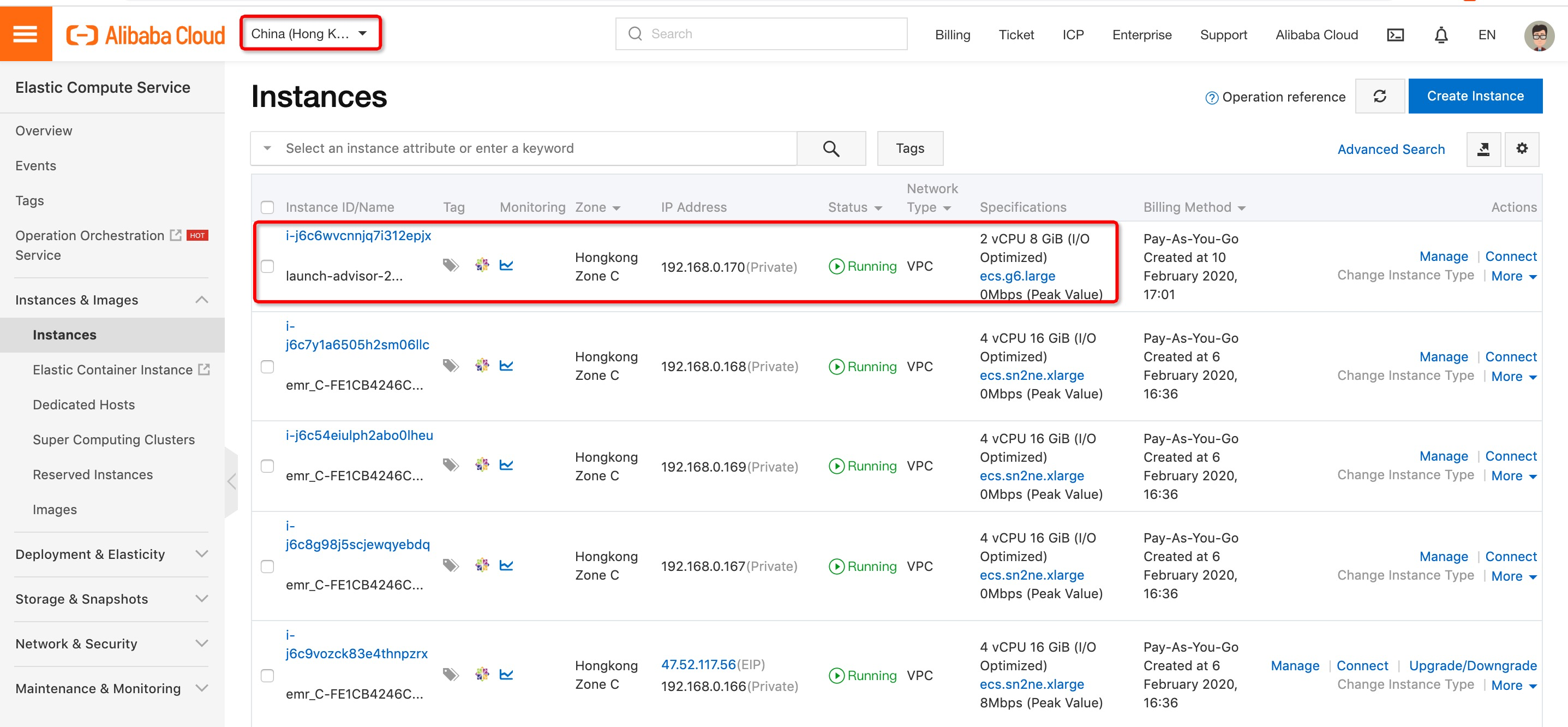
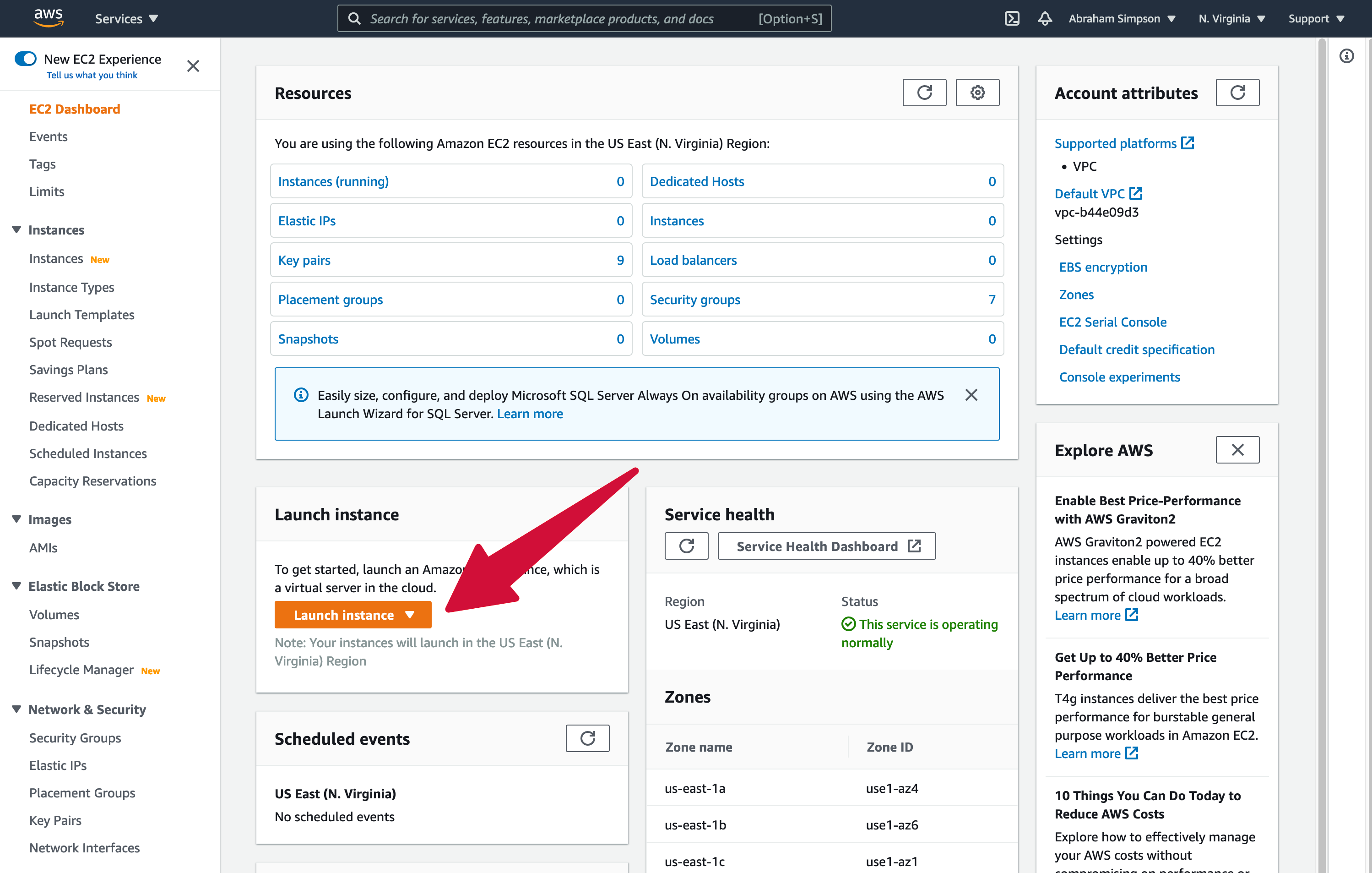
A WordPress instance is a single setup of WordPress. It includes your site files and database. Each instance works alone. It has its own settings and content. You can run multiple instances on one server. Each serves a different purpose. For example, one for a blog and another for a store.
Every WordPress instance has basic parts. Themes give your site its look. Plugins add features. The database stores your content. Finally, the admin panel lets you manage everything easily. These parts work together. They make your website run smoothly.
Setting Up A WordPress Instance
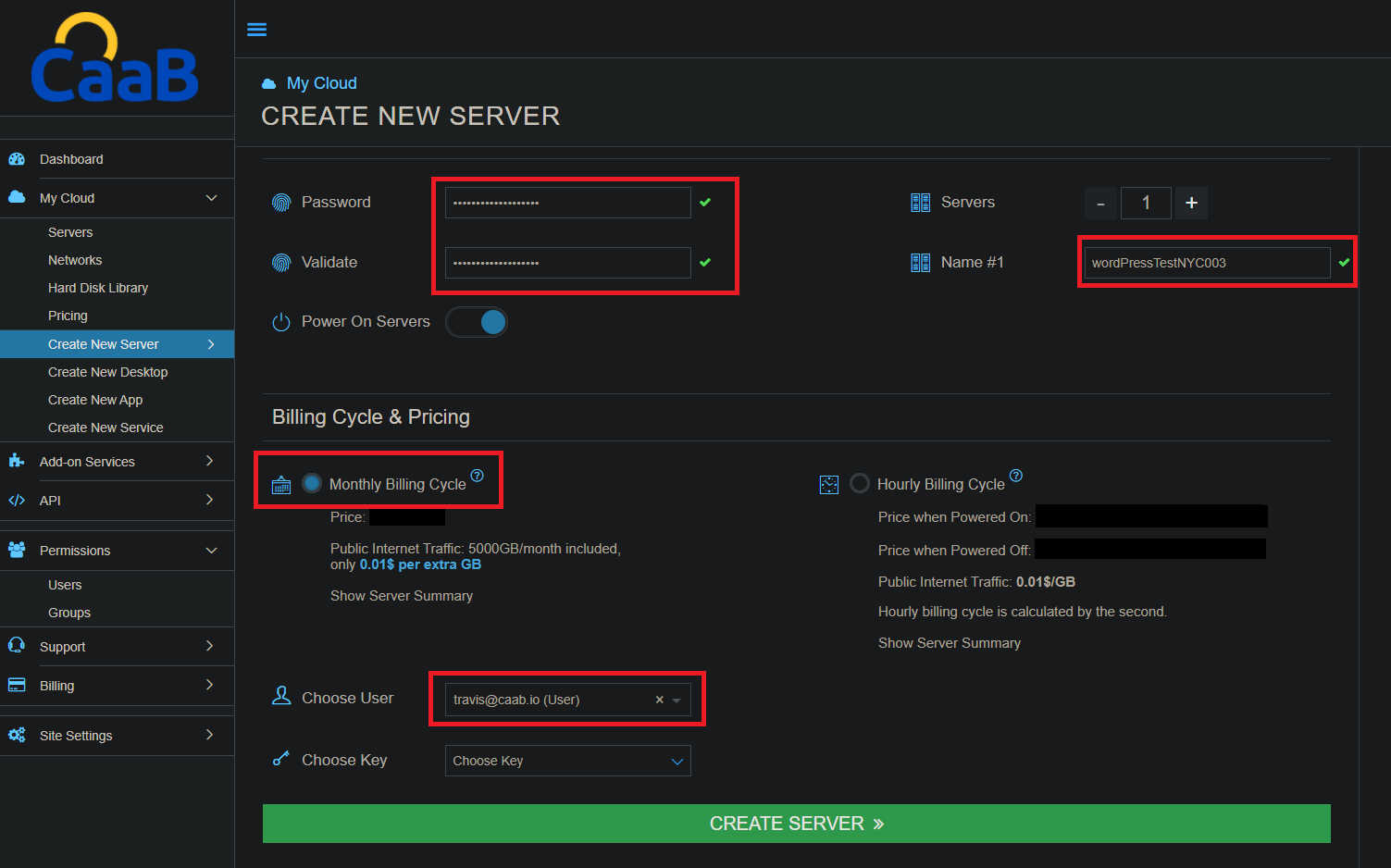
Selecting the right hosting provider is crucial. A good host makes your site fast and safe. Many popular hosts offer one-click WordPress installs. Look for reliable support and regular backups. Choose a plan that fits your site’s needs. Shared hosting is budget-friendly. VPS offers more power but costs more. Dedicated servers give full control.
WordPress installation is usually simple. Many hosts offer auto-installers. These tools make setup quick. Download WordPress from the official site for manual install. Upload the files to your server. Create a database for your site. Run the WordPress install script. Follow on-screen steps to complete. It’s user-friendly and fast.
Basic settings are important for your site. Start with setting your site title. Choose a catchy and clear title. Set your time zone and date format. This helps in scheduling posts. Enable or disable comments as needed. Choose a simple permalink structure. This makes URLs easy to read. Save changes to finish.
Customizing Your WordPress Instance
Themes change the look of your site. Choose a theme that fits your style. Some themes are free. Others cost money. Popular themes have many users. They might be easy to use. Check reviews before selecting.
Plugins add new features to your site. Essential plugins help with security, speed, and SEO. Installing plugins is simple. Go to your dashboard. Click on ‘Plugins’. Search for the plugin you want. Then click ‘Install’. Always check plugin ratings.
Make your site look how you want. Change colors and fonts. Add your logo. Use custom widgets. Widgets show extra information. They can be added to sidebars. Explore your theme options. Find what looks best.
Credit: caab.cloud
Managing A WordPress Instance
A WordPress instance is your unique setup of the WordPress platform, including all your content and customizations. It consists of your chosen themes, plugins, and settings tailored to your website needs. Efficient management ensures your site runs smoothly, stays secure, and offers a great user experience.
Content Management
Organizing content is key for a WordPress site. Use categories to group posts. Tags help find specific topics. Media library stores images and videos. Regularly update your content for freshness. Pages differ from posts. Use them for static information. Custom menus help navigate your site. Widgets add features to sidebars. Keep your content easy to read.
User Management
User roles control access. Administrator has full access. Editors manage content. Authors write posts. Contributors submit posts for review. Subscribers can read and comment. Passwords should be strong. Change them often. Use email for user communication. Monitor user activity to ensure security. Limit login attempts to prevent hacking.
Security Best Practices
Security is vital for your site. Use strong passwords for all users. Update plugins and themes regularly. Backup your site often. Firewall protects against attacks. Install security plugins. Two-factor authentication adds extra security. Monitor site activity regularly. Secure your login page. Use SSL certificates for data safety.
Troubleshooting Common Issues
A WordPress instance is a single installation of the WordPress software. It includes files, settings, and content. Troubleshooting common issues involves resolving errors in themes, plugins, and configurations.
Dealing With Errors
Errors can be scary. They often appear in red. Common errors include broken links and missing pages. Update plugins regularly to fix errors. Clear cache to see changes. Sometimes, themes cause problems. Check if your theme needs an update. Error messages help find solutions. Read them carefully. Ask for help if confused. Online forums can be helpful. People share solutions there.
Backup And Restore Solutions
Backing up is important. Keep copies of your site. Use plugins for backups. Store backups on cloud or hard drive. Backups save time during trouble. Restore old backups if needed. Restoring helps recover lost data. Regular backups prevent loss. Schedule backups weekly. Check backups to ensure they work. Test restore process sometimes. This keeps your site safe.
Credit: www.alibabacloud.com
Scaling Your WordPress Instance
A WordPress instance is a single installation of WordPress on a server. It allows users to manage content, plugins, and themes. Scaling involves optimizing resources to handle more traffic efficiently.
Handling Increased Traffic
Traffic growth can slow a website. More visitors need more power. Improve server capacity for better performance. Consider using a Content Delivery Network (CDN). It helps distribute site data to global servers. This reduces load time. Faster load times mean happier visitors. Monitor traffic regularly. Adjust server settings as needed. Regular checks help maintain smooth operation.
Optimizing Performance
Good performance is key. Optimize images to load faster. Use compression tools. Smaller files load quicker. Install caching plugins. They store data for easy access. This speeds up the site. Clean up unnecessary plugins. Too many plugins slow down performance. Keep the site updated. Updates fix bugs and improve speed. Regular maintenance is important. It ensures the site runs smoothly.
Future Of WordPress Instances
A WordPress instance is a single setup of the WordPress software on a server. It allows users to create websites with customizable designs and features. Future WordPress instances might offer greater automation and security, making website creation easier and safer for everyone.
Emerging Trends
WordPress is always changing. New trends come up every year. Many people now use mobile phones. WordPress themes must be mobile-friendly. This is very important. Security is another big trend. Websites need to be safe. Hackers try to break in. WordPress adds new tools to stop them. SEO is also a trend. Websites need to be found easily. WordPress has new tools for this. These trends help WordPress stay popular.
Innovations In WordPress
WordPress is full of innovations. Many people like the Gutenberg Editor. It helps you build pages easily. Plugins add new features. There are many plugins to try. Some plugins help with images. Others help with speed. New updates make WordPress faster. They also make it easier to use. These innovations keep WordPress fresh and fun.
Credit: spinupwp.com
Frequently Asked Questions
What Is A WordPress Instance?
A WordPress instance is an individual installation of the WordPress CMS. It includes the core files, database, themes, and plugins. Each instance operates independently, allowing unique configurations and customizations. It’s used for creating and managing a website or blog.
How Do You Set Up A WordPress Instance?
Setting up a WordPress instance involves downloading WordPress from wordpress. org, creating a database, and uploading files. You need a domain and hosting plan. Install WordPress by following the on-screen instructions, then customize themes and plugins as needed.
Can You Have Multiple WordPress Instances?
Yes, you can have multiple WordPress instances on a single server. Use separate databases and directories for each instance. This allows you to manage different websites independently. It’s useful for handling multiple projects or clients using the same hosting resources.
What Is The Cost Of A WordPress Instance?
The cost of a WordPress instance varies. WordPress itself is free, but hosting and domain registration aren’t. Shared hosting can start as low as $3 per month. Additional costs may include premium themes and plugins for enhanced functionality.
Conclusion
Understanding a WordPress instance empowers your website creation journey. It provides a foundation for your online presence. Easy to set up. Simple to manage. Whether you’re starting a blog or an online store, WordPress fits your needs. Remember, it’s flexible and customizable.
Perfect for beginners and experts alike. With this guide, you should feel more confident about WordPress. Experiment, explore, and create your unique site. Enjoy the process. You’ll learn and grow along the way. Dive in and discover the possibilities. Your website awaits your creative touch.


