
Imagine visiting a website and feeling instantly welcomed, like walking into a cozy living room. That’s the magic of a WordPress header.
It’s more than just a decorative banner; it’s your first impression, your digital handshake. Whether you’re setting up a blog, creating an online store, or developing a portfolio, your WordPress header plays a pivotal role. It sets the tone, captures attention, and guides visitors through your site.
Curious about how this essential element can elevate your web presence? Stick around to discover everything you need to know about crafting the perfect WordPress header, ensuring it resonates with your audience and enhances your brand identity.
WordPress Header Basics
The WordPress header is the top part of a website. It often shows the site’s name or logo. Many sites also have a menu in the header. This helps visitors find their way. Headers can be simple or fancy. Some have images or animations.
A good header is easy to read. It should be clear. It tells what the site is about. The header usually stays the same on every page. This gives a consistent look. It’s important to make headers that work well on phones too.
Many themes let users change the header. Users can add their own logo. Colors and fonts can also be changed. Some themes have special header options. These might include social media icons. Plugins can add more features to headers. It’s fun to try different styles.
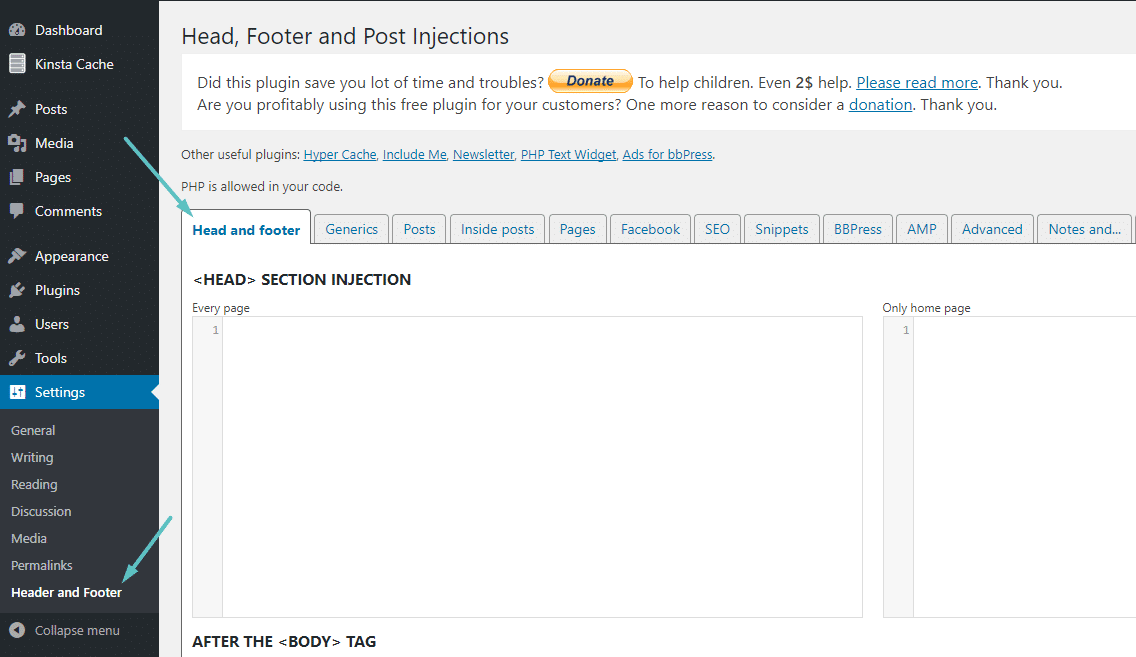
Credit: kinsta.com
Functions Of A Header
The navigation menu helps users find information. It shows links to important pages. The menu is usually at the top of the header. Users can click to go to different parts of the site. A clear menu makes the site easy to use.
The header often includes branding elements. This can be a logo or a tagline. These elements show the site’s identity. They help users remember the site. Branding makes the site look unique. It tells users about the site’s purpose.
Some headers have contact information. This can be a phone number or an email address. Users find it helpful. It allows them to reach the site owner. Contact details make communication simple. It builds trust with visitors.
Design Considerations
A header must look good on all devices. This means phones, tablets, and computers. A responsive design changes size and layout to fit the screen. This keeps the header user-friendly. No one wants a header that is hard to read. Always make sure all elements are visible. A clear header means a happy visitor.
Colors make a big impact. They set the mood for your site. Use colors that match your brand. Too many colors can confuse visitors. Stick to two or three main colors. This keeps the header clean and neat. Bold colors can grab attention. Use them wisely.
Words are key in a header. Choose fonts that are easy to read. Fancy fonts can be hard to understand. Stick to simple and clean fonts. Font size is important too. Big text can be easier for visitors to read. Consistent fonts make your header look professional.
Customization Options
WordPress themes offer many ways to change your site’s look. Each theme has its own style. Some themes let you change the header’s color. Others allow you to change the header’s size. Always choose a theme that fits your style. This makes your site unique. It helps your site stand out.
Adding an image to your header can make it special. You can upload any image you like. Make sure the image is clear. A blurry image does not look nice. Choose an image that matches your site’s theme. This keeps your site looking neat. A good image can attract more visitors.
Widgets can make your header more useful. Some widgets show the date and time. Others display social media links. You can also add a search bar. Widgets help visitors find things quickly. They make your site easy to use. Be careful not to add too many. Too many widgets can clutter your header.
Seo And Headers
Header tags are very important for SEO. They help search engines understand the structure of a webpage. Using header tags, like H1, H2, and H3, helps in organizing content. Each tag has a different role. The H1 tag is like a book title. It tells what the page is about. H2 and H3 tags are like chapter titles. They break down the content into smaller parts. This makes it easy for readers and search engines.
Proper use of header tags can improve search rankings. Search engines look for keywords in headers. This helps them know which topics are important. A well-structured page can rank higher in search results. So, using header tags wisely can help your page get more visitors.
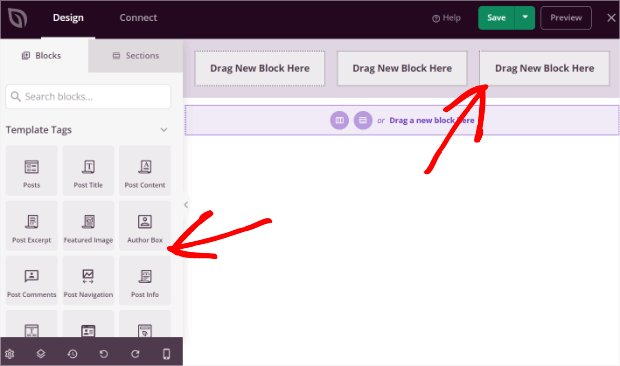
Credit: optinmonster.com
Common Mistakes To Avoid
A cluttered header can confuse visitors. Keep it simple and neat. Too many elements distract users. Focus on important links only. A clean layout helps users find what they need. A tidy look is more inviting.
Headers that load slowly frustrate users. They may leave the site. Use optimized images to speed up load times. Avoid heavy scripts. Fast loading keeps users happy. It also improves search engine ranking. Speed is crucial for a good user experience.
Inconsistent design can look unprofessional. Keep the color scheme uniform. Use the same font styles across pages. Consistency builds trust. A coherent design feels more reliable. Users like familiarity. It makes navigation easier.
Tools And Plugins
WordPress has many header plugins. These plugins help you change the look of your website.
Elementor is a popular choice. It lets you build headers with a simple drag-and-drop tool.
Beaver Builder is another option. It is easy to use and works well.
Theme Builders help create custom headers. They give more control over the design.
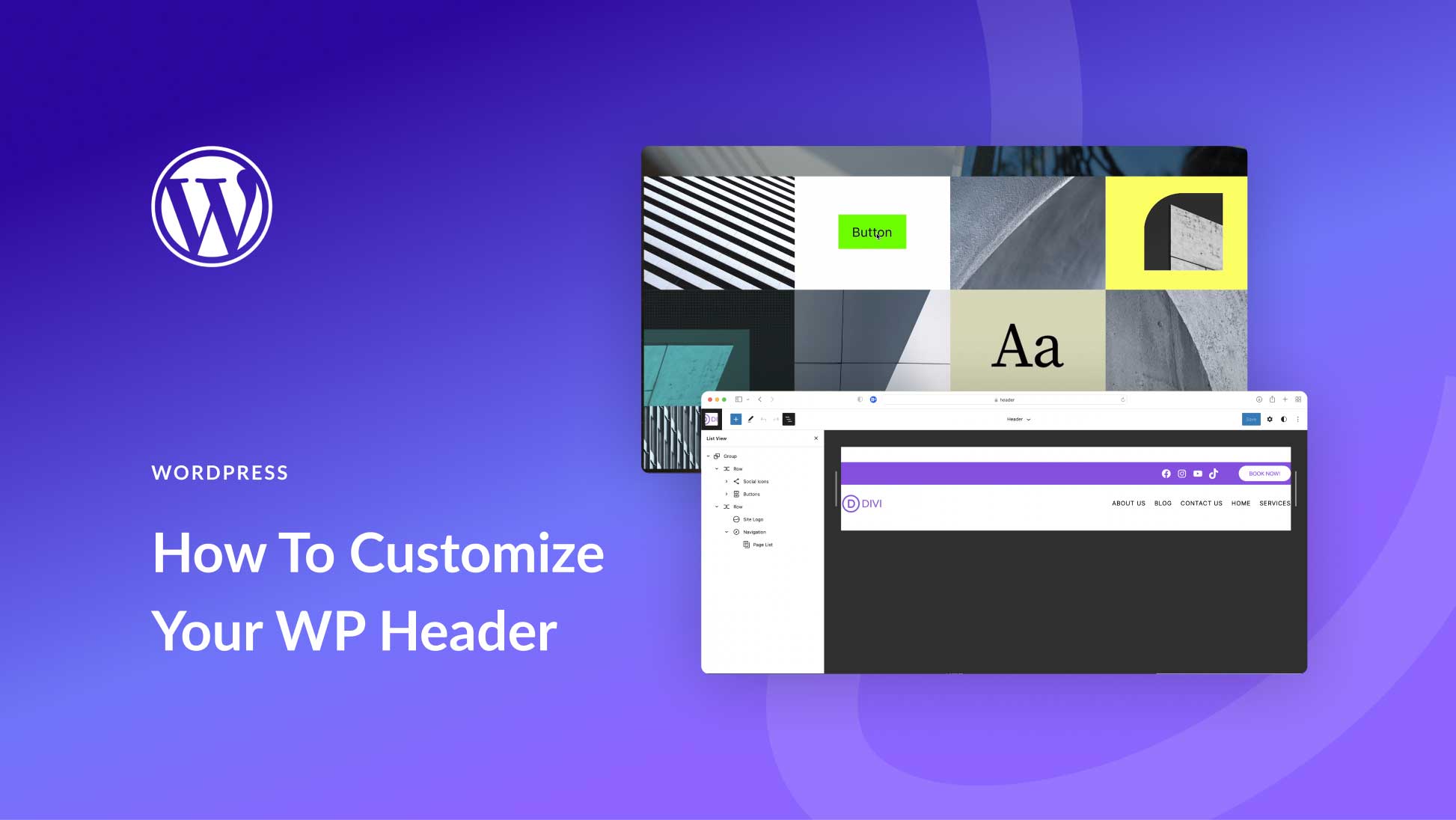
Divi is a theme builder that offers many design options.
Themify Builder is also popular. It offers many features for design flexibility.
Future Trends
Minimalist designs are becoming popular. People like clean and simple headers. Fewer colors and simple shapes work well. These designs load faster. They also look modern. Users find them easy to understand. A simple header is less distracting. It makes websites look neat. Text is clear and stands out. Bold colors can highlight important parts. Many websites use this style. It is both stylish and functional.
Interactive headers engage users. They offer a fun experience. Users can click or hover for effects. Some headers change when you scroll. Others have moving parts. These designs keep users interested. They can include animations or videos. Interactive headers provide a dynamic feel. They make websites lively and appealing. Users spend more time exploring them. They are more memorable. Many designers use these to attract visitors.
Credit: www.elegantthemes.com
Frequently Asked Questions
What Is A WordPress Header?
A WordPress header is the top section of your website. It typically includes your site title, logo, and navigation menu. The header is crucial for branding and user navigation. It can be customized to match your site’s design and style.
Headers often appear on every page of a WordPress site.
How To Customize A WordPress Header?
Customizing a WordPress header is simple. Go to the WordPress dashboard and navigate to Appearance > Customize. From there, select ‘Header’ to make changes. You can upload your logo, change colors, or adjust the header layout. Many themes offer additional header customization options.
Why Is The WordPress Header Important?
The WordPress header is important for branding and navigation. It often contains your site’s logo, title, and primary menu. A well-designed header helps visitors easily navigate your site. It also reinforces brand identity and improves user experience. Consistent headers can enhance the overall design.
Can I Add A Video To My WordPress Header?
Yes, you can add a video to your WordPress header. Many modern themes support video headers. To add one, go to Appearance > Customize, then select ‘Header’. From there, choose the video option and upload your file. This feature can make your site more dynamic.
Conclusion
Understanding the WordPress header is key for website design. It’s the first thing visitors see. A well-crafted header makes your site memorable. It should reflect your brand and purpose. Choose a simple design that’s easy to navigate. Use a catchy tagline or logo for impact.
Ensure it’s mobile-friendly for all users. Regular updates keep it fresh and relevant. The right header can boost user engagement. It sets the tone for the entire site. With care, your WordPress header can truly enhance your website’s appeal and functionality.
Make it count.


