
Are you looking to make your WordPress website stand out and deliver a more personalized experience to your visitors? One simple yet powerful way to do this is by using a static front page.
But what exactly is a static front page in WordPress, and how can it transform your website? Picture this: instead of showing a list of your latest blog posts as soon as someone lands on your site, you greet them with a custom-designed homepage that showcases your brand, highlights key content, and guides them exactly where you want them to go.
Intrigued? Keep reading to discover how a static front page can capture your audience’s attention, improve user experience, and ultimately boost your website’s effectiveness.
Static Front Page Basics
A static front page in WordPress is the main page. It does not change often. This page shows important information. It is like a homepage. It is set for special content. Businesses use it to show key details. Blogs use it too. But for different reasons. It helps to keep the focus. It makes the site look professional.
The blog feed shows new posts. It updates with each post. It is like a news feed. A static page stays the same. It does not show new posts. Visitors see the same content each time. This is the big difference. Some sites use both. Others choose only one. It depends on the site’s goal.
Credit: www.youtube.com
Benefits Of Using A Static Front Page
A static front page gives a consistent look every visit. Visitors see the same welcome message each time. This helps them know they’re in the right place. It makes the site feel reliable and trustworthy.
Search engines like pages that stay unchanged. A static front page can be optimized for keywords. It keeps its place in search results. This can help more people find the website.
Static pages allow for easy changes. You can add unique designs and special features. This means the site can look just how you want. You can make it stand out from others.
Setting Up A Static Front Page
To set a static front page, first go to your WordPress Dashboard. Look for the Settings option. Click it. You will see a menu. Choose Reading from this menu. A new page will open. It will have options for your homepage.
Selecting And Saving The Page
Select the option “A static page”. You will see two dropdown menus. Choose a page for the homepage. Choose another for the blog page. Make sure to save your changes. Look for the save button. It is at the bottom. Click it to save your settings.
Customizing The Static Front Page
Change the look of your static front page. Use the theme options. These tools help make your page unique. Add special colors or fonts. Choose a layout that fits your style. Widgets add extra features. Maybe a search box. Or a calendar. They can show recent posts. Widgets are easy to drag and drop. Place them where you want. They help make the page useful. A static front page can look great with the right options.
Page builders are super helpful. They let you design without coding. Drag and drop elements to build your page. Add images, text, and buttons easily. Many themes support page builders. They offer templates to start fast. Customize your page with simple tools. Make it look just how you like. Page builders are fun to use. They make designing easy for everyone. Even kids can create cool pages.
Common Challenges And Solutions
Many people face layout problems with static front pages. Sometimes, the page does not fit properly. This can make the page look odd. It’s important to check the theme settings. Adjusting these settings can help fix layout issues. Another solution is using a custom CSS. This can make the page appear nicer. It’s easy to learn and use.
Updating content can be tricky. Static pages don’t change often. This makes them hard to update. Using a page builder can help. These tools make updates simple. They let users add new words and pictures easily. Regular updates keep the page fresh. It’s important for visitors. They like new and interesting content.
Credit: mhthemes.com
Static Front Page Vs. Dynamic Content
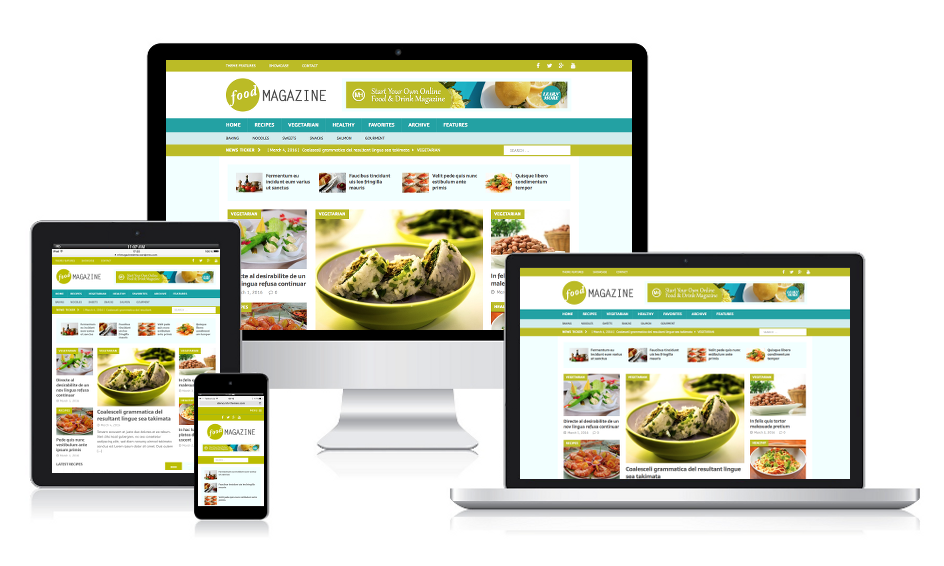
A static front page shows the same content to every visitor. It is good for websites that do not change much. For example, a business homepage with contact info. A dynamic content page changes based on the visitor or time. Blogs and news sites often use this. Dynamic pages can show the latest posts or news. Choose static if you want a simple and consistent look. Choose dynamic if you want content to update often.
Static pages load faster. They do not need to pull content from a database each time. This is good for performance. Faster pages keep visitors happy. Dynamic pages can be slower. They need to process data often. This can slow down your site. Consider the type of content you have. Think about how often it changes. Choose static for speed. Choose dynamic for flexibility.
Case Studies And Examples
A static front page in WordPress displays content that doesn’t change, offering a consistent look for visitors. Many businesses use it to present key information, ensuring a professional appearance. Case studies reveal its impact on user engagement and site navigation.
Successful Implementations
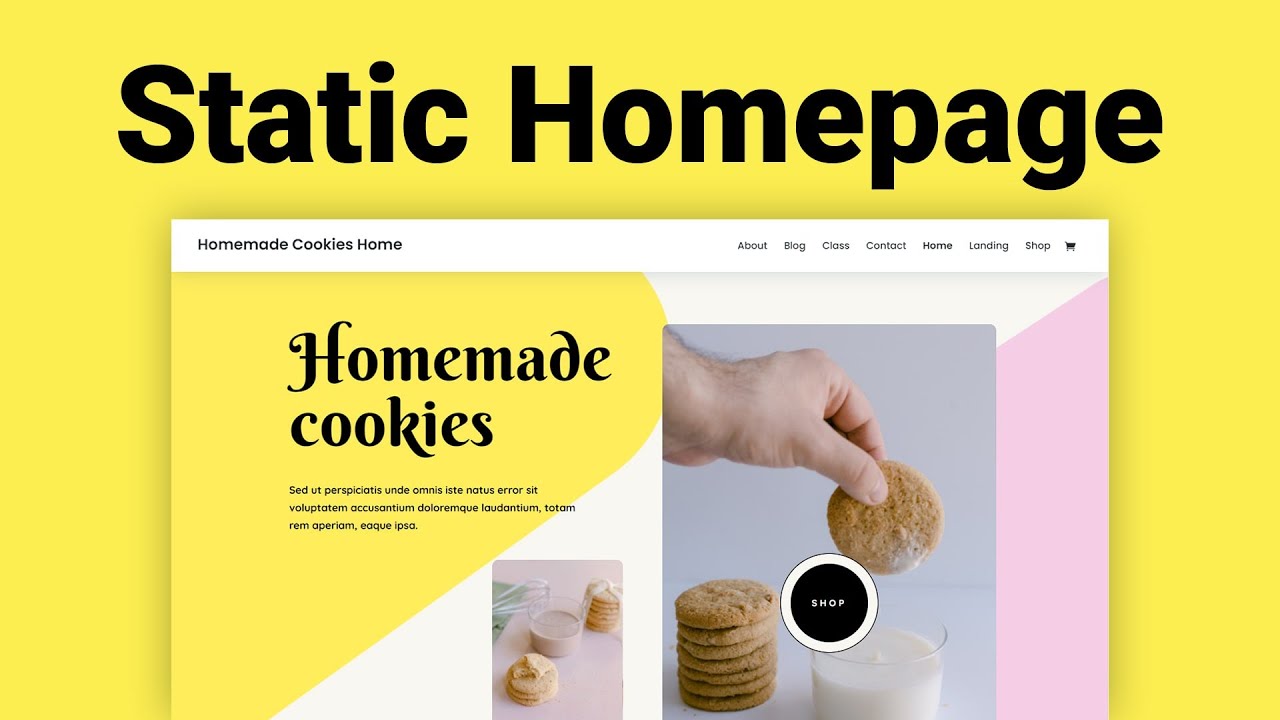
A static front page can make a website look professional. Many businesses use it to highlight their key services. One example is a local bakery. They use a static front page to show their menu and contact details. Another example is a tech startup. They display their latest product features on a static front page. This helps visitors find important information quickly.
Lessons Learned
Using a static front page has many benefits. It improves the user experience by making navigation simple. Businesses learned that it keeps visitors focused on important content. They also discovered that it reduces bounce rates. The static front page helps deliver a clear message to users. Companies realized it requires regular updates to stay relevant. Regular updates keep the website fresh and engaging for visitors.

Credit: wordpress.org
Frequently Asked Questions
What Is A Static Front Page In WordPress?
A static front page in WordPress is a fixed page displayed as the homepage. Unlike dynamic pages, it doesn’t change with new posts. It allows customization to showcase specific content. This feature is ideal for businesses wanting a consistent homepage appearance.
How To Set A Static Front Page In WordPress?
To set a static front page, navigate to Settings > Reading in WordPress. Choose “A static page” option under “Your homepage displays. ” Select the desired page for the homepage. Save changes to apply. This process helps to create a consistent and professional homepage look.
Why Use A Static Front Page?
A static front page offers a tailored homepage experience. It helps businesses highlight key information consistently. Unlike dynamic pages, it remains unchanged despite new posts. This ensures visitors see important content first, enhancing user engagement and brand presentation.
Can I Customize A Static Front Page?
Yes, you can customize a static front page extensively. Use WordPress page builders or themes to design unique layouts. Add widgets, images, and text to match your brand style. Customization enhances user experience and supports specific business goals.
Conclusion
A static front page in WordPress changes your site’s look. It provides a consistent first impression. Easy to set up, it helps guide visitors. You gain control over what they see first. This can improve user experience and engagement. Perfect for businesses and bloggers alike.
It highlights your best content right away. Experiment with layouts to find what fits best. Keep your audience’s needs in mind. Your website can stand out with a static front page. Try it and see the difference it makes.


