
Imagine showcasing your skills and creativity to the world in a way that’s both professional and engaging. A portfolio project in WordPress can be your perfect solution.
Whether you’re a designer, photographer, writer, or developer, having an impressive portfolio can open doors to new opportunities and help you stand out. But what exactly is a portfolio project in WordPress, and why should you care? Think of it as your digital calling card—a place where you can display your work, share your story, and connect with potential clients or employers.
With WordPress, you have the flexibility to create a stunning, personalized portfolio without needing to be a tech wizard. This platform empowers you to craft a space that truly reflects your unique style and talents. Curious about how you can make the most of a WordPress portfolio project? You’ll discover the essentials of setting up your portfolio, tips for making it shine, and insights into why it’s a game-changer for your career or business. Ready to transform your online presence? Let’s dive in!
Portfolio Project Basics
A portfolio project in WordPress showcases your best work. It is a collection of completed tasks. People use it to show skills and creativity. The project can include images, text, and links.
The purpose is to present abilities and achievements. It helps in getting new clients or jobs. A portfolio builds trust. It is easy to share online. The benefits include increased visibility and professional growth.
Setting Up A Portfolio Project
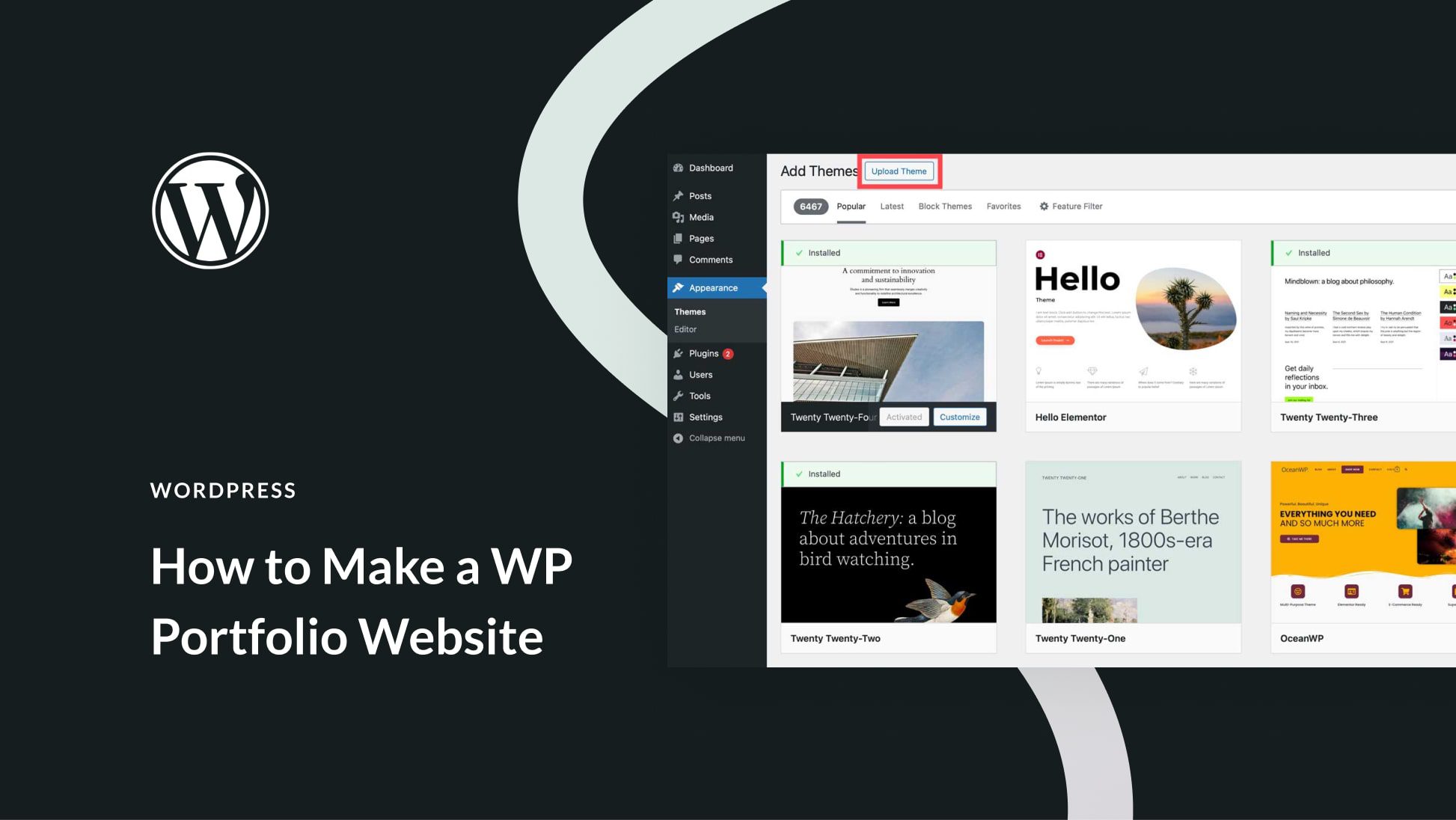
Select a theme that showcases your work. Many themes are free. Some are paid. Look for a clean design. It should be easy to navigate. Make sure it is responsive. This means it works on phones too. A good theme will make your portfolio shine.
Plugins add extra features. Choose plugins that help you. Some plugins help with image display. Others help with layout. Make sure plugins do not slow down your site. Check ratings and reviews. Many plugins are free. Use only what you need. This keeps your site fast and simple.
Designing Your Portfolio
Choosing the right layout is crucial. It shows your work well. WordPress offers many templates. Some are simple. Others are fancy. Simple layouts are clean. Fancy ones have more details. Pick what suits your style.
Think about your audience. What will they like? Consider a grid or list view. A grid looks tidy. A list gives more space for text. Both options have their benefits.
Visuals make your portfolio shine. Images and videos attract viewers. Use high-quality photos. They show your work best. Videos can explain complex ideas. Add captions to guide viewers. Keep everything consistent. This means using the same style. Uniformity builds a strong identity.
Colors and fonts are key. They set the mood. Bright colors are fun. Soft colors are calm. Choose fonts that are easy to read. Consistency in visuals ties everything together. This makes your portfolio professional.

Credit: m.youtube.com
Adding Content To Your Portfolio
Creating a portfolio project in WordPress showcases your work samples. It organizes your skills and accomplishments in one place. This digital collection highlights your expertise for potential clients or employers.
Images And Videos
Images and videos make your portfolio shine. They show your work in a clear way. Use high-quality images. They should be sharp and bright. Videos can tell more about your projects. Keep them short. People like quick videos. They grab attention fast.
Text And Descriptions
Text is important. It explains your work. Use simple words. Write clear sentences. Describe each project. Tell what it is. Share why it is special. Keep your text short. People read faster. Use bullet points for lists. They are easy to follow.
Enhancing Functionality
Adding interactive features makes a portfolio project exciting. Visitors can click and explore. This boosts their interest. Use buttons and sliders to make it fun. These tools help show your work better. They also keep users engaged longer. You can add galleries to showcase images. This makes the portfolio visually appealing. Use forms for feedback. This way, users can easily contact you. Interactive elements make your site more dynamic and lively.
Interactive Features
User experience optimization is key for a successful portfolio. A simple layout helps users find things quickly. Clear menus guide them where to go. Fast loading pages keep users happy. Use readable fonts and colors. This makes text easy to read. Mobile-friendly designs are important too. Many people use phones to browse. Ensure all elements work smoothly. This improves overall satisfaction. An optimized experience keeps visitors coming back.
Seo Strategies For Portfolio Projects
Keywords help people find your project. Use them wisely. Place them in titles and descriptions. This makes your project easy to find. Choose words people search for. These are called keywords. They are very important. Your project can rank higher with them.
Your project needs to be seen. Add tags and categories. This helps users find related projects. Links to your project are also helpful. Ask friends to share your project. More links mean more visibility. Use images and videos too. They make your project stand out.
Showcasing Work Effectively
A portfolio in WordPress can help organize work. Projects should be categorized smartly. This helps people find what they need quickly. Use tags to make finding projects easier. For example, tags like “web design” or “graphic art” can be helpful. This makes the portfolio user-friendly and more attractive.
Showcasing achievements boosts a portfolio’s value. Add details about awards or special projects. Mention any certificates received. This builds trust with viewers. Include images or videos of the work. This makes the portfolio more engaging. Every achievement tells a story. Make sure it stands out.
Portfolio Maintenance Tips
Keep your portfolio fresh with regular updates. Add new projects often. Update old works. Show your best skills. Make sure your contact info is correct. This helps clients reach you easily. Check for broken links. Fix them fast. Remove outdated content. Keep everything relevant and up-to-date.
Monitor your site’s performance regularly. Use tools to check speed. Slow sites lose visitors. Optimize images for faster loading. Check for mobile friendliness. Many users browse on phones. Ensure your portfolio looks good everywhere. Track visitor numbers. See which pages they like most. Improve the less popular sections.
Case Studies And Examples
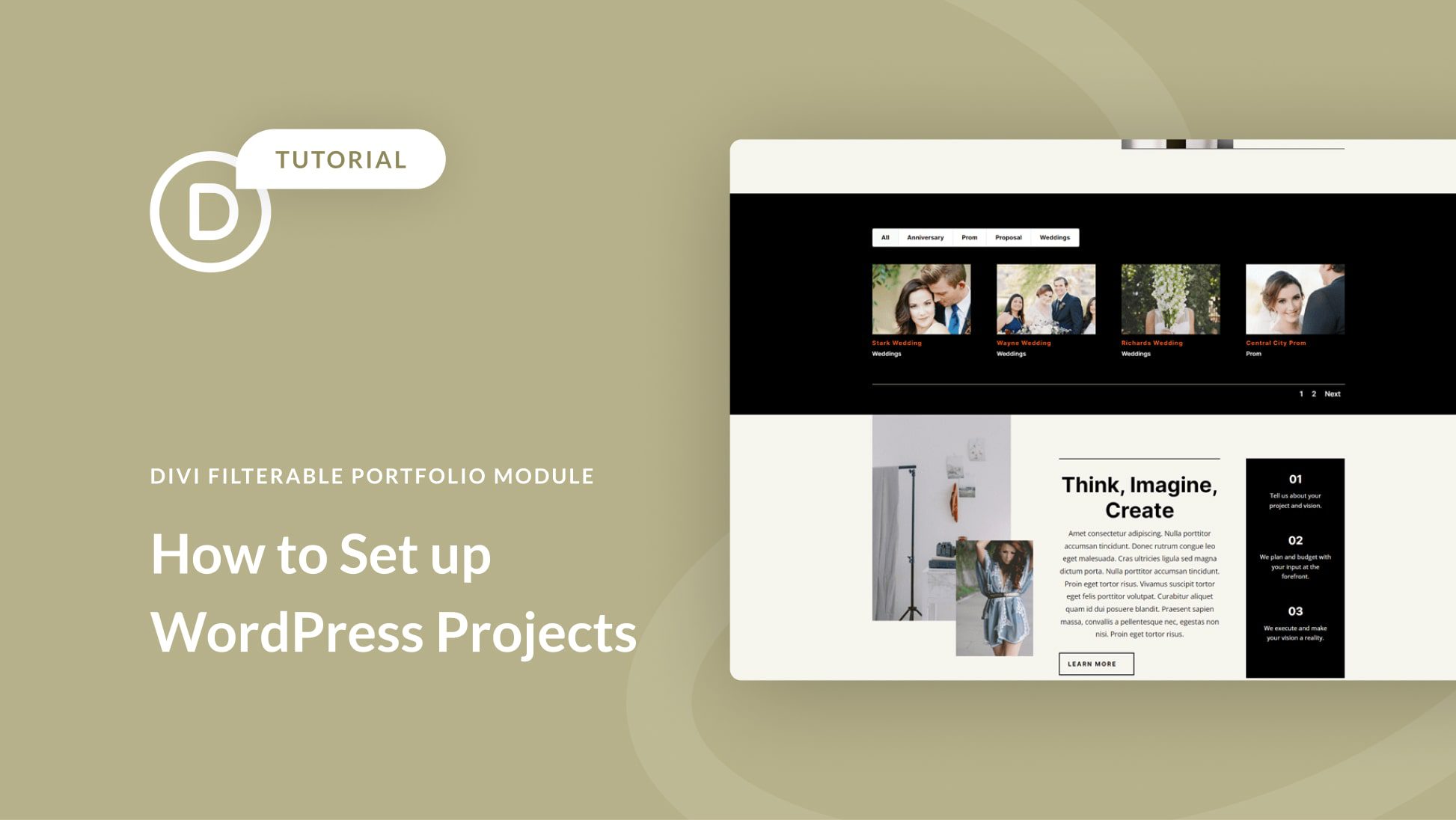
WordPress makes creating portfolio projects easy. Designers often use it for showcasing their work. Businesses display case studies effectively too. Portfolios show skills and past work. They help clients understand what you do. Visual appeal is crucial. Good images impress visitors. They keep them on your site longer. Examples include photo galleries, art collections, and web designs. Each example tells a story. It shows the creator’s style. WordPress has plugins for portfolios. These plugins make adding projects simple. Clients can see your work in one place. A good portfolio builds trust. It shows you can deliver quality. This helps in attracting new clients. Easy navigation makes portfolios user-friendly. Users find information quickly. This enhances their experience.
Credit: www.elegantthemes.com
Credit: www.elegantthemes.com
Frequently Asked Questions
What Is A Portfolio Project In WordPress?
A portfolio project in WordPress showcases your work or projects. It’s a visual representation of skills or services. You can use themes or plugins to create a professional-looking portfolio. This feature is ideal for photographers, designers, and freelancers looking to display their work online.
How Do I Create A Portfolio In WordPress?
To create a portfolio in WordPress, choose a theme or plugin with portfolio support. You can then add projects through the WordPress dashboard. Customize the layout and design to fit your style. Ensure it’s mobile-friendly and easy to navigate for the best user experience.
Which Plugins Are Best For WordPress Portfolios?
Some of the best plugins for WordPress portfolios include Elementor, WP Portfolio, and Envira Gallery. These plugins offer customizable templates and easy-to-use interfaces. They also provide responsive designs and various display options. Choose one that suits your needs and enhances your portfolio’s appearance.
Can I Customize My WordPress Portfolio?
Yes, you can customize your WordPress portfolio extensively. Use themes and plugins to adjust layout, colors, and fonts. You can also add custom CSS for more control. Tailoring your portfolio ensures it reflects your personal brand and style, making it more attractive to potential clients.
Conclusion
A portfolio project in WordPress is essential for showcasing work. It helps display skills and achievements to potential clients. With WordPress, creating a portfolio is simple and effective. You can customize it to match your style and needs. This tool enhances your professional presence online.
It allows you to organize your work neatly. Visitors can easily navigate and explore your projects. A well-crafted portfolio builds trust and credibility. Make use of WordPress features for the best results. Your portfolio can be the key to new opportunities.
Start today and make your work shine.


