
Imagine a website where information is easily accessible, interactions feel seamless, and your visitors are captivated by the experience. That’s the magic of a modal in WordPress.
But what exactly is a modal? And how can it transform the way people engage with your website? You might be wondering why some websites draw you in and keep you clicking, while others leave you frustrated. The secret often lies in how they present information and guide your actions.
Modals are powerful tools that can help you achieve this connection. They act as interactive overlays, showcasing content without taking users away from their current page. As you read on, you’ll discover how integrating modals into your WordPress site can boost user engagement, enhance design aesthetics, and ultimately, drive your goals forward. Curious to learn more? Let’s dive in and explore the wonders of modal WordPress together!
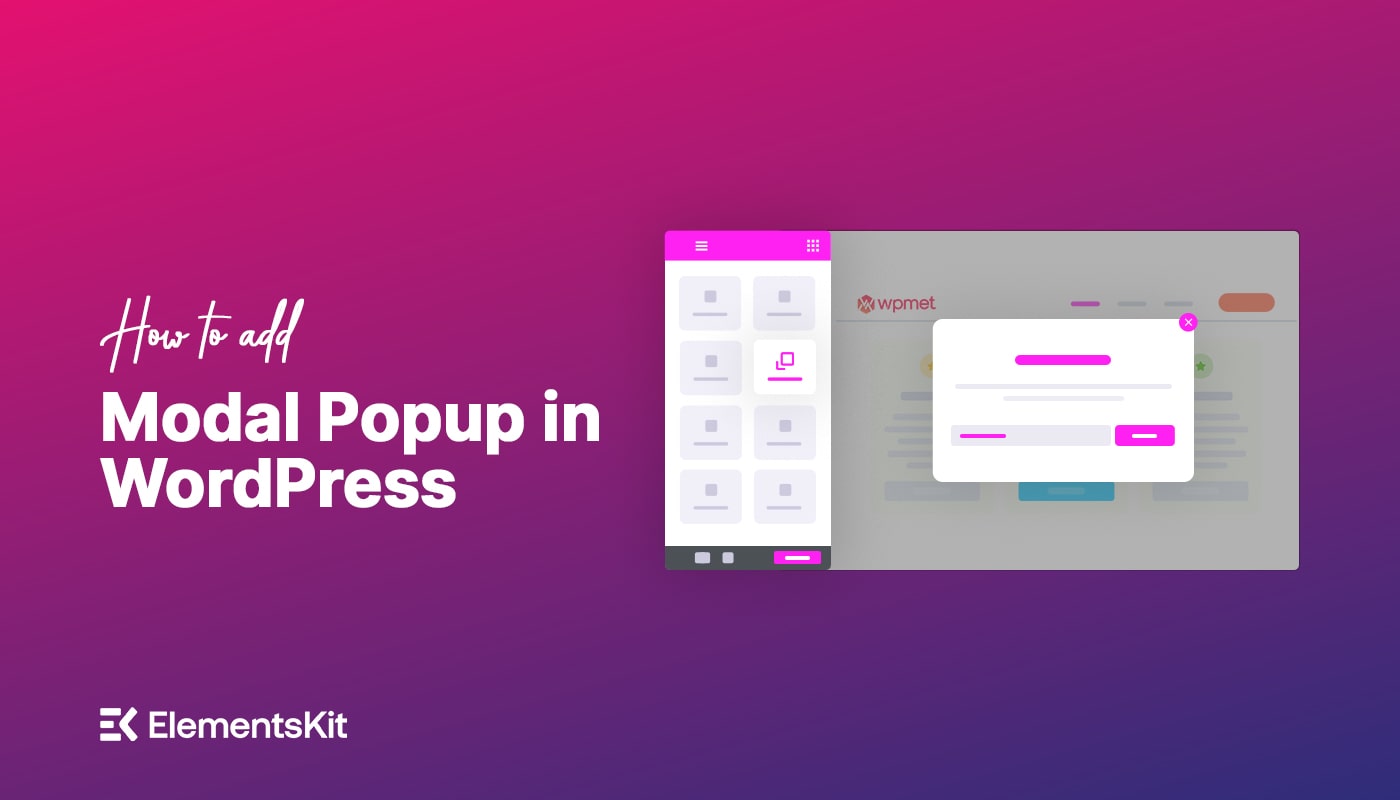
Credit: wpmet.com
Modal WordPress Basics
A modal is a small box that pops up on a webpage. It can display messages or get user input. Modals help to keep users focused on the task. They are used for forms, alerts, and more. A modal in WordPress can improve user interaction. It ensures important information is seen.
Modals are used for login forms. They are also used for notifications. Many websites use modals for pop-up ads. Some websites use them for surveys. Others use them for contact forms. Modals make websites more interactive and engaging. They are also used for displaying image galleries.
Benefits Of Modals In Web Design
Modals can make websites easier to use. They show information in a simple way. Users can focus on one thing at a time. This makes tasks easier. Clear and direct information helps users understand quickly.
Modals help users make choices. They can fill out forms without leaving the page. This saves time and reduces confusion. Users feel more confident and happy with the website.
Modals can catch the user’s attention. They show important messages. Users are more likely to interact with the content. This keeps them on the page longer. It also increases interest.
Modals can be used to show special offers or updates. Users can sign up for newsletters. They get more involved with the site. This leads to higher engagement and more active users.
Types Of Modals
Pop-Up Modals are small windows. They appear on top of a page. Users see them when they do something. Like clicking a button. They often have important messages. Or forms to fill out. They help guide users. Sometimes they ask for email addresses. Other times, they show special offers. They can be closed easily. A small “x” button is usually in the corner.
Full-Screen Modals cover the whole screen. They make users focus. There’s nothing else to see. Used for major actions. Like signing up for a service. Or reading important alerts. They can be very eye-catching. Sometimes they have big images. Or lots of text. Users often need to finish a task. Then, they can close the modal.
Slide-In Modals come from the side. They slide into view. Not as big as full-screen. But bigger than pop-ups. They are good for extra info. Like tips or suggestions. They don’t block the whole screen. Users can still see the page. They can be fun and interactive. Easy to close with a swipe.

Credit: thebizpixie.com
Implementing Modals In WordPress
Plugins make adding modals easy. Many plugins are free and easy to use. Choose a plugin that suits your needs. Install it from the WordPress plugin directory. Activate the plugin after installation. Configure the modal settings. This might include size, colors, and text. Check the documentation for detailed instructions. Plugins often offer support and updates. Always keep your plugins updated. This ensures compatibility with the latest WordPress version.
Custom code provides more control. It needs some coding knowledge. Use HTML, CSS, and JavaScript. Create a new file in your theme directory. Write the modal code in this file. Add a trigger to open the modal. This could be a button or link. Style your modal using CSS. Ensure it looks good on all devices. Test your modal thoroughly. Fix any bugs you find.
Best Practices For Modal Design
Exploring modal design in WordPress, focus on simplicity and ease of use. Ensure modals are accessible and responsive. Clear, concise text improves user experience and engagement.
Design And Aesthetics
Modals should be simple and clean. Avoid clutter. Use contrasting colors for text and background. This makes it easy to read. Keep the design consistent with your website’s style. A good design helps users focus. Use clear and large fonts. This helps everyone read easily.
Content Optimization
Always keep the content short and to the point. Users like quick information. Use headings and bullet points. This helps in scanning the text quickly. Include a call-to-action. Make it visible and easy to find. The content should be relevant to the user’s needs.
Accessibility Considerations
Ensure modals are accessible to everyone. Use alt text for images. This helps users with screen readers. Ensure that keyboard users can navigate easily. Use focus indicators. This helps in knowing where they are. Ensure the modal can be closed easily. Use an “X” icon or close button.
Troubleshooting Common Issues
Modal WordPress plugins create pop-up windows on websites to display content or messages. They enhance user interaction by providing information without navigating away from the page. Troubleshooting common modal issues often involves checking plugin settings and ensuring compatibility with your WordPress theme.
Loading Problems
Modal windows might not load correctly. This can confuse users. Check if the JavaScript files are loading. Sometimes, these files don’t load. This can break the modal. Verify the plugin’s compatibility with your theme. Some themes may cause issues. Test the modal in different browsers. Some browsers handle modals differently. Ensure your internet connection is stable. Slow connections can delay loading.
Responsive Design Challenges
Modal windows need to work on all devices. Sometimes, they don’t fit on small screens. Adjust the CSS settings to fix this. Use media queries to make modals responsive. Test the modals on smartphones and tablets. Check if text and buttons are clear. If users can’t see them, they get frustrated. Ensure the close button is easy to find. This helps users exit the modal quickly.
Examples Of Effective Modals
E-commerce websites use modals to improve shopping. They show discount offers. Users can see product details in a pop-up. This keeps them on the same page. Cart reminders also use modals. These remind users of items left in their cart. Quick view modals let users see items fast. This helps in making quick choices.
Modals help in collecting user information. They show sign-up forms without leaving the page. This makes it easy for users. Many sites use modals for email subscriptions. They pop up with a simple form. Contact forms also use modals. This is useful for getting user queries. Modals help in getting feedback too. Users can share their thoughts quickly.
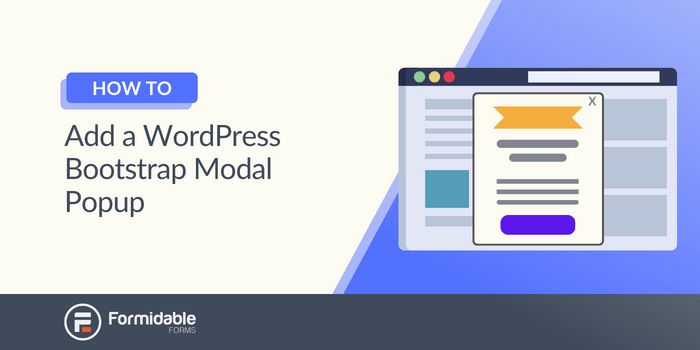
Credit: formidableforms.com
Future Trends In Modal Design
AI helps modals learn from users. It makes modals smarter. AI integration allows modals to suggest content. This makes them more useful. They can predict what users want. This makes websites more engaging. AI can also improve modal design. It helps in creating personalized experiences. Users feel special with customized content. This keeps them coming back. AI is the future of modal design.
Interactivity makes modals fun. Users enjoy engaging content. Modals can have buttons and sliders. These make them interesting. Adding videos or animations is good too. They capture attention. Interactive modals are memorable. This keeps users interested. They make websites exciting. Interaction builds a connection with users. It creates a friendly environment. Users feel involved and happy. This is important for websites.
Frequently Asked Questions
What Is A Modal In WordPress?
A modal in WordPress is a popup window that overlays on the website’s content. It is used to display additional information, forms, or messages without redirecting users to a new page. Modals enhance user experience by keeping visitors engaged and informed on the same page.
How To Create A Modal In WordPress?
Creating a modal in WordPress involves using plugins or custom code. Popular plugins like Elementor and Popup Maker simplify this process. They offer pre-designed templates and customization options. Alternatively, you can manually code using HTML, CSS, and JavaScript to create a tailored modal experience.
Why Use Modals On A WordPress Site?
Modals enhance user interaction by delivering important messages without page redirection. They are perfect for displaying forms, announcements, or special offers. Using modals can improve conversion rates, as they keep users focused and engaged while providing necessary information seamlessly.
Are WordPress Modals Mobile-friendly?
Yes, most modern WordPress modal plugins are mobile-friendly. They automatically adjust to different screen sizes. Responsive design ensures that modals function well on smartphones and tablets. This adaptability is crucial for maintaining a consistent user experience across all devices.
Conclusion
Modal WordPress plugins enhance website functionality. They offer interactive pop-up windows. Easy to customize and integrate. Visitors experience a streamlined interface. Modals can display forms, alerts, or galleries. They improve user engagement effectively. Choosing the right modal plugin is crucial.
It impacts your site’s performance. Consider factors like speed and compatibility. User-friendly designs attract more visitors. Modals help convey important messages clearly. They contribute to a dynamic web experience. Explore different options to find the best fit. Enhance your WordPress site with engaging modal elements.
Boost user interaction and satisfaction.


