
Have you ever wondered what it really takes to run a successful WordPress site? Whether you’re a passionate blogger, a small business owner, or someone looking to share their ideas online, mastering WordPress can seem like a daunting task.
But don’t worry—you’re not alone. In fact, thousands of people just like you are discovering the secrets to creating, managing, and optimizing their sites every day. Imagine transforming your digital space into a thriving hub of engagement and interaction. Picture your website attracting visitors, keeping them hooked, and compelling them to come back for more.
Sounds exciting, right? We’ll unveil the essentials you need to know to make your WordPress site run smoothly and effectively. Stick around, and you’ll soon have the power to turn your online vision into a reality.
WordPress Basics
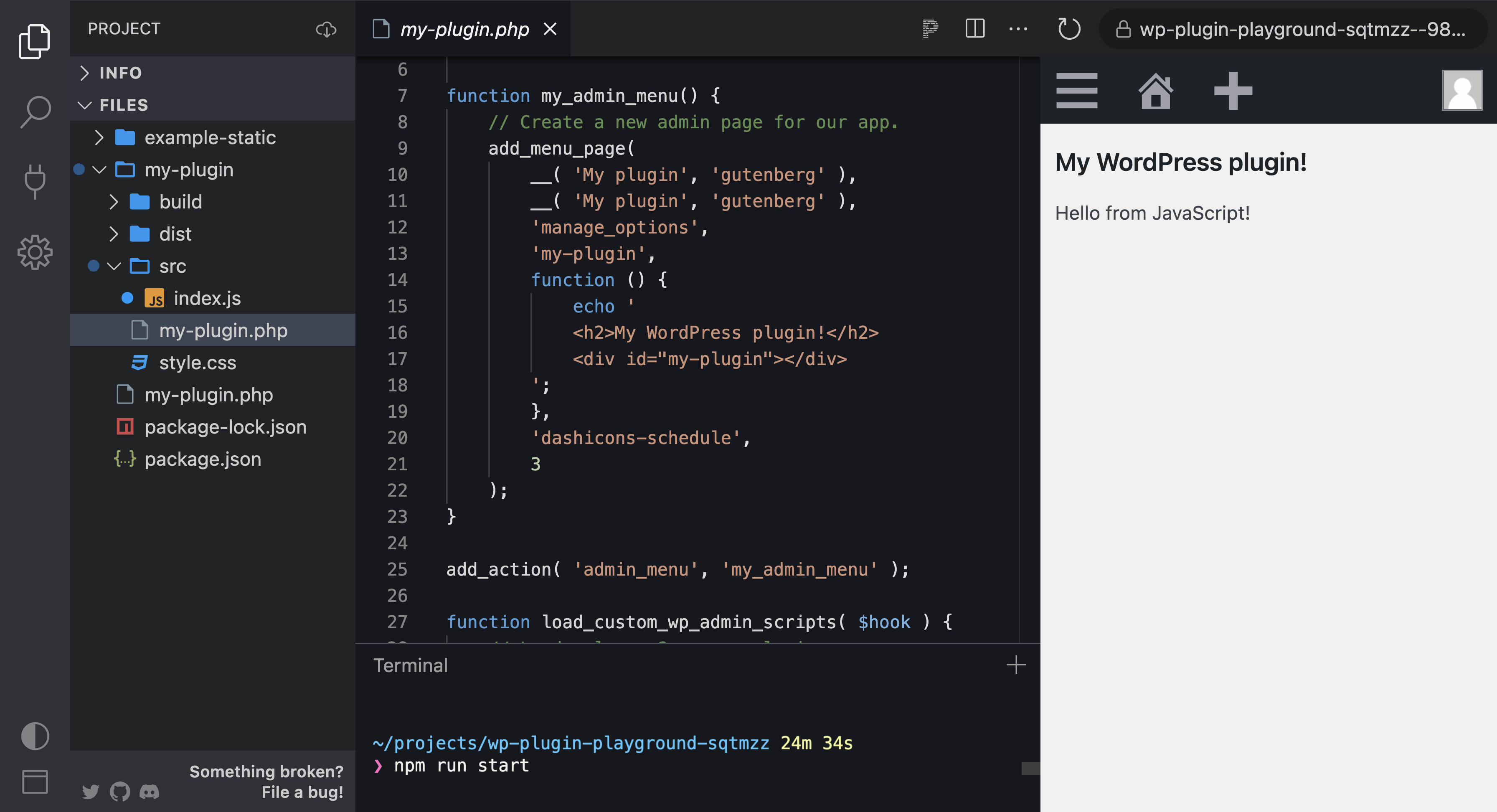
WordPress is a tool to build websites. It is very popular. Many people use it. It is easy to learn. The CMS helps to manage website content. You can add text, pictures, and links. It is free to use. You can also make it look how you like. There are many themes and plugins.
WordPress.com is a platform for blogs. You do not need to host it. It is simple and fast. WordPress.org is for advanced users. You download it and install it. It needs your own hosting. You have full control. You can edit code and design. Both are useful, but different.
Credit: make.wordpress.org
Choosing The Right Hosting
Shared hosting is a basic option for beginners. Multiple websites share one server. Costs are low. Performance can be limited. If one site gets busy, others slow down. Security is shared too. Not best for high traffic sites. Best for small blogs or personal sites.
Managed WordPress hosting offers special services. Experts handle updates and backups. Sites run smoothly. Security is tight. Costs are higher than shared hosting. Great for those wanting less hassle. Ideal for businesses or serious bloggers.
VPS stands for Virtual Private Server. It gives more control than shared hosting. You get a slice of the server. Performance is better. Costs are mid-range. Dedicated servers are all yours. No sharing at all. High cost but high power. Best for large sites or businesses.
Installing WordPress
Many web hosts offer one-click installations for WordPress. This makes the process easy. Just find the WordPress icon in your hosting panel. Click it to start installing. Follow the simple steps on your screen. It usually takes a few minutes. This method is great for beginners. No need for technical skills. Everything is set up for you. You can start building your site fast.
Manual installation takes a few more steps. Download the WordPress files from the official site. Upload them to your web server using FTP. You will need to create a database. This is where WordPress stores your content. After that, run the install script. Follow the instructions. It is a bit harder but gives more control. You can customize many details. Some people like this method more. It helps them learn how WordPress works.
Essential Plugins
SEO plugins help your site rank better. Yoast SEO is popular. It guides you step by step. Another one is All in One SEO Pack. It is easy to use. Both plugins help with keywords. They also make sure your site is search friendly.
Keeping your site safe is important. Wordfence Security is a great plugin. It protects against hackers. Sucuri Security is another option. It scans for threats. Both help keep your site secure. A safe site is a happy site.
Fast sites make users happy. W3 Total Cache speeds up your site. It reduces load times. WP Super Cache is also good. It helps with caching. Both plugins improve site speed. A fast site keeps visitors coming back.
Selecting Themes
Choosing the right theme is crucial for running a successful WordPress site. Themes impact design, functionality, and user experience. Opt for a theme that matches your brand’s style and is responsive.
Free Vs Premium Themes
Free themes are easy to find. They cost nothing. They are a great start for beginners. But, they may have limited features. Updates might not be frequent. Premium themes are different. They come with a price. They offer more features and better support. Updates are regular and reliable. Free themes might have fewer customization options. Premium themes can be customized more. They often look more professional. It’s important to choose wisely. Think about your needs. Consider your budget too. Do you need many features? Or do you prefer something simple? Weigh the pros and cons.
Customization Options
Customization makes your site special. Some themes allow many changes. Change colors, fonts, and layouts. This helps your site stand out. Free themes may limit changes. Premium themes often offer more choices. They have more tools to use. Make your site look just right. Reflect your brand or style. Look for themes with easy-to-use settings. This saves time and effort. Enjoy the process of making your site unique. It should look and feel just the way you want.
Website Security
Regular backups protect your site. They save your data. If something goes wrong, you won’t lose everything. Backups should be done often. Daily is best. Some plugins can help with this. They make the process easy. You can store backups in the cloud. This keeps them safe. Backup files must be secure. Passwords help with this. Don’t forget to check them.
Monitoring keeps your site safe. It checks for bad things. Hackers can hurt your site. Strong protection stops them. Use firewalls for safety. Firewalls block threats. Scan your site often. Scanning finds dangers. Alerts tell you about problems. Respond quickly to alerts. Fix issues right away. Choose good security plugins. They offer extra protection. Keep software updated. Updates fix bugs.
Content Management
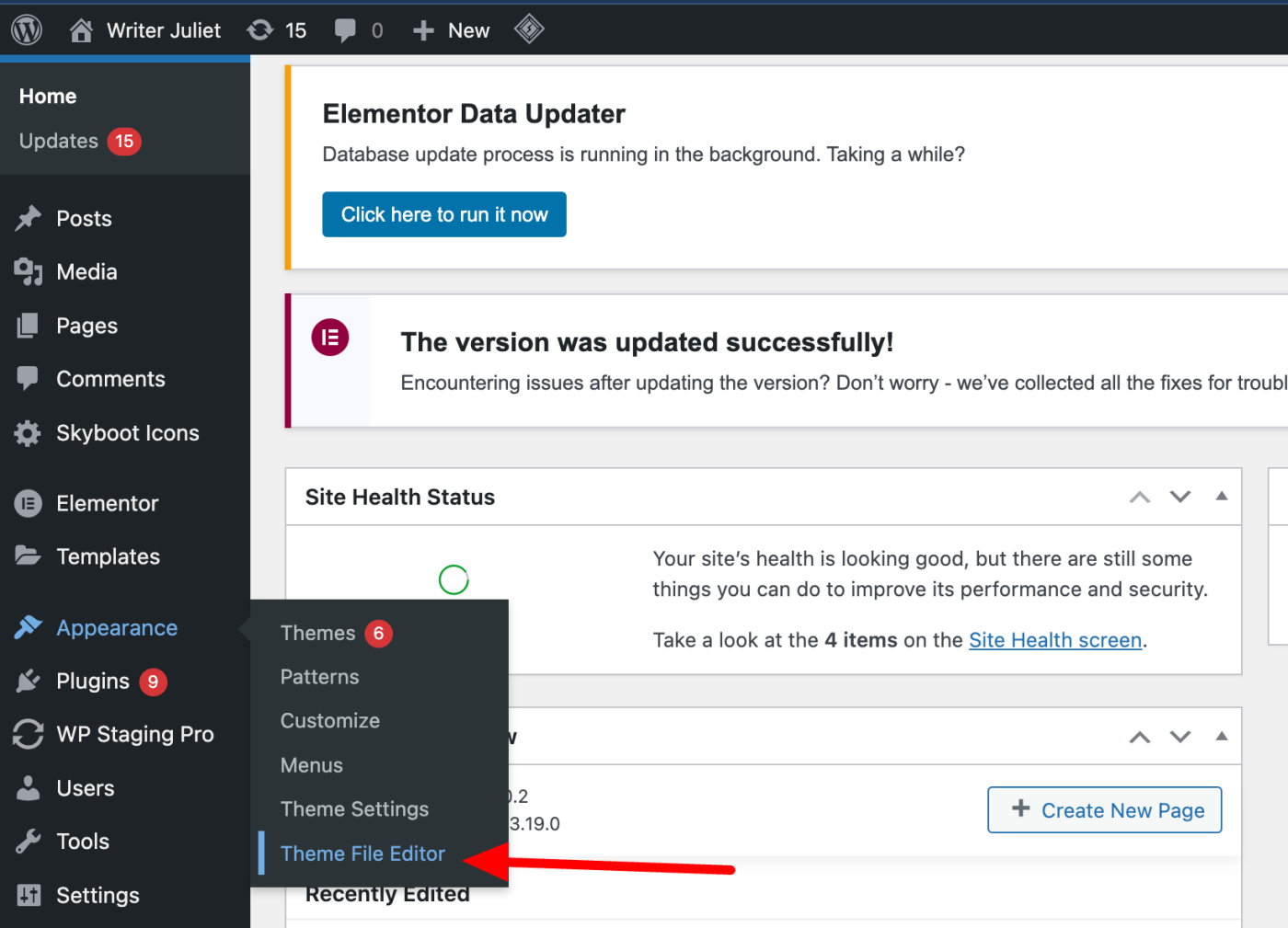
WordPress makes it easy to create posts. Just log in to your dashboard. Click on the “Posts” section. You can add a new post there. Write your title and content. Save your work as a draft first. Check for mistakes before publishing. You can also schedule posts. Pick a date and time to publish. Organizing posts is simple too. Use categories and tags. These help readers find content.
Media files like images and videos need organizing. WordPress has a media library. Upload your files there. Give each file a clear name. This helps in finding them later. Use folders to group similar files. You can also add descriptions. This explains what the file is about. Keep your library clean by deleting unused files. This saves space and keeps things tidy.
Credit: zapier.com
Performance Optimization
Caching helps pages load faster. It keeps a copy of your site. When users visit, they see this copy. So, your site does not load from scratch each time. This makes it quick. Use plugins for caching. They are simple. Popular plugins include W3 Total Cache and WP Super Cache. These tools make a big difference. They are easy to set up.
Large images slow down websites. Smaller image sizes speed them up. Use tools like TinyPNG to make images smaller. This keeps quality high. It also makes pages load fast. Choose the right format. JPEGs are good for photos. PNGs work well for graphics with clear lines. Always use alt text. It helps with SEO. Plus, it makes your site more accessible.
Seo Practices
Running WordPress effectively requires understanding SEO practices. Optimize titles, meta descriptions, and alt tags for search engines. Ensure fast loading times by minimizing image sizes and using caching plugins. Regularly update content to keep it relevant and engaging.
Keyword Research
Finding the right keywords is crucial. Use simple tools like Google Keyword Planner. This tool helps find words people search for. Choose keywords that match your content. Long-tail keywords are useful; they are specific and less competitive. Analyze competitors to see what keywords they use. Use these insights to improve your own strategy. Focus on user intent. Understand what users want when they search. This makes your content more relevant and engaging.
On-page Seo Strategies
Optimize your title tags. Make them clear and include your main keyword. Use headers to organize content. Headers help search engines understand your page. Include internal links. Link to other pages on your site. This helps users find more content. Improve your meta descriptions. Write short, catchy summaries of your page. This can increase click-through rates. Keep content fresh. Regular updates show that your site is active.
Monetization Options
Earn money by promoting products. Share links on your blog. Visitors click and buy. You get a commission for each sale. Choose products that fit your content. Trustworthy items work best. Write honest reviews. Tell your readers why you like the product. Add links in your text. Ensure they are easy to see. This way, readers can find them easily.
Ads can bring income to your site. Use platforms like Google AdSense. Ads appear on your pages. Earn money when visitors click. Place ads in spots where they are visible. Avoid too many ads. This can annoy readers. Choose ads that match your blog content. Relevant ads can get more clicks. Keep track of your earnings. Adjust ad placement if needed.
Community And Support
Online forums are important for WordPress users. They help with questions and problems. Many people use them every day. These forums are open to everyone. You can ask questions and get answers. Both beginners and experts use them. They share tips and tricks. It’s like a big family helping each other.
The developer community is very active. They build and improve WordPress. Developers write code and fix bugs. They also create new features. This community is full of smart people. They work together to make WordPress better. You can join them and learn a lot. They hold meetings and events. Everyone is welcome to join.
Credit: www.wpallimport.com
Frequently Asked Questions
How Do I Install WordPress On My Server?
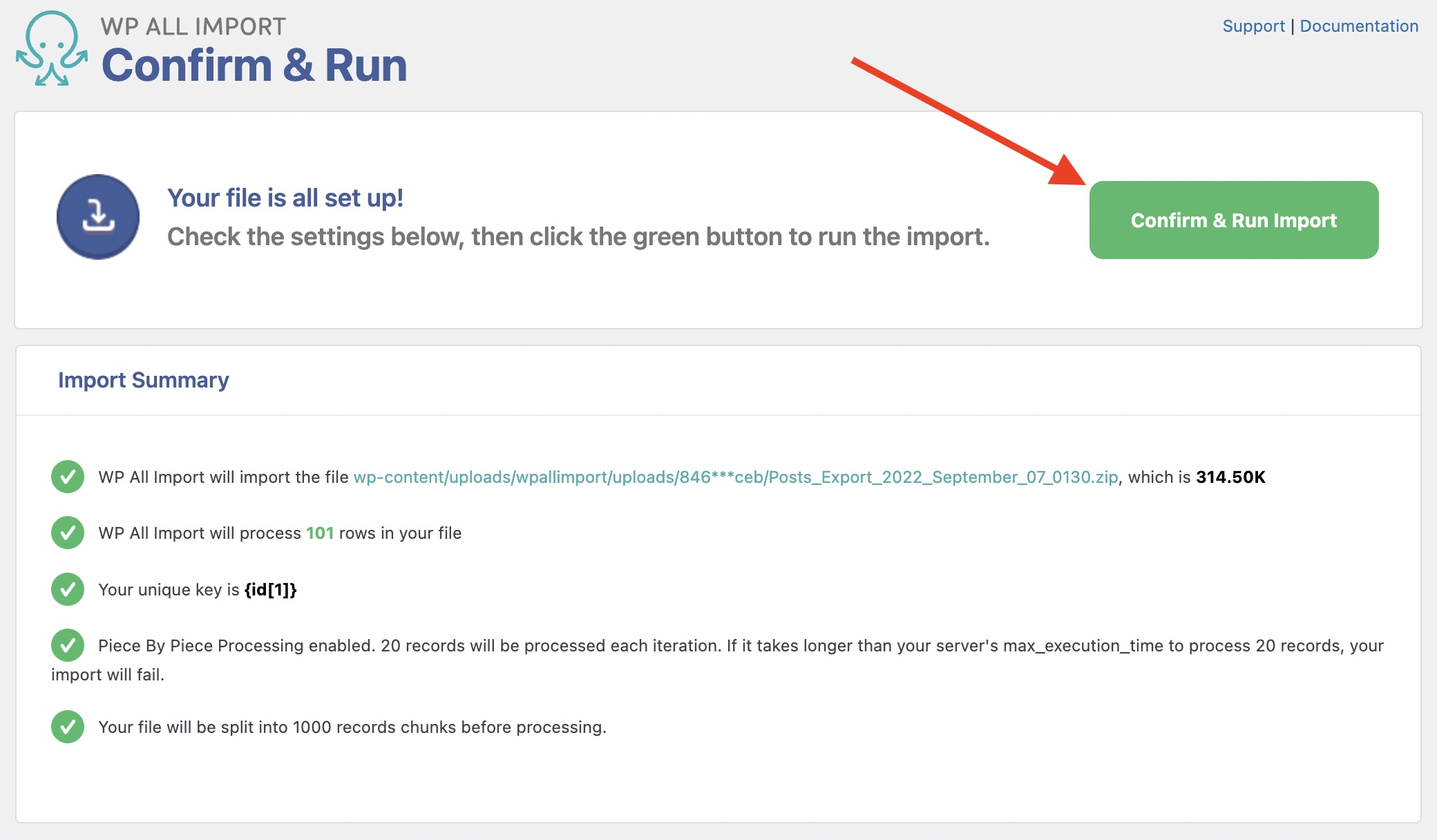
To install WordPress, download it from the official website. Then, upload the files to your server. Set up a database for WordPress. Complete the installation by running the setup script. Follow the step-by-step instructions provided during the process. Ensure your server meets the minimum requirements for WordPress.
What Are WordPress Hosting Requirements?
WordPress requires PHP version 7. 4 or higher and MySQL version 5. 6 or higher. Alternatively, MariaDB version 10. 1 or greater is supported. Your hosting should support HTTPS for security. Ensure your server can handle the traffic and offers sufficient storage.
Check compatibility with themes and plugins you plan to use.
How Can I Optimize WordPress Performance?
Optimize WordPress by using a caching plugin to speed up load times. Compress images to reduce file size. Minimize CSS and JavaScript files. Use a reliable hosting provider. Regularly update themes, plugins, and WordPress core. Consider using a Content Delivery Network (CDN) to improve speed globally.
What Are Essential WordPress Plugins?
Essential WordPress plugins include Yoast SEO for search optimization. WP Super Cache speeds up load times. Wordfence enhances security. Contact Form 7 allows easy form creation. WooCommerce is crucial for e-commerce sites. Choose plugins based on your site’s needs and functionality requirements.
Conclusion
Running a WordPress site requires commitment and patience. Start with reliable hosting. Choose a theme that suits your brand. Essential plugins will enhance functionality. Keep your content fresh and engaging. Regular updates ensure security and performance. Backup your site regularly to avoid data loss.
Monitor site speed for better user experience. Engage with your audience through comments and feedback. Stay informed about the latest WordPress trends. Practice SEO to boost visibility. Running a WordPress site is a learning journey. Enjoy the process and watch your site grow.


