
Imagine having a WordPress site that captures attention and refuses to let go. That’s what being “sticky” is all about—it’s the secret sauce that keeps visitors glued to your content, hungry for more.
You might be wondering, what does it really mean for a WordPress site to be sticky? It’s more than just a buzzword; it’s a powerful concept that transforms casual visitors into loyal followers. You’re here because you want to make your website irresistible, right?
You want it to stand out, engage, and leave a lasting impression. As you read on, you’ll discover how stickiness can be your game-changer, making your site not only memorable but also magnetic. Uncover the strategies that turn fleeting clicks into lasting relationships and learn how to harness the stickiness factor to boost your site’s performance. Ready to dive in and unlock the potential of a sticky WordPress? Let’s explore the magic together.
Credit: rankmath.com
Sticky Post Concept
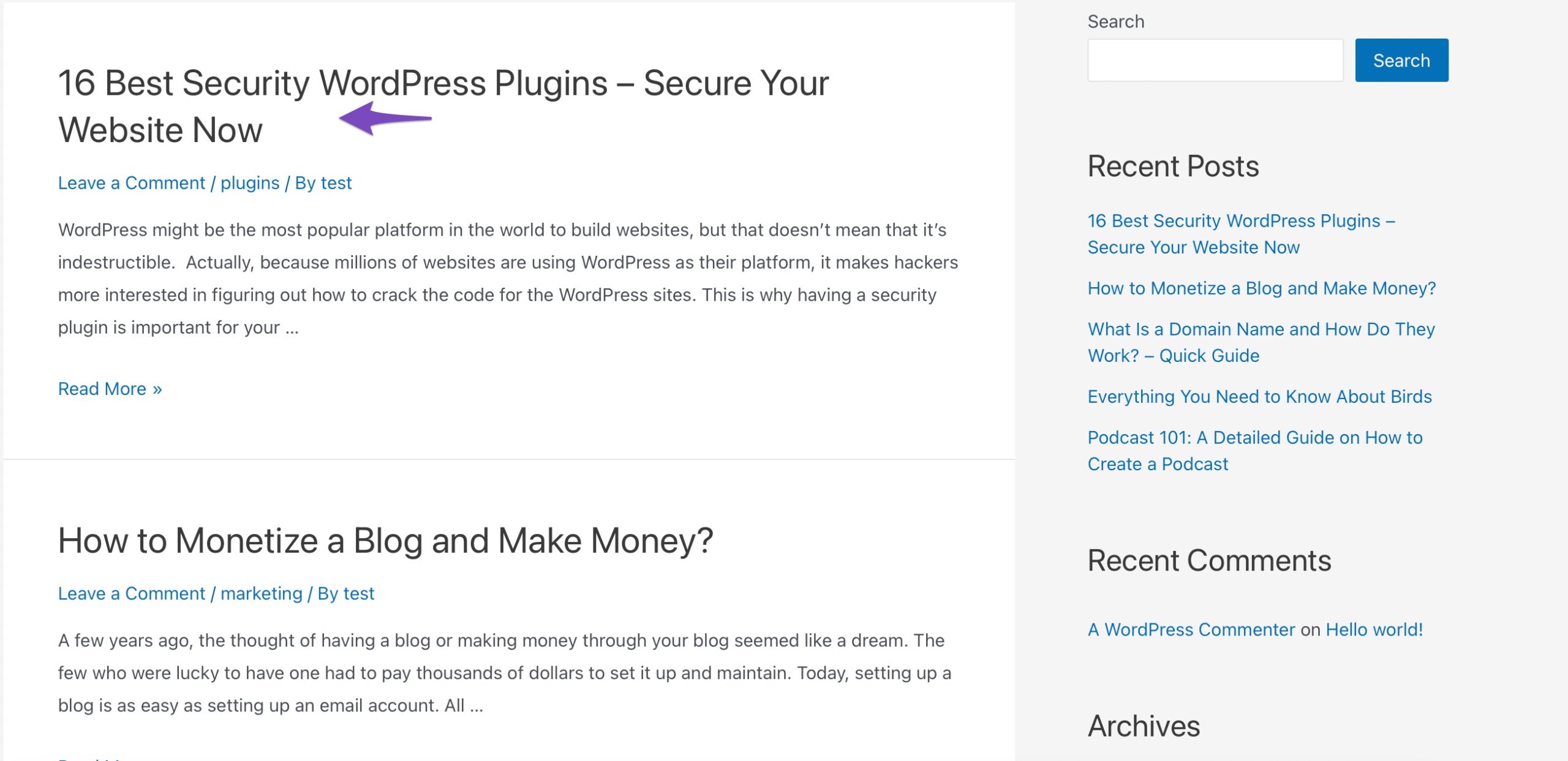
A sticky post stays at the top of a blog page. It is like a special note. This note is important for the readers. Visitors see it first on the page. Regular posts move down as new ones come. But sticky posts stay on top. This feature is useful for important announcements. It is also good for popular content. Bloggers use it to catch attention. It helps in highlighting key information. Readers do not miss it. It’s always there for them to see.
Importance Of Sticky Posts
Sticky posts keep important content at the top. This helps users find it easily. Readers can quickly see what’s most important. It makes the blog more organized. Sticky posts are great for announcements. They are also useful for featured articles. Regular posts move down as new ones come in. But sticky posts stay at the top. They do not move down like others. This makes them special.
With sticky posts, content remains visible for longer. This helps with engagement. More people read your important posts. They bring attention to key messages. Sticky posts help in gaining more traffic. People like to see important stuff first. They help in building interest in your content.
How To Make A Post Sticky
Go to your WordPress dashboard. Find the post you want. Click on the post title. This takes you to the post editor. Look on the right side. You will see a panel. It is called “Post Settings”.
Look for the “Visibility” section. Click “Edit”. Check the box that says “Stick this post to the front page”. Click “OK” to save. Your post is now sticky. This means it stays at the top.
Benefits For Website Owners
Sticky WordPress pages can help your site a lot. They make your site stand out. More people will see your site. This is because sticky pages stay at the top. Visitors notice them first. These pages are hard to miss. Google likes sticky content. It ranks them better. This means your site shows up in searches more. More searches mean more visitors. More visitors mean more success. A sticky site can be very helpful. It is like a bright sign. Everyone can see it.
Seo Implications
A sticky WordPress post keeps users on your site longer. This boosts your SEO. Search engines notice when people stay longer. They think your site is useful. Higher rankings in search results can follow.
Sticky posts are also easy to find. They sit at the top of your blog. This helps new visitors see important content first. Engagement with these posts is often higher.
User experience improves when visitors find what they need fast. Fast answers make people happy. Happy users may return. Returning visitors can help your site rank better.
Credit: wpmanageninja.com
Best Practices
Picking the right content is key. Sticky posts should be useful. They must grab attention. Think about your audience. What do they need? What will help them most? Use images and stories. Keep it fresh and interesting.
Content should be easy to read. Break it into short parts. Use lists or bullet points. This helps readers understand better. Avoid long words and complex ideas. Simple is best.
Not every post should be sticky. Choose wisely. Maybe once a week is good. This keeps your blog organized. Too many sticky posts confuse readers. They might miss important updates.
Review sticky posts often. Make sure they are still relevant. Remove or update them if needed. Keep your blog clean and easy to follow.
Common Mistakes To Avoid
Sticky posts can be useful. They highlight important content. But using them too much can be bad. Readers may get confused. They might miss new posts. Content can seem old and less fresh. It’s important to use sticky posts wisely. Choose key articles to stick. Rotate them often. Keep the blog lively and engaging.
Content needs updates. Old information can lose interest. Readers want current news. They like fresh ideas. Updating content keeps them interested. It shows the blog is active. Regular updates improve visibility. They attract more visitors. Check old posts often. Make sure they have accurate info. Add new insights and facts.
Case Studies
Sticky WordPress sites keep users engaged. Users return often to these sites. A successful sticky site has clear navigation. It guides users to what they need quickly. Fast loading pages improve the experience. Users leave if pages take too long to load. Many sites use interactive elements. These elements make the site fun and engaging. Quizzes and polls are popular choices. Fresh content keeps users coming back. Blogs and news updates are essential. Sites that update often stay interesting.
Listening to user feedback is key. Feedback helps improve the site. It shows what users like and dislike. Testing features is important. Test new ideas before launching them. Testing helps avoid problems. Consistency builds trust with users. Consistent branding is crucial. It makes the site feel reliable. Avoid clutter. Clutter confuses users. Keep designs clean and simple. Simple designs are best. Users appreciate easy navigation.

Credit: websitecreationworkshop.com
Frequently Asked Questions
What Is A Sticky Post In WordPress?
A sticky post in WordPress is a blog entry that stays at the top of your homepage. It’s a feature used to highlight important content. Even when newer posts are published, the sticky post remains first. This ensures that critical information is visible to all website visitors.
How Do You Make A Post Sticky?
To make a post sticky, go to your WordPress dashboard. Edit the post you want to feature. In the publish settings, check the option “Stick to the front page. ” This keeps the post at the top until you uncheck the option.
It’s a simple and effective way to highlight posts.
Why Use Sticky Posts In WordPress?
Sticky posts are used to draw attention to key content. They ensure important information is seen first by visitors. This feature is ideal for announcements, promotions, or featured articles. It helps maintain visibility regardless of new posts being published on the site.
Can Sticky Posts Affect Seo?
Sticky posts can positively impact SEO by keeping important content visible. They can increase engagement and drive more traffic. However, overusing sticky posts may lead to content clutter. Balance is key to ensuring your site remains organized and optimized for search engines.
Conclusion
Sticky WordPress posts engage readers effectively. They keep important content visible. Readers return for fresh updates. Sticky posts help organize your blog. They highlight key information. This feature boosts user experience. Visitors find valuable content easily. Sticky posts enhance your site’s navigation.
Improve content accessibility. Keep your audience informed. Use sticky posts wisely. They can make a difference. Create a more engaging blog. Enhance your WordPress strategy. Sticky posts can be useful. They improve your blog’s performance. Explore this feature further. Make your WordPress site sticky.
Capture attention, retain readers. Simple yet effective.


