
Imagine you’re ready to submit a thoughtful comment on a WordPress blog, only to be stopped by a puzzling message: “Invalid Security Token.” Frustrating, right?
You’re not alone. Many WordPress users encounter this issue, and it can be confusing, especially if you’re not familiar with technical jargon. This error can make you feel like an outsider, locked out from engaging with your favorite content. But don’t worry, understanding the “Invalid Security Token” error isn’t as complicated as it seems.
By the end of this article, you’ll know exactly what it means and how to overcome it, so you can get back to sharing your insights and connecting with others. Keep reading to unlock the secrets behind this common WordPress hurdle and gain the confidence to tackle it head-on.
Invalid Security Token Basics
An invalid security token error shows on WordPress comments. This happens when a user tries to submit a comment. The website can’t check the user’s session. This can be due to expired sessions. Sometimes cookies are not set properly. This error is also common if a user logs in from multiple devices.
Fixing this error is easy. The user can refresh the page. Clearing browser cookies helps too. Another way is to log out and log back in. This ensures a fresh session. Website owners should keep WordPress updated. This helps avoid such errors in the future.
Impact On WordPress Comments
Comments are important for blogs. They help people talk and share ideas. An invalid security token can stop comments. It makes users sad and confused. These tokens keep bad actions away. Sometimes, tokens can go wrong. This makes commenting hard. Users might see error messages. They might not know what to do.
Site owners need solutions. They can update WordPress. They can check settings. This may fix the problem. These steps can help comments work well. Users will be happier. They can share their thoughts again. Comments are back to normal.
Causes Of Security Token Errors
A session may expire if the user stays inactive for long. This can cause invalid security token errors. To fix this, users should refresh the page. Logging in again can also help. It’s like a timeout in a game. Refresh to continue playing.
Caching can store old data. This may cause errors with tokens. Clearing the cache can fix this. Always keep cache updated. Think of it as cleaning a messy room. A clean room works better.
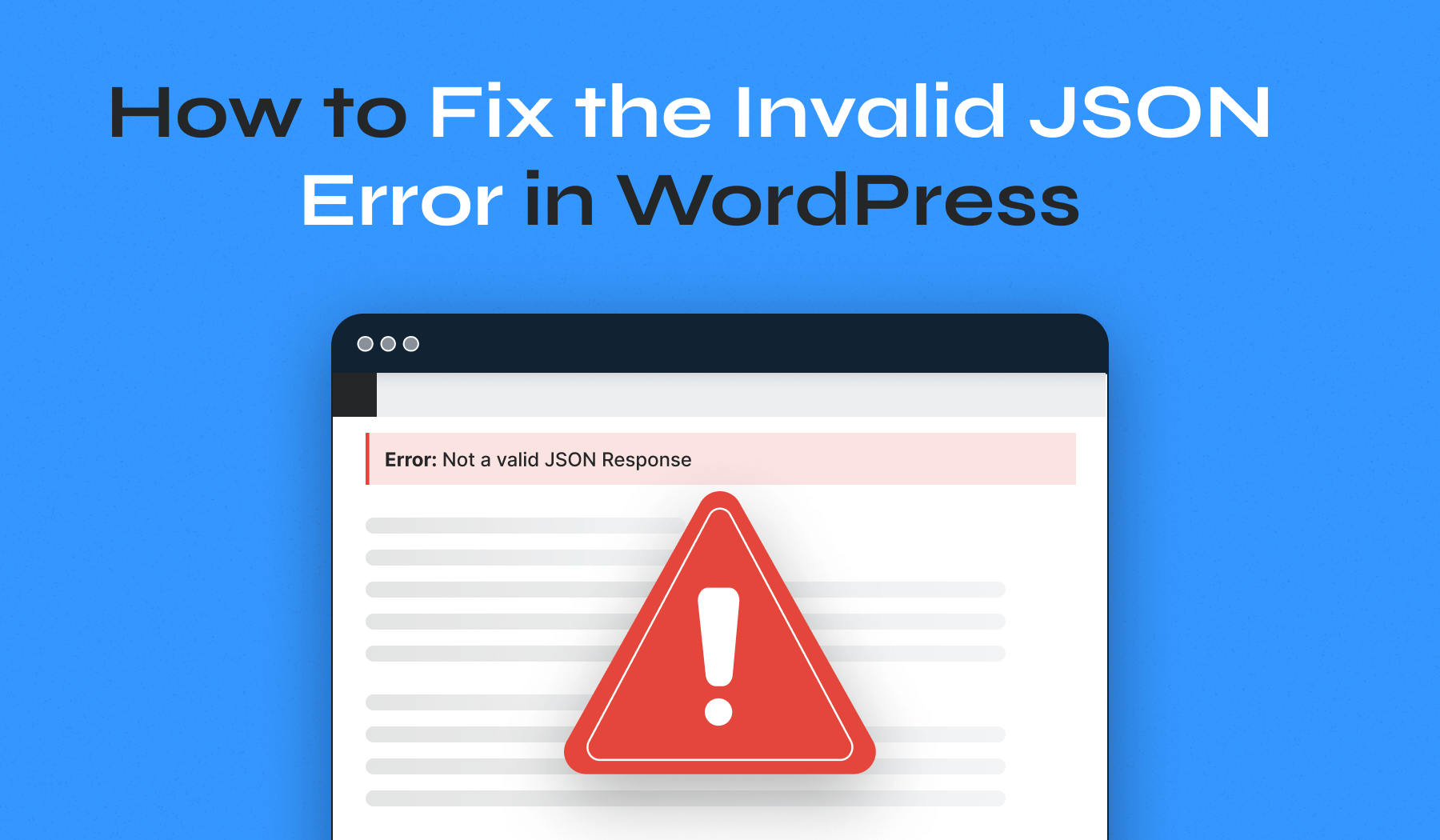
Some plugins may not work well with others. This can cause token errors. Deactivate one plugin at a time. Check if the error goes away. It’s like finding which toy is broken. Fix or replace it to play again.
Credit: www.wpzoom.com
Troubleshooting Steps
Experiencing an “Invalid Security Token” error in WordPress comments usually means a session has expired. This often happens when a user stays on a page too long before submitting a comment. Refreshing the page or clearing browser cookies can resolve this issue quickly.
Clearing Browser Cache
Browsers save data in a cache. This makes them faster. But sometimes, this causes problems. Clear the browser cache to fix issues. Go to settings in your browser. Find the option to clear cache. Click it. This may help solve the problem.
Checking Plugin Compatibility
Plugins add features to WordPress. But not all plugins work well together. Check if plugins are causing issues. Deactivate all plugins. Then, activate them one by one. This way, you can find the problem plugin. Once found, update or replace it.
Refreshing Security Tokens
Security tokens keep your site safe. But they can become invalid. Refreshing them can help. Go to your WordPress dashboard. Find the option to refresh tokens. Click it. This might fix the issue with comments. Keep your site secure by doing this often.
Preventive Measures
An “invalid security token” error in WordPress comments often means a session timeout or a mismatched token. Refresh the page and try submitting your comment again. This error helps protect websites from spam and unauthorized actions by ensuring secure comment submissions.
Regular Updates
WordPress needs updates to work well. Always use the latest version of WordPress. Updates fix security holes and improve safety. New versions help keep your site safe. Do not forget to update themes and plugins too. They need regular updates for better security.
Monitoring Plugins
Plugins can cause security issues. Check them often. Make sure they are safe and updated. Remove plugins you do not need. Use plugins from trusted sources only. Some plugins help you monitor your site. They tell you if something is wrong.
Using Security Plugins
Security plugins keep your site safe. They block bad traffic. Some check for malware. They help find and fix security issues. Install a trusted security plugin. It protects your WordPress site. Security plugins make your site stronger against attacks.
Credit: www.wordfence.com
When To Seek Professional Help
Sometimes, fixing invalid security token issues can be tricky. If you can’t solve it, ask for help. A professional can fix technical errors quickly. They know what to do. They can make sure your site is safe.
Ignoring this problem can lead to bigger issues. Your comments might not work. Or you might lose important data. Professionals can stop these problems before they start. They also help keep your site running well.
It’s smart to ask for help if you are stuck. It saves time and trouble. A professional can give you peace of mind. Your WordPress site will be safe and work well.

Credit: www.malcare.com
Frequently Asked Questions
What Causes Invalid Security Token In WordPress Comments?
An invalid security token usually occurs due to expired sessions or incorrect nonce values. WordPress uses tokens to verify user actions. When these tokens expire, or are mismatched, the security validation fails, causing errors. Regularly updating plugins and themes can help prevent this issue.
How Do I Fix Invalid Security Token Errors?
To fix invalid security token errors, try clearing your browser cache or cookies first. Ensure your WordPress themes and plugins are up-to-date. Check your server time settings as incorrect times can cause token mismatches. If the issue persists, consult your hosting provider for assistance.
Can Plugins Cause Security Token Errors?
Yes, plugins can cause security token errors if they are outdated or poorly coded. Conflicts between plugins or themes can also trigger these errors. Always ensure your plugins are updated regularly. Check for compatibility issues after installing new plugins to avoid potential problems.
Do Security Token Errors Affect Comment Submissions?
Security token errors prevent comment submissions by invalidating the request. WordPress uses security tokens to verify legitimate user actions. When the token is deemed invalid, the comment submission process is disrupted, resulting in errors. Correcting the token issue is necessary to enable submissions.
Conclusion
Fixing invalid security token errors boosts WordPress comment functionality. Users stay engaged when commenting works smoothly. Regular updates help prevent these errors. Use trusted plugins for better security. Clear browser cache often to avoid issues. Consult WordPress forums for additional support.
Keep your site protected and user-friendly. Focus on simple fixes first. Advanced solutions exist for complex problems. Maintain a healthy WordPress environment. Protect your site and enhance user experience with these tips. A little effort ensures seamless interaction on your site.
Happy commenting for everyone.


