
Have you ever wondered what the subscribers on WordPress really mean for your website? Imagine having a group of people eagerly waiting for your next post, ready to engage with your content.
This isn’t just a dream; it’s a reality within your reach. Subscribers on WordPress are more than just numbers—they’re your loyal audience, your community, and the backbone of your site’s growth. Understanding how they work and why they matter can transform the way you approach your content strategy.
Dive into this article to uncover the secrets of harnessing the power of subscribers, and watch as your website flourishes like never before. You won’t want to miss out on this vital information that could change the game for your online presence.
Credit: wordpress.com
Subscribers Role In WordPress
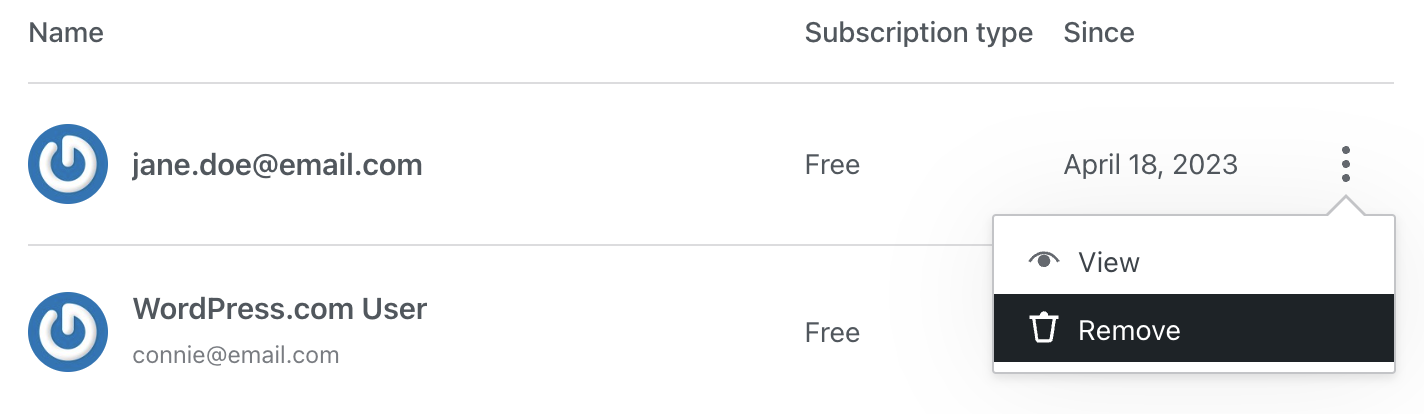
Subscribers have limited access on WordPress. They can read content and leave comments. They can’t create or edit posts. This role is ideal for visitors who want regular updates. Subscribers can update their own profiles. They can’t change site settings or manage plugins.
Subscribers have fewer rights compared to other roles. Authors can write and publish their own posts. Editors can manage all posts, including others’. Administrators have full control over the site. Subscribers are the most limited role in WordPress. They focus on consuming content, not creating it.
Credit: www.wpbeginner.com
Setting Up Subscribers
Creating a subscriber account is simple. First, access the WordPress dashboard. Locate the user section. Select “Add New”. Enter the necessary details. Choose the role as “Subscriber”. Subscribers can read posts. They cannot edit content. Subscribers can leave comments. They cannot make posts. All settings are straightforward.
Admins can modify subscriber permissions. Go to user settings. Click on “Edit” for the subscriber. Choose the options for permissions. Admins can allow or restrict actions. Subscribers can see posts but not change them. They can join discussions. Subscribers can be part of the community. They have limited access to site tools. Permissions are adjustable as needed.
Managing Subscribers
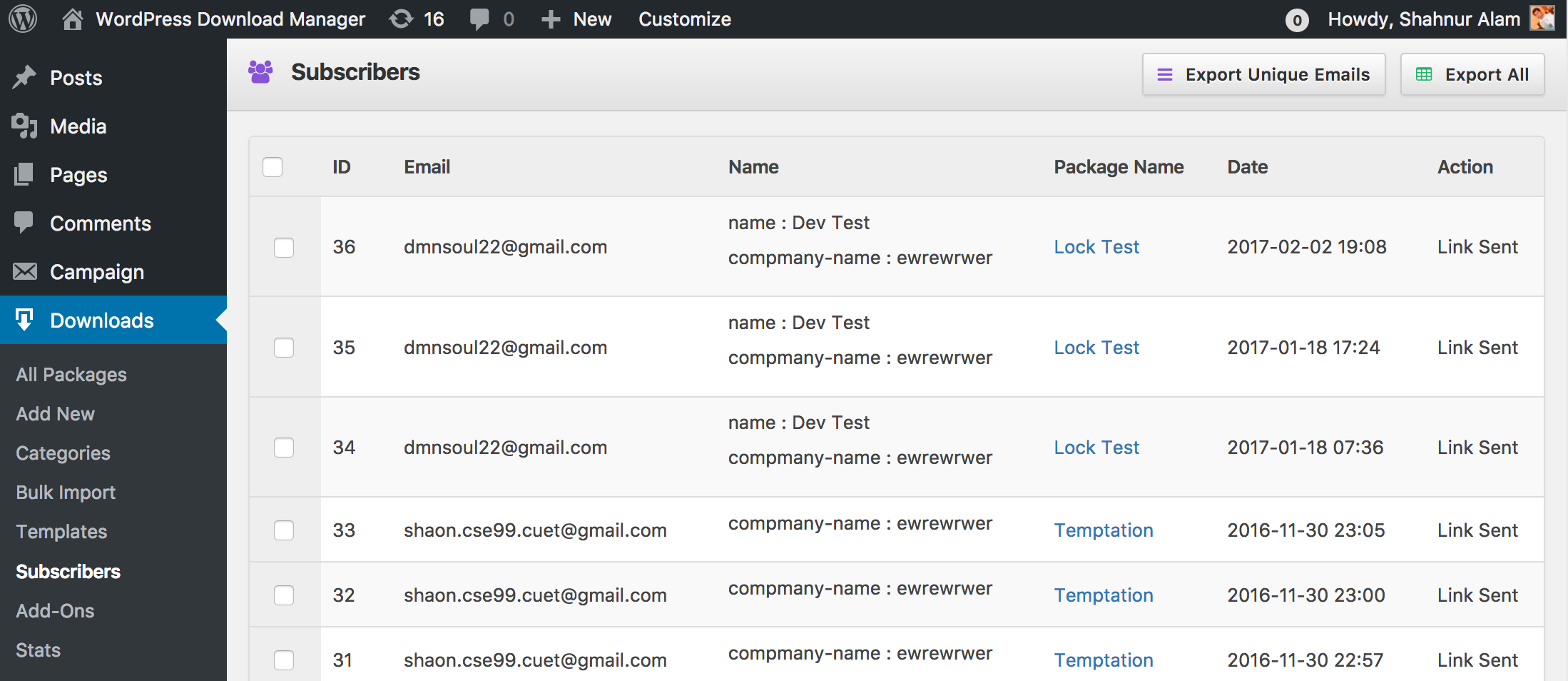
Keeping an eye on your subscribers is important. Activity tracking helps you understand their interests. By knowing what they like, you can create better content. Track how often they visit your site. See which posts they read the most. This data is key for growing your blog. Use this information to tailor your content. Make it more engaging for them.
Tools make managing subscribers easy. Popular tools include Mailchimp and Constant Contact. These tools help organize your email lists. They also send automated emails to your subscribers. This keeps them updated. Choose a tool that fits your needs. Look for features like analytics and support. Manage your subscribers well, and they will stay longer. Happy subscribers mean a happy blog.
Credit: www.wpdownloadmanager.com
Benefits Of Subscribers
Subscribers play a big role in making your site lively. They are your regular readers. They often leave comments and share your content. This makes your site more interactive. More interaction means more fun for everyone. Your audience grows over time. They like to see your new posts and ideas. This keeps your site active. It helps in building a strong connection with readers.
Subscribers help in forming a loyal community. They are like friends who visit often. They trust your content. They enjoy your topics. This loyalty makes them stick around longer. A loyal community can support you in many ways. They help spread your message. They bring in more visitors. This makes your site a friendly place for everyone.
Strategies To Increase Subscribers
Focus on creating interesting and helpful content. Write about topics that people like. Use simple words that everyone can understand. Make your content easy to read. Use short sentences. Add pictures or videos to make it more fun. Ask questions to get people thinking. Keep your posts regular so people can expect them. Encourage comments and replies. This makes people feel part of a community. Make sure your content is well-organized. This helps people find information easily. Use bullet points for lists. Break up long paragraphs into smaller ones. Keep your content fresh and updated.
Share your blog posts on social media. Use Facebook, Twitter, and Instagram. These platforms have many users. People can find your content there. Encourage sharing by asking readers. When people share, more people see your content. Respond to comments and messages. This shows you care about your readers. Use attention-grabbing headlines. Post at times when people are online. This increases the chance they see your post. Join groups related to your blog topic. Share your posts there. Social media can help you grow your subscribers.
Challenges With Subscribers
Managing subscriber data can be tough for many. There’s a lot to keep track of. Email addresses, names, and preferences need organizing. A good system helps with this. Keeping data safe is also important. Breaches can cause big problems. Use strong security tools. Protect your subscribers’ information. Update records regularly. This keeps data current and useful.
Listening to subscriber feedback is key. They share what they like or don’t like. Their opinions matter. Respond to their feedback quickly. This shows you care. Adjust your content based on what they say. It keeps them happy and engaged. Remember, happy subscribers stay longer. Provide a way for them to easily share feedback. This can be through surveys or comments.
Frequently Asked Questions
What Are Subscribers On WordPress?
Subscribers on WordPress are users who have signed up to receive updates. They can access content based on their subscription level. Subscribers typically have limited access to site features. Their main role is to consume content and receive notifications.
How Do WordPress Subscribers Differ From Other Roles?
WordPress subscribers have the lowest level of access compared to other roles. They can view content and manage their profiles. Unlike editors or administrators, they can’t create or edit posts. This role is primarily designed for content consumption.
Can Subscribers Comment On WordPress Posts?
Yes, subscribers can comment on WordPress posts if comments are enabled. They engage with content by leaving feedback or questions. This interaction helps build community and keeps subscribers active. Moderation settings can control comment visibility.
How To Manage WordPress Subscribers Effectively?
To manage WordPress subscribers effectively, use plugins for better control. Regularly update subscribers with newsletters and new content. Monitor subscriber activity and engagement levels. Keep communication clear and provide value to maintain interest.
Conclusion
Subscribers are key to growing your WordPress site. They help build your community. Engaging them keeps your content fresh and relevant. A strong subscriber base boosts visibility. It improves your site’s reach. Regular updates ensure subscribers stay interested. Focus on quality content.
Encourage interaction with your readers. Use tools to manage subscribers easily. Monitor their feedback for improvements. Subscribers are essential for success. They support your site’s growth. Keep them happy and informed. Your WordPress journey is smoother with loyal subscribers. Make them a priority.
Watch your site thrive and expand.


