
Imagine having a powerful tool at your fingertips that can transform your ideas into a stunning website. That’s what WordPress offers you.
Whether you’re a budding blogger, a small business owner, or someone looking to make an online presence, understanding how to use WordPress can be a game-changer. You don’t need to be a tech wizard or a coding expert; WordPress is designed to be user-friendly and accessible for everyone.
You’ll discover what WordPress is, why it’s so popular, and how you can harness its potential to create your own corner of the internet. Stay with us to learn the secrets to unlocking the full potential of WordPress, and see how it can make your vision come to life effortlessly.
What Is WordPress?
WordPress is a tool to make websites. It is easy to use. Many people use it to build blogs and online stores. You do not need to know coding. It is free for everyone.
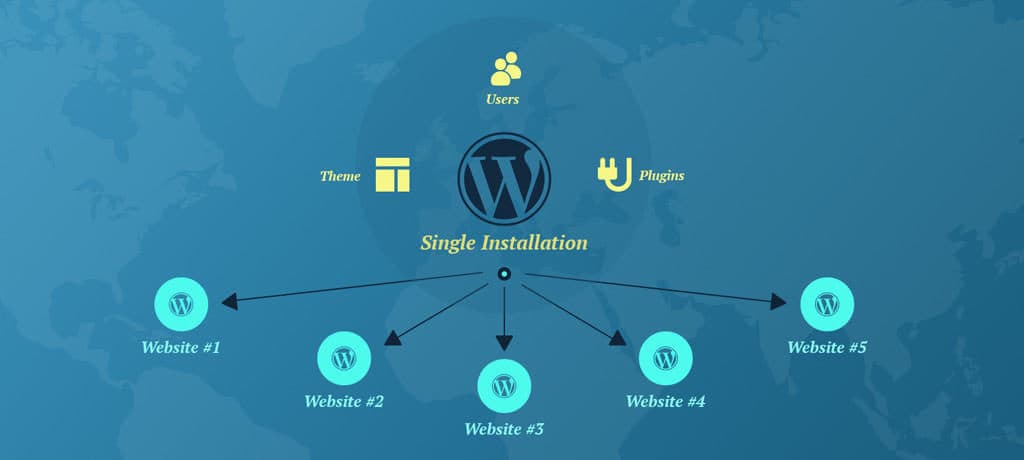
WordPress has many themes. Themes change how your site looks. You can pick a theme that you like. It also has many plugins. Plugins add features to your site. For example, a contact form or a gallery.
With WordPress, you can post pictures and stories. You can also add videos. It helps you to share your ideas. Many famous sites use WordPress. It is popular and trusted. Anyone can learn to use it. Start today and see how fun it is!
Benefits Of Using WordPress
WordPress is easy for anyone to use. Even kids can learn it. The dashboard is simple and clear. You can make changes with just a few clicks. No need to know coding. This makes WordPress popular.
WordPress has many design options. You can choose from free and paid themes. Change colors and layouts to fit your style. This helps your site look unique. You can also use page builders for more control.
Plugins add new features to your site. There are thousands available in the WordPress library. You can add contact forms or social media links. Many plugins are free. They make your website more powerful.
WordPress helps improve your site’s search engine ranking. It has built-in SEO tools. These tools help with keywords and links. Plugins like Yoast SEO make it easier. Better SEO means more visitors to your site.
Setting Up WordPress
Pick a name that fits your blog or business. Keep it short and easy to spell. Avoid using numbers or hyphens. Make sure it’s unique. Check if the name is available. Use tools like Namecheap or GoDaddy. A good name helps people find your site.
Hosting makes your site live. Choose a reliable provider. Look for good speed and support. Compare prices and features. Popular options are Bluehost and SiteGround. Read reviews and ask for recommendations. A good host keeps your site running smoothly.
WordPress is easy to install. Most hosts offer a one-click install. Follow the steps on the host’s site. Create a username and password. Choose a theme for your site. You can change it later. WordPress makes building sites simple and fun.
Credit: ahrefs.com
Exploring The Dashboard
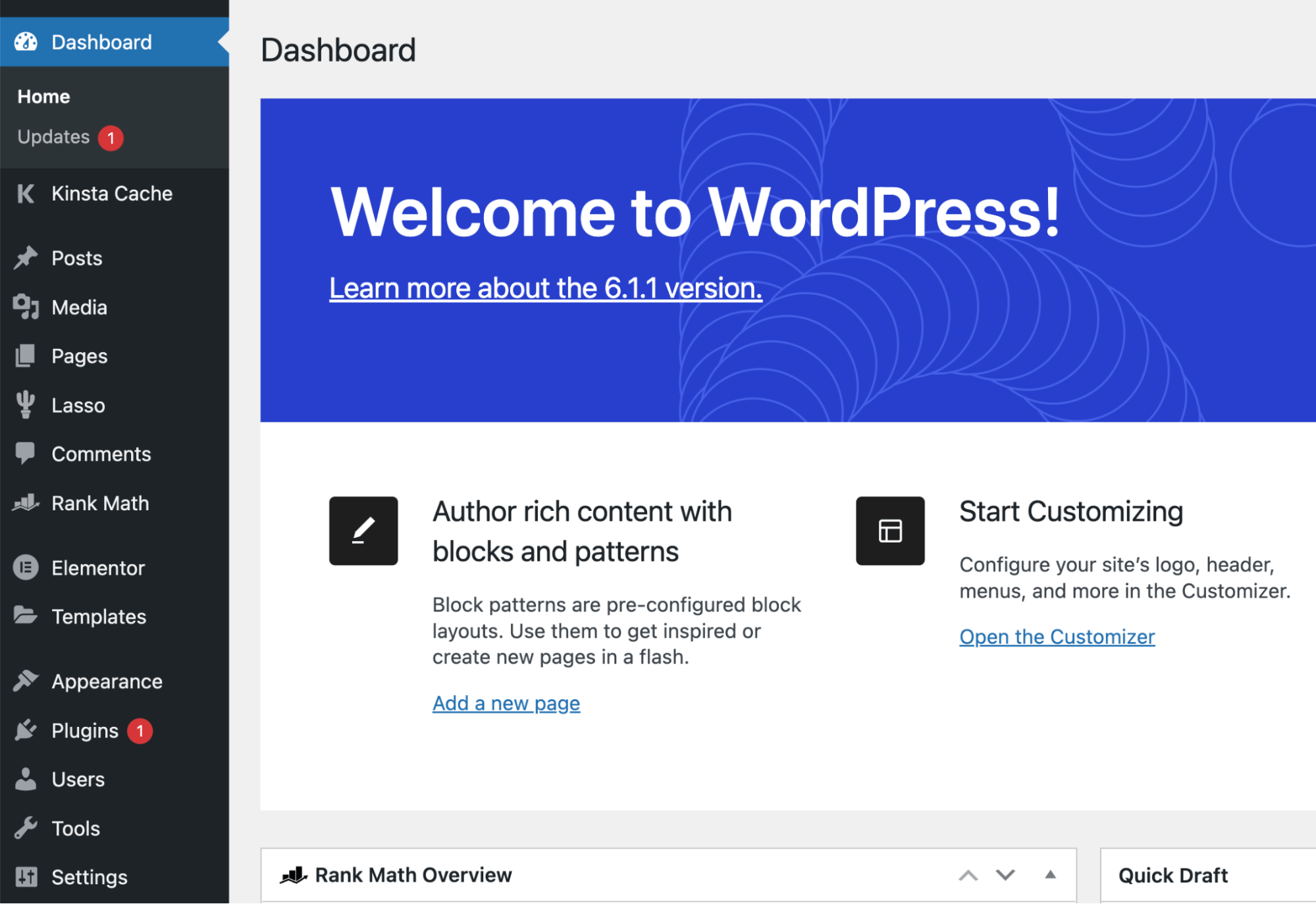
The Admin Panel is the control center. It’s where you manage your site. You can change settings and add new content. Look at the dashboard for updates. It shows recent activities and comments. Use it to keep track of changes. It helps in maintaining the site.
The Menu is a list of options. It’s on the left side. You can find pages, posts, and settings there. Click on ‘Posts’ to see your articles. Click ‘Pages’ for different sections of the site. ‘Appearance’ is for themes and design. ‘Plugins’ add new features. Each menu item has a purpose. It’s easy to move around.
Selecting A Theme
Choosing a theme is very important for your website. Free themes are great for beginners. They cost nothing and are easy to use. But, they may not have all the features. Premium themes cost money. They have more options and better support. Picking the right theme depends on your needs. A free theme is good for small sites. A premium theme is better for bigger sites.
You can make your theme look special. Change colors to match your style. Add your own logo to make it yours. Some themes let you change the layout. You can move things around. Add widgets to show extra info like weather or news. Customize fonts to make text easy to read. Always check if your changes look good on phones and tablets. This makes sure everyone can see your site well.
Credit: www.mooveagency.com
Essential Plugins
Security is very important for your WordPress site. Wordfence and Sucuri are popular choices. They protect your site from hackers. Keep your data safe with these tools. They are easy to use. Regular updates help keep threats away.
Improving your site’s visibility is important. Yoast SEO and All in One SEO Pack are helpful. They guide you in creating better content. You can improve your search engine ranking. These tools are user-friendly. They offer tips to enhance your site.
Fast websites attract more visitors. WP Super Cache and W3 Total Cache can help. They make your site load faster. Quick loading keeps users happy. Use these plugins to boost speed. They are simple to set up.
Creating Content
Posts and Pages are key parts of WordPress. Posts are like diary entries. They show up on your blog in order. New posts come first. They are great for news and updates.
Pages are for things that stay the same. Like an “About” page. Or a “Contact” page. Pages do not change often. They do not show up in order like posts.
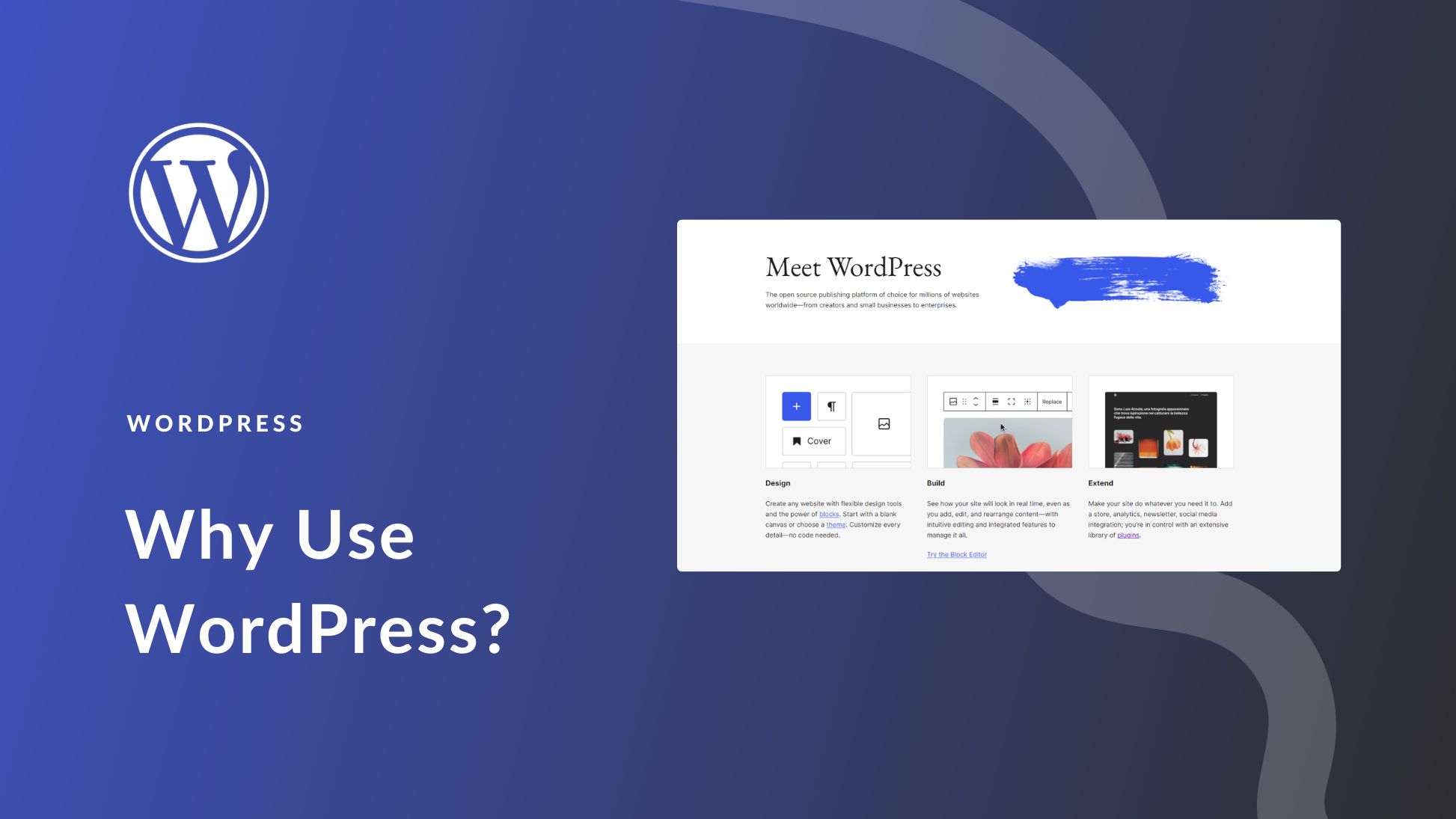
Both posts and pages use the Block Editor. This is easy to use. Blocks are like building blocks. You can add text, images, or video. Drag and drop blocks where you want them. You can change the look of your content easily.
Credit: www.elegantthemes.com
Managing Media
To add images, go to the Media Library. Click on the Upload button. Choose the image from your computer. Wait for the upload to finish. Now, your image is ready to use. You can add it to posts or pages. It’s that simple!
Videos make your site more fun. You can add videos from YouTube or Vimeo. Copy the video link. Paste the link into the post editor. WordPress will show the video. Now, your visitors can watch the video. It’s easy and quick!
Enhancing Security
WordPress sends new updates often. They fix bugs and keep your site safe. Always use the latest version. This helps protect your site from hackers. Updating plugins is important too. They need to stay current. Check your site often for new updates. This keeps things running smoothly.
Passwords keep your site secure. Use a mix of letters, numbers, and symbols. Avoid simple words or dates. Change your password often. This makes it hard for hackers to guess. Tell your team to use strong passwords too.
Backups save your site data. If something goes wrong, you can restore it. Use tools like BackupBuddy or UpdraftPlus. Set a backup schedule. Daily or weekly backups are good. Keep copies in different places. This way, your data stays safe.
Optimizing For Seo
Keywords help people find your site. Choose words people search. Use tools like Google Keyword Planner. Find popular words for your topic. Add these words to your posts. Keep it natural. Don’t overuse words. This helps your site rank better.
Meta tags are short bits of text. They tell search engines about your page. Write clear and simple descriptions. Each page needs a unique one. Include important keywords. This helps improve your site’s visibility. People are more likely to click your link.
Mobile-friendly sites work well on phones and tablets. Many people use phones to browse. Your site should adjust to any screen size. This improves user experience. Google ranks mobile-friendly sites higher. Test your site on different devices. Ensure all parts work smoothly.
WordPress Community And Support
Forums and Tutorials are great places to learn. Many people share tips and tricks there. Questions get answered quickly. Tutorials show step-by-step guides. Beginners find them helpful. Advanced users also learn new things. The WordPress community is friendly. Everyone tries to help each other.
Official Documentation is very useful. It has detailed information. Every feature is explained well. Guides are easy to follow. New updates are listed. Users can find solutions to problems. The documentation is updated regularly. It’s important to check it often.
Professional Help is available for complex issues. Experts offer their services. They solve big problems quickly. Some users prefer hiring professionals. It saves time and effort. This is good for businesses. Professionals are skilled in WordPress. They ensure everything works smoothly.
Frequently Asked Questions
What Is WordPress Used For?
WordPress is a versatile platform for creating websites and blogs. It offers themes and plugins to customize your site. Many businesses use WordPress for e-commerce, portfolios, and more. It’s user-friendly and supports various content types. WordPress also provides tools for SEO and online marketing.
How Do I Install WordPress?
To install WordPress, choose a hosting provider with one-click installation. You can manually download WordPress from its website. Upload files via FTP and set up a database. Follow the installation wizard to configure settings. Many hosts offer easy installation through control panels like cPanel.
Can I Use WordPress For Free?
Yes, you can use WordPress for free. WordPress. org offers free software to install on your hosting. WordPress. com provides a free plan with basic features. Additional features, themes, and plugins may require payment. Free versions are great for personal blogs and small websites.
How Do I Choose A WordPress Theme?
Choose a WordPress theme based on your website’s purpose. Consider design, features, and customization options. Check theme reviews and ratings. Make sure it’s responsive and SEO-friendly. Test theme demos to see functionality. Popular marketplaces offer many themes for various needs.
Conclusion
WordPress opens doors to easy website creation and management. It offers flexibility, helping both beginners and experienced users. You can customize your site with themes and plugins. WordPress supports various content types, enhancing your site’s appeal. Security and regular updates keep your site safe and up-to-date.
With practice, you can navigate its features smoothly. Start exploring WordPress today and watch your online presence grow. Remember, patience is key. Take your time to learn and experiment. Success follows consistency and effort. Embrace the journey of building your website with WordPress.


