
Have you ever wondered what emails your WordPress site sends out to users? If you’re like most website owners, you probably have.
Understanding the types of emails your site dispatches is crucial for maintaining effective communication with your audience. By getting a grasp on this, you can improve user engagement, troubleshoot issues, and ensure that your emails are hitting the mark every time.
Imagine the power of knowing exactly what information is being shared with your visitors. You can tailor these messages to enhance the user experience and boost your site’s credibility. This blog post will take you through the different types of emails WordPress sends and show you how to manage them effectively. Stick around to uncover the secrets behind WordPress emails and how they can work for you.
Default WordPress Emails
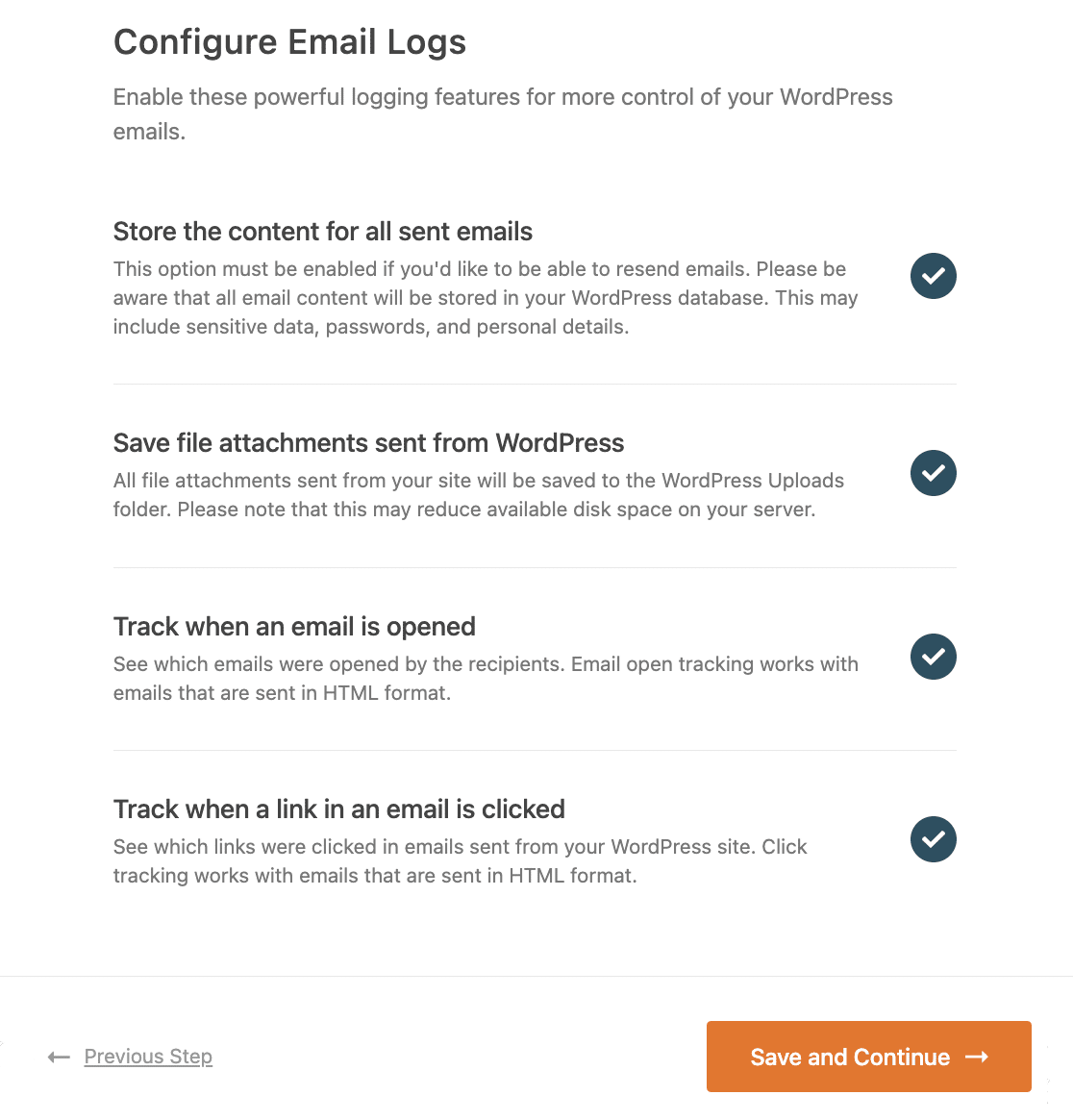
WordPress sends emails when new users sign up. The admin gets notified. New users receive a welcome email. It contains their username and login details. This helps users to access their account easily.
If a user forgets their password, WordPress sends an email. This email has a link to reset the password. It ensures user accounts stay secure. Users can create a new password quickly.
When someone comments on a post, WordPress sends an email. The post author gets notified. They can approve or delete the comment. This keeps the blog interactive and safe. Authors stay updated on their content.
Credit: wpmailsmtp.com
Woocommerce Email Notifications
After you buy, an Order Confirmation Email arrives. It shows what you bought. It tells you the price. You will see the order number. This email is your first proof. Save it for your records. It helps if you have questions later.
Shipping Update Emails tell you where your order is. It shows if your order has been packed. You see the expected arrival time. These emails keep you informed. You will know the tracking number. You can check the delivery progress. Very useful.
You get Customer Invoice Emails for each order. It shows the details. You see the items, prices, and taxes. This email is important for payment records. It helps in managing finances. Always check for errors. Keep it safe for future needs.
Contact Form Plugins
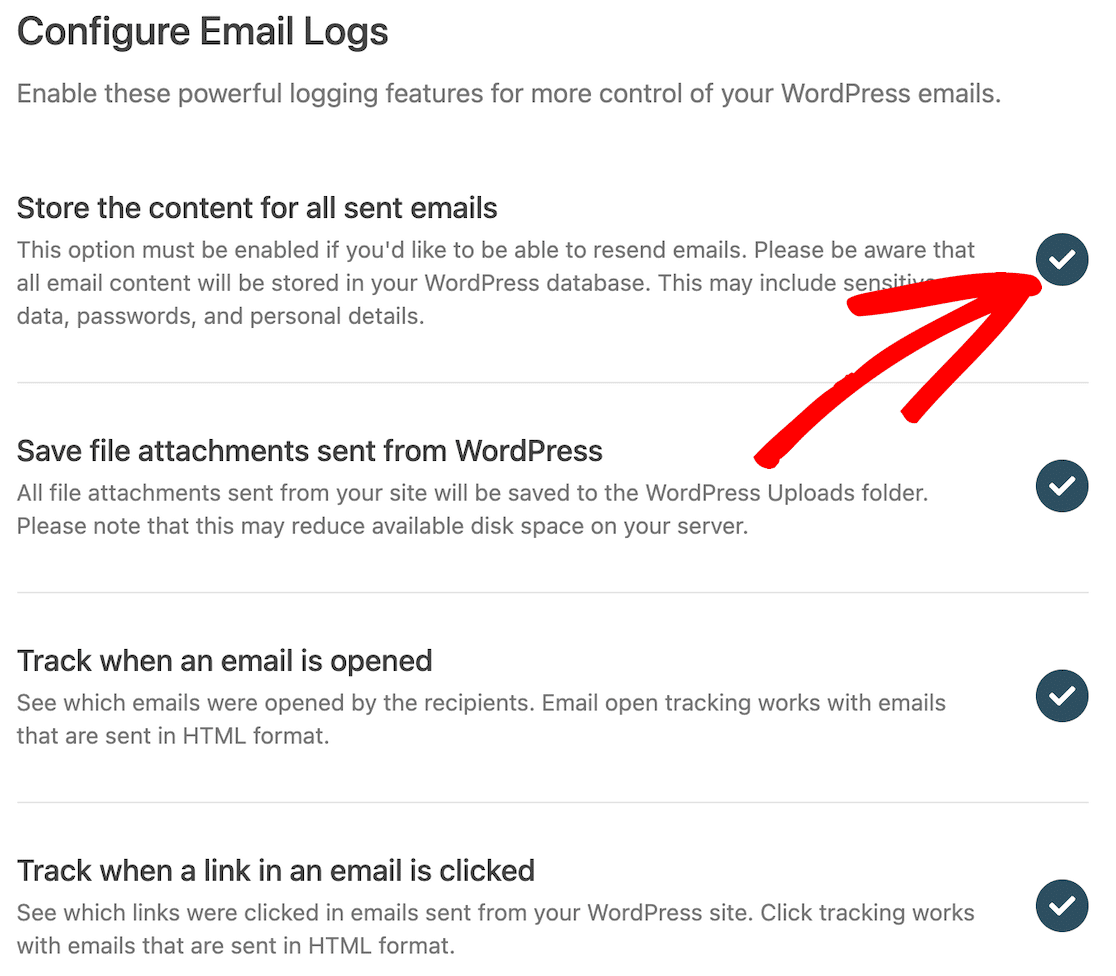
WordPress contact forms send emails. These emails notify you about form submissions. Notifications include details like name, email, and message. Admins can get alerts instantly. This helps them respond quickly. Settings let you choose who gets these emails. You can also customize the email content. Make it short and clear.
Users receive a confirmation email after submission. This assures them their message was received. The email can thank them for reaching out. Customizing the response is possible. Add your business hours or contact details. This helps users know what to expect next.
Credit: wpmailsmtp.com
Newsletter Plugins
WordPress sends a special email when someone joins a list. This email is called a subscription confirmation email. It asks users to click a link to confirm their subscription. This ensures that the person wants to receive emails. It’s an important step to protect privacy. Without confirmation, unwanted emails may flood inboxes.
Newsletters are sent on a regular basis. They share updates and news. They keep subscribers informed about recent events. These newsletters can be weekly or monthly. Subscribers look forward to these emails. They contain interesting stories and important information. Sometimes, newsletters include special offers or discounts. They make subscribers feel special and valued.
Customizing WordPress Emails
WordPress emails can look plain. Use email customizer plugins to make them better. These plugins help change the design. Add your brand colors and logo. Make emails match your website’s style. Some plugins offer drag-and-drop features. This makes designing easy for everyone. Customize the email footer too. Add social media links or contact info. Make your emails stand out. Plugins also help with testing. See how your email looks before sending it out. Simple changes can make a big difference. Choose a plugin that fits your needs.
WordPress uses default email templates. These might not fit your brand. You can override these templates. Create your own email designs. Use simple HTML and CSS. Add a personal touch. Make your emails unique. This helps with branding. Custom emails can improve engagement. Users feel more connected. They see your effort. Always test your new templates. Ensure they look good on all devices. Keep your design clear and simple. Avoid too much text. Focus on key messages.
Credit: www.mailersend.com
Troubleshooting Email Issues
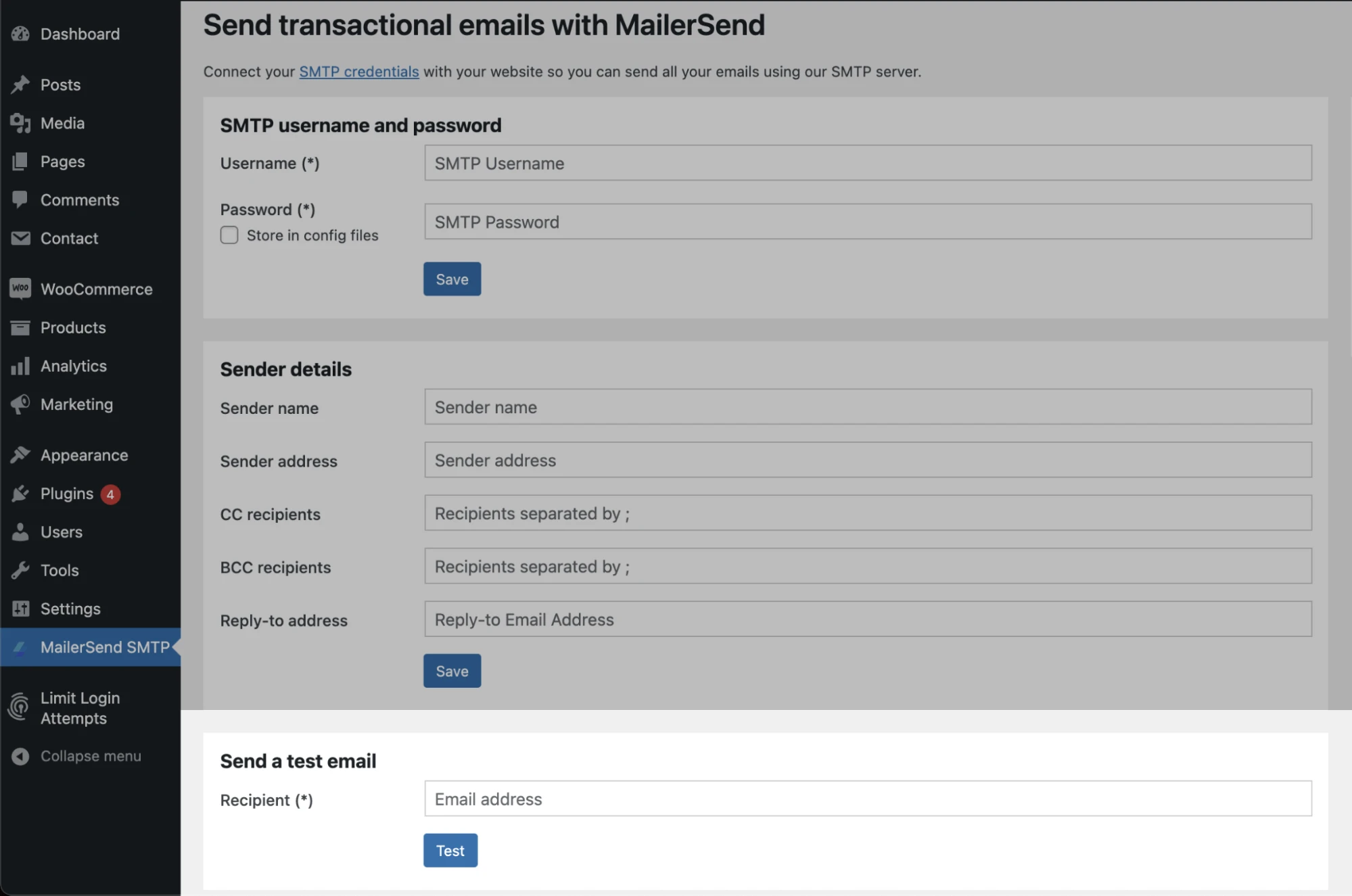
Emails might not send due to server errors or incorrect settings. Check if your SMTP settings are correct. Sometimes, plugins interfere with email functions. Disable plugins to test if they cause problems. Another issue can be your hosting provider. Some providers block email ports. Ensure the email ports are open. Incorrect email addresses can also stop emails. Double-check the recipient’s address. Spam filters might block emails. Check your spam settings. All these can affect email sending.
Send a test email to check if it’s delivered. Use online tools to test email delivery. These tools show if emails reach inbox or spam folder. They also check email content for issues. Another method is using a plugin designed for email testing. These plugins help in checking deliverability. Ensure your email format is simple. Plain text emails usually deliver better. Track email logs for errors. Logs show reasons for email delivery failures. Review logs regularly for smooth email sending.
Enhancing Email Security
Using SSL/TLS can make emails safer. These tools keep your emails private. They stop others from reading your messages. SSL/TLS protects your email data while it travels. It acts like a shield. This is important for keeping personal info safe. Make sure your website uses SSL/TLS. It is a simple step. But very important.
SMTP plugins help send emails safely. They use special codes. These codes keep emails protected. Many plugins are easy to add. They work with most email systems. Using plugins can stop hackers. They keep your email secure and private. Always choose a good SMTP plugin. It helps keep your messages safe.
Frequently Asked Questions
How To View Sent Emails In WordPress?
You can view sent emails in WordPress using plugins like WP Mail Logging. These plugins log outgoing emails. They provide details like recipient, subject, and status. This helps in tracking email delivery issues. Install and activate the plugin to start viewing logs.
Can WordPress Track Email Delivery Status?
Yes, WordPress can track email delivery status with plugins. Plugins like WP Mail SMTP provide delivery reports. They show whether emails were sent successfully. This helps in ensuring reliable email communication. Tracking helps identify and fix delivery issues.
Why Are WordPress Emails Not Sending?
WordPress emails may not send due to incorrect SMTP settings. Server restrictions can also cause issues. Plugins like WP Mail SMTP can help. They configure your emails to use proper SMTP settings. This ensures reliable email sending from your WordPress site.
What Plugins Log WordPress Email Activity?
Plugins like WP Mail Logging and Email Log log WordPress email activity. These plugins record all outgoing emails. They provide details like date, recipient, and subject. This helps in monitoring and troubleshooting email issues. Install and activate to start logging activity.
Conclusion
Exploring WordPress email settings helps you manage communication. Understanding email types can boost your site’s effectiveness. You gain control over interactions with users. Check plugins for customization options. This ensures emails meet your needs. Regular reviews prevent issues and improve functionality.
It’s crucial for maintaining engagement. Strong email strategies lead to better connections. Dive into settings to optimize your WordPress emails. Simple adjustments make a big difference. Stay informed about updates for continued success. Your site thrives with efficient communication. Keep exploring and refining email settings for best results.
Your WordPress journey starts with understanding emails.


