
Are you intrigued by the sleek design and functionality of WordPress themes but find yourself committed to using Blogger? You’re not alone.
Many bloggers face this dilemma, yearning for the aesthetics and features WordPress themes offer without leaving the comfort of Blogger’s platform. Imagine transforming your Blogger site into a masterpiece with the elegance and efficiency of WordPress themes. It’s not only possible, but easier than you might think.
As you read on, you’ll discover simple steps and valuable tips to seamlessly integrate a WordPress theme into your Blogger site. Unlock new potential for your blog, captivate your audience, and elevate your online presence today!
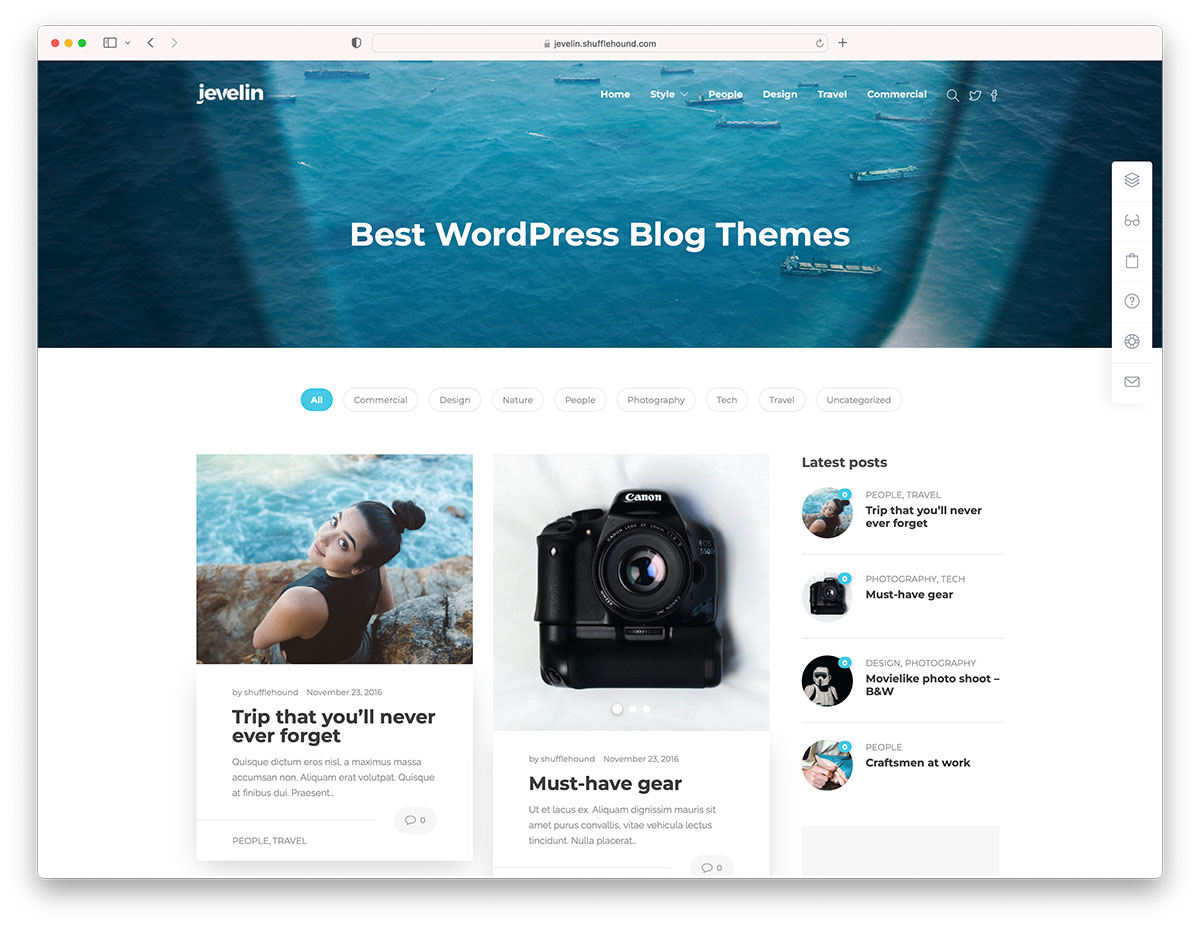
Credit: colorlib.com
Choosing The Right WordPress Theme
Every blog is unique. Think about your blog’s purpose. Is it for writing or sharing photos? Some themes are good for text-heavy blogs. Others are better for visuals. Decide what your blog needs. This helps in picking the right theme. Simple themes often load faster. This is good for readers.
Look at the features a theme offers. Some themes have custom colors. Others let you add widgets. Do you want a responsive design? This means the theme looks good on phones. Check if the theme is easy to update. Themes with SEO tools can help your blog. Test the theme’s demo if possible. Make sure it fits your needs.

Credit: en-ca.wordpress.org
Converting WordPress Theme To Blogger
Online tools make the task simple. Start by choosing a reliable tool. Upload your WordPress theme files. The tool will convert the files for Blogger. Download the converted files. Now, you can use them on Blogger. Always check the theme after conversion. Make sure everything looks right. These tools save time and effort.
Manual conversion takes patience. Open the WordPress theme files. Look for HTML and CSS codes. Copy these codes into Blogger’s template editor. Test each part after adding. Adjust the layout if needed. This method gives more control. You can customize details. But it requires more work.
Installing The Converted Theme
Switching from WordPress to Blogger involves installing a converted theme. Begin by downloading the theme file from WordPress. Upload the XML file to Blogger through the Theme section. Customize settings to suit your blog style and preview the changes instantly.
Accessing Blogger’s Theme Options
Blogger has a special place for themes. Log in to your Blogger account. Click on the Theme option in the left menu. You will see your current theme. To change it, click on the Customize button. A new window will open with theme choices. Look for a tiny gear icon. Click it to find more options. This is where you can add your new theme.
Uploading And Applying The Theme
Find the Upload Theme button. It is usually at the top right. Click it to open a file dialog. Choose your converted WordPress theme file. Make sure it is in the correct format. Once selected, click Open to upload. Wait a few moments. Your theme will upload and apply. Check your blog to see the new look. If not happy, repeat the process. You can try another theme.
Customizing The Blogger Theme
Changing the layout is easy. Use the Blogger dashboard. Click on the “Theme” tab. Choose “Customize”. This section lets you change the design. You can select different styles and colors. Adjust the fonts too. Look for the “Advanced” options. These options let you make more changes. Try different settings. See what fits your blog best.
Widgets and gadgets are fun. They add extra features. Find them under the “Layout” tab. Drag and drop them to change positions. Add new widgets by clicking “Add a Gadget”. Choose gadgets like search bars or calendars. Some gadgets show social media icons. Remove unwanted gadgets by clicking the trash icon. Keep your blog clean and organized.
Testing And Optimizing
Testing and optimizing a WordPress theme on Blogger involves matching design elements for a seamless look. Check compatibility and adjust settings for better performance. This approach enhances user experience, making your blog both appealing and functional.
Checking For Compatibility Issues
Ensure your WordPress theme works on Blogger. Some themes might cause errors. Check if the theme displays correctly. Look for broken layouts or missing elements. Test on different devices and browsers. Make sure everything is visible and easy to use.
Enhancing Performance And Speed
Optimize your Blogger site for speed. Slow sites lose visitors. Compress images to save space. Use fewer plugins and widgets. These can slow down your site. Check the site’s loading time. Aim for fast loading. Visitors like quick sites. Keep your theme simple and clean. Avoid heavy designs.
Maintaining Theme Updates
Updating themes is important. New updates fix bugs. They improve security. Always check for updates. Themes change over time. Features get better. Updates make themes faster. They make themes safer. Install updates regularly. Don’t wait too long. Use the latest version. Your site will run better. It will look better too.
Bugs can cause problems. They break parts of your site. Fix bugs quickly. Check if bugs are fixed with updates. Sometimes bugs come from plugins. Disable faulty plugins. Test your site. Look for errors. Fix them fast. Ask for help if needed. Keep your site running smooth. Avoid big problems.

Credit: az-theme.net
Frequently Asked Questions
Can I Use WordPress Themes On Blogger?
Yes, it’s possible to use WordPress themes on Blogger. However, it requires converting the theme files to Blogger’s XML format. This conversion process can be complex and might not always result in a perfect match. You may need to adjust some design elements manually for compatibility.
How Do I Convert WordPress Themes To Blogger?
To convert a WordPress theme, you’ll need to manually edit the theme’s CSS and HTML. Start by downloading the theme’s files and then adapt them to Blogger’s XML format. Use online tools or a web developer for assistance. Testing the design on Blogger is crucial for successful conversion.
Are There Tools To Help With Conversion?
Yes, several online tools can assist in converting WordPress themes to Blogger. These tools simplify the process by automatically adjusting the theme’s code. However, results may vary, so manual adjustments might still be necessary. Always back up your Blogger content before using these tools for added safety.
Will My Site Look The Same After Conversion?
Not exactly. While conversion tools help, the design might not be identical. Some elements may not transfer perfectly due to platform differences. You may need to tweak the layout and styling manually to achieve the desired look. Testing and adjustments are essential for maintaining design consistency.
Conclusion
Integrating a WordPress theme into Blogger enhances your site’s look. It’s straightforward and offers unique design options. This approach widens your choices without complex coding. Enjoy a fresh appearance with easy steps. Experiment with different themes to find the best fit.
Stay creative and personalize your blog’s design. Keep exploring new possibilities to improve your blog. Regular updates can keep your site engaging. Your blog deserves a design that reflects your vision. So, take the leap and transform your Blogger experience today.
Happy blogging!


