
Choosing the right theme for your WordPress site can feel overwhelming, but it doesn’t have to be. Imagine your website as a window to the world.
The theme you choose frames your content, colors your brand, and shapes the experience for your visitors. You want it to be inviting, easy to navigate, and memorable. This guide is here to help you make that choice with confidence.
Whether you’re building a blog, an online store, or a portfolio, the perfect theme can elevate your site from just another web page to an engaging experience. By understanding what to look for and how to align it with your goals, you’ll be on your way to a site that not only looks great but also performs brilliantly. Keep reading to discover the secrets to picking a theme that speaks to your audience and meets your needs. Your ideal WordPress theme is just a few clicks away!
Credit: wordpress.org
Choosing The Right Theme
Start by knowing your website’s goal. Is it a blog, a shop, or something else? A blog needs a clean look. A shop should focus on products. Each type has different needs. Pick a theme that matches this purpose.
Think about who will visit your site. Young people like bright colors. Older visitors might prefer simple designs. Choose a theme that speaks to your audience. Make it easy for them to find what they need.
A pretty site is nice. But it must work well too. Fast loading and easy navigation are key. Choose a theme that looks good and works smoothly. Ensure it is responsive on all devices. A balance of style and function is best.
Exploring Theme Options
Many themes are free. Free themes often have basic features. Premium themes cost money. They offer more features. Premium themes provide better support. They usually have more updates. Free themes can be limited. Choose based on your needs. Think about your budget too. Both have their benefits.
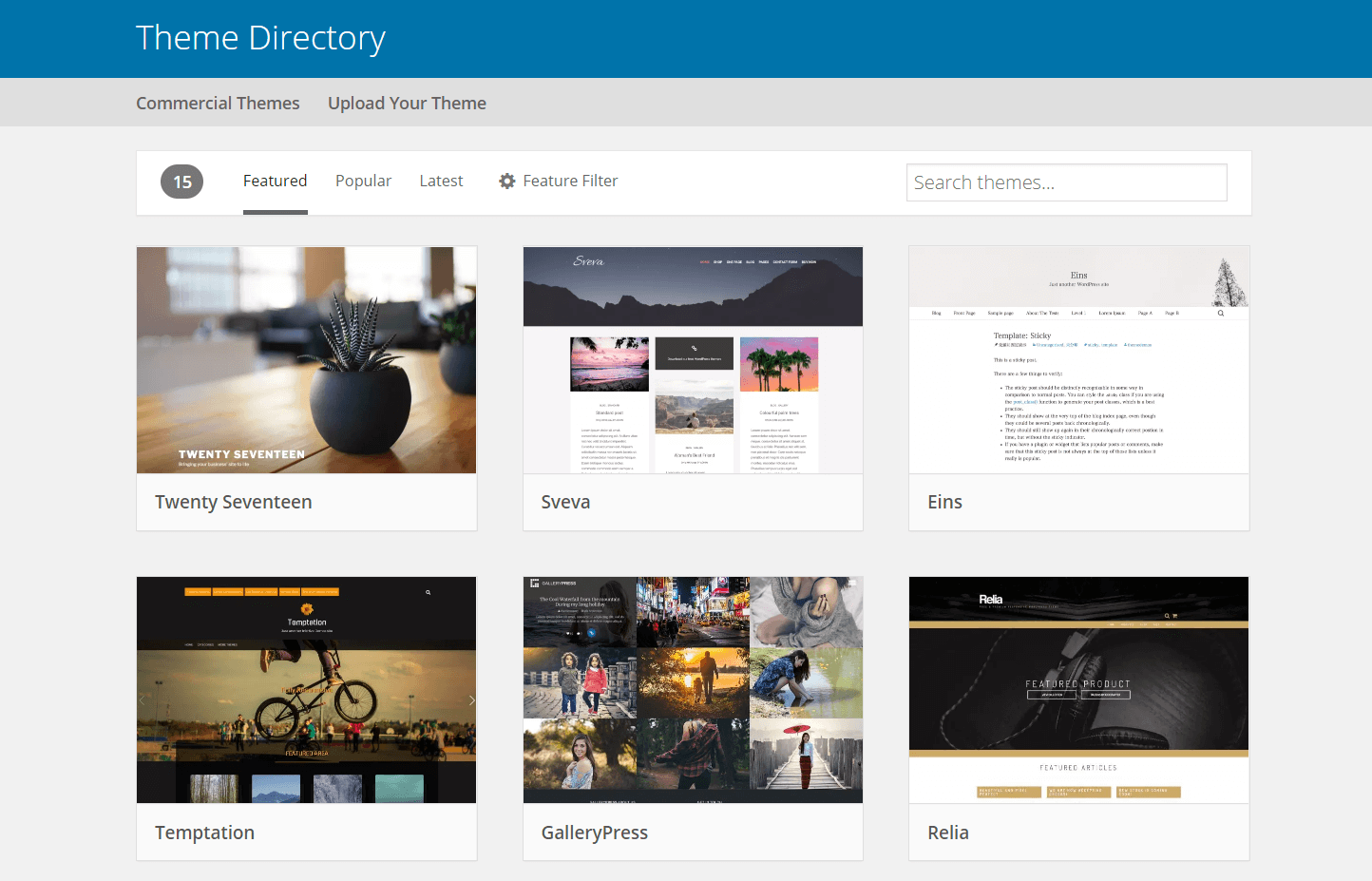
WordPress has many theme marketplaces. ThemeForest is very popular. It has thousands of themes. Elegant Themes offers beautiful designs. Mojo Marketplace has diverse options. Check reviews before buying. Make sure the theme fits your style. Marketplaces offer many choices. It’s good to explore them.
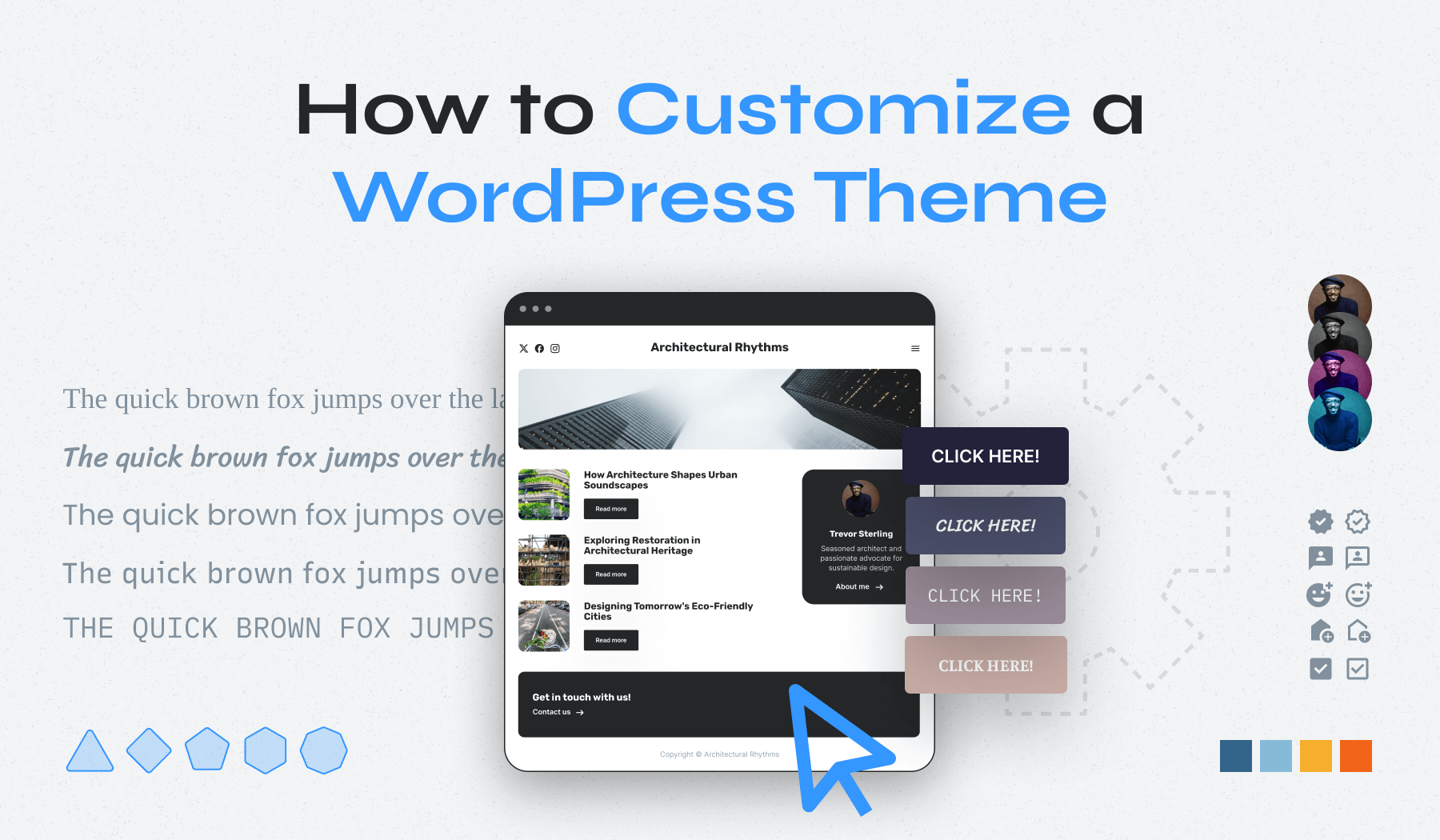
Customizable themes let you change many things. You can pick colors. Adjust fonts. Add your own logo. Create layouts that suit you. These themes give freedom. You can make the site unique. They are good for creative minds. Customizable themes are great for personal touch. They help create a special look.
Evaluating Theme Features
Selecting a WordPress theme involves examining its features carefully. Focus on customization options, responsive design, and load speed. Prioritize themes that match your site’s purpose and offer easy navigation for users.
Responsive Design
A responsive design makes your site look good on all devices. This means it works well on phones, tablets, and computers. People use many devices to visit websites. So, a theme must be adaptable. Check if the theme adjusts to different screen sizes. Try it on a phone and a computer. A good theme will look nice on both.
Seo-friendly Elements
An SEO-friendly theme helps your site rank better. It includes clean code and fast loading times. Search engines like Google prefer these. Check if the theme supports meta tags and headings. These help search engines understand your content. A theme with SEO features helps people find your site easily.
Compatibility With Plugins
Plugins add extra features to your site. A good theme works with popular plugins. This includes plugins for contact forms, e-commerce, and SEO. Before choosing a theme, check if it supports your favorite plugins. This ensures your site can grow and change with your needs.
Credit: www.wpzoom.com
Testing Theme Compatibility
Ensure the theme works on all popular browsers. Check Chrome, Firefox, Safari, and Edge. Open the theme in each browser. Look for errors or layout issues. A good theme should look the same everywhere. This helps your site reach more people.
Themes must adapt to different screen sizes. Test the theme on phones and tablets. Open the site on devices of various sizes. Check if text and images resize properly. Responsive design makes your site friendly for all users. This keeps visitors happy and engaged.
Speed is crucial. Slow themes can drive away visitors. Use tools like Google PageSpeed or GTmetrix. Analyze the theme’s loading time. Fast themes improve user experience. They also help with SEO rankings. Faster sites mean happier users and better search results.
Ensuring Support And Updates
Customer support is very important for theme users. Problems can happen anytime. Some themes offer chat or email support. It’s good to have help when you need it. Check if support is included with your theme.
Updates keep your theme safe and working well. Themes should have updates to fix bugs. New features are added this way too. Look for themes with regular updates. This shows they care about the user experience.
User reviews can tell you a lot about a theme. Look for reviews from other users. They share their experiences with the theme. A strong community means better help and advice. Join forums to see what others say.
Credit: wpengine.com
Finalizing Your Theme Choice
Trying out demos is fun. It helps see the theme in action. Demos show how the site will look. Preview is like a test drive. Check if the theme is what you want. It shows the real feel of the theme.
Ask friends or family for their thoughts. Feedback can be very helpful. Opinions from others might show new ideas. It helps in making a better choice. Remember, everyone sees things differently. So, listen to their feedback.
List the pros and cons. This helps make a clear choice. Think about the site’s purpose. Choose a theme that fits your needs. Decision time can be tough. But, the right theme makes everything easier and better.
Frequently Asked Questions
How Do I Choose A WordPress Theme?
Choosing a WordPress theme involves considering your website’s purpose and audience. Look for themes that are responsive, customizable, and SEO-friendly. Check user reviews and ratings to ensure reliability. Opt for a theme that aligns with your brand identity and offers necessary features.
Test the demo for functionality before deciding.
What Makes A WordPress Theme Seo-friendly?
An SEO-friendly WordPress theme loads quickly and is mobile responsive. It should support clean code and offer structured data. Look for themes with built-in SEO settings and compatibility with popular SEO plugins. Proper heading tags and fast loading times also contribute to better search engine rankings.
Can I Customize A WordPress Theme?
Yes, most WordPress themes are customizable. You can change colors, fonts, and layouts using the theme customizer. Many themes offer page builder compatibility for more advanced customizations. Ensure the theme you choose supports customization options to align with your brand’s aesthetics and functionality requirements.
Is A Free Or Paid Theme Better?
Free themes offer basic features and are budget-friendly, while paid themes provide advanced features and support. Premium themes often come with regular updates and dedicated customer support. Consider your website’s needs and budget when choosing. Paid themes can offer more flexibility and unique designs for professional sites.
Conclusion
Choosing a WordPress theme might seem challenging. But it’s not. Focus on your site’s needs. Consider design, features, and support. A clear, responsive theme enhances user experience. Don’t rush; explore different options. Keep your audience in mind. Test themes on various devices.
Check loading speed and SEO compatibility. Seek reviews and user feedback. Trust your instincts, and select what feels right. A well-chosen theme sets your site apart. Happy theme hunting!


