
Are you tired of spending money on web hosting services? Do you want to take control and create your own free web host?
You’re in the right place. Imagine having the power to host your website without any cost and tailor it to your specific needs. By the end of this article, you will know how to set up your free web hosting platform, ensuring you never pay for hosting again.
You’ll learn the tips and tricks needed to make this happen, and you’ll be surprised at how simple the process can be. Get ready to unleash your creativity and take charge of your online presence!
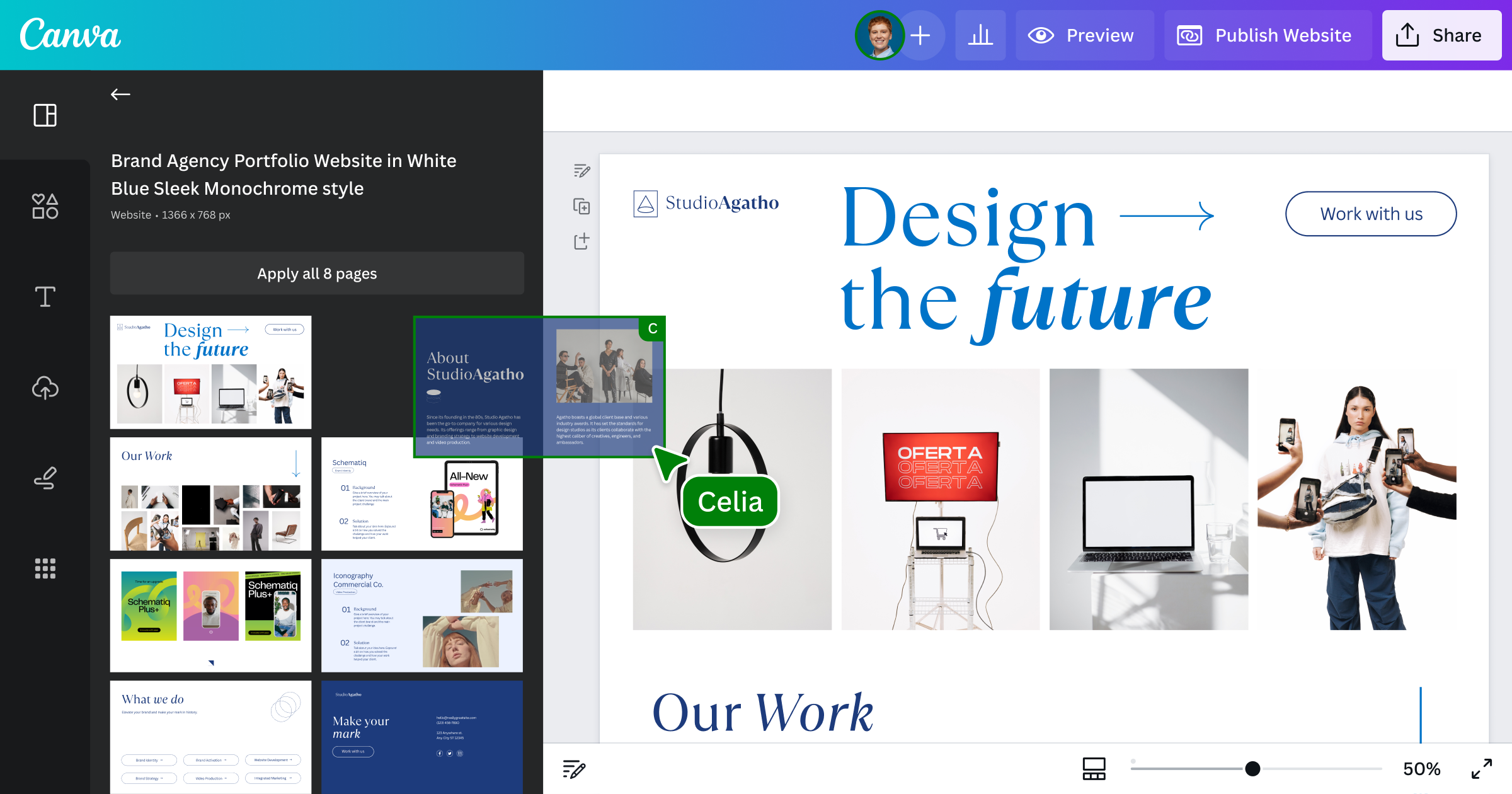
Credit: www.canva.com
Understanding Web Hosting Basics
Web hosting comes in different types. Each type has its own use. Shared hosting is the most common. Many websites share one server. It’s cheap but can be slow. VPS hosting gives more power. It’s a step up from shared hosting. You get your own part of the server. Dedicated hosting is for big websites. You get the whole server to yourself. It’s faster and more secure. Cloud hosting is new and flexible. It uses many servers to host your site.
A web host needs a few key parts. First, it needs servers. These are like big computers. They store your website’s files. Next, it needs a control panel. This helps manage your site. Finally, it needs bandwidth. This is the data your site uses. The more visitors, the more bandwidth you need.
Setting Up Your Own Server
Picking the right hardware is crucial. Start with a reliable computer. The computer should have a strong processor. At least 8GB of RAM is good. For storage, a solid-state drive is best. It helps in faster data access. Make sure your internet is stable. A wired connection is better than wireless.
You need an operating system for your server. Linux is a popular choice. It’s free and open-source. Choose a version like Ubuntu or CentOS. These are user-friendly. Download the version you want. Install it on your computer. Follow the instructions step by step. Once installed, your server is ready.
Configuring Software For Hosting
Choosing the right web server software is important. Popular options include Apache, Nginx, and LiteSpeed. Apache is known for its flexibility. Nginx is fast and uses fewer resources. LiteSpeed is good for high-traffic sites. Each has its own advantages. Pick one that fits your needs best. Installation guides are available online. Follow them step by step. This makes the process easier.
Databases store important information. MySQL and PostgreSQL are popular choices. MySQL is easy to use. It’s great for beginners. PostgreSQL is powerful and secure. It’s used by many companies. Both have large communities online. They offer help and resources. Choose based on your project’s requirements. Install them with guidance from online resources. This ensures you set it up correctly.
Domain Name Registration
A good domain name is short and easy to spell. Think about what your website is about. Choose a name that fits well. Avoid numbers or hyphens in your domain name. This makes it harder to remember. Use only letters for the best results. Check if your chosen name is available. If not, try different versions. Keep it simple and unique.
After buying your domain, link it to your server. First, find the server’s IP address. This is like the server’s phone number. Next, log in to your domain account. Look for the DNS settings. Enter the server’s IP address in the provided field. This connects your domain to the server. It can take some time to update. Be patient.
Implementing Security Measures
SSL Certificates keep data safe between users and servers. They stop bad people from seeing private information. With SSL, users see a lock symbol in their browser. This means the site is safe to use. It’s important to add SSL to protect your website.
Firewalls act like guards for your server. They watch for bad traffic and block it. This keeps your site safe from hackers. You can use tools like anti-virus and malware scanners too. They help find and stop threats before they cause harm. Set these tools up correctly to protect your website.
Creating User Management System
Building a user management system is important. Users need to create accounts easily. Start by asking for a username and password. Then, make sure passwords are strong. Users should feel safe. Add an email verification step. This keeps accounts secure. Password recovery is crucial too.
Design a simple dashboard. Users can update their details here. Let them change passwords. Users should manage their own data. This builds trust and keeps them happy.
Assign roles to users. This controls what they can do. Some users may be admins. Admins have more power. Regular users have limited access. This ensures security and order.
Permissions should be clear. Users need to know their limits. Too much access can be risky. So, keep permissions tight. Update them as needed for safety.
Optimizing Performance
Caching speeds up your website. It saves a copy of your web page. Visitors get a faster load time. Web host servers work less. This helps them stay cool. Use tools like Varnish. It caches pages well. Browsers also store data. This reduces server work. CDNs help cache content. They store copies in different places. This makes access faster.
Load balancing shares traffic. It uses many servers. This helps avoid overload. Requests go to less busy servers. It keeps sites running smooth. Tools like HAProxy balance loads. They spread requests evenly. Round-robin is one method. It rotates server tasks. This keeps performance steady. Sticky sessions keep users on one server. It helps session data stay safe.

Credit: www.youtube.com
Maintenance And Troubleshooting
Regular updates keep your web host safe. They fix bugs too. Updates make sure everything runs smoothly. It’s good to backup your data often. Backups save your work. They protect against data loss. Use tools that make backups easy. You can set them to run automatically.
Many issues happen with web hosts. Slow loading is a common problem. It can annoy visitors. Check your server speed. Sometimes, a plugin causes trouble. Turn off plugins one by one to find the bad one. Broken links are another problem. They confuse users. Use a link checker tool. It helps find and fix broken links. If your site crashes, restart the server. This often solves the issue. Always have support contacts ready.

Credit: www.youtube.com
Frequently Asked Questions
Can I Create And Host A Website For Free?
Yes, you can create and host a website for free using platforms like WordPress. com or Wix. These platforms offer free plans with basic features and limited storage. You might need to upgrade for more customization options, own domain name, and additional resources.
How Do I Make My Own Web Host?
To create your own web host, acquire a server, install hosting software, and configure settings. Ensure server security, set up DNS, and manage resources efficiently. Regularly update software and provide customer support. Familiarize yourself with networking and web technologies to maintain reliable hosting services.
How Can I Host My Own Domain For Free?
Use services like InfinityFree or FreeHosting to host your domain at no cost. Register your domain separately. These platforms provide basic features for free hosting. Ensure the domain’s DNS settings point to the hosting provider’s servers for seamless integration.
Is Wix Actually Free?
Wix offers a free plan, allowing users to create websites without upfront costs. This plan includes Wix branding and limited features. Users can upgrade to premium plans for more customization, storage, and a professional domain. Free plan is ideal for basic sites, while premium plans enhance functionality.
Conclusion
Creating a free web host empowers you. You now control your online presence. With these steps, you save money and learn valuable skills. Experiment and customize as you wish. Your creativity can shine online. Practice makes perfect, so keep improving your setup.
Share your journey with others and inspire them. Encouragement and sharing grow communities. Embrace this digital adventure. Your site reflects your personality and ideas. Enjoy the process and stay curious. The internet is vast, and you have a place in it.
Keep exploring and expanding your web hosting knowledge.


