
Are you curious about how to host a web service right on your own computer? Imagine having the power to develop, test, and run your web applications locally before making them live for the world to see.
This skill can significantly streamline your workflow, giving you more control and flexibility over your projects. But where do you start, and how do you ensure everything runs smoothly? In this guide, you’ll discover the straightforward steps to set up a web service on your local machine.
Whether you’re a budding developer or just someone eager to learn, this article will break down the process into easy-to-follow steps. By the end, you’ll have the knowledge and confidence to host your own web services right from your desktop. Ready to dive in? Let’s make your local machine a powerful tool in your web development arsenal!

Credit: m.youtube.com
Prerequisites For Hosting
A computer with at least 8 GB RAM is recommended. The processor should be modern and fast, like an Intel i5 or higher. A stable internet connection is a must. Ensure your hard drive has enough space, at least 50 GB. This helps store files and data. An uninterruptible power supply can prevent issues during power outages. These ensure your server stays online. Cooling fans help keep your machine cool. This prevents overheating during heavy usage.
Install a web server software like Apache or Nginx. These help host your service efficiently. A database management system like MySQL or PostgreSQL is needed. These manage and store data. Ensure you have the latest version of Python or Java installed. These programming languages support web services. Use firewall software to protect your server. This keeps unwanted access away. Regular updates are crucial for security. They fix bugs and vulnerabilities.
Credit: medium.com
Setting Up The Development Environment
Start by downloading the right tools for your system. Choose a good code editor. Some popular ones are VS Code or Sublime Text. Install a local server software like XAMPP or WAMP. These tools are free and easy to use. They help in running your web service locally.
After installing, open the server software. Look for the control panel. Start the Apache server. This makes your computer work like a real server. Move your web files to the htdocs folder. This is where your projects live. Open a browser. Type localhost in the address bar. You should see your web service running. If not, check settings again. Ensure everything is set right.
Choosing The Right Framework
Many frameworks help host web services. Node.js is very popular. It runs JavaScript. Python’s Flask is simple and easy to use. Django is also for Python. It is more complex than Flask. Ruby on Rails is another option. It is known for quick development. Spring Boot is used for Java projects. It is powerful but complex.
Pick a framework that suits your needs. Ease of use is important. Check the community support. It helps fix problems. Think about scalability. Can the framework handle more users? Look at documentation. Good guides make learning easier. Consider compatibility with other tools. Choose wisely.
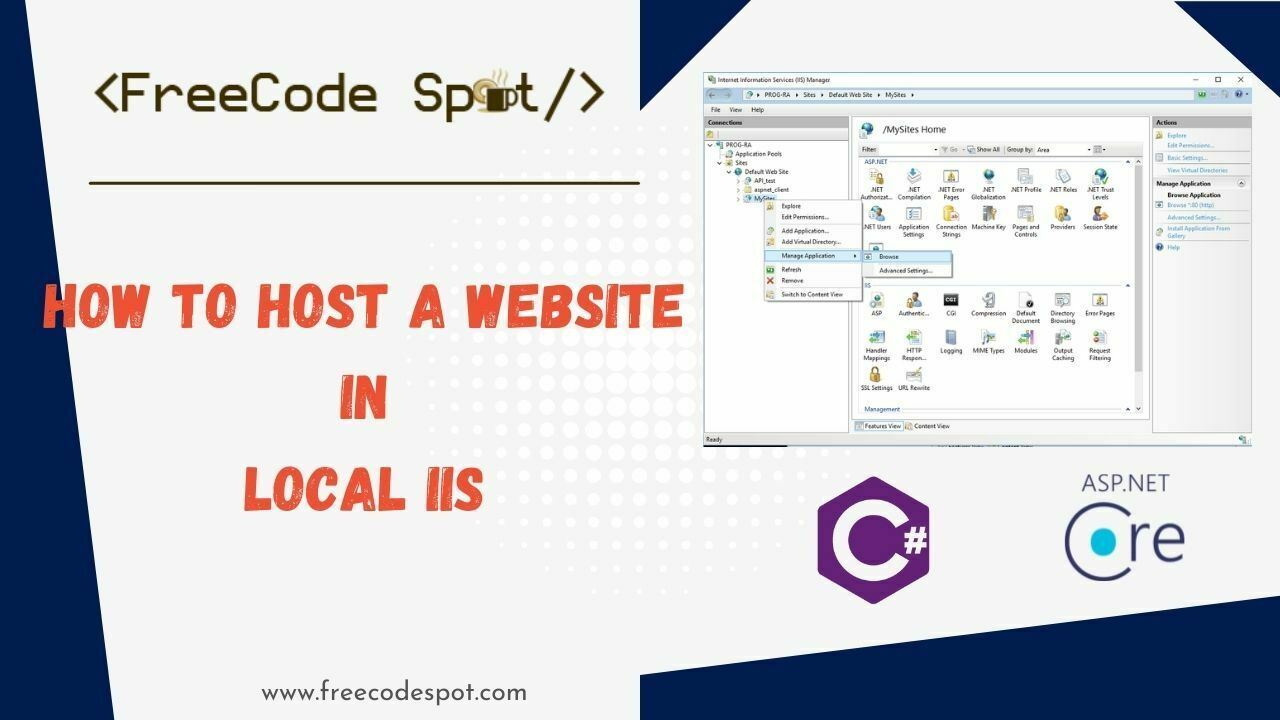
Credit: www.freecodespot.com
Building The Web Service
Start by creating a new folder. Name it after your project. Inside, add files like index.html, style.css, and app.js. These files will hold your code. Keep everything organized. Use folders for images or scripts if needed. Good structure helps in finding files easily. Make sure each file has a clear purpose.
Endpoints are like doors to your service. Use a framework like Express.js. It helps in setting them up. Define routes for each task your service does. For example, /getData or /postData. Each route should do one specific job. Keep your code simple. Use comments to explain tricky parts. This makes it easier for others to understand. Or even for you, later.
Testing The Web Service
Hosting a web service locally allows for easy testing and debugging. Start by installing necessary software like XAMPP or WAMP. Configure the environment and deploy your service files. Test functionality using a browser or API client to ensure seamless operation before going live.
Unit Testing
Unit testing checks small parts of the code. Each piece is tested alone. Bugs can hide in small sections. Fixing them is easier when found early. Unit tests help ensure code works as planned. Many developers write these tests first. They catch errors before they grow big. Small tests make big changes easier. They give confidence to developers.
Integration Testing
Integration testing checks how different parts work together. Modules may work alone but fail together. These tests find problems in connected parts. They help ensure smooth interaction. Fixing these bugs is crucial. Integration tests help catch conflicts early. They save time and trouble later. Smooth connections lead to better performance. Developers often use automated tools. These tools speed up the process.
Debugging Common Issues
Setting up a web service on your local machine can lead to common debugging issues. Troubleshoot connection errors by checking firewall settings and network configurations. Ensure your server is running and ports are open for smooth operation.
Error Logs Analysis
Check the error logs for clues. They tell what went wrong. Look for words like “error” or “failed”. This helps in finding the issue. Logs are like a map. They guide us to the problem. Reading logs is like solving a puzzle. Each piece is important. Fixing the error becomes easier with logs. Always save logs for future help.
Performance Bottlenecks
Web service can slow down sometimes. This is called a bottleneck. Find which part is slow. It could be the server or the code. Check server usage. High CPU or memory use can be a clue. Check network speed too. Slow network causes delays. Fixing these can make the service faster. Always test after fixing. This ensures the problem is solved.
Securing The Web Service
Setting up a web service on a local machine involves several steps. First, choose the right server software. Ensure your firewall settings allow access. Use strong passwords and encryption to protect data. Regularly update your software to patch vulnerabilities. Monitor access logs to detect any suspicious activity.
Implementing Authentication
Strong authentication methods protect your web service. Use passwords that are hard to guess. Add multi-factor authentication for extra security. Keep user information private and safe. Always check who is accessing your service.
Data Encryption
Encrypt data to keep it secure. This makes it hard for others to read. Use SSL/TLS protocols to encrypt data in transit. Protect data stored on your machine. Encrypting helps in keeping data safe. Keep your encryption keys safe and private. Make sure you use up-to-date encryption methods. Regularly update your systems for better security.
Accessing The Service Externally
Port forwarding lets you access your web service from outside. It sends requests to your local machine. You set up a rule in your router. This rule sends traffic to your computer. Make sure you know your local IP address. It’s needed to create the rule. Security is important. Only open the ports you need. Closing unused ports keeps your machine safe. Follow your router’s steps to enable port forwarding. Each router has different steps. Check your router’s manual for guidance.
Ngrok creates a secure tunnel to your service. It is a tool for developers. Easy to set up and use. Ngrok gives you a public URL. Use this URL to share your service. You need to sign up for Ngrok. Download and install it on your machine. Run Ngrok with a simple command. It connects to your local server. Ngrok handles the rest. It is a great way to test your service online.
Monitoring And Maintenance
Ensure your web service runs smoothly with regular monitoring and maintenance. This involves checking performance, updating software, and fixing any issues quickly. Keep your local machine secure and efficient by scheduling routine checks and updates.
Regular Updates
Keep your web service safe and strong. Install updates regularly. Updates fix bugs and improve security. Check for updates at least once a week. Use trusted sources for updates. Don’t forget to back up your data before updating. This will save you if something goes wrong.
Performance Monitoring Tools
Tools help you watch your web service. They show how well it works. Check speed and response time. Slow services upset users. Use tools like New Relic or Datadog. They help track performance. Keep an eye on server load. Too much load slows things down. Regular checks keep your service running smoothly.
Frequently Asked Questions
How To Host A Website On A Local Machine?
Install a web server software like XAMPP or WAMP. Configure the server settings. Place your website files in the server’s designated directory. Start the server. Access your website using “localhost” in a browser. Ensure firewall settings allow local access.
How Do I Host A Webservice?
Choose a reliable hosting provider and select a server type. Install necessary software like Apache or Nginx. Configure server settings and deploy your WebService using appropriate tools. Ensure security measures and monitor performance. Regularly update your software to maintain optimal functionality.
How To Deploy A Web Application On A Local Server?
Deploy a web application locally by setting up a server environment like XAMPP or WAMP. Install necessary software. Configure server settings. Transfer application files to the server directory. Test the application in a browser using localhost. Ensure all dependencies are installed and configurations are correct for optimal performance.
How To Call A Web Service From Localhost?
To call a web service from localhost, use tools like Postman or cURL. Ensure the web service is running locally. Access it via your browser or command line using “http://localhost:port/service”. Configure any necessary headers or authentication for successful communication.
Conclusion
Hosting a web service locally is simpler than it seems. Start with downloading the right software. Configure your settings carefully. Test your service to ensure it’s working. This process gives you control over your development. Plus, it saves costs. Practice makes it easier over time.
Remember, patience is key. Keep exploring different tools and technologies. Each step brings new learning. With these tips, you’re ready to host successfully. Enjoy your journey in web hosting.


