
Imagine being able to share your ideas, projects, or even start a small business online without spending a dime on hosting fees. Yes, you read that right!
Hosting your own web server for free is possible, and it’s easier than you might think. This guide will walk you through the steps to set up a free web server, opening a world of opportunities for you to showcase your talents or grow your online presence without breaking the bank.
But why should you keep reading? Because the digital landscape is constantly evolving, and being able to adapt and utilize cost-effective solutions is crucial. Whether you’re a tech enthusiast, a small business owner, or someone who’s simply curious, learning how to host a free web server empowers you with the tools to take control of your digital footprint. Stay with us as we dive into the practical steps, tips, and tricks that will have you hosting your own web server in no time. Uncover the secrets that tech-savvy individuals have been using to create dynamic online platforms without spending a fortune. Are you ready to unlock the potential of free web hosting? Let’s get started!
Choosing A Platform
Linux is free and open source. Many people use it for web servers. It is known for being stable and secure. Windows is also popular. It has a user-friendly interface. Some people prefer it for its software support. Both platforms have pros and cons. Choose based on your comfort and needs. Linux may need more technical knowledge. Windows may need more resources.
Cloud hosting lets you store data online. It is flexible and scalable. Local hosting means storing data on your computer. It gives you more control. Cloud hosting can be cost-effective. Local hosting can be safer. Consider your budget and security needs. Cloud is easy to access from anywhere. Local hosting needs a strong computer.
Setting Up Hardware
You need a basic computer. It should have at least 2GB of RAM. A processor with 1GHz speed is enough. Choose a hard drive with 20GB space. It helps store your files. Internet connection is important. It should be stable and fast.
Limit the number of users. It helps keep the server fast. Use lightweight software. Programs like NGINX are good choices. Regularly update your software. It fixes bugs and improves speed. Monitor your server’s performance. Check for any slowdowns.
Installing Server Software
Apache and Nginx are popular server software. Both have their strengths. Apache is great for beginners. It is easy to set up. Nginx is faster with static files. It uses fewer resources. Choose based on your needs.
You need to configure your server. Set up the server files. Make sure they point to your website. Check the server settings. Ensure the server is secure. Test your server. Make sure it works smoothly.

Credit: webhostinggeeks.com
Domain And Dns Setup
Many websites offer free domain registration. Websites like Freenom and Dot.tk are popular. You can choose a domain name like “example.tk”. Check if the name is available. If it’s free, you can claim it. Always choose a name that is easy to remember. Avoid using numbers or special characters. Once registered, it’s yours to use.
DNS settings help connect your domain to your server. First, log into your domain provider’s website. Look for the DNS settings or DNS management section. You need to set the nameservers to your web host’s nameservers. This tells the domain where to point. Add any necessary A or CNAME records. These records help route traffic properly. Save changes once done. Your website is now linked to your domain.
Securing Your Web Server
Securing your web server is crucial when hosting it for free. Choose a reliable platform to minimize risks. Regular updates and strong passwords help protect your site from threats.
Ssl Certificates
SSL certificates keep your data safe. They protect information between the server and the user. Without them, hackers can steal your data. Free SSL certificates are available. They offer basic protection. Install them on your server easily. SSL certificates show a lock in the browser. Users trust sites with the lock. Always use SSL for secure connections.
Firewall Configuration
Firewalls guard your server from bad traffic. They block harmful connections. Configure firewalls to allow only safe traffic. Set rules for who can access your server. Keep the firewall updated. Check logs regularly for strange activities. A strong firewall keeps your web server safe.
Credit: www.godaddy.com
Content Management Systems
WordPress is a popular tool for websites. It is easy to use. First, download WordPress from its official site. Next, extract the files on your computer. Then, upload these files to your server. Use an FTP client for this. Create a new database in your hosting panel. Open your website in a browser. You will see the WordPress setup page. Follow the steps. Enter your database details. Choose a username and password. Your site is ready. Now, you can add themes and plugins. Enjoy building your website.
Many people choose Joomla. It offers flexibility. Good for complex sites. Another choice is Drupal. Known for its power. Great for developers. Ghost is for bloggers. It is fast and simple. Grav is a flat-file CMS. No database needed. It’s lightweight and easy. Squarespace is user-friendly. It offers hosting and design. Each CMS has its strengths. Choose one that fits your needs.
Monitoring And Maintenance
Keeping your web server fast is crucial. Use tools like Google PageSpeed Insights or Pingdom. These tools help you check the speed. They show you where the server slows down. They give you tips to make things better. Regular checks keep your server in top shape.
Backing up your data is essential. It protects against data loss. Use tools like BackupBuddy or UpdraftPlus. They save your files safely. Schedule backups often. This way, if something goes wrong, you can restore everything easily.

Credit: www.wikihow.com
Troubleshooting Common Issues
Setting up a free web server often encounters common issues like connectivity problems and software errors. Troubleshooting involves checking network settings and ensuring compatible software versions. Regular updates and backups help prevent potential server disruptions.
Server Downtime
Server downtime can be very frustrating. Ensure the internet connection is stable. Check if the server hardware is functioning well. Restart the server to fix small issues. Sometimes, a software update can cause downtime. Revert to the previous version to test. Make sure the server has enough resources like memory and CPU. Limited resources can slow down or stop your server.
Error Logs
Error logs help in finding problems. Check them regularly for error messages. Look for patterns in the logs. They might point to a recurring issue. Identify the time when errors occur. This can help in pinpointing the problem. Use the error code to search for solutions online. Many users share fixes in forums and websites. Keep the software updated. Sometimes updates fix known errors. Always backup before making changes.
Frequently Asked Questions
Is Wix Really Free Hosting?
Wix offers a free plan with limitations. You get free hosting but with Wix ads and a Wix domain. To remove ads and use a custom domain, you need a paid plan. The free plan is great for basic needs, but upgrading enhances features.
Can Google Host A Website For Free?
Google offers free hosting through platforms like Google Sites. It’s ideal for simple websites without complex features. For more advanced hosting, Google Cloud provides paid options. Using Google Sites, you can create and publish a website easily without any cost, but with limited customization options.
Does Godaddy Provide Free Hosting?
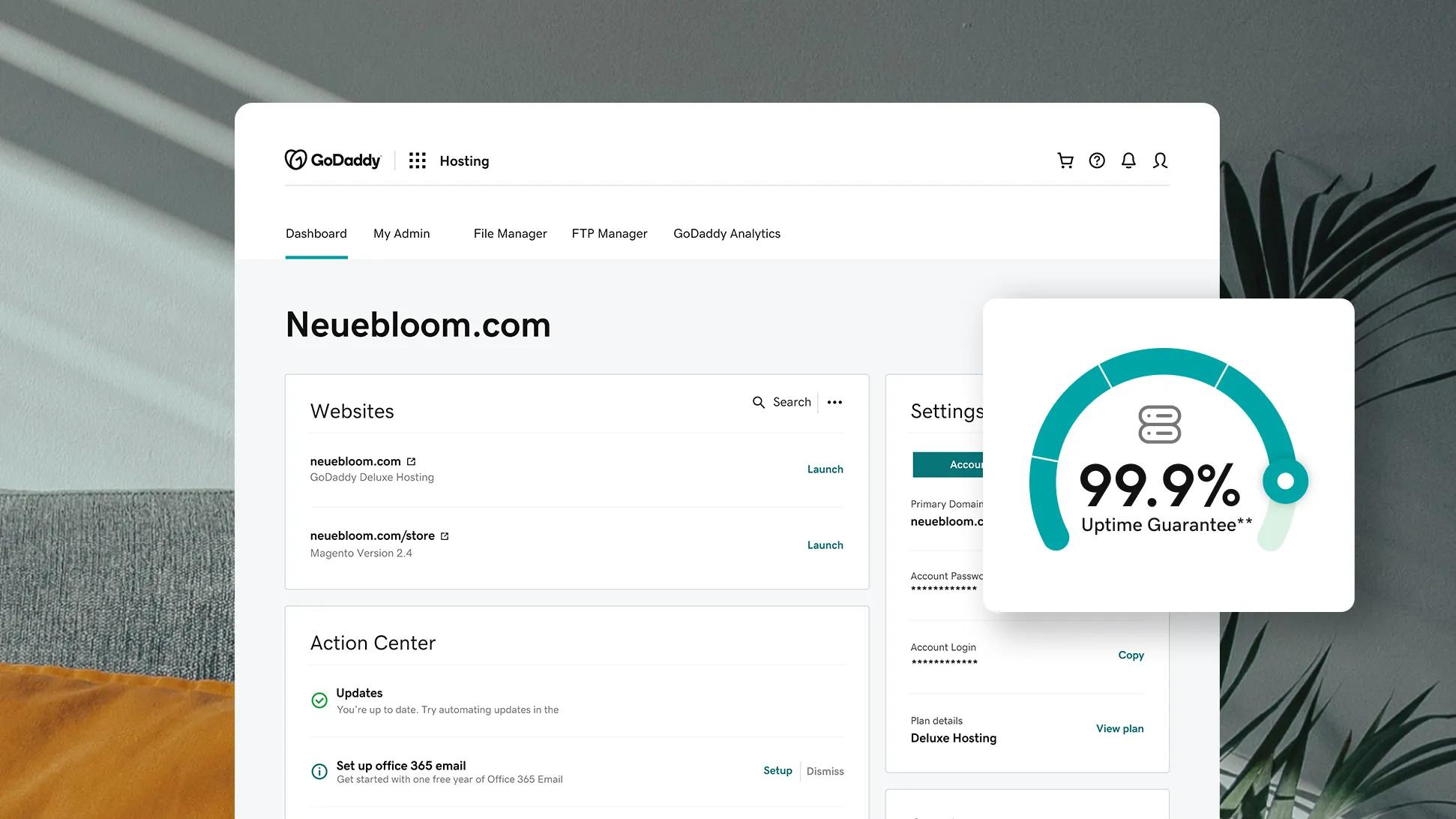
GoDaddy does not offer free hosting plans. They provide various paid hosting options to suit different needs and budgets. Users can choose from shared, VPS, and dedicated hosting plans. Discounts and promotions may be available occasionally, but hosting services require a subscription fee.
Can I Publish A Website For Free?
Yes, you can publish a website for free using platforms like WordPress. com, Wix, and Blogger. These platforms offer free plans with basic features, subdomains, and limited storage. For more customization and a professional domain, consider upgrading to a paid plan.
Conclusion
Starting your own web server is simpler than you think. With the right tools, anyone can do it for free. Just follow the steps outlined in this guide. Practice makes perfect, so don’t rush. Experiment with different settings. Learn what works best for your needs.
Remember, patience is key. Hosting a web server requires some trial and error. But the rewards are worth it. You gain control, freedom, and valuable skills. So, dive in and start your journey today. Happy hosting!


