
Are you looking to give your WordPress site a fresh new look without hiring a professional designer? Editing your WordPress theme might be the perfect solution.
But, if you’re unsure where to start, you’re not alone. Many WordPress users find themselves asking, “How do I edit my WordPress theme? ” Fortunately, you’re in the right place. In this guide, we’ll show you how to edit your WordPress theme, step by step, using YouTube as a valuable resource.
YouTube offers a treasure trove of tutorials that can help you transform your site into something stunning and unique. Imagine having the power to tweak your site’s design just the way you envision it. Picture the satisfaction of making changes that reflect your brand’s personality without spending a dime on a developer. This article will equip you with easy-to-follow tips and tricks, so you can confidently navigate theme editing like a pro. Ready to dive in and unlock your site’s potential? Let’s get started!
Credit: sixfive.io
Getting Started With WordPress Themes
WordPress themes change how your website looks. They are like clothes for your site. Themes can make your site pretty. They also help in adding features. Some themes are free. Others cost money. Picking a theme is fun. But it’s also important.
Each theme has its own style. Some themes are simple. Others are fancy. Try to choose a theme that fits your needs. Look at the colors. Check the layout. Make sure it works on phones too. A good theme makes your site better. It also makes it easier for people to use.
Picking the right theme is key. First, think about what your site needs. Do you want it simple or bright? Does it need to show lots of pictures? Make a list of features you need.
Look for themes with good reviews. Check how often they get updates. An updated theme is safer. It also works better. Try free themes first. If you like them, great! If not, explore premium ones. But make sure they fit your budget.
Setting Up Your Development Environment
Download a code editor first. Editors like VS Code or Sublime Text are good choices. Next, install PHP on your computer. This lets you run WordPress locally. MySQL is also needed for databases. Use XAMPP or MAMP to get PHP and MySQL together. These tools help in testing your theme changes.
Theme files are important. They control how your site looks. The main file is style.css. It holds the design rules. index.php helps display posts. functions.php adds extra features to your theme. header.php and footer.php manage top and bottom parts of your site. Understanding these files is key to editing themes.
Basic Theme Customization
Changing the look of your WordPress theme is easy. CSS styles control how your site appears. To change these styles, open the style.css file. This file is in your theme folder. Use a text editor to make changes. Change colors, fonts, or spacing. Save the file to see changes. Always make a backup before editing. This keeps your site safe.
PHP templates help build your site. They decide where things show up. You can find these files in the theme folder. Use a text editor to open them. Edit carefully to avoid errors. Look for lines starting with <?php. These lines are PHP code. Changes here affect how your site works. Always save a backup before editing. Backups help fix mistakes easily.
Credit: www.wpzoom.com
Advanced Theme Editing Techniques
Child themes are like baby themes. They help keep changes safe. When the main theme updates, your changes stay. First, create a new folder. Name it after your main theme. Add “-child” to the name. Inside, make a new file. Call it “style.css”. This file tells WordPress about your child theme. Use it to add new styles. You can change colors or fonts here. Next, make a “functions.php” file. This helps add new features. Remember, always keep backups. Backups are important. They prevent loss of changes. Child themes are easy to use. They keep your website unique and fresh.
JavaScript makes websites interactive. It adds fun features. You can change JavaScript in WordPress. First, find the theme folder. Look for “scripts.js” or similar files. Open them carefully. Add your code at the end. Always test new code. Testing prevents errors. Use simple code for best results. JavaScript can make buttons move. Or it can change images. Remember, too much JavaScript can slow sites. Keep code clean and simple. This helps websites run smoothly.
Using Plugins For Theme Enhancement
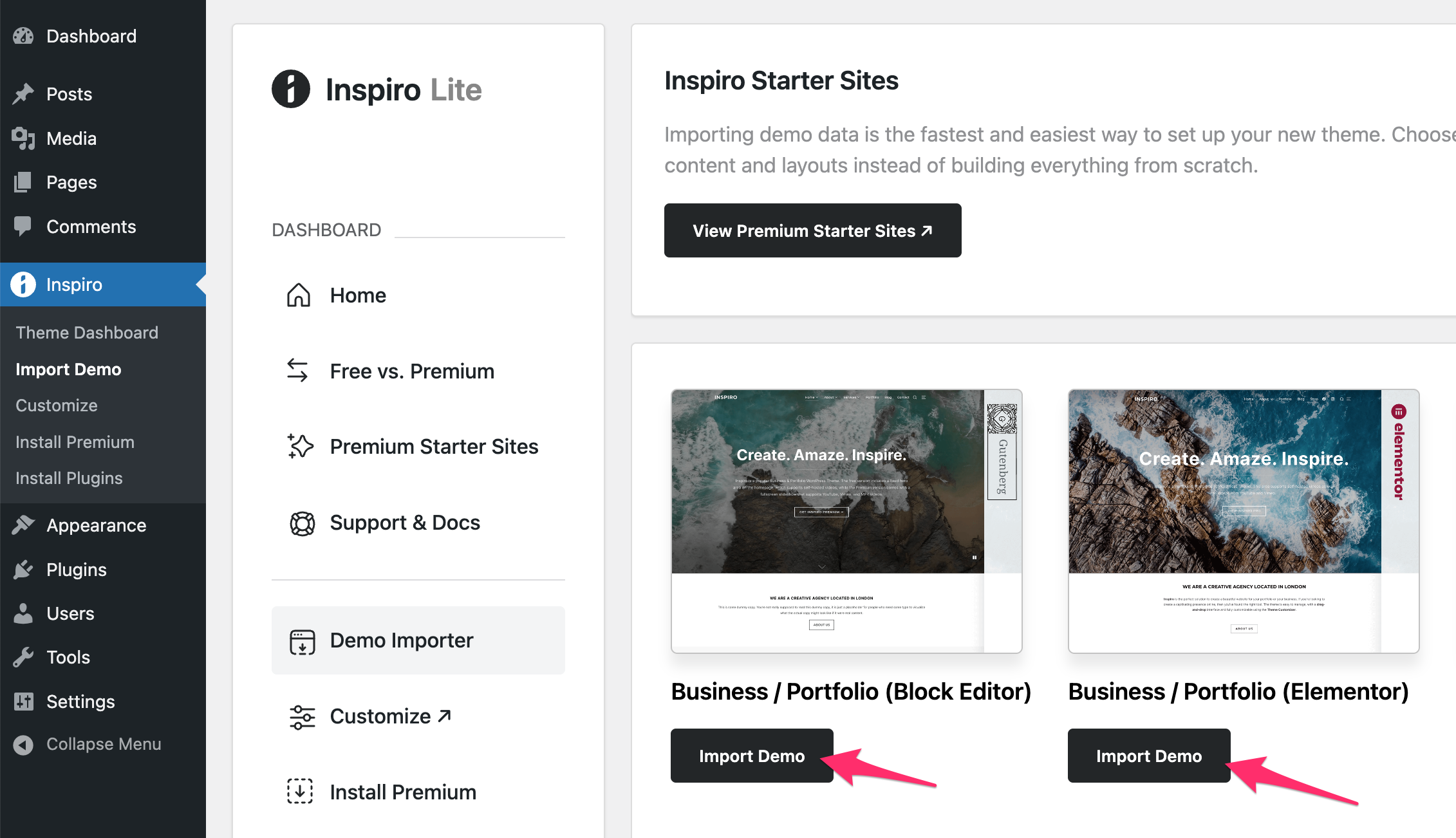
Essential Plugins for Customization can make your website look unique. These plugins help you change colors, fonts, and layouts easily. Some popular plugins include Elementor, WPBakery, and Beaver Builder. They are user-friendly and perfect for beginners. You can drag and drop elements to design your site. No coding skills are needed. Always choose plugins with good reviews. This ensures they are reliable and safe. Regular updates also keep your site secure.
Integrating YouTube Content can make your site more engaging. Use plugins like YouTube Embed Plus or Video Gallery. They let you add videos to your pages or posts. You can even create a video gallery to display multiple videos. This keeps visitors on your site longer. Adding videos is also good for SEO. It makes your content rich and interactive. Ensure your videos are relevant to your content.
Troubleshooting And Debugging
Editing a WordPress theme using YouTube tutorials involves practical steps. First, find a reliable video guide that matches your theme. Follow the instructions to customize design elements like fonts and colors, ensuring your site reflects your vision.
Common Errors And Fixes
Many face issues with WordPress themes. One common error is the white screen of death. This happens when there’s a PHP error. Check your theme’s code for mistakes. Another issue is the missing stylesheet. This means the theme is not installed right. Always upload the full theme package. Also, themes might conflict with plugins. Deactivate plugins one by one. Find the one causing the problem. Always keep your theme updated. Updates fix bugs and improve security.
Debugging Tools
Use tools to make debugging easier. WordPress Debug Mode shows PHP errors. Turn it on in the wp-config.php file. Another tool is the Query Monitor plugin. It shows database queries and errors. The Debug Bar plugin helps too. It adds a menu with debugging info. Use your browser’s Developer Tools. Check the console for JavaScript errors. These tools help find and fix issues fast.
Credit: www.youtube.com
Frequently Asked Questions
How Do I Customize A WordPress Theme?
To customize a WordPress theme, access the WordPress dashboard, then navigate to Appearance > Customize. Here, you can adjust settings like colors, fonts, and layout. Use the Custom CSS option for advanced changes. Always preview changes before publishing to ensure your edits look as expected.
Can I Edit WordPress Theme Without Coding?
Yes, you can edit WordPress themes without coding. Use the built-in Customizer for changes. For more functionality, consider page builders like Elementor or WPBakery. These tools allow you to make visual edits easily. Always back up your site before making significant changes.
How Do I Change The Theme Header?
To change the theme header, go to Appearance > Customize > Header. From here, you can upload a new header image or adjust text. Some themes offer additional settings for header layout and design. Remember to save changes after editing to update your site.
Is It Safe To Edit WordPress Theme Files?
Editing WordPress theme files can be risky. Always use a child theme to prevent loss during updates. Backup your files before making changes. Alternatively, use a plugin like Theme Editor for safer edits. If unsure, seek professional help to avoid issues.
Conclusion
Editing your WordPress theme on YouTube can be simple. Start with tutorials. They guide you step by step. Practice makes perfect. Experiment with different settings. See what works best for your site. Stay patient. Mistakes help you learn. Customize colors, fonts, and layouts.
Make your site unique. Keep your audience in mind. Choose designs that appeal to them. Regularly update your theme. Stay current with trends. Enjoy the creative process. Your site reflects you. Use resources wisely. Seek community help if stuck. Editing is a skill you grow with time.
Happy editing!


