
Are you looking to make your WordPress theme accessible to a global audience? Creating a PO file is your first step towards reaching a wider audience, making your content understandable in different languages.
If you’ve ever felt overwhelmed by the technical jargon or unsure of where to begin, you’re not alone. Many WordPress users face the same challenge. But here’s the good news: you don’t need to be a tech wizard to create a PO file for your WordPress theme.
In this guide, you’ll discover a straightforward approach, designed with simplicity in mind, to help you navigate the process with ease. By the end of this article, you’ll have the confidence and tools to make your WordPress theme more inclusive and user-friendly. Let’s get started on expanding your reach and enhancing your site’s appeal!
Understanding Po Files
PO files help in making websites multilingual. They contain text strings in different languages. These files are used to translate themes. Users can read the site in their own language. This makes the site more friendly and accessible. PO files are essential for global reach.
Each PO file has a specific format. It includes original text and translations. The structure is easy to follow.
| Element | Description |
|---|---|
| msgid | The original text string |
| msgstr | The translated text |
Comments can also be added. This helps translators understand the context better.
Credit: wpmarmite.com
Tools For Creating Po Files
Creating a PO file for a WordPress theme involves using tools like Poedit or Loco Translate. These tools help in translating theme text into different languages. Simply extract translatable strings, edit them, and save the file.
Using Poedit
Poedit is a popular tool for creating PO files. It is easy to use and helps translate texts. Users can edit translations directly in the interface. Poedit offers features like translation memory, which remembers past translations. This can save time in future projects. The tool supports many languages, making it versatile. Poedit is available for Windows, macOS, and Linux systems. It also provides automatic updates for translations. This ensures translations are always current.
Alternatives To Poedit
Several tools can create PO files. Loco Translate is a good choice for WordPress users. It works directly within WordPress. PoEditor is another option. It offers cloud-based translation services. Crowdin is ideal for team projects. It allows multiple users to work on translations. Transifex provides an online platform for translations. It supports many file formats. Each tool offers unique features. Choosing the right one depends on user needs.
Setting Up Your WordPress Theme
Begin by finding the theme files in your WordPress folder. They are usually in the wp-content/themes directory. Each theme has its own folder. Look for PHP files inside. These files contain the text you need to translate. Open them with a simple text editor. Search for text strings to translate.
To make your theme ready for translation, you need language files. These files have the extension .po. Create a folder named languages in your theme directory. Inside, save your .po files. These files help translate the text. Use tools like Poedit to edit them. Add translations for each string. Save your changes to keep translations updated.
Credit: wpml.org
Extracting Translatable Strings
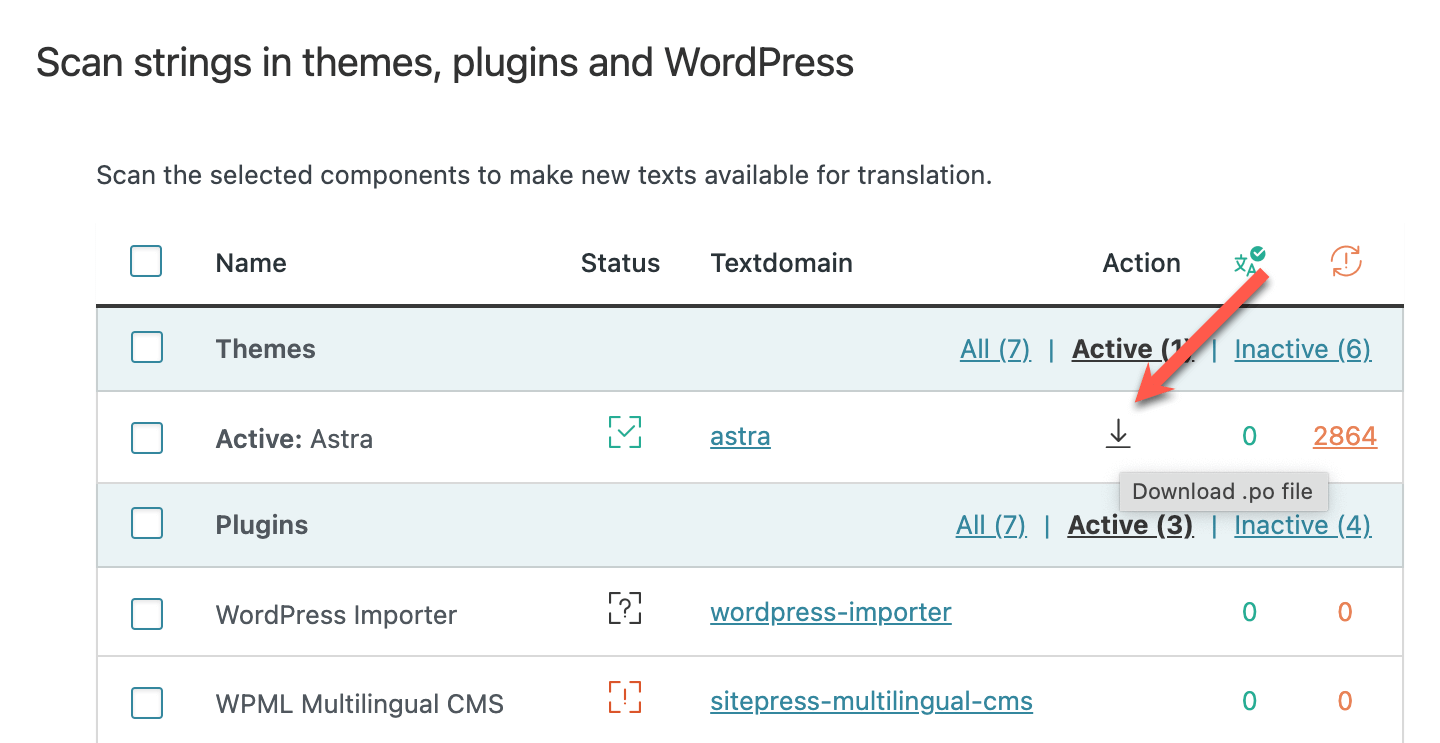
Creating a. po file for a WordPress theme involves finding translatable strings. Use tools like Poedit to scan theme files. Select the correct language code for seamless integration and enhanced user experience.
Identifying Text Domains
Text domains help in translation. They group your strings. Each theme needs a unique text domain. It helps in finding strings easily. Use your theme’s name as the text domain. Always check it matches in all files. This ensures all strings are grouped correctly.
Using Gettext Functions
Gettext functions help in translating. They mark strings for translation. Use __() and _e() functions. __() returns the translated string. _e() echoes the translated string. Both need a text domain. This connects them to the right group. Always wrap strings with these functions. This makes them ready for translation.
Creating A Pot File
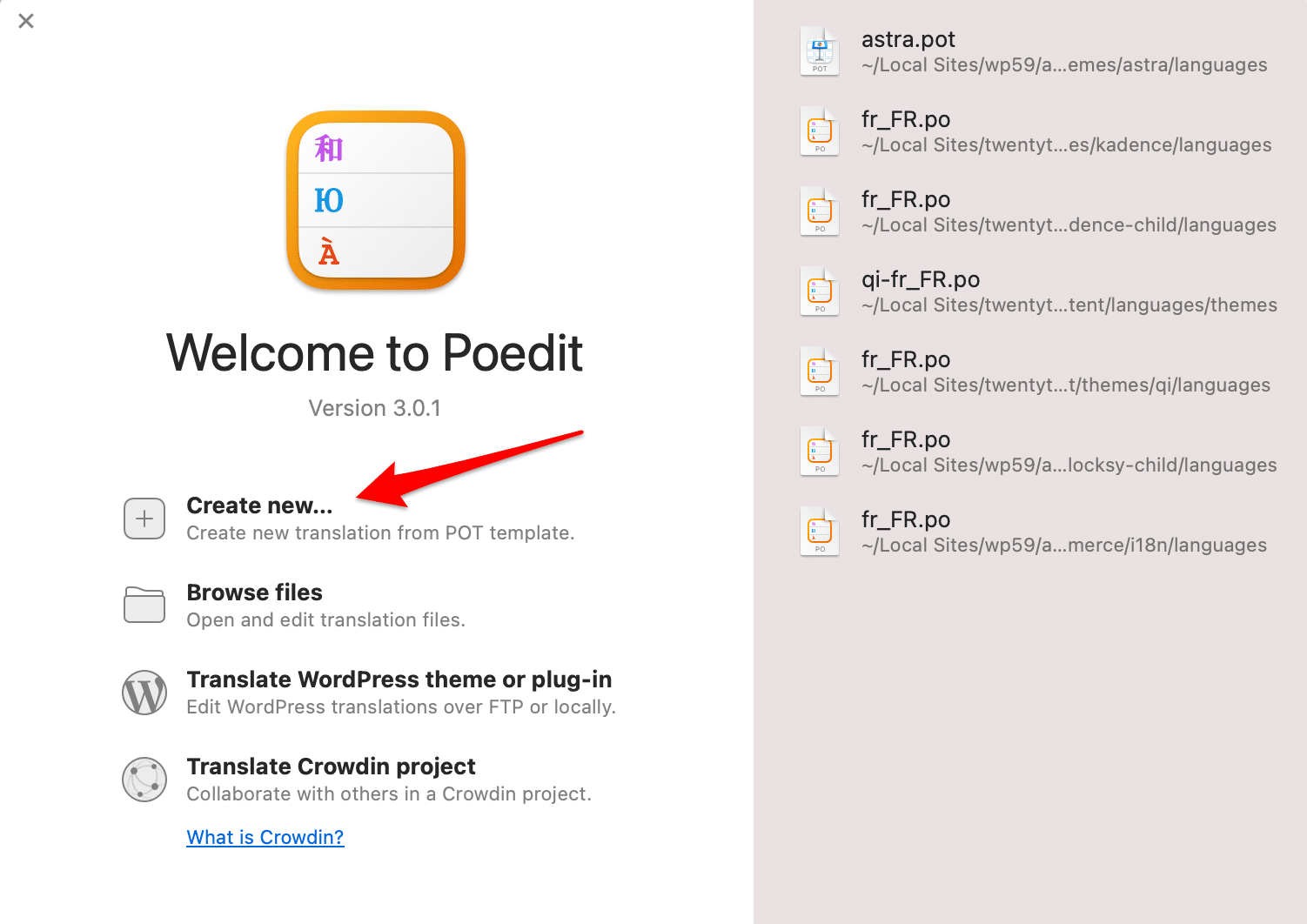
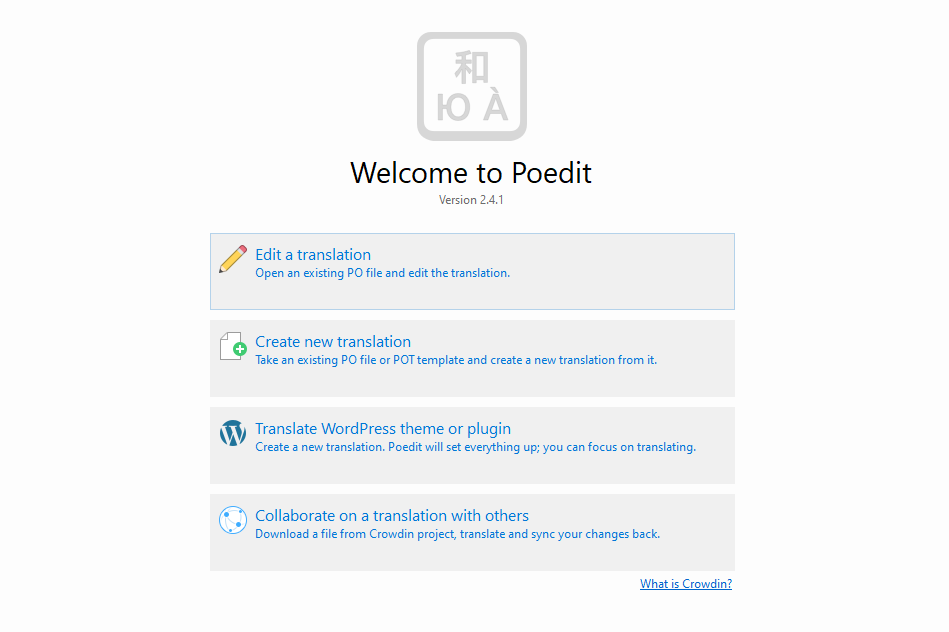
Poedit is a tool for making translation files. Start by downloading Poedit from its website. Open Poedit and click on “New.” Select “Create new translation” and choose the source language. Next, click “Extract” to pull strings from your theme. This makes a .pot file. Save it in your theme folder. This file helps in translating your theme.
Find all text strings in your theme. Look for functions like _e() and __(). These functions contain translatable text. Copy these strings into a text file. Use a format like msgid and msgstr for each string. Save this file with a .pot extension. This is your manual .pot file. Now, you can translate it.
Translating With Po Files
PO files help in translating themes. They are plain text files. Use a text editor to open them. A popular choice is Poedit. Open the PO file in Poedit. You will see two columns. One is original text. The other is translated text. Click on any text to edit it.
Save your changes often. This prevents losing work. Editing is easy and quick. Make sure translations are accurate.
After editing, save the PO file. It is important to compile it into an MO file. The MO file is a binary file. WordPress uses it for translations.
In Poedit, click File then Save. The MO file will be created automatically. Upload the MO file to your WordPress theme folder. This completes the translation process.
Testing Your Translations
Applying translations in WordPress is simple. Go to your WordPress dashboard. Click on Settings, then General. Choose your language from the dropdown menu. Save changes to apply your translation. Sometimes, themes do not show translations correctly. This can be frustrating. Check if your theme is translation-ready. Some themes need extra plugins for translations. Plugins like WPML or Polylang help with this. These plugins make translation easy.
Troubleshooting Common Issues
Translations may not work as expected. A common issue is missing translations. Check your .po and .mo files. Ensure they are in the right folder. Sometimes, translations do not update. Clear your browser cache. This helps refresh the page. Language settings might not save. Check your WordPress version. Ensure it is updated. Older versions may have bugs. If problems persist, seek help. WordPress forums are a good place. Many users share solutions there.
Best Practices For Po Files
Creating a PO file for a WordPress theme involves using tools like Poedit. Extract text strings from your theme files. Translate them into desired languages. Save the translations in a. po format. This allows your theme to support multiple languages, enhancing its global reach and accessibility.
Maintaining Consistency
Always keep your terms consistent across the PO files. Use the same words for similar phrases. This helps users understand better. Check spelling and grammar. Mistakes can confuse readers. Use a glossary for key terms. It guides translators. A glossary lists important words. It shows how to use them. This ensures terms stay the same. Consistency builds trust in your content.
Collaborating With Translators
Work closely with translators. Share clear instructions. Provide context for phrases. Context helps translators do a better job. Use tools to manage translations. Tools keep everything organized. Feedback is important. Listen to suggestions from translators. They know language well. Make changes as needed. Good communication leads to better translations. This improves the quality of your theme.
Credit: translatepress.com
Frequently Asked Questions
What Is A Po File In WordPress?
A PO file in WordPress is a translation file used to localize themes. It contains text strings and their translations, enabling themes to display content in various languages. By editing PO files, you can customize language settings to better suit your audience’s needs.
Creating these files is essential for multilingual support.
How Do I Create A Po File?
To create a PO file, first install a translation plugin like Loco Translate. Then, access the theme’s language folder and create a new PO file. Use the plugin to add translations for each text string. Save your changes, and your theme will support multiple languages.
Why Use Po Files For Translation?
PO files are vital for efficient theme translation in WordPress. They allow easy customization of language settings without altering core files. This ensures your site remains updated and compliant. Using PO files also streamlines the localization process, saving time and improving user experience for multilingual audiences.
Can Po Files Improve Seo?
Yes, PO files can enhance SEO by enabling multilingual support. By translating your theme, you can reach broader audiences, improving engagement. This can increase organic traffic from non-English speakers. A well-localized site can also improve search engine rankings by providing relevant content in multiple languages.
Conclusion
Creating a PO file for your WordPress theme is straightforward. Follow the steps carefully. First, gather your theme files. Next, use Poedit to edit them. Translate the strings in the theme. Save your file as theme. po. Upload it to your WordPress directory.
Check your website for changes. Translation makes your site accessible. More users can enjoy your content. It also boosts engagement and reach. Remember, a multilingual site invites diverse audiences. Make sure your translations are accurate. Happy translating!


