
Are you looking to craft a unique identity for your blog? Imagine the freedom of designing a WordPress theme that perfectly reflects your personal style and vision.
Creating your own WordPress blog theme isn’t just for tech wizards; it’s an achievable goal for anyone willing to learn. In this guide, you’ll discover step-by-step instructions to help you build a theme from scratch. This isn’t just about aesthetics; it’s about making your blog stand out in a sea of templates.
By the end of this article, you will not only have a personalized theme but also the skills to adapt and evolve it as your blog grows. Dive in to unlock the secrets of WordPress theme creation and empower your online presence.
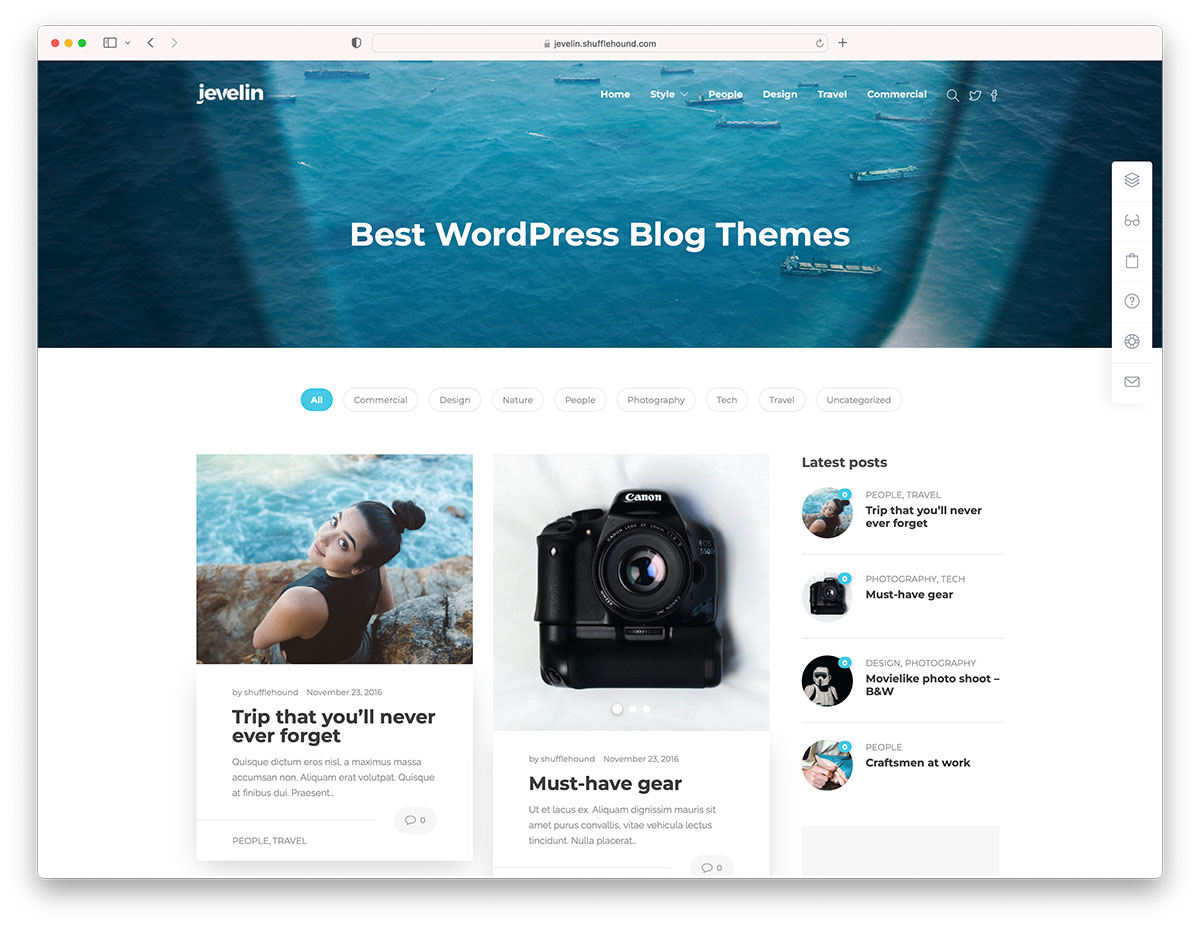
Credit: colorlib.com
Getting Started
Creating a WordPress blog theme requires a few tools. A text editor like Sublime Text or VS Code is essential. You need a local server setup. XAMPP or WAMP are popular choices. Use a web browser to see your theme’s changes. Also, an understanding of HTML, CSS, and PHP is crucial. These skills help in designing and coding the theme.
A WordPress theme needs specific files to work. The style.css file is mandatory. It contains the theme’s details and styling. The index.php file is the main template. It controls how content displays. A functions.php file can enhance your theme. It adds extra features and custom functions. Ensure your theme is responsive. This means it looks good on all devices.
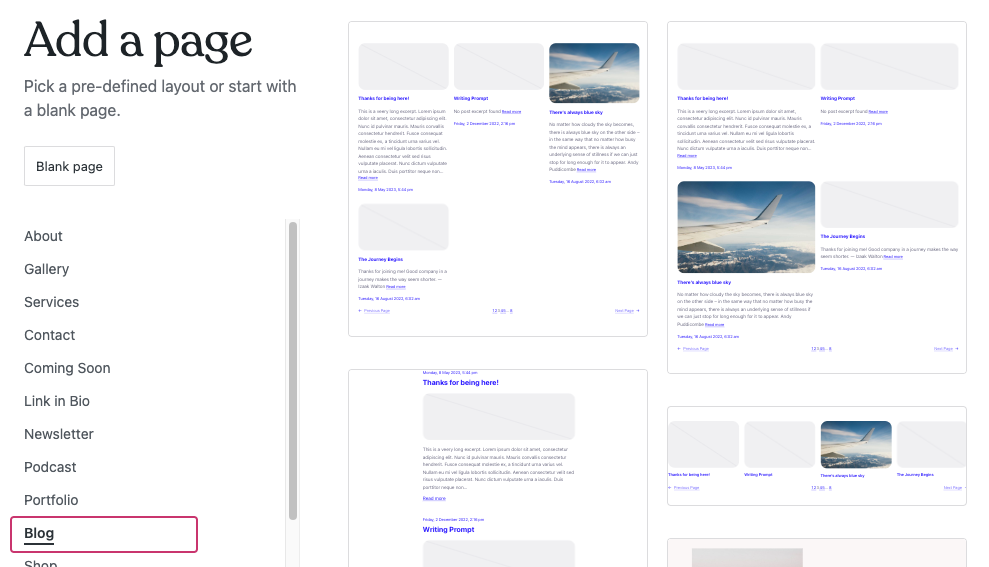
Credit: wordpress.com
Setting Up A Development Environment
Begin by installing a local server like XAMPP or WAMP. These tools mimic a real web server on your computer. They help test your theme easily. Download and install one of them. Start the server to begin your work.
Structure is key for a WordPress theme. Create a new folder in the WordPress themes directory. Name it after your theme. Inside, you need these files: style.css, index.php, functions.php. Add a header.php and footer.php too. These files help organize your theme.
Core Files Of A WordPress Theme
The style.css file is very important. It holds all the design styles for your theme. This file tells WordPress your theme’s name and details. Without it, WordPress won’t know your theme exists. Use this file to set colors, fonts, and layouts. Make your blog look unique.
The index.php file is a key part of your theme. It is like the home base for your blog. This file shows the main content on your site. It works with other files to display posts and pages. Every theme needs this file to function well.
The functions.php file is like a toolbox. It helps you add features to your theme. You can use this file to add widgets or menus. It can also change how WordPress works. This file gives you more control over your site. It’s a smart way to make your theme special.
Credit: themeforest.net
Creating The Header And Footer
The header is the top part of your site. It is important for the look of your blog. To design header.php, start with HTML. Use a tag for the menu. This helps visitors move around your site. Make sure to use CSS for styling. Add colors and fonts that match your theme. Keep the design simple. This makes it easy to read.
The footer is at the bottom of your page. It holds important links. To build footer.php, use a tag. Include links to your privacy policy and terms. You can also add a copyright notice. Use HTML and CSS to style the footer. Make it look nice and simple. This helps the visitors find information easily.
Developing The Main Layout
Start with a clean layout. Arrange the elements neatly. Use colors wisely. Choose fonts that are easy to read. Navigation should be simple and clear. Add a search bar for easy access. Include a header and a footer. Organize content using grids or columns. Make sure the homepage is mobile-friendly.
Focus on readability. Use a large font for titles. Keep paragraphs short. Add images to break text. Use white space to make reading easy. Include social share buttons. Add a comments section for interaction. Ensure links are clear. Make sure the post pages load fast. Keep the design simple and neat.
Implementing WordPress Loop
WordPress uses the Loop to display posts. The Loop is a simple code block. It fetches and displays posts. You can show post titles, content, and dates. This code runs in every theme. The Loop starts with if ( have_posts() ) and ends with endwhile. It checks for posts and displays them. This is the core of WordPress themes. It helps in organizing content. Understanding the Loop is essential.
You can customize the Loop to fit your needs. Change how posts appear. Use query_posts() to select posts. You can filter by category or author. Display posts in different orders. Add custom fields to show extra information. Use CSS for styling. Make your blog unique. Experiment with different layouts. Make it user-friendly and beautiful.
Adding Widgets And Menus
Widgets add useful features to your blog. They make your site interactive. To register a widget area, use the functions.php file. Add code to show where widgets can go. Name your widget areas clearly. This helps users find them easily. Use simple names like “Sidebar” or “Footer”. Keep the code neat and simple.
Menus help people find pages on your blog. Create custom menus to improve navigation. Go to the Appearance section in WordPress. Click on Menus and start a new menu. Drag and drop items to arrange them. Name the menu something easy, like “Main Menu”. Save the menu to see it live on your site. Always check if the menu works well.
Incorporating Custom Templates
Creating a WordPress blog theme includes incorporating custom templates. These templates help personalize the design and functionality. They allow unique layouts and features, making your blog stand out.
Template Hierarchy
WordPress uses template hierarchy to decide which template files to use. This system makes it easy to customize your blog’s appearance. For example, if you want a unique layout for posts, you can modify the single.php file. Want different looks for category pages? Change the category.php file. The hierarchy helps organize templates in a logical order. This way, WordPress knows which file to load based on the user’s request.
Creating Custom Page Templates
Custom page templates let you design special pages. These templates offer unique designs for specific pages. To create one, start with a new file in your theme folder. Name it page-custom.php or similar. Add a header with Template Name. This tells WordPress it’s a custom template. Then, you can add HTML and PHP code for your layout. Assign this template to a page in the WordPress admin. Now, your page will have a distinct look!
Styling Your Theme
CSS changes how your blog looks. It’s like magic paint. You can make text big or small. Change colors. Even move things around. Use classes and IDs to target parts. Each element can have its own style. Play with fonts and backgrounds. Make buttons look cool. Try different layouts. Learn about flexbox and grid. They help organize your page. Remember to test your styles. See how they look on phones and computers.
Design should work on all devices. Use media queries in CSS. They help change styles based on screen size. Set breakpoints for tablets and phones. Fluid grids adjust layout. Use percentages instead of pixels. This keeps designs flexible. Responsive images resize to fit screens. Test your design on different devices. Make sure everything is easy to read. Users should have a great experience everywhere.
Testing And Debugging
Ensuring a flawless WordPress blog theme involves testing and debugging. Detect errors by examining every code line carefully. Use debugging tools to pinpoint issues quickly. Thorough testing guarantees the theme’s reliability and user satisfaction.
Browser Compatibility
Websites must look good on all browsers. Test your theme on Chrome, Firefox, Safari, and Edge. Each browser can show your theme differently. Use tools like BrowserStack for testing. Check for layout problems or missing styles. Make sure buttons and links work everywhere. Keep your theme simple for better compatibility. Avoid complex code that only works on one browser.
Debugging Common Issues
Debugging helps find and fix problems. Use WordPress debugging tools. Look at error messages and logs. Common issues include missing images or broken links. Check your code for typos or wrong paths. Plugins and themes can conflict. Try disabling them one by one. Sometimes updates cause errors. Make a backup before changing anything. Test changes on a local server first. Debugging takes patience and careful testing.
Launching Your Theme
Make sure your theme looks good on all devices. Check on phones and tablets. Test the links to see if they work. Look for broken images or missing text. Fix any errors before sharing your theme. Ask a friend to help test. They may find things you missed.
Log in to your WordPress dashboard. Go to the themes section. Click on “Add New”. Upload your theme file. Click “Activate” to make it live. Check your blog again. Make sure everything works. You can now share your blog with friends. Enjoy your new theme!
Frequently Asked Questions
How To Start Designing A WordPress Theme?
To start designing a WordPress theme, first define your site’s purpose and audience. Next, sketch a basic layout, focusing on user experience. Use tools like Adobe XD or Sketch for wireframing. Develop a color scheme and typography. Finally, learn basic HTML, CSS, and PHP to customize your theme.
What Tools Do I Need For WordPress Theme Development?
For WordPress theme development, you need a code editor like Visual Studio Code. Use design software such as Adobe XD or Sketch for mockups. Install XAMPP or MAMP for a local server environment. Familiarize yourself with WordPress Codex and PHP documentation for coding support.
How To Make A WordPress Theme Responsive?
To make a WordPress theme responsive, use CSS media queries to adjust layouts for different devices. Implement flexible grid systems like CSS Grid or Flexbox. Optimize images for faster loading. Test your theme across various browsers and devices to ensure consistent user experience.
Can I Create A Theme Without Coding?
Yes, you can create a WordPress theme without coding using theme builders. Tools like Elementor and Divi offer drag-and-drop interfaces. They provide pre-designed templates and customization options. These tools allow you to build a unique theme without any coding knowledge.
Conclusion
Creating a WordPress blog theme can be rewarding and fun. Start with clear goals for design and functionality. Use tools and resources wisely. Experiment and tweak until satisfied. Aim for a user-friendly experience. Keep design simple but appealing. Test your theme thoroughly.
Ensure compatibility with different devices. Stay updated with WordPress changes. Regular updates keep your theme fresh. Seek feedback to improve your work. Share your theme with others. Enjoy the process of learning and creating. Your blog theme reflects your style and vision.
Embrace creativity and innovation. Happy blogging!


