

Are you thinking about running your WordPress site on AWS but worried about the costs? You’re not alone.
Understanding how much it really costs to host WordPress on Amazon Web Services can be confusing. But here’s the good news: with the right information, you can plan your budget without surprises. You’ll discover the key factors that affect your AWS bill and simple tips to keep your expenses low.
Ready to take control of your hosting costs? Let’s dive in.

Credit: aws.amazon.com
Aws Pricing Basics
Understanding AWS pricing is key to managing your WordPress costs. AWS pricing depends on several factors. These include the computing power you use, storage needs, and data transfer amounts. Each part adds to your total monthly bill. Knowing these can help you budget better.
Compute Costs
Compute costs are charges for running virtual servers. AWS calls these servers EC2 instances. Prices vary by instance type and size. Smaller instances cost less but have limited power. Larger instances offer more power and cost more. You pay for the time your instance runs. Stopping the instance stops the charges.
Storage Expenses
Storage expenses cover saving your website files and databases. AWS offers several storage options like EBS and S3. EBS is for your server’s main storage. S3 is used for backups and static files. Costs depend on the storage size and type. You pay for the amount of data stored monthly.
Data Transfer Charges
Data transfer charges apply when data moves in or out of AWS. Incoming data to AWS is usually free. Outgoing data to users costs money. The more visitors your WordPress site has, the higher this cost. AWS charges by the amount of data transferred each month. Managing traffic helps control these expenses.
Credit: www.wpbeginner.com
WordPress Hosting Options On Aws
Amazon Web Services (AWS) offers several ways to host WordPress. Each method varies in cost, complexity, and control. Choosing the right option depends on your needs and budget. Here are the main WordPress hosting options on AWS.
Using Ec2 Instances
EC2 instances let you run WordPress on virtual servers. You get full control over the server settings. You choose the size and type of instance based on your traffic. This option requires technical skills to manage security and updates. Costs depend on instance type, storage, and data transfer. It can be affordable for small sites but grows with traffic and resources.
Managed Services With Lightsail
Lightsail offers a simple way to host WordPress. It provides pre-configured servers optimized for WordPress. You can launch a site quickly without deep technical knowledge. Lightsail bundles compute, storage, and networking with a fixed monthly price. This makes costs predictable. It suits small to medium sites that want easy setup and management.
Serverless Approaches
Serverless hosting uses AWS services like Lambda and API Gateway. WordPress runs without managing servers. It scales automatically based on demand. This approach lowers maintenance but can be complex to set up. Costs depend on usage, such as function calls and storage. Serverless is ideal for sites with variable traffic or needing high scalability.
Cost Factors Affecting WordPress On Aws
Running WordPress on AWS involves several cost factors. These factors impact the total price you pay. Understanding them helps manage your budget effectively. Costs vary based on your site’s needs and usage. AWS offers flexible pricing but costs can rise quickly without planning.
Traffic Volume And Scalability
High traffic increases your AWS costs. More visitors mean more server power is needed. AWS can scale resources up or down automatically. This helps handle traffic spikes smoothly. Scaling up uses more computing power, raising costs. Scaling down saves money during low traffic periods.
Resource Allocation
Resource allocation affects your monthly AWS bill. CPU, memory, and storage choices matter. Larger servers cost more but run faster. Smaller servers are cheaper but may slow down. Choosing the right size depends on your WordPress site. Over-allocating wastes money, under-allocating harms performance.
Backup And Security
Backup services add to your AWS expenses. Regular backups protect your site data. More frequent backups mean higher costs. Security features like firewalls and monitoring also cost extra. These tools prevent attacks and data loss. Investing in security and backup is vital for safe hosting.
Estimating Monthly Costs
Estimating monthly costs for running WordPress on AWS depends on your website’s size and traffic. AWS offers many options that fit different needs. Costs vary based on server size, storage, bandwidth, and additional services.
Understanding these factors helps you budget accurately. Below are examples for small, medium, and large websites.
Small Website Scenario
A small website usually serves less than 10,000 visitors per month. You can use a basic AWS EC2 instance, such as t3.micro, which costs around $8 to $10 monthly. Storage with Amazon EBS adds about $1 to $3. Data transfer fees may add $2 to $5. Total cost ranges from $10 to $18 monthly.
This setup is great for personal blogs or small business sites. It covers low traffic and basic storage needs.
Medium Traffic Site
Medium websites handle 50,000 to 200,000 visitors each month. You need a larger EC2 instance, like t3.medium or t3.large, costing around $30 to $70. Storage requirements grow to 50-100 GB, costing $5 to $10. Data transfer can be $10 to $20 monthly. Adding Amazon RDS for databases costs about $15 to $50. Total monthly cost ranges between $60 and $150.
This fits online shops or growing blogs with steady traffic.
High Traffic And Enterprise Level
High traffic sites serve over 500,000 visitors monthly. They require powerful EC2 instances such as m5.large or c5.xlarge. These cost $100 to $300 monthly. Storage may exceed 200 GB, adding $20 or more. Data transfer fees rise to $50 or higher. Enterprise setups often use load balancers, multiple databases, and caching services. These extras can add $100 or more. Total monthly cost can reach $300 to $600 or beyond.
This option fits popular news sites, large e-commerce, or corporate portals.
Cost Optimization Strategies
Running WordPress on AWS can be costly without proper planning. Cost optimization strategies help reduce expenses. They ensure you use AWS resources efficiently. Saving money is possible by choosing the right options. These strategies also improve your site’s performance and reliability.
Reserved Instances And Savings Plans
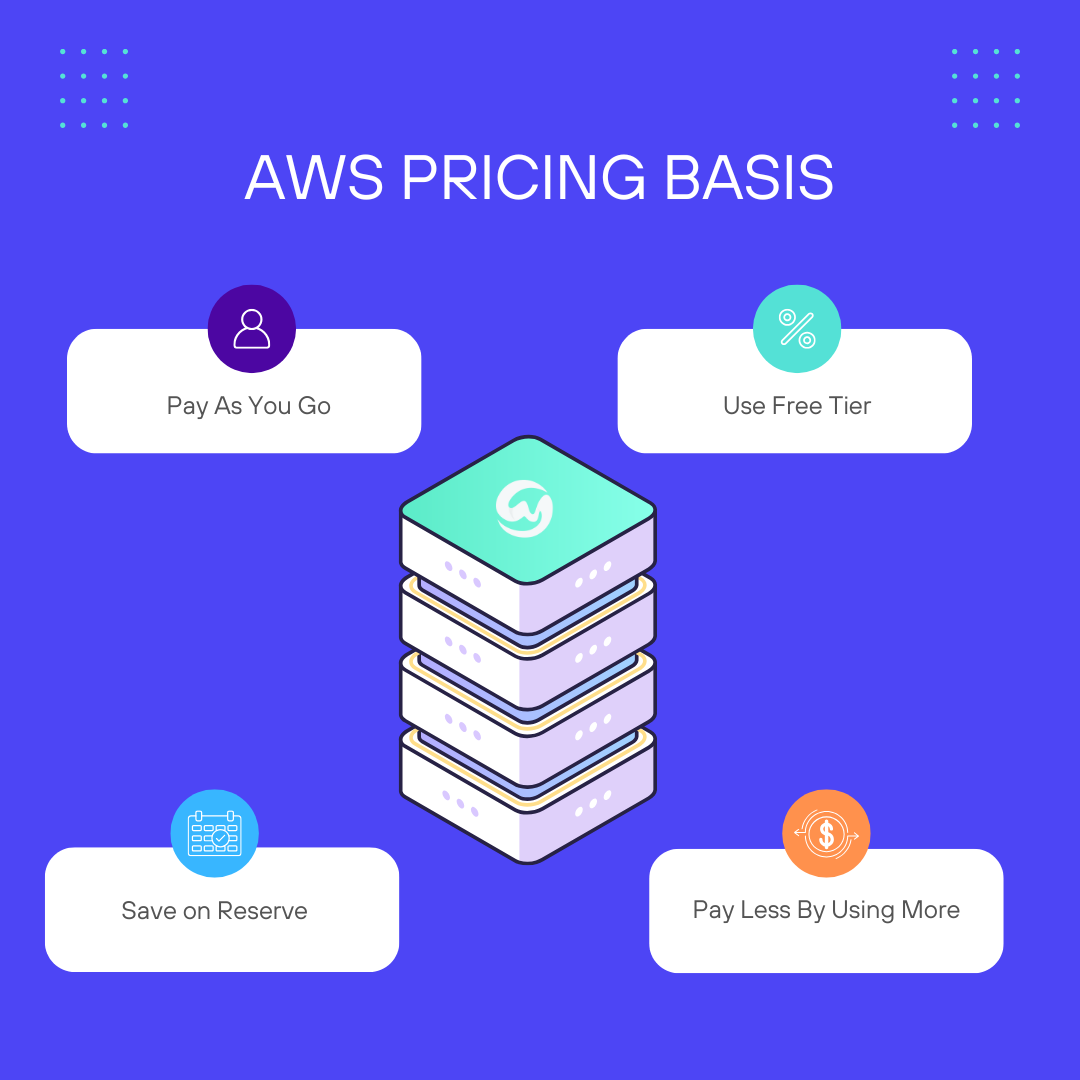
Reserved Instances offer lower prices for long-term use. You commit to using a server for one or three years. This commitment gives a discount compared to on-demand pricing. Savings Plans are flexible and apply to many AWS services. They also require a one- or three-year commitment. Both options reduce costs significantly for steady workloads.
Auto Scaling And Load Balancing
Auto Scaling adjusts the number of servers based on traffic. It adds servers during high demand and removes them when traffic drops. This approach avoids paying for unused capacity. Load Balancing distributes traffic evenly across servers. It improves performance and prevents overload on one server. Together, they save costs and keep your site fast.
Using Cdn And Caching
A Content Delivery Network (CDN) stores copies of your site worldwide. It delivers content faster to visitors near those locations. Caching stores frequently accessed data temporarily. This reduces the need to fetch data repeatedly from the server. Using CDN and caching lowers server load. It also cuts bandwidth costs and improves user experience.
Tools To Monitor And Manage Expenses
Managing costs is key when running WordPress on AWS. Without proper tools, expenses can rise quickly. Monitoring and managing your AWS spending keeps your budget in check. It helps you avoid surprise charges and optimize your resources. Several tools make this task easier and clearer.
Aws Cost Explorer
AWS Cost Explorer shows detailed reports about your spending. It breaks down costs by service, time, and usage. You can set budgets and alerts to track your expenses. The tool helps identify which services cost the most. It also suggests ways to save money. Beginners find it easy to use with its clear graphs and charts.
Third-party Monitoring Solutions
Third-party tools offer extra features for cost tracking. They often combine cost monitoring with performance analytics. These tools provide alerts and detailed insights on your AWS usage. Some popular options include Cloudability and CloudHealth. They help spot inefficient resources and recommend cost cuts. These solutions work well for larger or complex WordPress sites.
Comparing Aws Costs With Other Hosting Providers
Comparing the costs of running WordPress on AWS with other hosting providers helps you choose the best option. Costs vary based on the type of hosting and your website needs. AWS offers flexibility and scalability, but pricing can be complex. Other providers often offer simpler pricing but less control.
Shared Hosting Vs Aws
Shared hosting is usually the cheapest option. Prices start as low as $2 to $10 per month. You share server resources with other websites. This limits your website’s performance and control. AWS charges based on the resources you use. It can be more expensive than shared hosting. AWS is better for websites that need more power and uptime. Shared hosting suits small blogs or personal sites with low traffic.
Dedicated Servers Vs Aws
Dedicated servers give you full control of a physical server. Costs often start around $80 to $150 per month. You pay a fixed price regardless of usage. AWS offers virtual servers with flexible pricing. You pay only for the resources you use. This can lower costs for variable traffic sites. Dedicated servers may perform better for very high traffic. AWS allows easy upgrades and scaling without hardware changes.
Credit: webscoot.io
Frequently Asked Questions
How Much Does Aws Charge To Run WordPress Monthly?
AWS charges depend on resources like EC2, storage, and bandwidth. Costs range from $5 to $50 monthly for small to medium sites. Usage and traffic volume directly impact your monthly bill.
What Aws Services Are Needed For WordPress Hosting?
Key AWS services include EC2 for servers, RDS for databases, and S3 for storage. CloudFront can enhance performance. Combining these ensures a scalable WordPress setup.
Can I Reduce WordPress Aws Hosting Costs?
Yes, use reserved instances, optimize resource allocation, and enable auto-scaling. Monitoring usage regularly helps avoid unnecessary expenses. Efficient configurations lower your AWS hosting costs.
Is Aws Hosting Cost-effective For WordPress Beginners?
AWS offers flexibility but may be complex for beginners. Costs start low but can rise with traffic. Managed WordPress hosting might be easier and more predictable initially.
Conclusion
Running WordPress on AWS can fit many budgets. Costs depend on your site’s size and traffic. Choose the right services to save money. Small sites can start with low costs. Bigger sites may need more resources and higher costs. AWS offers flexibility to pay only for what you use.
Keep track of your usage to avoid surprises. This way, you can manage expenses easily. AWS and WordPress together give control and power to your website. Simple planning helps you run your site well without overspending.


