
When you decide to create a WordPress theme, the first question that might pop into your mind is: “How long will this take?” Whether you’re a budding web designer or a business owner looking to customize your site, understanding the time investment is crucial.
You want to plan efficiently, avoid unnecessary delays, and get your website up and running as soon as possible. But here’s the catch—there’s no one-size-fits-all answer. The timeline can vary based on several factors, including your experience level, the complexity of the design, and the specific features you want to incorporate.
By the end of this article, you’ll have a clear picture of what to expect and how to streamline the process to fit your needs. Stick around, and let’s unravel the mystery behind the time it takes to create a WordPress theme.
Credit: www.wpzoom.com
Factors Affecting Development Time
The design of a WordPress theme can be simple or complex. Simple designs take less time. Complex designs need more time. Many colors and unique layouts add extra hours. Custom graphics and animations require even more time.
Some themes need basic functions. Others need many features. Advanced features like e-commerce or membership can take longer. Integrating plugins adds to the time. Testing each function is also important.
A skilled developer works faster. Beginners may take longer. Experienced developers know many tricks. They can solve problems quickly. Learning new things can slow down the process.
Initial Planning And Research
A clear purpose is vital for a WordPress theme. The theme should serve a specific goal. It could be a blog, shop, or portfolio. Each has unique needs. Listing goals helps in planning. This makes development easier. You save time and effort.
Understanding the audience is crucial. Who will use the theme? Their needs must guide your design. Study similar themes in the market. What features do they offer? This helps in identifying gaps. Filling these gaps attracts more users. It sets your theme apart.
Design Process
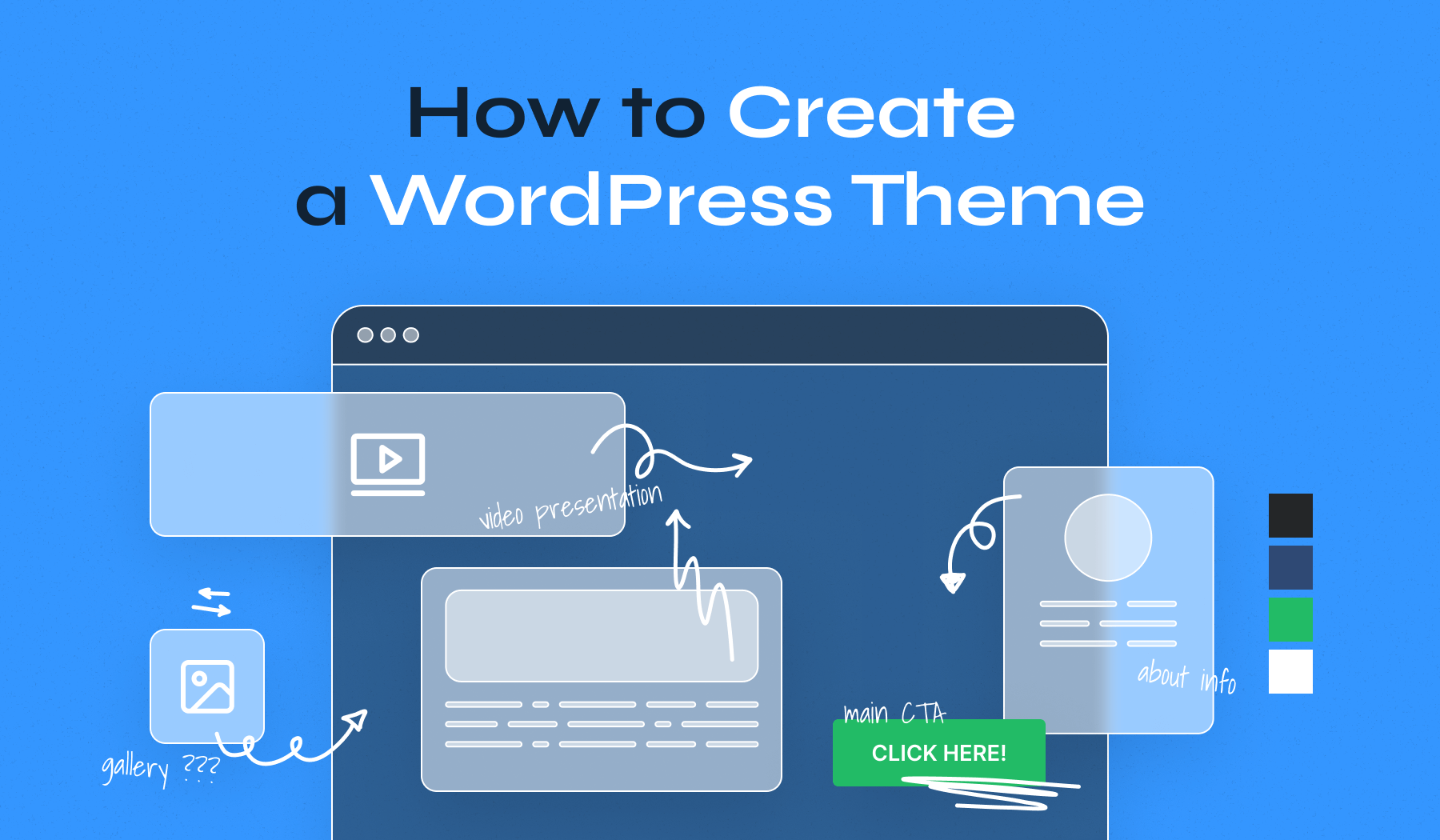
Creating a WordPress theme starts with wireframing. This step helps in planning the layout. Designers sketch the basic structure. No colors. No images. Just simple boxes and lines. This is a blueprint for the site. Mockups come next. These are detailed designs. They show how the site will look. Real colors and images are used. Wireframes and mockups help in visualizing the theme. These steps save time later. They prevent mistakes in the design process.
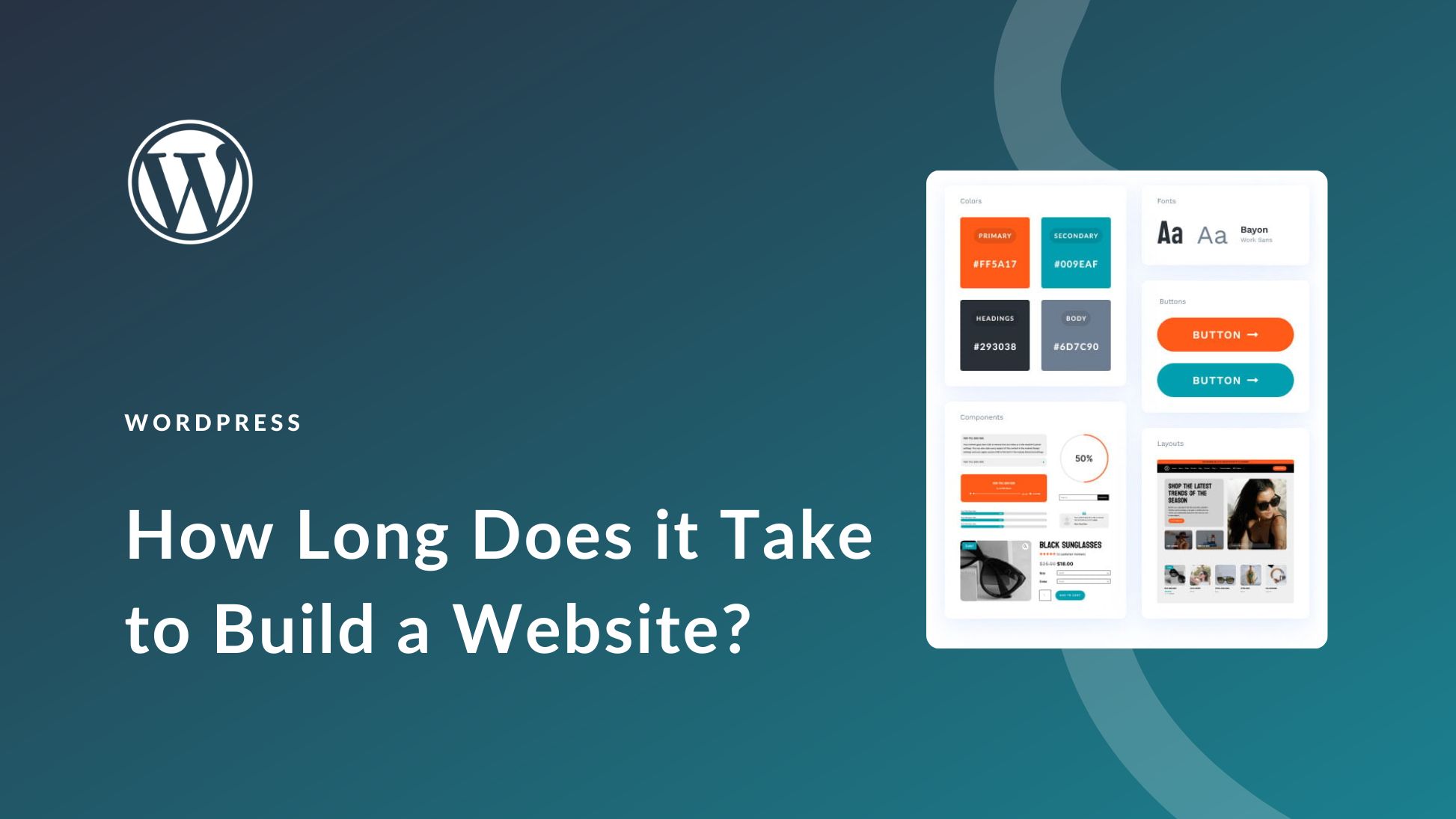
Colors make a site lively. Choosing the right color scheme is crucial. It sets the mood. Typography is important too. It involves selecting fonts. They should be easy to read. Colors and fonts should match the brand. They create a consistent look. This makes the website pleasing to the eye. A good design attracts more visitors. It keeps them on the site longer. Simple choices can make a big impact.
Credit: www.elegantthemes.com
Development Phase
Start with a reliable server. Choose one that suits your needs. Install WordPress on it. Use tools like XAMPP or WAMP. These tools help you work locally. They make testing easy. Ensure you have a code editor. Popular ones are Visual Studio Code or Sublime Text. They highlight code errors. This helps in quick fixes. Set up version control with Git. It tracks changes. Prevents data loss.
Create a plan for your theme’s layout. Decide on the number of pages. Think about design elements. Use HTML and CSS to build the structure. Add JavaScript for interactivity. Make sure your theme is responsive. Test it on various devices. Check for any errors or inconsistencies. Ensure cross-browser compatibility. This means it works well on all browsers.
Choose the right plugins. They add extra features to your theme. Popular plugins include Yoast SEO and Contact Form 7. Integrate them smoothly. Ensure they don’t slow down your site. Test all features thoroughly. Check for compatibility issues. Fix any problems immediately. Keep your theme lightweight and efficient. This improves user experience.
Testing And Quality Assurance
Cross-Browser Compatibility is crucial for theme success. Every browser acts differently. Ensure your theme works on Chrome, Firefox, and Safari. Test each element carefully. Fix any issues you find. Make sure your theme looks good everywhere.
Responsive Design Testing ensures themes fit all screens. Phones, tablets, and computers display differently. Test your theme on each device. Check images and text layout. Adjust settings if needed. Users enjoy a smooth experience.
Performance Optimization makes themes fast. Slow themes frustrate users. Optimize images and code for speed. Check your theme with tools. Improve loading times. A fast theme keeps users happy.
Deployment And Launch
Setting up the server is crucial. First, choose a reliable hosting provider. Ensure the server meets the WordPress requirements. These include PHP, MySQL, and HTTPS support. Configure the server for optimal performance and security. Install a firewall and enable SSL certificates. Regularly update the server software. This helps to protect against vulnerabilities. Always back up your data. This ensures you can recover from any issues.
SEO is key for online visibility. Start by installing an SEO plugin. Plugins like Yoast or Rank Math are popular. They guide you in optimizing each page. Use keywords wisely in titles and descriptions. Ensure your site has a responsive design. This improves mobile user experience. Fast loading times are also vital. Compress images to boost speed. Create a sitemap for search engines. This helps them index your site better.
After launch, regular checks are necessary. Monitor site speed and uptime. Tools like Google Analytics provide insights. They help you understand visitor behavior. Regularly update WordPress and plugins. This keeps your site secure. Check for broken links often. They can harm user experience. Backup your site weekly. This prevents data loss. Respond promptly to any technical issues. Your site’s health depends on it.
Time-saving Tips
Creating a WordPress theme takes time, usually from a few days to several weeks. Planning and coding are crucial steps. Optimize development by using starter templates and frameworks.
Utilizing Frameworks
Frameworks help create themes faster. They provide a solid base. You don’t start from scratch. Popular frameworks like Genesis or Underscores are helpful. Use them to build themes quickly. Frameworks save time and effort.
Reusing Code Snippets
Code snippets make your work easier. Many developers share snippets online. You can find snippets for common tasks. Use these snippets to speed up development. Snippets help keep your code clean. They save time by avoiding repetition.
Collaborative Tools
Working with others can be fun. Use tools like Slack or Trello. They help teams communicate and organize. Share ideas and tasks easily. Collaborative tools make teamwork smooth. They save time and improve productivity.
Credit: blog.templatetoaster.com
Frequently Asked Questions
How Hard Is It To Make A WordPress Theme?
Creating a WordPress theme can be challenging for beginners. Basic knowledge of HTML, CSS, and PHP is essential. Familiarity with WordPress Codex and theme structure helps. Online tutorials and resources can simplify the process. Practice and experience make theme development easier over time.
How Much Time Does It Take To Make A WordPress Website?
Creating a WordPress website usually takes 1-4 weeks. This depends on complexity, customization, and content availability. Simple sites may take a few days, while more complex projects require more time. Consistent planning and resource availability can speed up the process.
How Many Hours Does It Take To Build A 5-page Website?
Building a 5-page website typically takes 20 to 40 hours. Time varies based on design complexity and functionality. Skilled developers can streamline the process efficiently. Planning and clear requirements help speed up development. Always allocate time for testing and revisions to ensure quality.
How Long Does It Take To Build A 20 Page Website?
Building a 20-page website typically takes 4 to 6 weeks. Factors like complexity, design, and content availability can affect the timeline. Collaborating with skilled developers and providing timely feedback can expedite the process. Planning and communication are key to meeting deadlines efficiently.
Conclusion
Creating a WordPress theme requires time and patience. The process can take weeks or even months. It depends on complexity and your experience level. Planning plays a crucial role. Research helps in understanding user needs. Testing ensures your theme works smoothly.
You learn and improve with each project. Keep your goals realistic. Break the process into steps. Enjoy the journey of creativity. Each theme is unique. Embrace challenges as learning opportunities. Stay committed and focused on quality. This approach leads to successful theme development.
Your hard work pays off in the end.


