
Is your WordPress site dragging its feet, leaving you and your visitors frustrated? You’re not alone.
A sluggish website can turn away potential customers and hurt your search engine rankings. But don’t worry, there’s hope. By understanding what’s slowing your site down, you can take control and speed things up. Imagine your site loading in the blink of an eye, keeping visitors engaged and boosting your business.
We’ll dive into the common culprits behind a slow WordPress site and how you can fix them. Stick around to transform your site from a tortoise to a hare. Your readers and your bottom line will thank you!

Credit: www.facebook.com
Common Causes Of Slow WordPress
Plugins can make WordPress slow. Some plugins use a lot of resources. These heavy plugins can slow down your website. Always check plugin size before installing. Use only the plugins you need. Fewer plugins mean faster speed.
Big images take time to load. Large images make your site slow. Use image compression tools. Smaller images load quicker. Always check image size before uploading.
Some themes have complex codes. Inefficient themes slow down WordPress. Choose themes made for speed. Lightweight themes load faster. Always test theme speed before using.
Old software can cause problems. Outdated software makes WordPress slow. Always update WordPress to the latest version. Updates fix bugs and improve speed. Check for updates regularly.
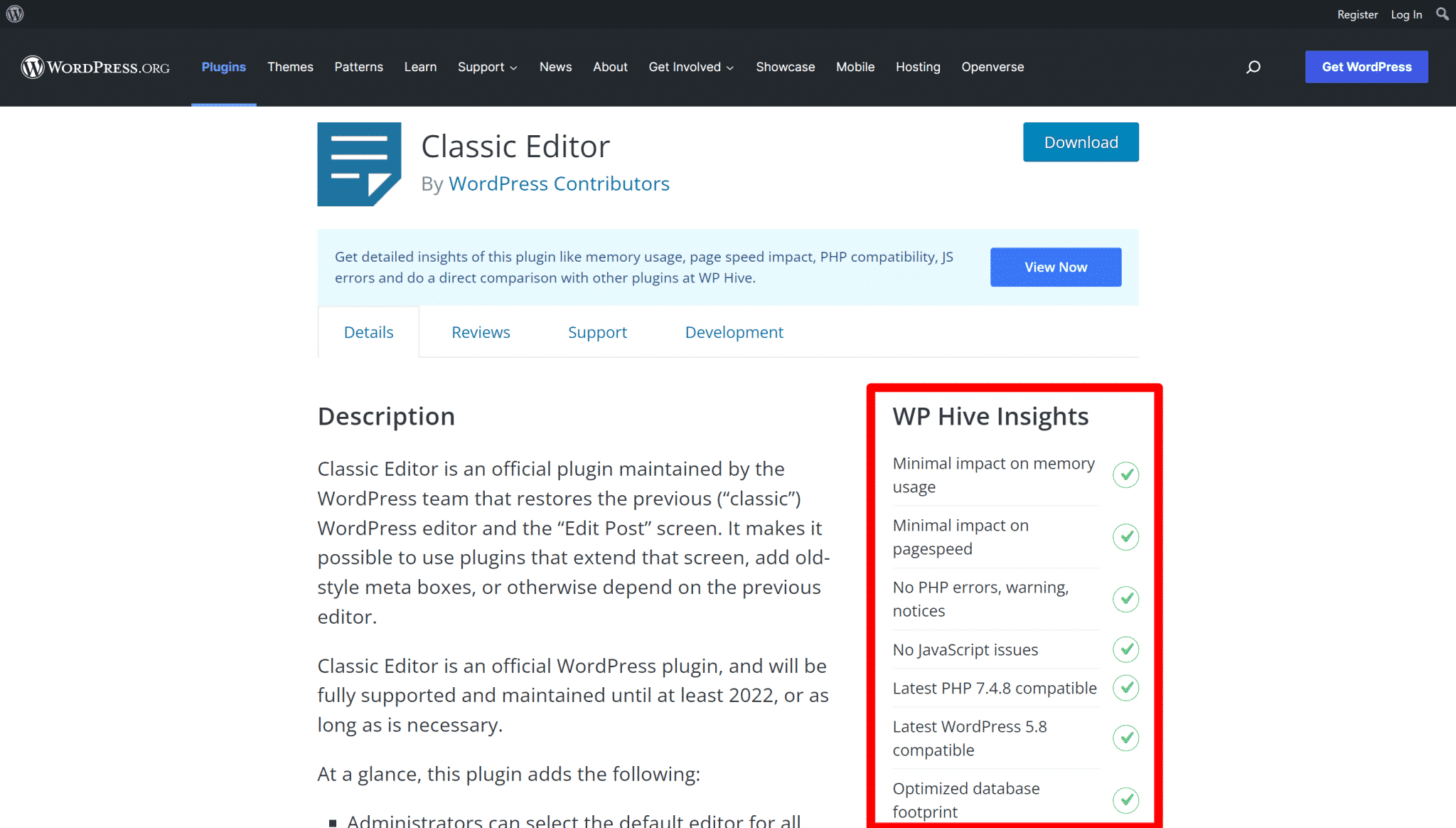
Credit: wp-rocket.me
Server-related Issues
Shared hosting is like sharing a cake. Many users on one server. This can slow down your WordPress site. Resources like CPU and RAM are shared. If one site uses too much, others suffer. You might face downtime or slow loading pages. It’s best for small sites, not big ones.
Incorrect server settings can hurt speed. Some servers use old software. This slows everything down. Make sure to use updated software. A well-configured server helps WordPress run smoothly. You get faster load times and a better experience for users.
Database Performance
WordPress can slow down if the database is too full. Many plugins store data in the database. This can make it heavy. A heavy database takes longer to load. This makes the website slow. It is important to keep the database clean. Remove old data that is not needed. This helps improve speed. Regular cleaning is a good habit.
Some queries are not optimized. They ask for too much data. This makes them slow. Optimizing queries can help. Make them ask for only needed data. This helps the database run faster. A fast database keeps the website quick. It’s smart to check queries often. Fix those that are slow.
External Scripts And Resources
Third-party ads can slow down WordPress. These ads load external scripts. Each script adds extra time to your site loading. This makes your website slower. Ads also use more bandwidth. Bandwidth is the amount of data your site uses. More data means slower speeds. It can make your site less fun to use. Many ads can annoy visitors. Fewer ads help your site load faster. Reduce third-party ads for better speed.
External fonts can make WordPress slow. Fonts come from other websites. Every font needs to load. Loading takes extra time. More fonts mean more loading time. Big fonts use more space. More space means slower load times. Using too many fonts can confuse users. Keep fonts simple and few. Faster sites are better for users. Choose simple fonts for quick loading.
WordPress Configuration Mistakes
Misconfigured plugins often slow down WordPress sites. Excessive use of heavy themes can reduce speed significantly. Poor hosting choices also impact performance, causing frustration for users.
Misconfigured Cache
Cache settings can speed up or slow down WordPress. Wrong settings can make WordPress slow. Cache plugins help speed up websites. They store parts of the website. This makes the website load faster. If cache is not set right, it can cause problems. Some cache plugins offer advanced settings. These settings can confuse users. Simple settings work best for most sites. Always check plugin guides before changing settings.
Excessive Post Revisions
WordPress saves many versions of your posts. This is called post revisions. Too many revisions can slow down your site. Each revision uses space in your database. This makes the database big and slow. Limiting revisions helps keep the database small. You can use plugins to limit revisions. Some plugins delete old revisions. This makes your database cleaner and faster. Always backup your site before deleting revisions. This helps keep your data safe.
Mitigating Slow Load Times
Caching helps in storing data temporarily. This makes web pages load faster. Browser caching saves parts of a site on a user’s device. Server caching stores data on the server. Both are essential for speed. Plugins can help manage caching. Choose a reliable caching plugin. This ensures better performance.
A Content Delivery Network (CDN) uses many servers. These servers are spread across the globe. CDNs help deliver web content quickly. They store copies of your site on multiple servers. This means users get data from the closest server. Faster content delivery enhances user experience. Websites with global audiences benefit most. Consider using a CDN for better speed.
Regular Maintenance Tips
Plugins and themes need updates to work well. Old plugins can slow down your site. Always check for new updates. Update them as soon as you see them. This keeps your site fast and safe. Themes also need updates. New theme versions fix bugs. They make your site run smoother. Always use a reliable theme. Avoid using too many plugins. Too many plugins can slow your site. Choose only the ones you need.
A clean database works faster. Old data can make it slow. Remove unnecessary data often. This includes old posts, drafts, and comments. Spam comments also take up space. Use tools to clean your database. Many free tools can help. A clean database means a faster website. It’s an easy way to keep things running well. Check your database every month.

Credit: wpadminify.com
Frequently Asked Questions
Why Is My WordPress Site Loading Slowly?
Your WordPress site may load slowly due to large images, excessive plugins, or outdated themes. Poor hosting or unoptimized databases can also affect speed. Regularly update WordPress and plugins, and consider using caching plugins. Optimize images and choose a reliable hosting provider to improve loading times.
How Do Plugins Affect WordPress Speed?
Excessive plugins can slow down your WordPress site by increasing server load. Some poorly coded plugins consume too many resources. Regularly review and deactivate unnecessary plugins. Always choose lightweight, well-coded plugins and keep them updated. Consider using a caching plugin to enhance performance and speed.
Can Themes Impact WordPress Performance?
Yes, themes can significantly impact WordPress performance. Heavy themes with complex codes and features may slow down your site. Opt for lightweight themes with clean code. Regularly update your theme to ensure compatibility and efficiency. Avoid themes that are bloated with unnecessary features for better speed.
How Does Web Hosting Affect Site Speed?
Web hosting plays a crucial role in site speed. Slow servers or shared hosting can cause delays. Opt for reputable hosting providers offering optimized solutions. Consider VPS or managed WordPress hosting for better speed. Check server response times and upgrade if necessary to enhance performance.
Conclusion
Identifying what slows WordPress can boost your site’s speed. Fast websites offer better user experiences and improve search rankings. Regularly update plugins and themes for smoother performance. Optimize images and remove unused plugins. Consider a reliable hosting service. These steps can ensure a swift, efficient WordPress site.
Remember, a faster site keeps visitors happy and engaged. It’s worth the effort. So, start today. Implement these changes and notice the difference. Your audience will appreciate it. And your website will thrive.


