

Are you wondering if you can use two SEO plugins in WordPress to boost your website’s ranking? It sounds like a smart idea—after all, more tools could mean better results, right?
But before you install that second plugin, you need to know how it might affect your site’s performance and SEO. You’ll discover the truth about using multiple SEO plugins, what risks to watch out for, and how to make the best choice for your website’s success.
Keep reading to avoid common mistakes that could hurt your SEO instead of helping it.
Using Multiple Seo Plugins
Many WordPress users wonder if they can use two SEO plugins at the same time. This question is common because SEO plugins offer many features. Some users want more tools or better control over their SEO settings. Using more than one plugin might seem like a good idea to cover all bases.
It is important to understand how these plugins work together. Not all plugins fit well together. Some may cause conflicts or slow down your website. Knowing why people use multiple plugins and how they interact helps avoid problems.
Common Reasons For Multiple Plugins
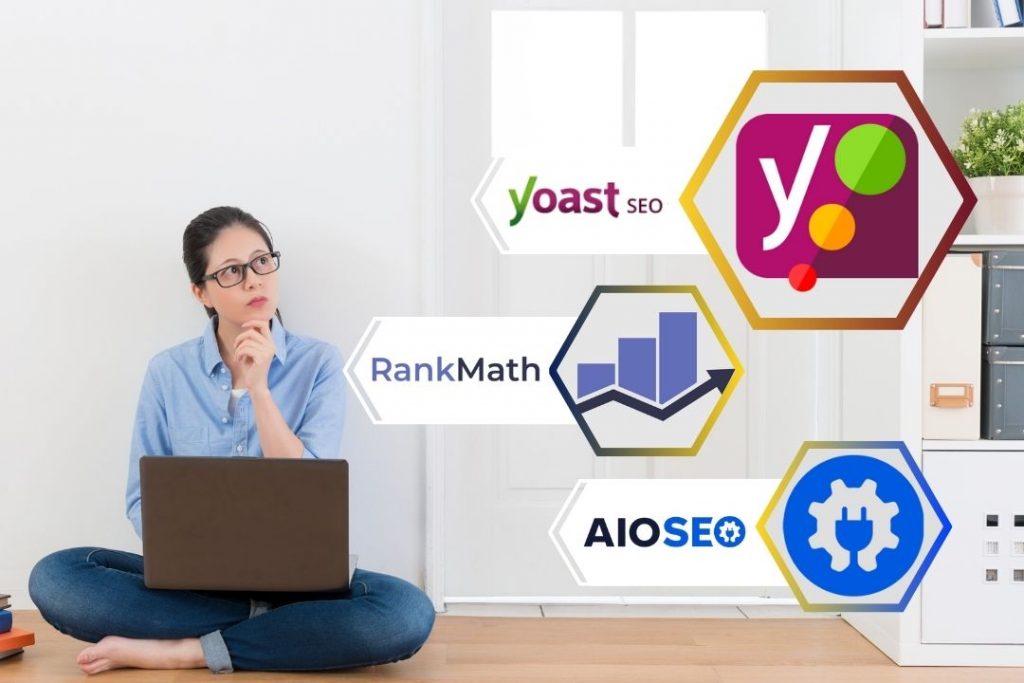
Users add more than one SEO plugin for several reasons. One plugin may handle on-page SEO well. Another might offer better keyword tracking or sitemap options. Sometimes, users want a plugin to improve social media sharing. Other times, a plugin may add extra features missing in the first one.
Some plugins specialize in certain tasks. Combining them can create a fuller SEO toolset. Still, users must be careful to avoid overlap. Overlapping features can cause confusion or errors on the site.
How Seo Plugins Work Together
SEO plugins interact by changing your site’s code and settings. If two plugins try to edit the same part, conflicts happen. This may break SEO features or slow down your site. Many plugins include conflict checks but cannot fix all issues.
To use multiple plugins safely, disable overlapping features in one plugin. For example, turn off sitemap creation in one plugin if the other handles it. Regular testing helps find and fix conflicts early. Keep plugins updated to improve compatibility and security.
Credit: exertpro.com
Advantages Of Two Seo Plugins
Using two SEO plugins on WordPress can bring several benefits. It allows you to combine strengths from different tools. This can help cover more SEO needs for your website.
Enhanced Feature Set
Two SEO plugins offer more features than one. Each plugin may have unique tools and options. Combining them gives you a richer set of SEO capabilities. You can access more ways to optimize your content. This helps improve your site’s performance in search results.
Improved Seo Coverage
Different SEO plugins focus on different areas. One may handle on-page SEO well. The other might excel in technical SEO aspects. Using both covers more SEO bases. It ensures your site is optimized from many angles. This can lead to better visibility and ranking on search engines.
Drawbacks Of Using Two Plugins
Using two SEO plugins on a WordPress site might seem helpful at first. You may think more tools mean better results. But this choice can cause problems. These problems can affect your website’s health and ranking. Understanding the drawbacks helps you avoid troubles later.
Potential Conflicts And Errors
Two SEO plugins often try to do the same job. They may clash over settings and features. This conflict can cause errors on your site. Some pages might not display correctly. Important SEO tags may get mixed up or duplicated. These issues confuse search engines and hurt your ranking.
Impact On Site Performance
Each plugin adds extra code to your website. Running two SEO plugins means double the code. This slows down your site’s loading speed. Visitors may leave if pages take too long to open. Search engines also prefer faster websites. A slow site can lower your SEO score and traffic.
Credit: www.elegantthemes.com
Avoiding Plugin Conflicts
Using two SEO plugins in WordPress can cause conflicts. These conflicts may slow down your site or break features. Avoiding plugin conflicts is important to keep your site running smoothly. Careful choices and management help prevent problems.
Choosing Compatible Plugins
Select SEO plugins that work well together. Some plugins overlap in features, causing issues. Check plugin reviews and support forums. Look for plugins that focus on different SEO tasks. For example, one for keyword optimization and another for sitemap creation. Compatibility reduces the risk of conflicts and errors.
Managing Settings Effectively
Configure each plugin carefully. Avoid duplicate settings like meta descriptions or canonical URLs. Turn off overlapping features in one plugin. Keep track of changes to settings to spot problems quickly. Test your site after adjusting settings to ensure everything works. Proper management helps plugins cooperate without conflicts.
Best Practices For Seo Plugin Use
Using SEO plugins can improve your WordPress site’s search engine ranking. But using two plugins together needs care. Best practices help avoid conflicts and keep your site running smoothly. Follow these steps to get the most out of your SEO tools.
Regular Updates And Maintenance
Keep both SEO plugins updated to the latest versions. Updates fix bugs and add new features. Check for plugin updates at least once a week. Outdated plugins can cause errors or security risks. Also, review plugin settings regularly. Make sure they do not overlap or conflict with each other. Clear any duplicate SEO rules to avoid confusion.
Monitoring Seo Impact
Track how each plugin affects your site’s SEO. Use tools like Google Analytics to watch traffic changes. Monitor rankings for your main keywords. Note any drops or improvements after plugin changes. Disable one plugin temporarily to see if results improve. This helps find which plugin works best for your site. Keep an eye on site speed too. SEO plugins should not slow down your site.
Alternatives To Multiple Plugins
Using multiple SEO plugins on a WordPress site can cause conflicts and slow down your site. Instead of stacking plugins, consider better alternatives. These options help manage SEO efficiently without risking your site’s performance. Choose the right approach to keep your site fast and SEO-friendly.
Using All-in-one Seo Solutions
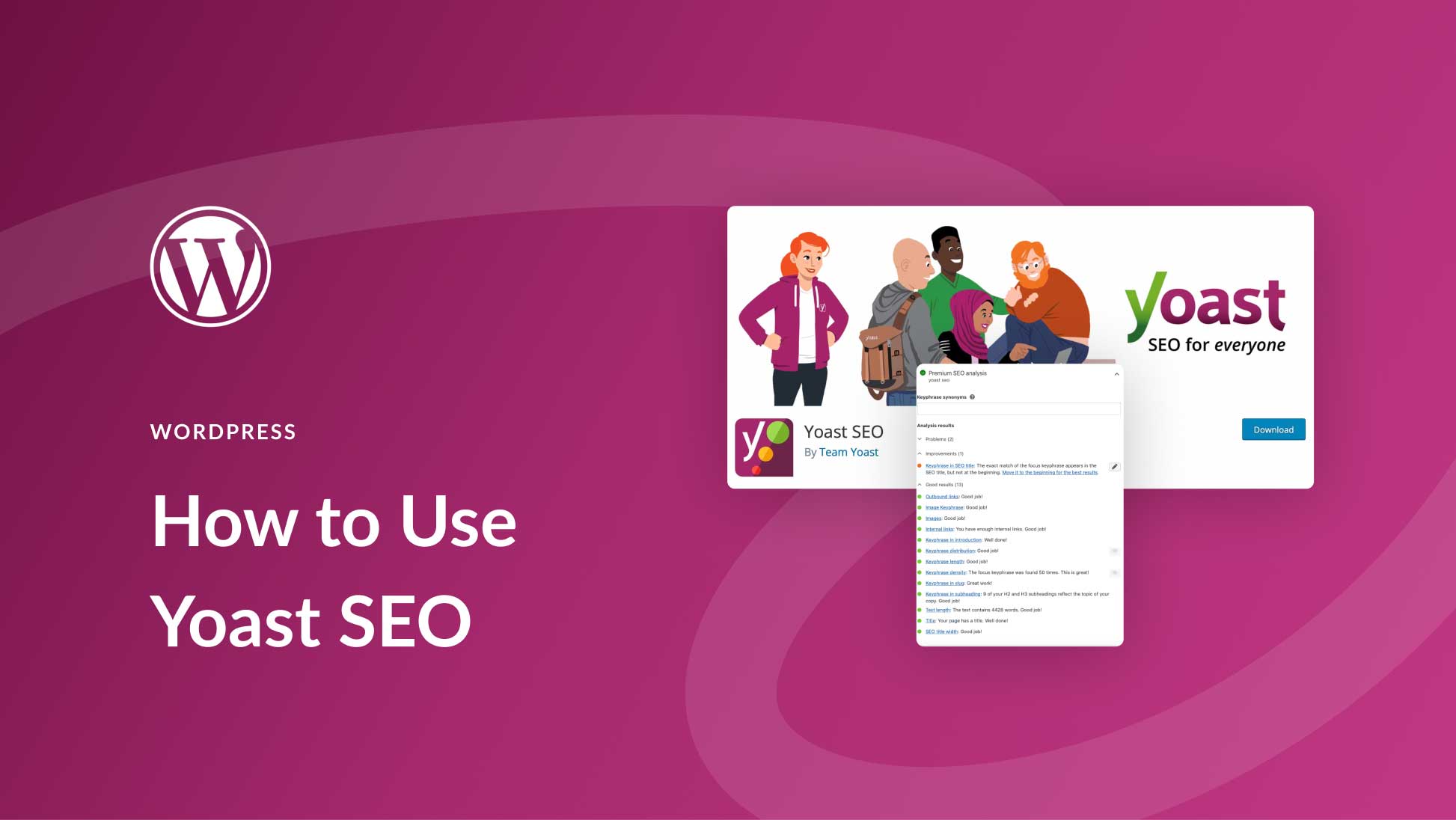
All-in-one SEO plugins cover many SEO needs in one package. They handle tasks like keyword optimization, sitemaps, and meta tags. Using a single plugin reduces conflicts and makes management easier. Popular solutions offer easy setup and user-friendly interfaces. This keeps your SEO organized and reduces the chance of errors.
Custom Seo Implementations
Custom SEO means adding specific SEO features manually. You can edit your theme files or add small code snippets. This method avoids extra plugins and keeps your site light. It requires some technical knowledge but offers full control. Custom SEO can be tailored exactly to your site’s needs.

Credit: www.wpbeginner.com
Frequently Asked Questions
Can I Install Two Seo Plugins On WordPress?
Yes, you can install two SEO plugins on WordPress. However, it may cause conflicts and duplicate settings. It’s best to use one plugin for optimal performance.
Will Two Seo Plugins Improve My Website Ranking?
Using two SEO plugins won’t improve ranking. It can cause errors and confuse search engines. Stick to one reliable SEO plugin.
How Do Seo Plugins Conflict With Each Other?
SEO plugins may conflict by duplicating meta tags or sitemaps. This can harm site speed and SEO effectiveness. Avoid running multiple SEO plugins simultaneously.
Can I Use Two Seo Plugins For Different Features?
Some use two plugins for unique features. But overlapping functions can cause issues. Choose one plugin covering all essential SEO tasks.
Conclusion
Using two SEO plugins in WordPress can cause conflicts and slow your site. Choose one plugin that fits your needs best. This helps keep your site fast and easy to manage. Test the plugin settings carefully before going live. Regular updates and backups protect your work.
Keep SEO simple for better results. Focus on quality content and good keywords instead. This approach helps your site rank well and stay user-friendly.


