
If you want your WordPress blogposts to stand out in search results, adding schema is a smart move. Schema helps search engines understand your content better, making your posts more attractive with rich snippets like stars, images, and more.
Imagine your blog catching more clicks and reaching the right audience effortlessly. In this guide, you’ll learn exactly how to add schema to your WordPress blogposts step-by-step, even if you’re not a tech expert. Keep reading to unlock simple tricks that can boost your traffic and make your content shine.
Benefits Of Schema For Seo
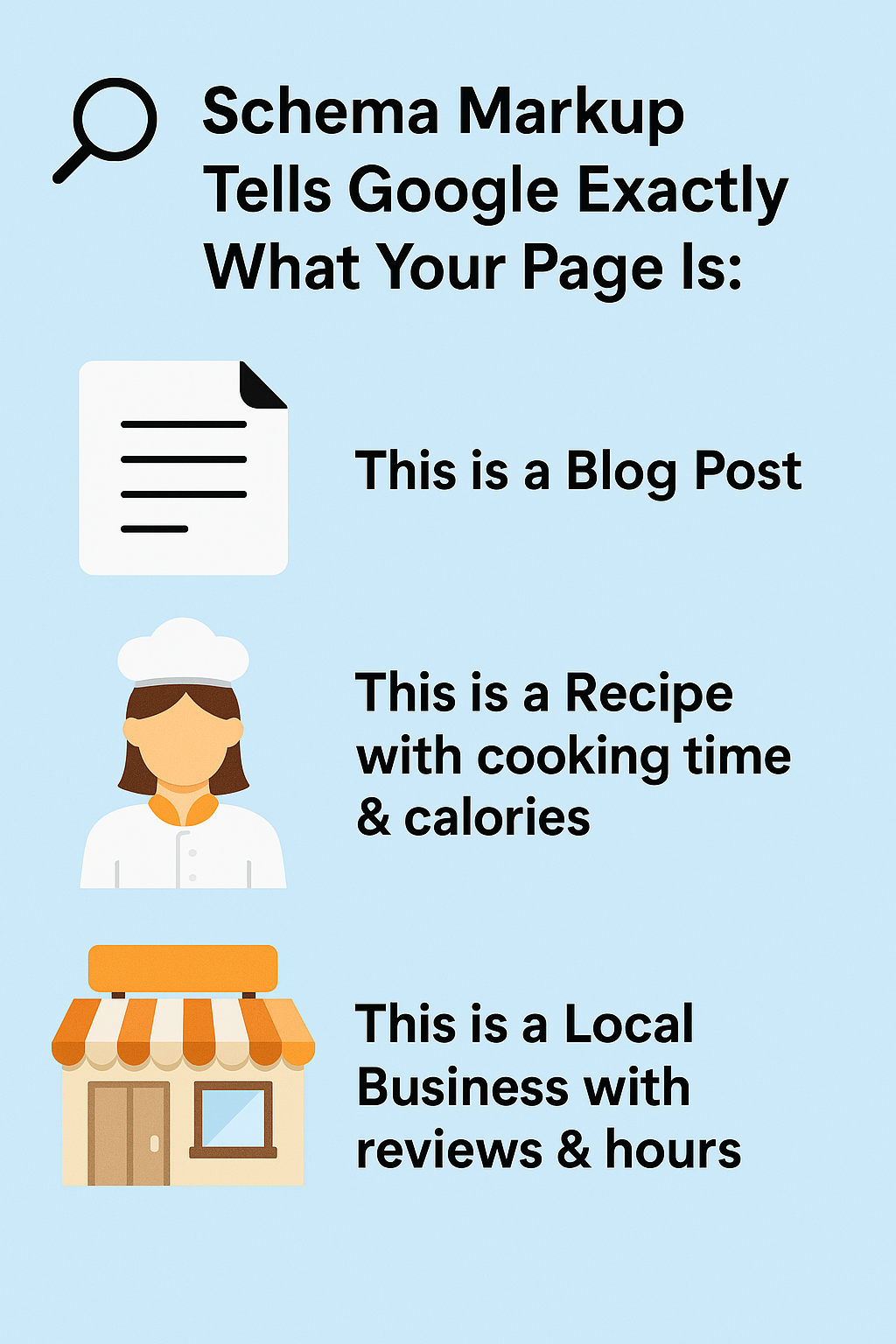
Schema markup helps search engines understand your blog content better. It adds extra details to your posts. This makes your site more visible in search results. Using schema can boost your SEO in many ways.
Improved Search Visibility
Schema helps search engines show your content more clearly. Your blog posts may appear with rich snippets. These snippets include images, ratings, or dates. Such features catch user attention faster. This leads to higher chances of clicks.
Enhanced Click-through Rates
Rich snippets make your listings stand out in search results. Users see more information about your post before clicking. This builds trust and interest. Increased clicks mean more visitors to your blog. Higher traffic can improve your site’s ranking.
Better Content Categorization
Schema organizes your blog content into clear categories. Search engines understand your topics well. This helps them match your posts with relevant searches. Proper categorization improves the accuracy of search results. It also helps your blog reach the right audience.
Types Of Schema For Blogposts
Schema markup helps search engines understand your blog content better. It improves how your posts appear in search results. Different types of schema serve different purposes. Using the right schema boosts your blog’s visibility and clicks.
Article Schema
Article schema describes general articles or news content. It tells search engines about the headline, author, date, and images. This schema makes your blog post look more detailed in search results. It helps Google show your article with rich snippets.
Blogposting Schema
BlogPosting schema is a subtype of Article schema. It focuses specifically on blog content. This schema includes details like blog name, post date, and author. It helps search engines know your content is a blog post. This can improve how your posts appear in search results.
Breadcrumb Schema
Breadcrumb schema shows the page’s location within your site. It creates a trail like Home > Blog > Post. This helps users and search engines understand your site structure. Breadcrumbs improve navigation and can appear in search results. It makes your site easier to explore.
Methods To Add Schema In WordPress
Schema markup helps search engines understand your content better. It boosts your site’s visibility and can improve click rates. Adding schema to a WordPress blog can be simple or detailed. Various methods suit different skills and needs. Choose what fits you best.
Using Seo Plugins
SEO plugins often include schema features. Plugins like Yoast SEO or Rank Math can add schema automatically. They require little setup and work well for beginners. You just enable the schema option and configure basic settings. This method saves time and avoids coding.
Manual Schema Markup
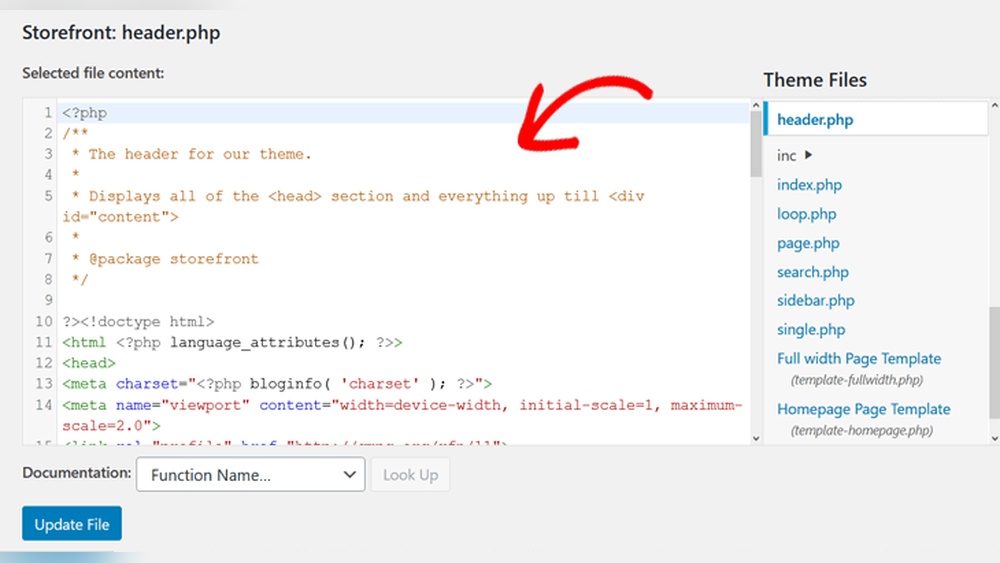
Manual schema means adding code yourself. You write JSON-LD or Microdata directly in your blog posts. This method offers full control and customization. It suits users comfortable with HTML and coding. You paste the code inside the post or in the theme files. Be careful to avoid errors, as they can break your site.
Employing Schema-specific Plugins
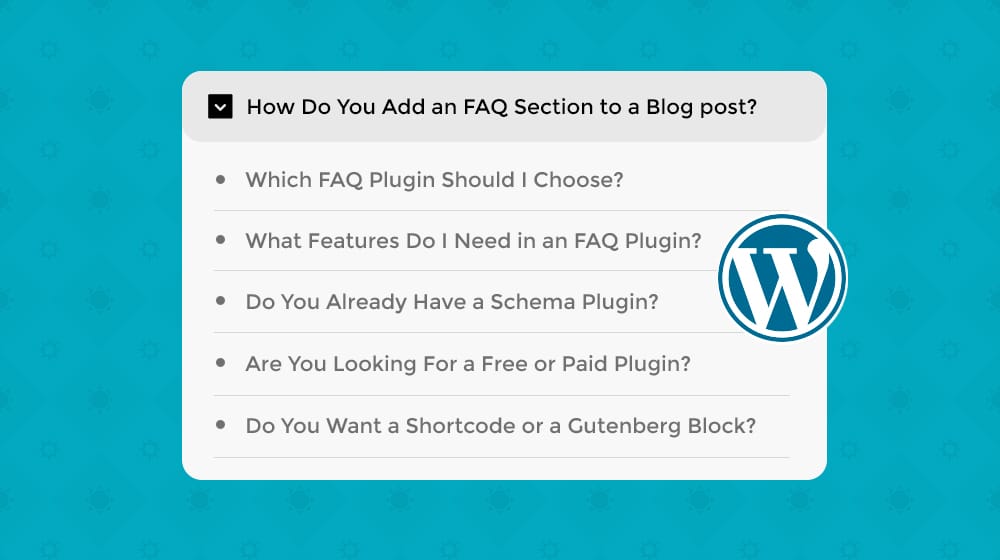
Schema-specific plugins focus only on adding structured data. Examples include Schema Pro or WP Schema. These plugins offer detailed schema types like articles, events, or products. They provide a user-friendly interface for adding data. This option fits users wanting more schema options without coding. These plugins often integrate with SEO tools.
Credit: www.contentpowered.com
Step-by-step Guide With Plugins
Adding schema to your WordPress blog helps search engines understand your content better. Using plugins makes this process simple and fast. Follow this step-by-step guide to add schema without coding.
Installing A Schema Plugin
First, go to your WordPress dashboard. Click on “Plugins” and then “Add New.” In the search bar, type “schema” or “structured data.” Choose a plugin with good ratings and active installs. Click “Install Now” and then “Activate.”
Configuring Schema Settings
After activation, find the plugin settings in your dashboard menu. Open the settings page. Select the schema types that match your blog content, such as article, blog post, or news. Fill in required details like site name and logo. Save your changes.
Assigning Schema To Blogposts
Edit your blog post or create a new one. Scroll to the schema section added by the plugin. Choose the correct schema type for that post. Add any extra information asked, like author name or publish date. Update or publish your post to apply schema.
Manual Schema Implementation
Manual schema implementation gives full control over your blog’s structured data. It helps search engines understand your content better. This can improve your visibility in search results. You can customize schema to fit your content perfectly. The process involves generating code, embedding it, and then validating it.
Generating Json-ld Code
JSON-LD is a popular format for schema markup. It is easy to read and write. Start by choosing the right schema type for your blog post. Use online tools like Google’s Structured Data Markup Helper. Fill in your blog post details such as title, author, date, and description. The tool will create the JSON-LD code snippet for you. Keep the code clean and simple for best results.
Embedding Code In WordPress Editor
Open your WordPress post editor. Switch to the ‘Text’ or ‘HTML’ view to add code. Paste the JSON-LD code inside a tag. Place the code near the top or bottom of your post content. Avoid placing it inside other tags like or . Save or update your post after adding the code.
Validating Schema Markup
Use Google’s Rich Results Test to check your schema markup. Paste your blog post URL or the JSON-LD code directly. The tool shows errors or warnings found in the markup. Fix any issues to ensure your schema works properly. Validation helps improve your blog’s search appearance. Test regularly after updates or changes to your schema.

Credit: wpcode.com
Testing And Validating Schema
Testing and validating schema is a key step after adding structured data to your WordPress blog post. It ensures that search engines correctly read your schema. This helps improve your post’s appearance in search results. Proper testing avoids errors that can reduce your site’s SEO benefits.
Use the right tools to check your schema. These tools show if the code is correct or has issues. Fixing errors early saves time and boosts your blog’s visibility.
Using Google Rich Results Test
The Google Rich Results Test checks if your schema can create rich results. Paste your blog post URL or code snippet into the tool. It analyzes the schema and shows if Google can use it. The test highlights errors and warnings. Use this tool to confirm your schema supports rich results.
Checking With Schema Markup Validator
The Schema Markup Validator is a free tool from Schema.org. Enter your page URL or code to see detailed schema information. It validates types, properties, and required fields. The validator helps find missing or incorrect data. Use it to ensure your schema follows official standards.
Troubleshooting Common Errors
Common schema errors include missing fields, wrong types, and syntax mistakes. Check for typos in property names. Ensure required properties are present. Use the validator’s error messages to guide fixes. Clear errors improve schema quality and search engine understanding.
Best Practices For Schema In Blogs
Using schema on blog posts helps search engines understand your content better. This can improve how your posts appear in search results. Applying schema correctly also boosts your site’s credibility and can attract more visitors.
Follow best practices to get the most from schema markup. Proper use ensures your blog stays relevant and easy to find.
Keeping Schema Up-to-date
Regularly review your schema markup to keep it current. Update details like dates, author info, and article topics. Search engines reward fresh and accurate data. Old or wrong schema can confuse search engines and harm rankings.
Avoiding Overuse Of Markup
Use only necessary schema types for each blog post. Too much markup can cause errors and reduce SEO benefits. Focus on key elements like article, author, and date. Keep your code clean and simple to improve site speed and crawlability.
Aligning Schema With Content
Ensure your schema matches the visible content on the page. Schema should describe what readers actually see. Misleading or incorrect markup can lead to penalties. Clear alignment boosts trust with both users and search engines.
Credit: analytify.io
Frequently Asked Questions
What Is Schema And Why Add It To WordPress?
Schema is structured data that helps search engines understand your content. Adding schema to WordPress boosts SEO, improves rich snippets, and increases click-through rates by making your blogpost more visible in search results.
How To Add Schema Markup To A WordPress Blogpost?
You can add schema using plugins like Yoast SEO or Schema Pro. Alternatively, insert JSON-LD code manually in the blogpost header or use WordPress block editor schema blocks for easy implementation.
Which Schema Types Are Best For WordPress Blogposts?
Common schema types for blogposts include Article, BlogPosting, and NewsArticle. These types help search engines categorize your content accurately and enhance the display of your posts in search results.
Can I Add Schema Without Coding Knowledge In WordPress?
Yes, many WordPress plugins allow schema addition without coding. Plugins like Rank Math and Schema Pro offer user-friendly interfaces to add structured data easily and effectively.
Conclusion
Adding schema to your WordPress blog helps search engines understand your content better. It improves how your posts appear in search results. Use simple tools or plugins to add schema easily. Check your work with testing tools to avoid errors.
Keep schema relevant and updated for best results. This small step can make your blog more visible and attractive. Start adding schema today to give your posts a clear boost.


