

Are you thinking about starting an online store but unsure if WordPress is the right platform? You might have heard mixed opinions about using WordPress for ecommerce.
The good news is, yes—you absolutely can build a powerful online shop with WordPress. But how easy is it? What tools do you need? And will it help your business grow? This article will clear up the confusion and give you the simple facts you need to decide if WordPress fits your ecommerce goals.
Keep reading to find out how you can turn your website into a money-making machine without endless tech headaches.
Choosing WordPress For Ecommerce
WordPress is a popular choice for building websites and online stores. It offers flexibility and many tools to create a unique shopping experience. Many small and medium businesses trust WordPress to run their ecommerce sites smoothly.
Setting up an online store on WordPress is simple. You can add products, manage orders, and customize your site without deep technical knowledge. This ease makes WordPress a smart option for many sellers.
Benefits Of WordPress For Online Stores
WordPress is free and open source. This means you can start your store with low costs. It supports many plugins that add ecommerce features fast. Popular plugins like WooCommerce turn your site into a full store.
The platform is easy to use. You can change layouts and add new functions without coding. WordPress also works well on mobile devices, so customers shop easily on phones or tablets.
There is a large community of users and developers. This means help and advice are easy to find. Security updates come regularly to protect your site and customers.
Comparing WordPress With Other Ecommerce Platforms
Unlike some ecommerce platforms, WordPress gives you full control over your store. You own your data and can customize almost everything. Platforms like Shopify or BigCommerce charge monthly fees and limit customization.
WordPress is flexible for different business sizes. It suits small shops and large stores with many products. Other platforms may be easier at first but can become costly as you grow.
With WordPress, you choose your hosting provider. This can save money and improve site speed. Other platforms host your store, which can limit performance options.
Setting Up Your WordPress Store
Setting up your WordPress store is the first step to start selling online. It involves choosing the right tools and making sure your website runs smoothly. A well-set store attracts visitors and turns them into customers. This section guides you through the basics of setting up your online shop with WordPress.
Selecting The Right Hosting Provider
Good hosting keeps your store fast and safe. Choose a hosting provider with strong security and good speed. Look for providers that support WordPress well. They often offer easy WordPress installation and automatic updates. Pick a plan that fits your budget and store size. Hosting with good customer support helps solve problems quickly.
Installing WordPress And Essential Plugins
Start by installing WordPress on your hosting account. Many hosts offer one-click WordPress installation. After installation, choose a simple and clean theme for your store. Next, add essential plugins. Use a plugin like WooCommerce to add shopping features. Install plugins for SEO, security, and backups. Keep plugins updated to avoid issues. These steps make your WordPress store ready for business.
Picking An Ecommerce Plugin
Picking the right ecommerce plugin is key for your WordPress store. It shapes how you sell products and serve customers. Choose a plugin that fits your needs and skill level. The plugin should make your store easy to manage and grow.
Many plugins offer different tools and features. Some focus on simplicity, others on powerful options. Your choice will affect your site’s speed, security, and user experience. Think about what features matter most for your business.
Popular Ecommerce Plugins For WordPress
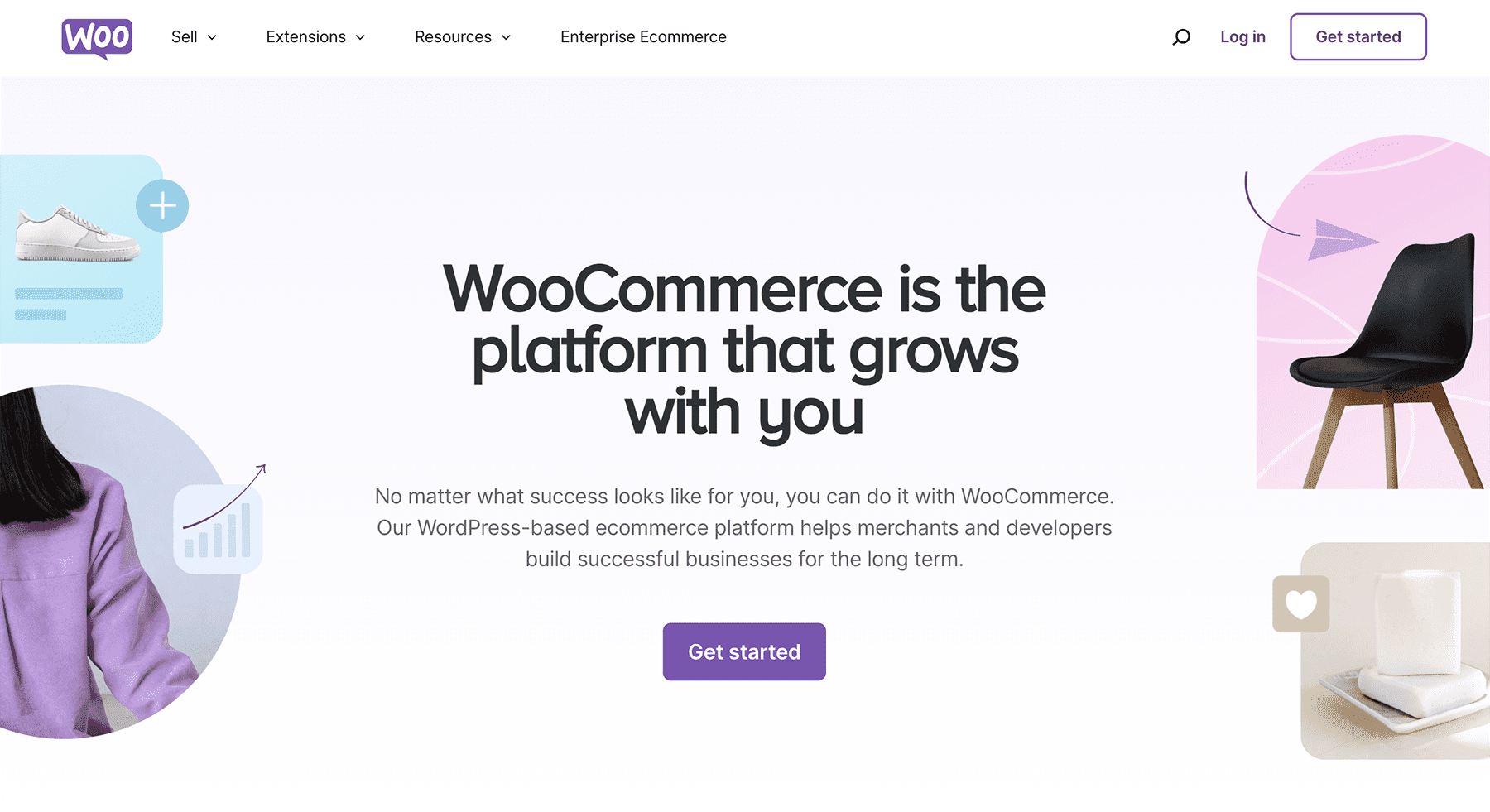
WooCommerce is the most popular WordPress ecommerce plugin. It supports physical and digital products. It also offers many free and paid add-ons.
Easy Digital Downloads specializes in selling digital goods. It has a simple setup and clean design. Great for ebooks, software, or music stores.
BigCommerce for WordPress combines WordPress content with BigCommerce’s backend. It suits large stores needing advanced features. It handles inventory and payments outside WordPress.
Shopify Buy Button allows adding Shopify’s cart to WordPress. It works well for small stores wanting simple sales options.
Key Features To Look For
Check if the plugin supports your product types. Physical, digital, or subscriptions?
Look for easy payment options. Popular gateways like PayPal and Stripe are must-haves.
Make sure it offers good inventory management. You want to track stock without hassle.
Mobile-friendly design is important. Many customers shop on phones or tablets.
Security features protect your store and customers. SSL support and regular updates are vital.
Consider plugin compatibility with your WordPress theme and other tools.
Finally, review user support and documentation. Helpful guides and fast support save time.
Designing Your Online Store
Designing your online store on WordPress shapes your customers’ first impression. A clean, easy-to-navigate design builds trust and encourages shopping. Focus on simplicity and clear presentation of products. A well-designed store keeps visitors longer and increases sales.
Choosing Ecommerce Themes
WordPress offers many themes made for online stores. Pick a theme that fits your brand style and product types. Themes should be mobile-friendly and fast loading. Check if the theme supports popular ecommerce plugins like WooCommerce. Simple themes with good reviews often work best for beginners.
Customizing Your Storefront
Customize your storefront to match your brand colors and logo. Use clear images and concise product descriptions. Organize products into categories for easy browsing. Add buttons that stand out for actions like “Buy Now.” Test your design on different devices to ensure it looks good everywhere.
Adding And Managing Products
Adding and managing products on a WordPress ecommerce site is simple and clear. You can create product listings and organize them easily. This helps customers find what they want fast. Managing products well improves your store’s look and sales.
Creating Product Listings
Start by entering a product title and description. Use clear words that explain the product. Add images to show the product from different angles. Set the price and any sale offers. Include product details like size, color, or weight. These details help buyers make decisions. You can also add stock levels to track inventory. Save the product and it will appear in your store.
Organizing Categories And Tags
Group products using categories to keep your store neat. Categories are like folders for similar items. For example, “Shoes” or “Accessories”. Tags are keywords that describe products more. They help buyers find items through search. Use simple words as tags, like “blue,” “leather,” or “summer.” Organizing this way makes browsing easy and fast. It also helps search engines find your products better.

Credit: ubiquedigitalsolutions.com
Payment And Shipping Setup
Setting up payment and shipping is key for any online store on WordPress. These steps let customers pay easily and get their orders delivered smoothly. A clear setup builds trust and boosts sales.
Configuring Payment Gateways
Payment gateways let your store accept money online. Popular options include PayPal, Stripe, and Square. Choose gateways that your customers trust. Most WordPress ecommerce plugins support many gateways. Setup usually requires creating an account with the gateway service. Then, connect it to your WordPress site using plugin settings. Test payments to ensure everything works well. Secure payment processing protects your customers’ information.
Setting Up Shipping Options
Shipping setup controls how products reach customers. Define shipping zones based on regions or countries. Offer different methods like flat rate, free shipping, or real-time carrier rates. Use weight or order total to set shipping costs. WordPress plugins often include tools to manage shipping easily. Clear shipping policies reduce customer confusion and returns. Provide tracking options if possible to keep buyers informed.
Optimizing For Performance And Security
Optimizing your WordPress ecommerce site for performance and security is essential. A fast and secure store improves user experience and builds trust. Visitors stay longer and shop more when your site runs smoothly and feels safe.
Performance and security work together. Speed keeps customers happy. Security protects their data and your business. Focus on both to create a strong foundation for your online store.
Speed Enhancements
Fast-loading pages reduce bounce rates and increase sales. Use a reliable hosting service designed for WordPress ecommerce. Choose lightweight themes and plugins to avoid slowdowns.
Enable caching to serve pages quickly to repeat visitors. Compress images to lower file size without losing quality. Use a Content Delivery Network (CDN) to deliver content faster worldwide.
Protecting Your Store From Threats
Keep WordPress, themes, and plugins updated to fix security holes. Use strong passwords and two-factor authentication for all accounts. Limit login attempts to stop hackers from guessing passwords.
Install security plugins that scan and block malicious activity. Use SSL certificates to encrypt data between your site and customers. Regularly back up your store to recover from attacks or errors.
Credit: www.elegantthemes.com
Marketing Your WordPress Store
Marketing your WordPress store plays a big role in your online success. A good marketing plan helps you reach more customers. It also builds trust and keeps people coming back. Using the right tools and methods can make your store stand out.
Seo Strategies For Ecommerce
Search engine optimization (SEO) helps your store appear in Google search results. Use keywords that match what customers type. Write clear titles and descriptions for each product page. Fast loading speed and mobile-friendly design improve rankings. Add quality images with descriptive alt text. Create unique content to attract visitors. Regular updates keep your site fresh and active.
Using Social Media And Email Marketing
Social media platforms connect you directly with customers. Share new products, offers, and stories about your brand. Use engaging posts to invite comments and shares. Email marketing helps keep your audience informed. Send newsletters with discounts and updates. Personalize emails to increase interest and sales. Both tools build a loyal community around your store.
Tracking And Analyzing Store Performance
Tracking and analyzing store performance is key to running a successful eCommerce site on WordPress. It helps you understand how your store is doing and where to improve. By keeping an eye on data, you can make smart decisions to grow your business.
Setting Up Analytics Tools
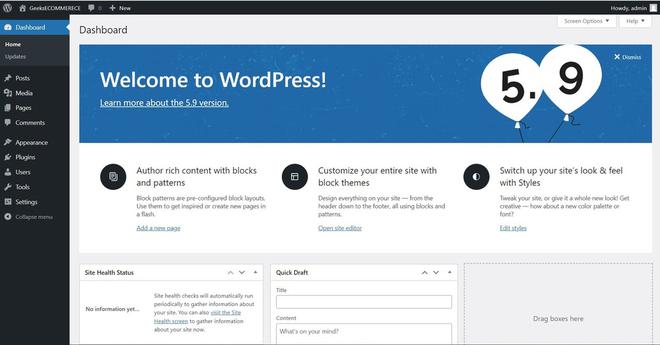
Start by adding analytics tools to your WordPress store. Google Analytics is a popular choice. It gives detailed info about your visitors and their actions. Install a plugin like MonsterInsights to connect Google Analytics easily. This plugin shows reports right inside your WordPress dashboard. Set up tracking for eCommerce to see sales data and customer journeys clearly.
Measuring Sales And Customer Behavior
Monitor sales trends to find your best products. Check which items sell most and which need attention. Track customer behavior like time spent on pages and cart abandonment. This info reveals problems in the buying process. Use reports to spot patterns and improve your site layout or offers. Understanding customers helps increase sales and build loyalty.
Credit: www.geeksforgeeks.org
Scaling Your Ecommerce Business
Scaling your ecommerce business on WordPress is a smart step. It allows your store to grow and serve more customers. Growth means handling more products and orders smoothly. You need strategies to keep your site fast and easy to use.
Scaling also means improving how your store works. Automation and expanding product lines help your business run better. These steps prepare your store for more success.
Expanding Product Range
Adding new products draws more shoppers to your site. It gives customers more choices and keeps them interested. WordPress plugins make it simple to add and manage products. Use clear categories to help buyers find items fast.
Keep product descriptions short and easy to read. Use good images to show your items well. Test new products in small batches to see what sells best. This helps avoid extra costs and keeps your store organized.
Automating Operations
Automation saves time and reduces mistakes. WordPress offers tools to handle orders, payments, and shipping automatically. Set up automatic emails to confirm orders and send shipping updates. This keeps customers informed without extra work.
Inventory management plugins track stock levels. They alert you when to reorder products. Automate marketing tasks like sending discounts or newsletters. These tools keep your store active and customers engaged.
Frequently Asked Questions
Can WordPress Handle Ecommerce Stores Effectively?
Yes, WordPress can effectively handle ecommerce stores using plugins like WooCommerce. It offers flexibility, customization, and scalability for all business sizes. With the right tools, WordPress supports product listings, payments, and inventory management efficiently.
What Are The Best Ecommerce Plugins For WordPress?
WooCommerce is the most popular ecommerce plugin for WordPress. Other options include Easy Digital Downloads, BigCommerce, and WP eCommerce. These plugins provide essential features like payment gateways, shipping options, and product management for seamless online selling.
Is WordPress Ecommerce Seo-friendly?
Absolutely, WordPress ecommerce sites are highly SEO-friendly. Plugins like Yoast SEO help optimize product pages, meta tags, and URLs. This improves search rankings, drives organic traffic, and enhances visibility for your online store.
Can I Integrate Payment Gateways With WordPress Ecommerce?
Yes, WordPress ecommerce plugins support multiple payment gateways. WooCommerce, for instance, integrates with PayPal, Stripe, and many others. This allows secure and convenient payment processing for customers worldwide.
Conclusion
WordPress supports ecommerce with flexible tools and easy setup. You can create a store without deep technical skills. Many plugins help add shopping features quickly. Managing products, payments, and shipping is simple. It suits small to medium businesses well. Keep your site secure and updated for best results.
Choose WordPress if you want control and growth options. Ecommerce on WordPress can work for you.


