
Are you unsure where to enter software costs when tracking your business expenses? You’re not alone.
Many business owners struggle with this simple but important task. Getting it right can save you money, keep your records clean, and make tax time much easier. You’ll discover exactly where and how to record your software expenses so your business stays organized and compliant.
Keep reading—you’re just a few steps away from mastering this essential part of your financial management.
Classifying Software Costs
Classifying software costs correctly is important for tracking business expenses. It helps in budgeting and tax reporting. Software costs can be recorded in different ways depending on the type of expense. Understanding these types makes managing finances simpler.
Capital Expenses Vs Operating Expenses
Capital expenses are costs for assets that last a long time. Software bought outright often counts as a capital expense. These costs are spread over several years through depreciation.
Operating expenses are short-term costs for daily business. Software subscriptions and small updates usually fall here. These costs appear fully in the month they occur.
One-time Purchases And Subscriptions
One-time purchases include software you pay for once. This type is often recorded as a capital expense. Subscriptions are recurring payments for software access.
Subscription fees are operating expenses. You record these costs each month or billing period. This method matches the cost with the benefit period.
Software Licenses And Maintenance Fees
Software licenses can be one-time or recurring. One-time licenses are capital expenses. Recurring licenses work like subscriptions and are operating expenses.
Maintenance fees cover updates and support. These fees are operating expenses. They are usually paid annually or monthly.
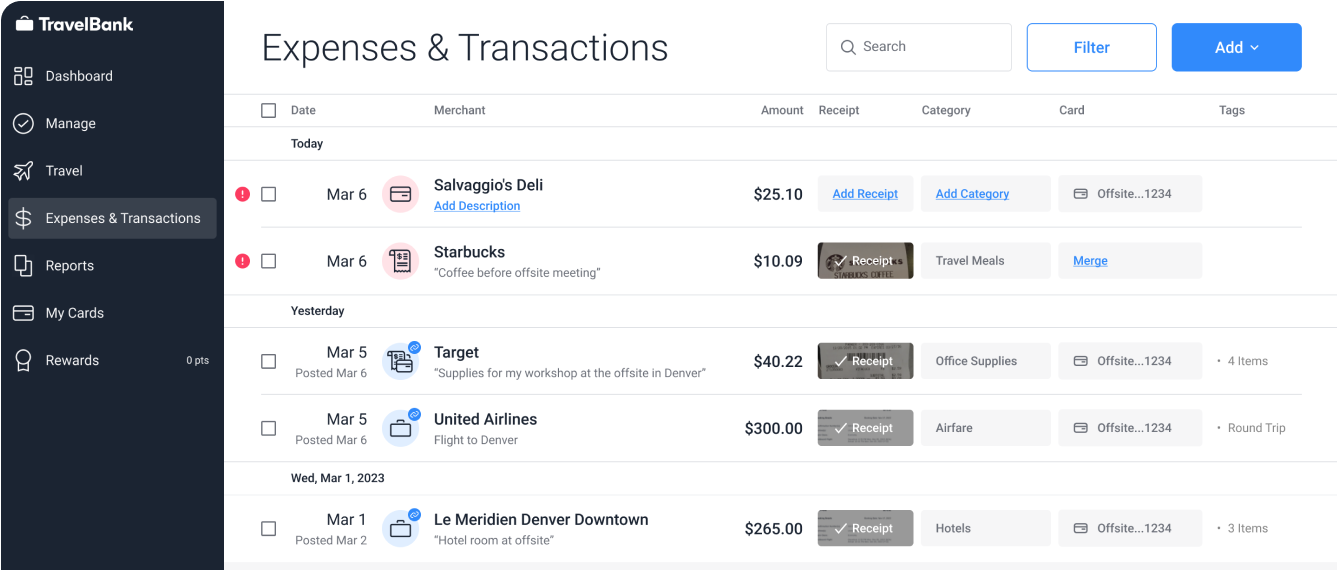
Credit: travelbank.com
Recording Software Costs In Accounting
Recording software costs correctly is important for accurate business accounting. These costs can be treated as expenses or assets. How you record them depends on the type of software and the cost involved.
Proper recording helps track spending and manage taxes. It also provides clear financial reports for better business decisions.
Choosing The Right Expense Account
Software costs that are small or for short-term use go into expense accounts. Use accounts like “Software Expense” or “Office Supplies” to track these costs. This approach reduces complexity in your accounting records. Expenses recorded here affect your profit immediately.
Using Asset Accounts For Software
Large software purchases often go into asset accounts. This is because the software has a useful life beyond the current year. You can record these costs under “Intangible Assets” or “Software Assets.” Treating software as an asset spreads the cost over time. It keeps your expense reports more balanced.
Depreciation And Amortization Of Software
Software assets lose value over time. Use amortization to spread the cost across its useful life. This process matches expenses with the income they help generate. Amortization is recorded monthly or yearly. It lowers the asset value on your books gradually.
Tax Implications Of Software Costs
Understanding the tax implications of software costs is important for any business owner. Software expenses can affect your taxable income. Knowing how to report these costs helps you save money on taxes. It also keeps your accounting accurate and clear.
Deductible Software Expenses
Some software costs can be fully deducted in the year you buy them. This usually applies to software you use for business right away. Subscription fees for cloud software are often deductible too. Costs for software upgrades and maintenance may also qualify. Keep receipts and records to prove these expenses.
Section 179 And Bonus Depreciation
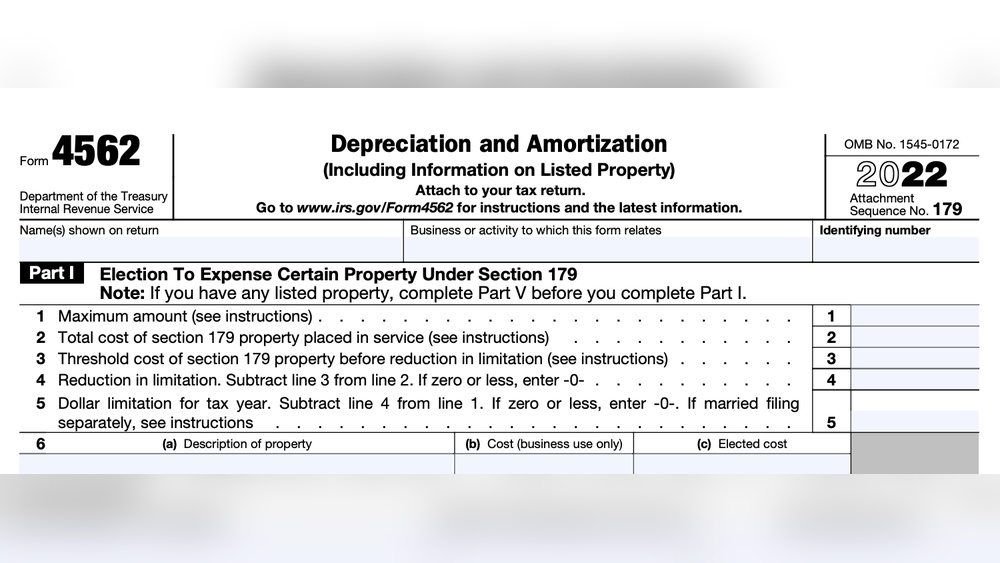
Section 179 lets you deduct the full cost of certain software in one year. This helps reduce your taxable income quickly. Bonus depreciation allows extra deductions on new software purchases. Both rules apply mainly to software you own, not subscriptions. Your software must meet specific IRS rules for these options.
Tracking Software Costs For Tax Reporting
Track all software purchases and payments carefully. Use accounting software or spreadsheets to organize costs. Separate software expenses from other business costs. Report these amounts correctly on your tax forms. Accurate tracking prevents errors and audits. It also ensures you claim the right deductions.
Best Practices For Tracking Software Expenses
Tracking software expenses accurately helps keep business finances clear and organized. Good practices reduce errors and make tax time easier. Using the right tools and habits saves time and money. Follow these best practices to manage your software costs well.
Using Accounting Software
Accounting software simplifies tracking software expenses. It allows easy entry and categorization of costs. Choose software that fits your business size and needs. Automated features help avoid manual mistakes. Set up categories specifically for software costs. This way, you can monitor spending clearly and quickly.
Maintaining Detailed Records
Keep all invoices and receipts related to software purchases. Store digital copies in a secure folder or cloud service. Record the date, amount, and purpose of each expense. Detailed notes help explain why the software was bought. This information supports financial reports and tax claims. Good records prevent confusion and save time later.
Regular Expense Reviews And Audits
Review software expenses regularly to spot errors or unnecessary costs. Schedule monthly or quarterly checks of your records. Compare expenses against budgets and expected costs. Audits help find duplicate or outdated subscriptions. Adjust spending to improve business efficiency. Consistent reviews keep your accounts accurate and up to date.
Common Mistakes To Avoid
Tracking software costs correctly is vital for your business finances. Mistakes in entering these expenses can cause confusion and errors in your accounting. Avoiding common errors helps keep your records clear and accurate. This section highlights frequent mistakes and how to prevent them.
Misclassifying Software Costs
Many businesses confuse software costs with other expenses. Software costs should be listed under business expenses, not office supplies or hardware. Proper classification ensures accurate tax deductions and financial reports. Treat software purchases and subscriptions as separate expense items for clarity.
Ignoring Subscription Renewals
Subscription fees often repeat monthly or yearly. Ignoring these renewals can cause missed expenses. Track all software subscriptions carefully to avoid underreporting costs. Set reminders for renewals to keep your accounting updated and avoid surprises.
Overlooking Indirect Software Expenses
Some software costs are less obvious, like upgrades and add-ons. These indirect expenses often get overlooked. Include all related fees in your software expenses to reflect true costs. Review invoices thoroughly to catch hidden charges and keep your budget accurate.

Credit: www.keepertax.com
Credit: www.thisiscarpentry.com
Frequently Asked Questions
Where Do I Record Software Costs In Business Expenses?
Software costs should be entered under “Office Expenses” or “Software Subscriptions” in your accounting system. This categorization helps track technology investments accurately for tax and budgeting purposes.
Can Software Costs Be Listed As Deductible Business Expenses?
Yes, software costs are typically deductible as business expenses. Ensure they are properly categorized to qualify for tax deductions and reduce your taxable income.
Should Software Purchases Be Capitalized Or Expensed Immediately?
Small software purchases are usually expensed immediately. Larger or long-term software investments might need capitalization and amortization based on accounting rules.
How Do I Track Software Subscription Fees For Business Accounting?
Record recurring software subscription fees under “Software Subscriptions” or “Recurring Expenses. ” This helps monitor ongoing costs and manage your budget efficiently.
Conclusion
Recording software costs correctly helps keep business finances clear. Enter these expenses under the right category in your accounting system. This practice makes tax filing easier and avoids confusion later. Tracking software expenses also supports better budgeting and financial planning.
Keep receipts and invoices to back up your entries. Regularly review your records to ensure accuracy. Small steps like this improve overall business management. Clear bookkeeping saves time and money in the long run. Stay organized and consistent with your expense entries.
It makes your business run smoother and stress-free.


