

Are you thinking about starting a website with WordPress but wondering if it will cost you money? You’re not alone.
Many people ask, “Do I have to pay for WordPress? ” The answer isn’t as simple as yes or no, and understanding the details can save you both time and money. You’ll discover what’s free, what might require payment, and how to make the best choice for your needs.
Keep reading—you’re about to get clear, straightforward answers that will help you decide your next step with confidence.
Credit: wordpress.org
WordPress Basics
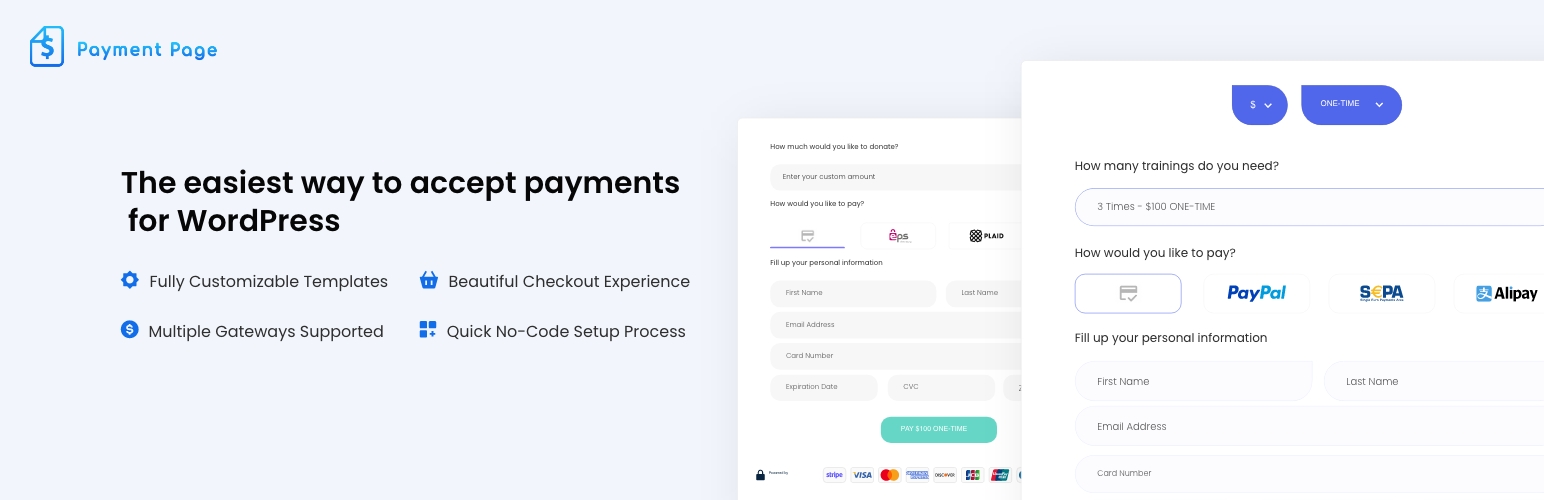
WordPress is a popular platform for building websites. It offers tools for blogs, business sites, and online stores. Understanding WordPress basics helps you decide if you need to pay or not. Many wonder about the costs and options available. Let’s break down the essentials.
Free Vs Paid Versions
WordPress has both free and paid versions. The free version lets you create a simple website easily. It includes basic features and limited storage. Paid versions offer more tools and space. They also include custom domain names and advanced design options. Paid plans give better support and remove ads. Free suits small projects. Paid suits bigger or professional sites.
Open Source Nature
WordPress is open source software. This means anyone can use and change it for free. The community creates themes and plugins. You can customize your site without paying for the software itself. Open source promotes sharing and improvement. Many developers help keep WordPress secure and updated. This makes WordPress flexible and powerful for all users.
Credit: paymattic.com
Hosting Expenses
Hosting expenses are a key part of running a WordPress site. Your site needs a server to store files and show content to visitors. Hosting costs vary depending on the type of service you choose.
Shared Hosting
Shared hosting is the cheapest option. Many websites share the same server and resources. This keeps costs low. It works well for small sites with low traffic. But performance can slow down if other sites use too many resources.
Managed WordPress Hosting
Managed WordPress hosting is a step up. The host takes care of updates, backups, and security. It offers better speed and support. The price is higher than shared hosting. Good for users who want less hassle and better performance.
Vps And Dedicated Servers
VPS (Virtual Private Server) and dedicated servers offer more power. VPS divides a server into virtual spaces for each user. Dedicated servers give you the whole server alone. Both options cost more but provide better control and speed. Ideal for large or busy websites.
Domain Name Costs
Domain name costs are an important part of building a WordPress website. You need a domain name to make your site easy to find. This name is your website’s address on the internet. It helps visitors remember your site and come back again. Understanding the costs involved helps you plan your budget well.
Choosing A Domain
Picking a domain name is the first step. It should be short, simple, and related to your site. Domains usually cost between $10 and $20 per year. Prices depend on the domain extension, like .com or .net. Some unique extensions may cost more. Avoid free domains if you want a professional look.
Renewal Fees
Domain names are not a one-time purchase. You must pay a yearly renewal fee to keep your domain. Renewal fees can be the same or higher than the first purchase price. Missing renewal payments means losing your domain. Always check renewal prices before buying a domain. Set a reminder to renew on time.
Themes And Design
The look of your WordPress site depends on themes and design choices. Themes control colors, layout, and style. You can pick from free or paid themes. Some prefer custom design services for a unique site. Each option has different costs and benefits.
Free Themes
WordPress offers many free themes you can use right away. These themes cover basic needs and simple styles. They are easy to install and change. Free themes work well for small blogs or new sites. They get regular updates and support from the community. Free themes save money but have fewer features.
Premium Themes
Premium themes cost money but bring more features and options. They have advanced design tools and better layouts. You get professional support and frequent updates. Premium themes offer more flexibility and control. These themes suit business sites or serious bloggers. The price varies, usually from $30 to $100.
Custom Design Services
Custom design services create a unique look just for you. Designers build themes to match your brand and style. This option is best for businesses wanting a special site. Custom themes cost more and take longer to finish. They give full control over every design detail. Custom design helps your site stand apart from others.
Plugins And Extensions
Plugins and extensions add new features to your WordPress site. They help customize and improve your website’s function. You can choose from many options depending on your needs and budget. Some plugins are free, while others require payment. Understanding these options helps you decide what fits best.
Free Plugins
Many plugins come at no cost. These free plugins cover basic needs like contact forms, SEO, and security. They are easy to find in the WordPress Plugin Directory. Free plugins work well for small or simple sites. Some offer premium versions with extra features.
Paid Plugins
Paid plugins offer more advanced features and support. They usually come with one-time or yearly fees. These plugins suit businesses needing specialized tools. Paid plugins often provide regular updates and help from developers. Investing in them can improve your site’s quality and security.
Subscription-based Services
Some plugins work on a subscription model. You pay monthly or yearly to use their full features. Subscription plugins often include cloud services or automatic backups. This model helps keep your site up-to-date and secure. Choose subscriptions if you want continuous improvements and support.
Maintenance And Security
Maintaining and securing a WordPress site is important for smooth operation. Regular care keeps your site fast and safe. It also protects your content and visitors. Understanding maintenance and security helps you avoid many common problems.
Updates And Backups
WordPress needs frequent updates. These updates fix bugs and add new features. Themes and plugins also require updates to work well. Ignoring updates can make your site slow or vulnerable to attacks.
Backups save a copy of your site data. They help restore your site if something goes wrong. Many plugins offer automatic backup options. Regular backups reduce the risk of losing important content.
Security Tools And Services
Security tools protect your site from hackers and malware. Firewalls block harmful traffic. Security plugins scan your site for threats. Some services offer monitoring and quick problem fixing.
Strong passwords and limiting login attempts improve security. Using HTTPS encrypts data between your site and visitors. These steps keep your site and users safe.
Additional Costs To Consider
Using WordPress can seem free at first. But extra costs can add up fast. These costs help your website grow and work well. Understanding them helps you plan your budget better.
Seo And Marketing
SEO tools improve your website’s visibility on search engines. Some plugins are free, but premium versions cost money. Marketing efforts like ads or email campaigns also need funds. These help attract visitors and grow your audience.
Professional Support
Technical issues may require expert help. Hiring a WordPress developer or support service costs extra. This support ensures your site runs smoothly and stays secure. It saves time and prevents bigger problems later.
Content Creation
Good content keeps visitors interested and boosts SEO. Writing, editing, and designing images can take time and skill. Many choose to pay freelancers or agencies for quality work. This investment improves your site’s appeal and trust.
Credit: exactly.com
Cost Comparison
Choosing WordPress for your website often raises a key question: what will it cost? Comparing different WordPress options helps you plan your budget well. Costs vary depending on how you use WordPress. Two main paths exist: WordPress.com plans and self-hosted WordPress expenses. Each has unique costs and features. Understanding these differences helps you pick the best fit for your needs.
WordPress.com Plans
WordPress.com offers several plans, starting with a free option. The free plan includes basic features and a WordPress.com subdomain. Paid plans start at a low monthly fee. They add more storage, custom domains, and extra tools. The Personal plan suits small blogs or personal sites. The Premium and Business plans offer advanced design and marketing features. These plans handle hosting, security, and backups for you. Payment is straightforward and predictable.
Self-hosted WordPress Expenses
Self-hosted WordPress means buying hosting and a domain separately. Hosting costs vary widely, from a few dollars to over $30 per month. A domain name usually costs about $10 to $15 per year. You may also buy premium themes and plugins to add features. Maintenance tasks like security and backups are your responsibility. Costs can increase with site growth or extra services. This option offers full control but requires more hands-on work.
Tips To Save Money
Building a WordPress site can cost less than you think. Spending wisely helps you save money. Focus on smart choices and free tools. Careful planning reduces extra expenses.
Choosing The Right Hosting
Pick a hosting plan that fits your needs. Many hosts offer affordable beginner packages. Avoid paying for extra features you don’t use. Look for reliable service with good support. A stable host keeps your site running smoothly.
Utilizing Free Resources
Use free themes and plugins from WordPress.org. They cover many functions without cost. Free tools often get regular updates and support. Take advantage of free tutorials and guides online. These resources help build your site without spending.
Planning Ahead
Plan your site structure before buying anything. Know what features you need from the start. This prevents buying unnecessary plugins or themes. Set a budget and stick to it strictly. Planning saves money and avoids surprises later.
Frequently Asked Questions
Do You Have To Pay For WordPress Software?
No, the WordPress software itself is free and open-source. You can download and use it without cost. However, hosting, themes, and plugins may require payment.
Is WordPress Hosting Free Or Paid?
WordPress hosting is usually paid. You need a web host to make your site live. Some hosts offer free plans with limited features.
Can You Use Free WordPress Themes And Plugins?
Yes, many WordPress themes and plugins are free. They provide basic features. Premium versions offer advanced options at a cost.
What Costs Are Involved In Running A WordPress Site?
Costs include domain registration, hosting, premium themes, and plugins. Optional expenses depend on your site’s needs and customization.
Conclusion
WordPress offers free and paid options for different needs. You can start a website without spending money. Paid plans give extra features like custom domains and more storage. Choose what fits your budget and goals best. Many users find the free version enough to begin.
As your site grows, you might want to upgrade. WordPress makes it simple to scale up or stay basic. Now you know how costs work. Ready to build your site?


