
Are you diving into the world of WordPress and wondering what templates get loaded by default in a WordPress theme? You’re not alone.
Understanding these default templates can be the key to unlocking a more seamless and customizable website experience. Whether you’re a beginner trying to get your site up and running or a seasoned developer looking to tweak your design, knowing the ins and outs of WordPress templates can save you time and elevate your site’s functionality.
Imagine being able to effortlessly navigate your theme’s structure, ensuring every page of your website is perfectly tailored to your needs. This knowledge not only enhances your site’s user experience but also boosts its performance and SEO potential. You’ll gain the confidence to customize and optimize every aspect of your website, ensuring it stands out in the crowded digital landscape. Keep reading to discover the essential templates that are loaded by default in a WordPress theme and how you can leverage them to create a stunning and effective website. Your journey to mastering WordPress starts here, and the insights you’re about to uncover will transform the way you approach your site’s design and functionality.

Credit: wpengine.com
Default Template Files
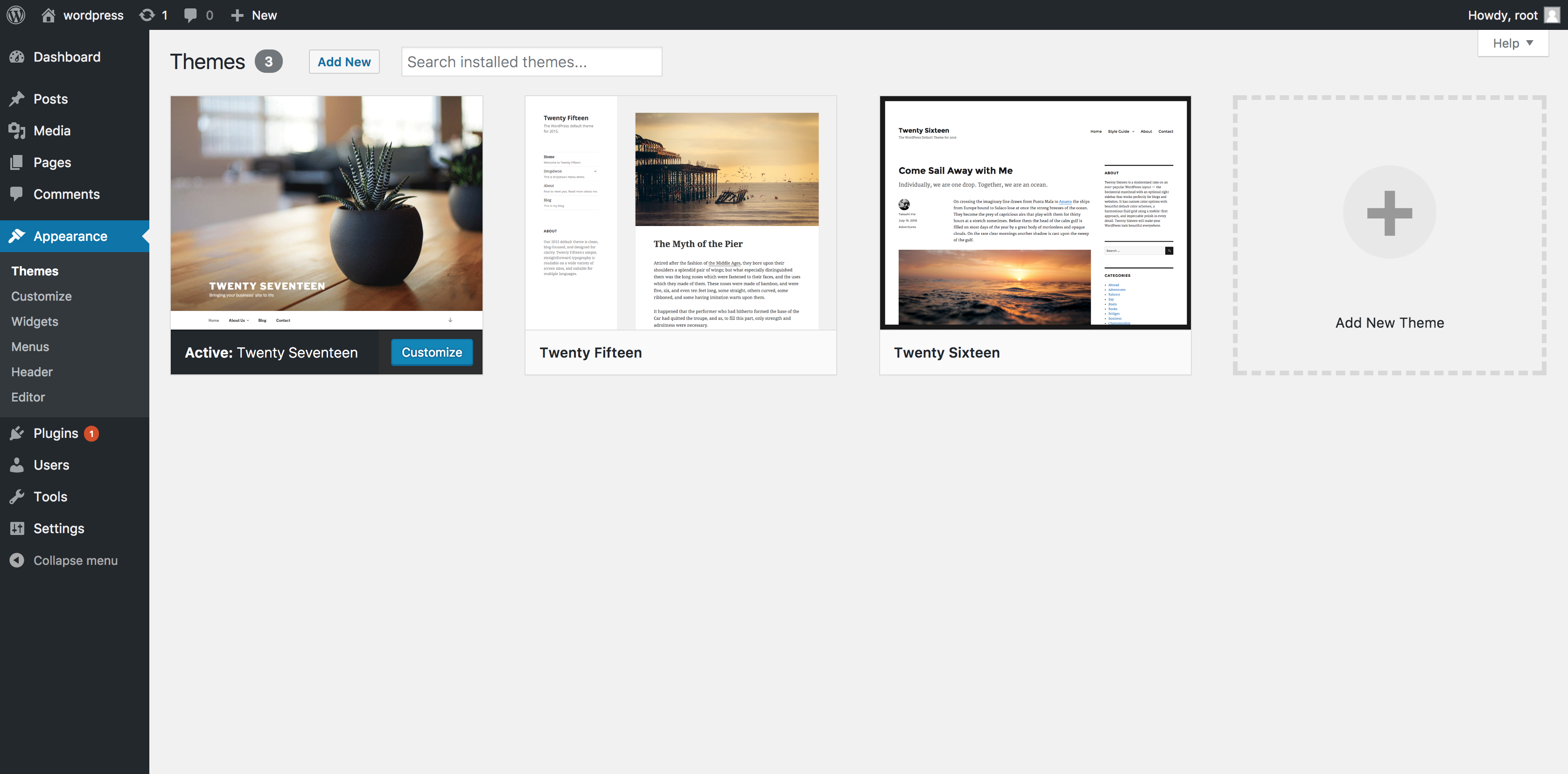
WordPress themes use three main files. First, the index.php file. This file is the backbone of your theme. It helps in showing your content. It is like the main storybook page. Every site needs this file.
Next, the style.css file. It makes your site look pretty. This file gives colors and styles. Without it, sites look plain. It also has information about your theme.
Finally, the functions.php file. This file is like a toolbox. It adds extra features. It helps with things like menus and widgets. Each file plays its own role. Together, they make your site work well.
Credit: www.namecheap.com
Hierarchical Template Loading
WordPress uses a template hierarchy system to load templates. This means it follows a specific order. Each page type has a set of rules. If a page template is missing, WordPress uses a fallback mechanism.
For example, if a single post template isn’t found, WordPress checks for a single.php file. If that doesn’t exist, it uses index.php. This ensures the site loads properly. Pages, posts, and archives have their own hierarchy.
Templates are like building blocks. They help in organizing content. Every WordPress theme comes with default templates. Some templates are specific. Others are more general. This helps to keep websites running smoothly.
Common Template Types
Every WordPress theme has a header and a footer. The header is at the top of the page. It usually shows the website’s name and menu. The footer is at the bottom. It often has contact details or links. Headers and footers are on every page. They help you find things easily.
A sidebar is a vertical column. It is often on the side of a webpage. Sidebars can hold widgets. Widgets show things like recent posts or a search bar. Sidebars help users find information quickly. They make websites more useful.
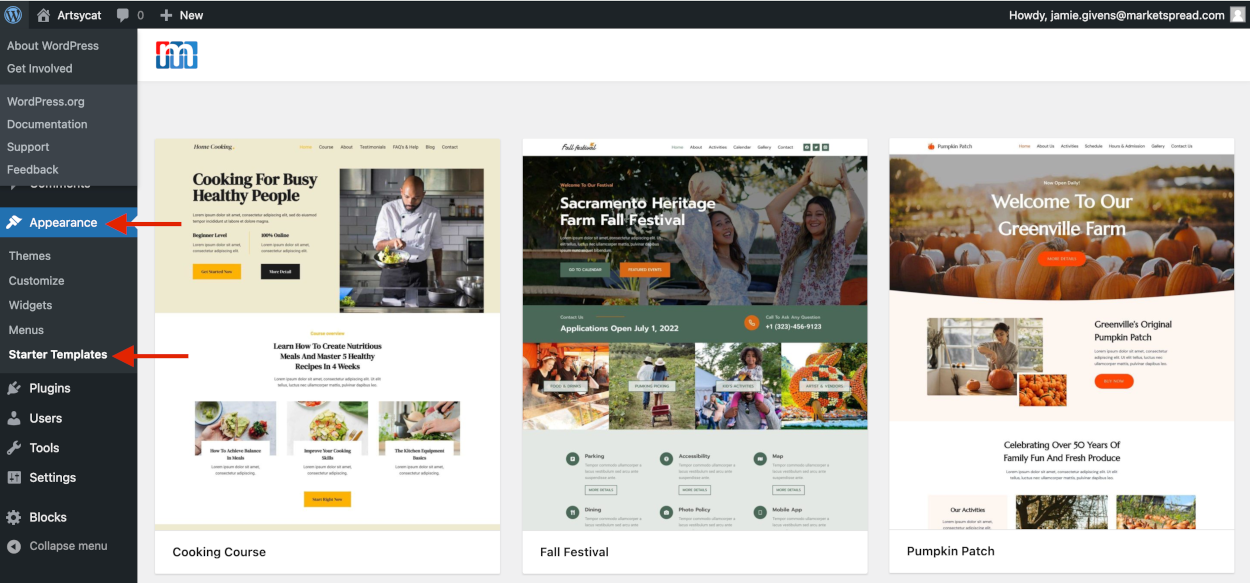
The single post template is for blog posts. It shows one post at a time. You can see the title, content, and author. Comments and categories might appear too. This template helps readers focus on one topic.
Credit: marketspread.com
Role Of Conditional Tags
Conditional tags help WordPress decide what template to show. They check certain conditions. Is the user on a homepage? Is it a single post view? Each tag has a job. They simplify the template choice process. They make WordPress smart.
Tags impact the look of your website. They choose the right template for each page. Without them, websites would look the same. They bring variety and structure to WordPress themes. Tags guide the theme to load the correct files.
Child Themes And Template Override
Child themes are like small parts of a bigger theme. They let you change the look of your website. You can make changes without touching the main theme. This keeps your changes safe during updates.
To create a child theme, make a new folder. Add a style.css file inside it. This file should have basic info like the theme name. Then, link it to the main theme using functions.php.
Template override means changing how things display. You can replace or edit files from the main theme. Copy the template file to your child theme. Make changes there. This way, your changes stay even after updates.
Overrides help in customizing specific parts. Like header, footer, or sidebar. Always keep backups of your changes. This ensures no loss of important edits.
Customization And Best Practices
Default templates in WordPress themes are easy to change. Start by copying the file you want to change. Place it in your child theme folder. This keeps your changes safe during updates. Use simple code to make small changes. Many people use the WordPress Customizer. It helps you see changes in real-time. Keep your design clean. Avoid adding too many features.
Keeping the theme’s original design is important. Always back up your files first. This way, you can fix mistakes easily. Make sure new code is simple and clean. Test your site after every change. This ensures everything works well. Large changes should be planned carefully. Ask for help if needed. Follow these steps to maintain your theme’s look and feel.
Frequently Asked Questions
What Is The Default Template In WordPress Themes?
The default template in WordPress themes is usually index. php. It serves as a fallback template. This means it’s used when no other template file matches. It’s essential for displaying content.
How Does WordPress Load Theme Templates?
WordPress follows a template hierarchy to load theme templates. It checks specific templates for different content types. If a template isn’t found, it uses a fallback. This hierarchy ensures a structured display of content.
Why Are WordPress Default Templates Important?
WordPress default templates are crucial for consistent content display. They ensure that posts, pages, and archives are presented correctly. Without them, themes might fail to load content properly, impacting user experience.
Can I Customize Default WordPress Templates?
Yes, you can customize default WordPress templates. By creating child themes, you can modify templates safely. This allows unique designs without altering the original theme files. Customization enhances website appearance and functionality.
Conclusion
Understanding default WordPress theme templates makes website design easier. These templates shape your site’s look and function. They include header, footer, and sidebar templates. Each plays a vital role in your site’s layout. Knowing them helps you customize effectively. You can create a unique website experience for your visitors.
Experimenting with themes also enhances your skills. Keep exploring and learning. Your site will stand out, reflecting your vision. With practice, managing WordPress becomes simple. Enjoy the process. Your journey with WordPress can be rewarding and fun. Happy designing!


