
Are you looking to enhance your WordPress site but feel overwhelmed by technical jargon? You’re not alone.
One key element that often gets overlooked is the WordPress header. But what is it, and why should you care? Imagine it as the digital welcome mat for your website. It’s the first thing your visitors see, setting the tone and feel of your entire site.
A well-crafted header can captivate your audience, encourage them to explore further, and ultimately keep them coming back for more. Understanding your WordPress header is not just about aesthetics; it’s about making a lasting impression. So, are you ready to unlock the potential of your website’s entrance? Dive in, and let’s uncover the secrets of the WordPress header together.
WordPress Header Basics
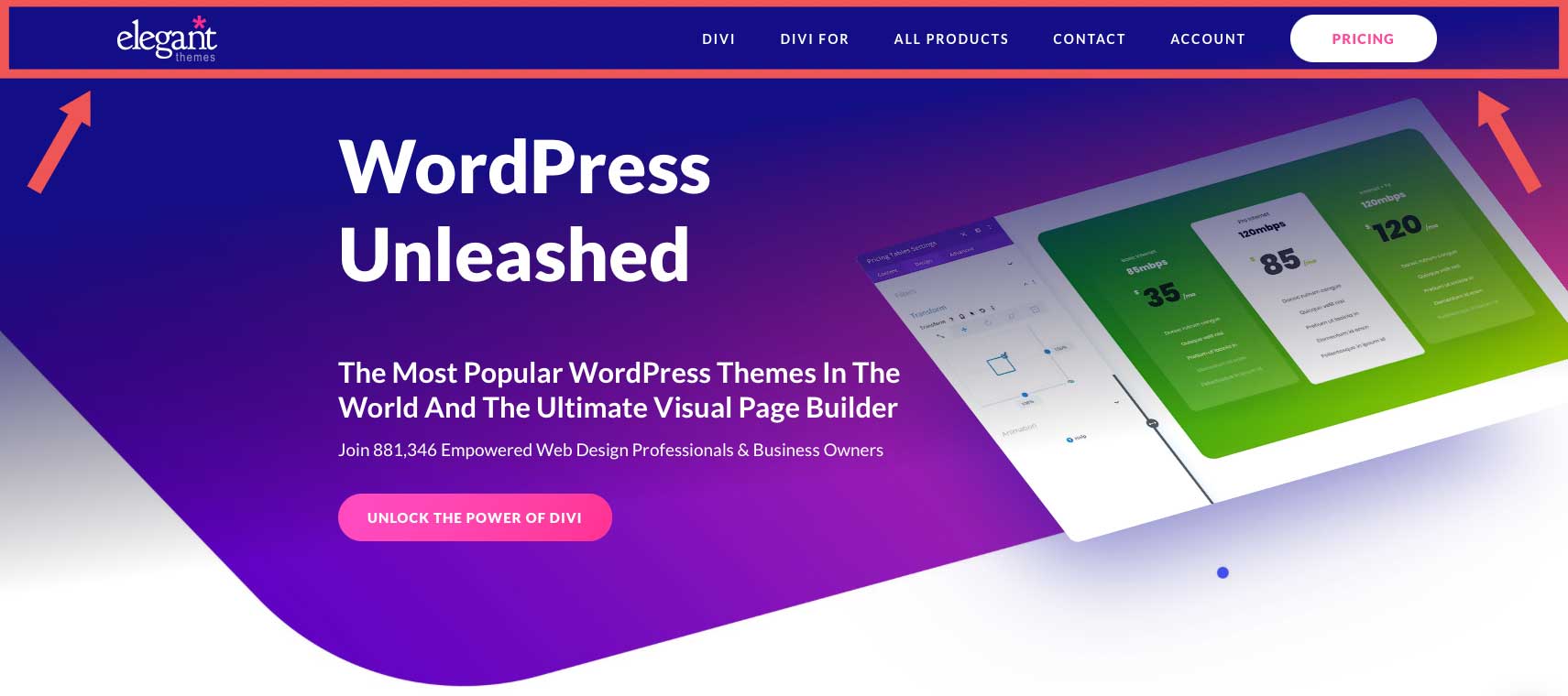
The WordPress Header is the top part of a website. It usually shows the site name or logo. This area can also include navigation links and a search bar. Headers help users find their way around the site. They are vital for good site design. Headers can change styles. Some are simple, while others are fancy with images and colors. Many themes let you change the header. You can add custom text or images. Some plugins help with this too. Headers should be clear. Visitors should know where they are on the site. Make sure the header looks nice and works well. It’s the first thing people see. A good header helps make a great first impression.
Credit: www.elegantthemes.com
Importance Of Headers
Headers are very important on a website. They help people find what they need. Headers make a website look nice and clear. People can see the main topics at a glance. This makes them stay longer. Headers also help search engines. Search engines like Google use headers to know what the page is about. This can help your site show up in search results.
Headers help with website navigation. They guide people to different parts of the site. A good header makes it easy to move around. This makes people happy and they might come back again.
Customizing The Header
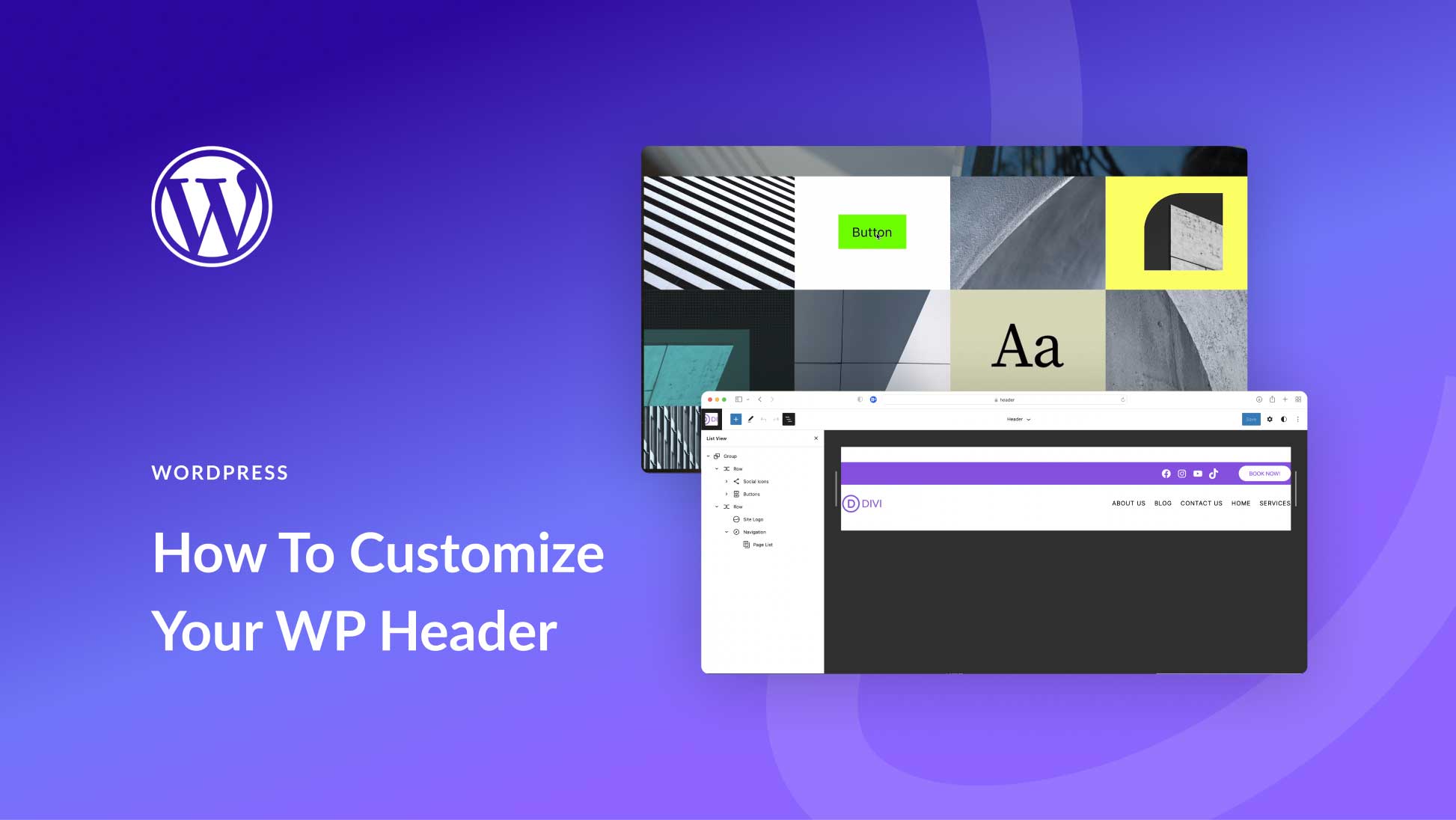
WordPress Customizer lets you make changes to your site header. You can change the title, logo, and background easily. It gives a preview of changes before saving. It’s user-friendly and simple. You can access it from the dashboard. It helps make your site unique.
Header.php file is a way to change your header deeply. It needs coding skills. You can add custom scripts or styles. Be careful when editing this file. Mistakes can break your site. Always backup before changes. Seek help if you are unsure. This file gives you more control.
Common Header Elements
The logo is often at the top of the site. It is usually on the left side. Some sites have it in the center. The logo helps users know your brand. It should be clear and easy to see.
The navigation menu helps users find pages. It often has links to key pages. These can include “Home,” “About,” and “Contact.” The menu should be easy to use. It helps users get around your site quickly.
Many headers have social media links. These connect to your social pages. Users can click to visit your profiles. It helps users stay in touch. Make sure they are easy to find.
Responsive Header Design
A responsive header makes websites look good on all devices. It adjusts its size and layout to fit the screen. This helps users have a good experience. Users do not need to scroll left or right. The header changes its look on phones, tablets, and computers.
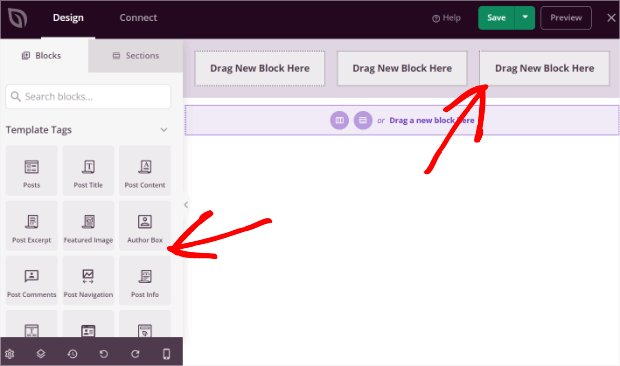
Use flexible layouts and media queries in design. These tools help in creating headers that change shape. A good header uses clear fonts and simple colors. It should be easy to read. Icons and buttons should be large enough to tap.
Test the header on different devices. Make sure it looks nice everywhere. A responsive header helps in keeping users on the website longer. This can lead to more visits and happy users.
Credit: optinmonster.com
Header Plugins And Tools
WordPress has many header plugins. These plugins help make headers look nice. Elementor is a popular choice. It lets users design headers easily. Header Footer Elementor is another tool. It works well with Elementor. Sticky Header lets headers stay visible when scrolling. This is useful for menus. WP Header Images allows adding images to headers. These plugins are easy to use.
Many tools exist for designing headers. Canva is a favorite. It makes header images easily. Adobe Spark is another good choice. It offers many design options. Piktochart helps create graphic-rich headers. These tools are user-friendly. They offer templates and design resources. Most are free or have low-cost plans. Designing headers is fun with these tools.
Troubleshooting Header Issues
Headers can be tricky sometimes. They might not show correctly. This can confuse visitors. Common issues include misaligned menus or disappearing logos. Sometimes, the header might not be responsive. This means it looks odd on phones. Another problem is wrong colors or fonts. These make the site look unprofessional.
To fix these problems, start with simple steps. First, check the header settings in WordPress. Ensure the logo and menu are in the right place. Use the customizer to adjust the colors and fonts. Ensure the theme is updated. Sometimes, plugins cause header issues. Deactivate them one by one to find the culprit. If problems persist, seek help from a developer. They can offer more advanced solutions.
Credit: www.elegantthemes.com
Frequently Asked Questions
What Is A WordPress Header?
A WordPress header is the top section of your website. It typically contains your site’s logo, navigation menu, and other key elements. This area is crucial for branding and guiding visitors. Customizing your header can greatly enhance your site’s appearance and user experience.
How Can I Customize My WordPress Header?
You can customize your WordPress header through the WordPress Customizer. Access it via your dashboard under “Appearance” > “Customize. ” Here, you can change the logo, background, and layout. Some themes offer additional header customization options. Plugins can also provide advanced header design features.
Why Is A WordPress Header Important?
A WordPress header is vital for first impressions. It represents your brand and provides site navigation. A well-designed header enhances user experience and boosts engagement. It helps visitors easily find important information and services. A header also plays a crucial role in SEO by improving site structure.
Can I Add Widgets To My WordPress Header?
Yes, you can add widgets to your WordPress header. Some themes allow widget placement directly in the header area. Use the WordPress Customizer or Appearance > Widgets section to add widgets. Widgets can enhance functionality and display important information, like social media links or contact details.
Conclusion
Understanding the WordPress header is crucial for your site design. It sets the tone and helps with branding. Headers can include logos, menus, and navigation. Changing the header is simple with WordPress themes. Customize it to fit your style and audience needs.
Remember, a clear header improves user experience. It makes navigation easy and keeps visitors engaged. Spend time designing a header that stands out. It’s worth it. A well-crafted header is your site’s first impression. Make it count. Your WordPress header can elevate your site’s appeal and functionality.


