
Have you ever felt overwhelmed by the vast array of options when designing your WordPress site? You’re not alone.
Many people find themselves lost in the sea of themes, widgets, and plugins. But there’s one fundamental aspect that can simplify everything: the layout. Understanding the layout in WordPress is like discovering the blueprint to your dream home. It’s the secret to creating a seamless, visually appealing, and user-friendly website.
We’ll unravel what a layout is in WordPress and why it’s crucial for your site. Get ready to transform your site into a masterpiece that captivates and engages your audience from the very first glance. Dive in to discover the power of an effective layout and how it can elevate your online presence.
Credit: slocumthemes.com
Layout Basics
A layout is how a website looks. It shows where things go. It is like a map for a website. This map helps people find what they need. A good layout makes a website easy to use. People stay longer on sites that are easy to use.
Websites with good layouts look nice too. This helps people trust the site. They feel safe using it. A nice website can help sell things. It can help share information too.
Headers are at the top. They show the site name. Menus help people move around the site. Content areas have the main information. Footers are at the bottom. They have links and contact details.
Types Of Layouts
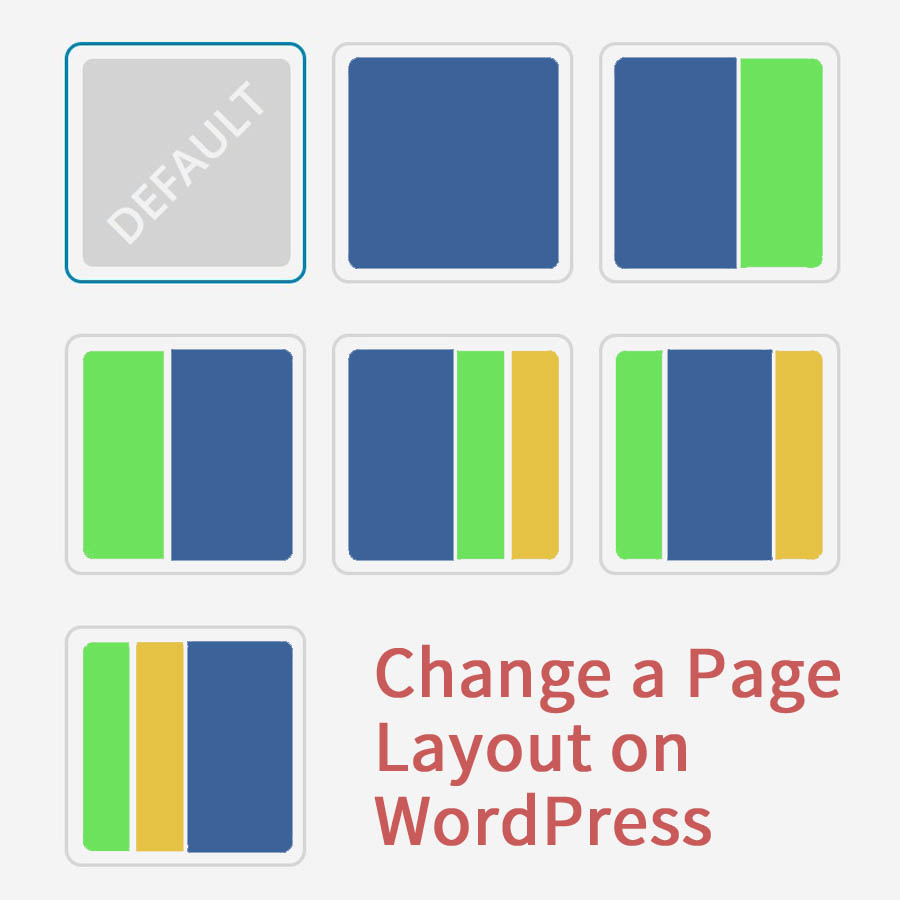
In WordPress, a layout refers to the design structure of a webpage. Different layouts include grid, list, and full-width styles. Each layout helps organize content visually, enhancing user experience.
Fixed Vs. Fluid
Fixed layouts have a set width. They don’t change when you resize the screen. This can make them look the same everywhere. But, on small screens, they might not fit well. Fluid layouts stretch to fit the screen. They change based on the device. This makes them more flexible. Both types have their own use cases. Choose based on your needs.
Responsive Design
Responsive design is very popular. It makes websites look good on all devices. It uses flexible grids and images. The design changes based on the screen size. This helps improve user experience. People can easily read and navigate. This is important for mobile users.
Grid Systems
Grid systems help organize content. They use rows and columns. This makes layouts neat and tidy. Designers can create balanced designs. It helps in aligning elements properly. Popular grid systems include Bootstrap and CSS Grid. They provide easy ways to build layouts.
Choosing A Layout
Picking a WordPress layout needs some thought. Begin with user experience. A simple layout helps visitors find things fast. It should be easy to navigate. Clear paths lead to happy users. Happy users stay longer.
Think about your content. Text, pictures, and videos need space. A cluttered page confuses people. Ensure the layout is clean and neat. This way, visitors focus on what’s important.
Device compatibility matters too. Many people use phones or tablets. The layout should look good on all screens. Responsive design is key. Easy to read and use, no matter the device.
Credit: www.youtube.com
Customizing Layouts
Themes change your site’s look. They are like clothes for websites. WordPress offers many free and paid themes. Each theme has its own design. Some focus on photos. Others on text. Choose a theme that fits your need. It should match your style. Themes make your site special.
Page builders help you design pages. They are easy to use. Drag and drop features make it simple. No coding needed. Builders like Elementor and Divi are popular. They offer many tools. You can add images, text, and buttons. Create a page that looks just right.
CSS changes how your site looks. It is like magic paint. You can change colors and sizes. Make text bold or italic. Custom CSS lets you do this. Write simple code to change things. Your site will look unique. CSS is powerful but easy to learn.
Common Layout Mistakes
Many websites have too many elements. This makes it hard to understand. Simple designs are often best. They help users find what they need. Busy designs can confuse visitors. They may leave the site quickly. Clean layouts make it easy to focus. Users enjoy sites that look tidy. Clear navigation is important. It helps visitors find pages easily. Keep designs neat and simple.
Lots of people use phones for browsing. Websites must work well on mobiles. Some sites don’t change for small screens. This is a big problem. Users struggle to read tiny text. Buttons need to be large. They should be easy to press. Responsive designs are key. They adapt to different devices. Mobile-friendly sites attract more users. Make sure every page is easy to use on phones.
Tools For Layout Design
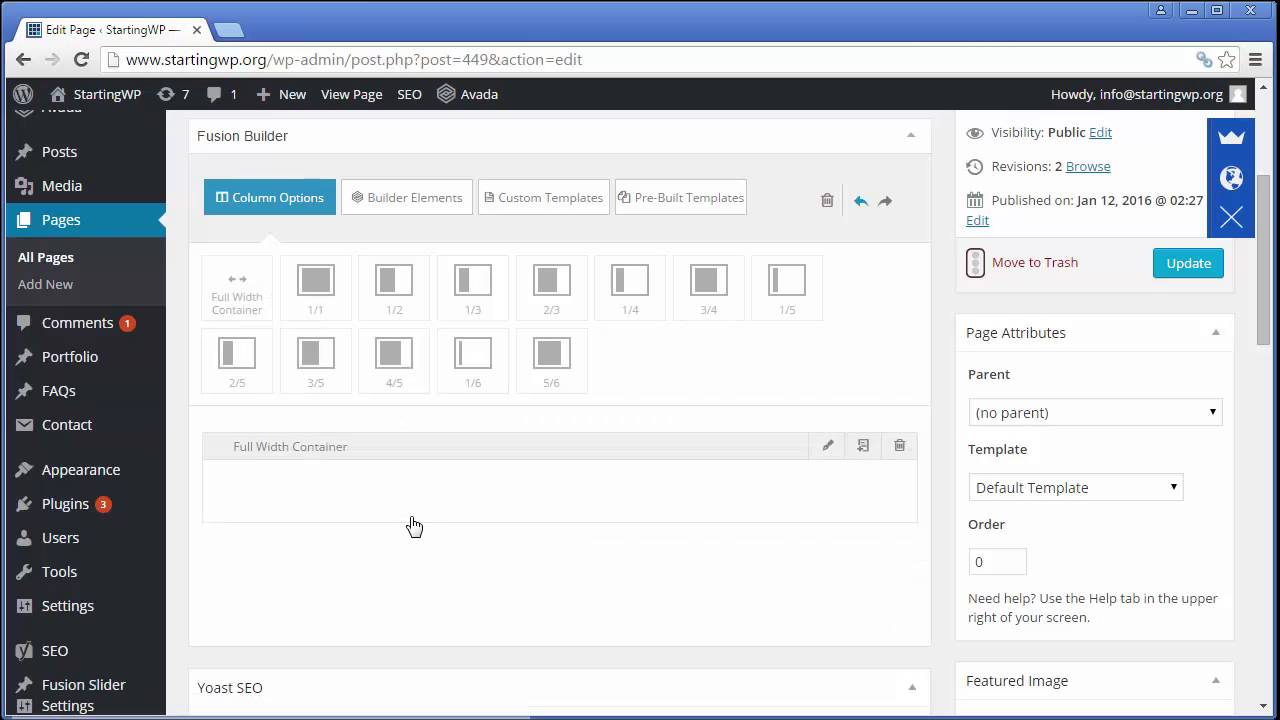
In WordPress, layout refers to the arrangement of elements on a webpage. Tools like Elementor, Divi, and Gutenberg help design layouts. They offer drag-and-drop features, making it easy to customize pages.
Popular WordPress Plugins
Elementor lets you create beautiful layouts. You can drag and drop elements. This tool is great for beginners. Beaver Builder is another option. It is easy to use. It has many pre-made templates. Divi Builder offers a flexible design. It is very popular among users. It allows you to customize everything.
Third-party Software
Adobe XD helps make layout designs. It is used by professionals. It provides many features. Sketch is another great tool. Designers use it often. It offers a simple interface. You can create and share designs easily. Figma is used for real-time collaboration. You can work with teams. It is browser-based. This makes sharing easy.
Future Trends In Layout Design
New technologies are changing layout design. Virtual reality is one example. It helps make websites more interactive. Augmented reality adds more fun. It puts digital things into the real world.
Voice user interfaces are on the rise. They let users speak to control websites. This makes sites easier for everyone. It is important to keep up with these trends. They make sites more engaging and fun.
Adaptive layouts change to fit different screens. They are smart. They adjust to the size of the device. This helps users see everything clearly.
Mobile users need sites that fit their screens. Adaptive layouts make sure this happens. They improve user experience. Sites load faster and are easier to navigate.
Credit: www.youtube.com
Frequently Asked Questions
What Is A WordPress Layout?
A WordPress layout is the arrangement of elements on your site. It includes headers, footers, sidebars, and content areas. Layouts define the visual structure and user experience. They can be customized using themes and plugins to suit different needs and styles.
How Do I Change Layout In WordPress?
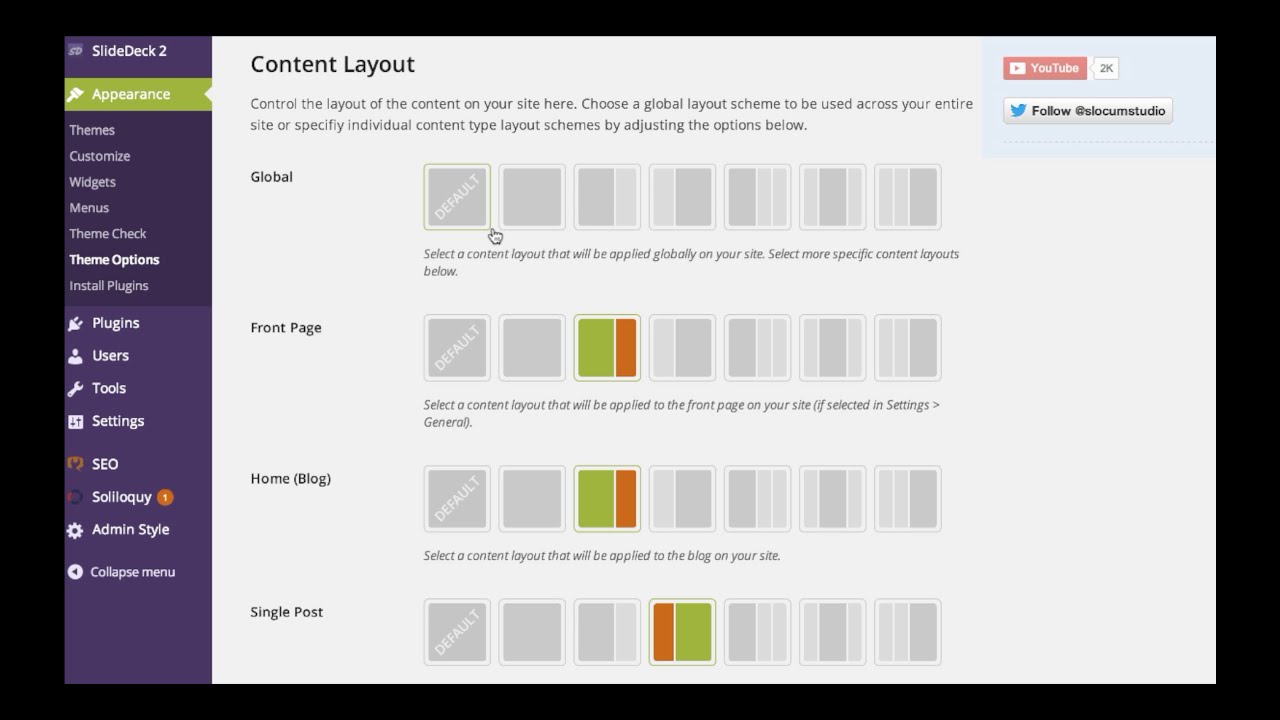
To change a layout in WordPress, use the Customizer or theme options. Access these via the Appearance menu in the dashboard. Select your desired theme or adjust settings like colors, fonts, and widget placement. Plugins can also offer additional layout customization features.
Can I Customize WordPress Layout Easily?
Yes, WordPress layouts are easily customizable. Use the Customizer for simple changes like colors and fonts. For advanced customization, use page builders or custom themes. Drag-and-drop editors allow users to create unique designs without coding. Plugins also enhance layout flexibility.
Are WordPress Themes Layout-specific?
Yes, WordPress themes are often layout-specific. They determine the arrangement of your site’s elements. Each theme offers unique layouts suited for different purposes, like blogs or e-commerce. Choose a theme based on your content needs and desired aesthetic.
Conclusion
Understanding WordPress layout is vital for a well-designed website. It helps organize content clearly for visitors. Simple layouts enhance user experience. They make navigation easy. Choose themes that suit your needs. Customize them for a personal touch. Experiment with different layouts.
Find what works best for your audience. A good layout boosts website appeal. Keep it clean and user-friendly. Regularly update your layout. Ensure it meets your goals. Focus on simplicity and functionality. Your website’s layout is a key element. It shapes how your visitors interact with your content.


