
Imagine this: you’re browsing a stunning website, and everything looks crystal clear, except for one thing—the logo. It’s pixelated and blurry, standing out like a sore thumb.
You might wonder why this happens and how it can be fixed. Enter the concept of a Retina logo for WordPress. We’ll dive into what a Retina logo is, why it’s crucial for your website, and how you can ensure your brand’s visual identity remains sharp and impressive across all devices.
By the end, you’ll have the tools to enhance your site’s appearance, leaving a lasting impact on your audience. Keep reading to discover the secrets to achieving a flawless and professional look for your WordPress site.
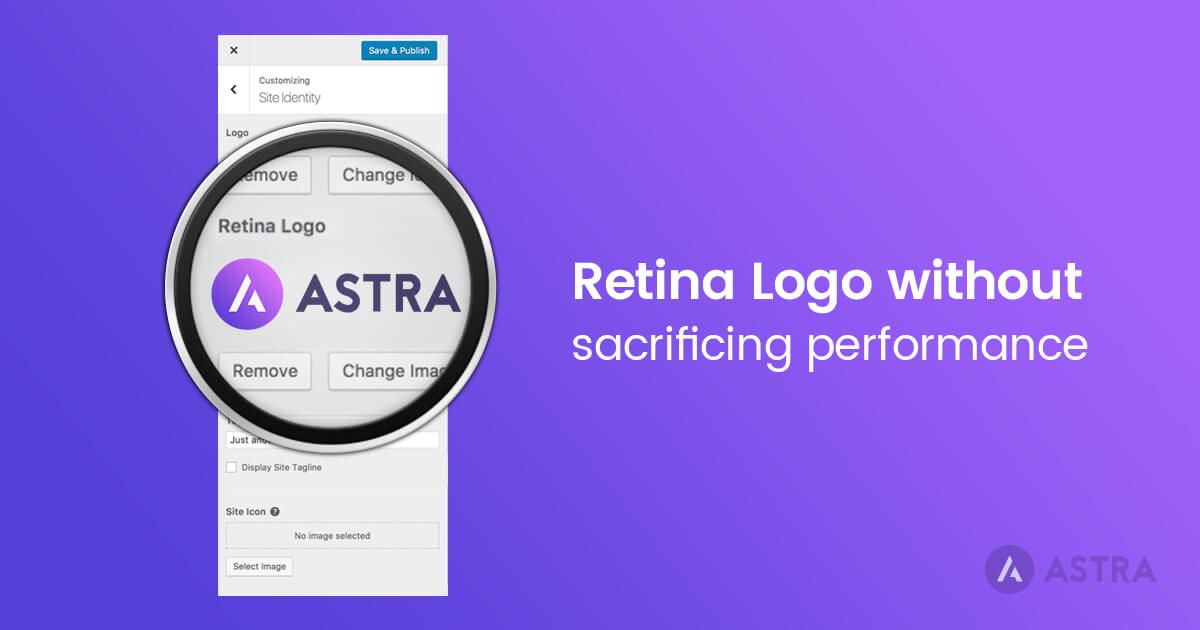
Credit: wpastra.com
Retina Logo Basics
A retina logo is a high-resolution image. It looks sharp on all screens. Regular logos can appear blurry. This happens on devices with high pixel density. Retina logos use double the pixels. They provide clear and crisp visuals. This makes them perfect for modern screens.
High-resolution logos show your brand quality. They help your website look professional. Clear logos attract more visitors. They make a great first impression. Low-quality images can disappoint users. High-resolution logos enhance user experience. They also improve brand trust.

Credit: themezee.com
Benefits Of Retina Logos
Enhanced Visual Appeal is one of the key benefits. Retina logos look sharper and clearer. They display more colors and details. This makes them look beautiful on screens. Even small details are visible. This impresses viewers and keeps them engaged. Images are more realistic and vibrant.
Improved Branding is another advantage. Logos represent your brand visually. High-quality logos build trust. People remember clear logos better. They associate them with quality and professionalism. Your brand stands out in crowded markets. Good logos make your brand strong.
Better User Experience is crucial. Users enjoy clear and sharp visuals. This makes navigation easy and pleasant. Retina logos load quickly. They don’t pixelate or blur. Users stay longer on sites with good logos. Happy users return often and recommend your site.
Designing Retina Logos
High-resolution logos look sharp on all screens. Using the right tools is important. Adobe Illustrator is popular for vector designs. It keeps logos clear at any size. Sketch is another tool. It’s great for modern designs. Canva is easy to use. It’s perfect for beginners. These tools help make your logo look crisp and professional.
Simple designs are best. They are easy to remember. Use limited colors. Too many colors can be confusing. Make sure your logo looks good in black and white. Choose fonts that are easy to read. Your logo should look good on both big and small screens. Test your logo on different devices. This ensures it always looks its best.
Implementing Retina Logos In WordPress
Plugins make adding a retina logo easy. Choose a plugin from the WordPress repository. Install the plugin with a few clicks. Activate it after installation. Find the plugin settings in your dashboard. Upload your retina logo. This logo should be twice the size of your regular logo. Check the website to see your new logo. Plugins save time and effort.
Create a larger logo file. This file should be twice the resolution. Use CSS to display it properly. Adjust the height and width in the CSS code. Add code to your theme’s functions.php file. Ensure the logo looks sharp on all devices. Test it on different screens. Keep the file size small for quick loading. Manual setup takes longer but gives control.
Testing Retina Logos
Tools for testing logo quality are very important. These tools help to see if your logo looks good. Some tools can show you how a logo looks on a big screen. Others check how it looks on a small screen. Adobe Illustrator is a popular tool. It helps in making high-quality logos. Photoshop also helps in checking logo quality. You can zoom in to see details. Online tools like Retina Logo Generator are helpful. They ensure your logo is clear and sharp.
Ensuring compatibility across devices is key for any logo. A logo should look great on a phone and a computer. To do this, make your logo in different sizes. Small logos fit phone screens well. Large logos look good on computers. Test your logo on many devices. This ensures it looks great everywhere. A good logo is clear and bright on all screens.

Credit: docs.themegrill.com
Troubleshooting Common Issues
Retina logos look blurry sometimes. This happens if they don’t have enough resolution. Check the logo file. Make sure it is high-quality. A retina logo needs to be twice the size of a normal one. For example, a 200×100 logo should be 400×200 pixels. This ensures it looks sharp on high-resolution screens.
Some WordPress themes may not support retina logos. This can cause display issues. Always check the theme’s documentation. Look for retina support. If not supported, consider using a plugin. Many plugins help with retina logo compatibility. They make the logo look better on all devices.
Future Of Retina Logos
Retina Logos are high-resolution images designed for WordPress sites, ensuring clarity on modern screens. They enhance user experience by providing crisp visuals, especially on devices with Retina displays. As technology advances, these logos will become essential for any website looking to maintain a professional appearance.
Trends In Logo Design
Logos are getting simpler and clearer. Designers focus on bold shapes and bright colors. This helps logos look good on small screens. Many brands like logos that tell a story. Simple symbols often tell that story best. Minimalist designs are trendy and easy to see. They work well on smartphones and tablets. People like logos that are easy to remember. Simple logos are easier to remember.
Technological Advancements
Technology makes logos look better. High-quality screens need sharp images. Retina logos are very sharp and clear. They look nice on all screens. Design software helps create these logos. It gives designers more tools to use. Designers make logos that adapt to different sizes. They use vector graphics for this. These graphics keep logos clear and crisp. Even when they are big or small.
Frequently Asked Questions
What Is A Retina Logo In WordPress?
A retina logo in WordPress is a high-resolution image designed for devices with retina displays. It ensures your logo appears sharp and clear. Retina displays have more pixels per inch, so a regular logo may appear blurry. Using a retina logo enhances visual quality and improves user experience.
Why Do I Need A Retina Logo?
You need a retina logo to ensure your brand looks sharp on all devices. Retina displays are common on modern devices like iPhones and MacBooks. A regular logo may appear pixelated on these screens. A retina logo enhances visual appeal and maintains brand professionalism.
How Do I Add A Retina Logo In WordPress?
Adding a retina logo in WordPress requires uploading a high-resolution image. First, create a logo with double the pixel density. Then, go to the WordPress customizer and upload the retina version. Some themes offer specific settings for retina logos, enhancing compatibility and appearance.
Can I Use My Existing Logo As A Retina Logo?
Your existing logo might not be suitable as a retina logo if it’s low resolution. Retina logos require higher pixel density to appear sharp on retina displays. You may need to redesign or upscale your logo. Consider using design tools to create a high-resolution version.
Conclusion
Retina logos enhance your site’s look on high-resolution screens. They offer sharp, clear images that attract viewers. Implementing a retina logo boosts your site’s professionalism. It improves user experience, making your site memorable. Easy steps can help you add these logos in WordPress.
Retina logos are essential for modern web design. They keep your visuals vibrant and crisp. Your site will stand out among competitors. Improved clarity appeals to users. Consider integrating retina logos for better engagement. Upgrade your site’s visual appeal today.
Your visitors will appreciate the effort.


