
Creating a WordPress webpage can be an exciting yet daunting task. You might be wondering where to start and what essentials you need to ensure your site not only functions well but also stands out.
Imagine having a clear roadmap that guides you step by step, simplifying the process and eliminating any guesswork. That’s exactly what we’re offering here. By understanding the key purchases required for your WordPress site, you’ll be equipped to make informed decisions that boost your site’s performance and aesthetics.
Dive into this guide to unlock the secrets to a successful WordPress webpage, and discover the tools and resources that will transform your vision into reality.
Domain Name
A domain name is your website’s address. Think of it as your online home. It should be easy to spell. Short names work best. Choose a name that fits your site. Make sure it’s unique. Check if it’s available. You need to buy it from a domain registrar. Popular registrars are GoDaddy and Namecheap. Prices vary, starting from $10 per year. Some names cost more. Consider privacy protection for your domain. It hides your personal details. This costs extra but keeps your data safe. Domains also have extensions. Common ones are .com, .org, and .net. Pick one that suits your site. Remember, a good domain helps users find you easily.

Credit: wordpress.org
Web Hosting
Choosing the right web hosting is important for your website. It keeps your site online and running fast. Many types of hosting exist. Shared hosting is a good start for beginners. It’s affordable and easy to use. With shared hosting, you share a server with others. This helps reduce costs. VPS hosting is another option. It offers more power and control. It is good for growing websites. For big businesses, dedicated hosting is ideal. It gives you a whole server to yourself. But it costs more.
Check for good customer support. It’s important when you need help. Look at the uptime guarantee. It shows how reliable the service is. Most hosts offer at least 99.9% uptime. This means your site is almost always online. Make sure to choose the best plan for your needs.
WordPress Themes
Choosing between free and paid WordPress themes is important. Free themes cost nothing. They offer basic features. But, they may have limited support. Paid themes provide more options. They often include better support. You might find more design choices. Security updates are usually frequent. This makes them safer.
Customization options let you change how your site looks. Many themes have color options. You can pick the best one for you. Fonts can be changed too. Adding your own images is possible. Some themes let you add widgets. Widgets add extra functions to your site. Customization helps make your site unique.
Essential Plugins
SEO plugins help websites rank better. They improve visibility. Yoast SEO is popular. It guides you step by step. Another option is All in One SEO. It offers similar features. These plugins make changes simple. They help with keywords and meta tags. They boost your site’s performance in search engines.
Security is crucial. Wordfence offers protection. It blocks threats and malware. Another choice is Sucuri. It monitors your site. These plugins keep your data safe. They prevent hacking attempts. They ensure safe browsing for users.
Performance plugins enhance speed. WP Super Cache speeds up loading. It stores site files. Another option is W3 Total Cache. It improves the user experience. Fast websites attract more visitors. These plugins keep your site quick. They help with efficient resource use.
Ssl Certificate
An SSL Certificate is very important for your website. It keeps the data safe. Data travels between the browser and the server. Without SSL, hackers can steal data. This can include passwords and other personal info. People trust websites with SSL. It shows a padlock icon in the browser. This tells users the site is secure.
Search engines like Google prefer secure sites. This means your site could rank higher. Some hosting providers offer free SSL certificates. Others might charge a fee. It’s easy to set up an SSL certificate. Follow the steps given by your host. Make sure to check your site after installing.
Content Management Tools
Creating a WordPress webpage requires some important tools. These tools help you manage and create content easily. A good content management tool saves time. It makes your work simple. Most tools come with easy-to-use features. You can write, edit, and publish content fast.
Choose tools that fit your needs. Look for ones that offer template options. Templates help you design pages quickly. Some tools also offer plugins. Plugins add extra features to your site. They can improve site performance. Always check for user reviews. Reviews give you an idea of the tool’s effectiveness.
Popular tools include Yoast SEO and Jetpack. These help in optimizing your content. They ensure your site runs smoothly. Remember to update your tools regularly. Updates keep your site secure and efficient.
E-commerce Solutions
WooCommerce is a popular plugin. It helps you create an online store. You can sell products easily. It is free to use. But some features cost money. Many themes support WooCommerce. This makes your store look good. You can customize it too.
Payment gateways are very important. They let customers pay online. PayPal and Stripe are popular choices. These gateways are safe. They protect customer data. Some gateways charge fees. Make sure to check them. Choose a gateway that fits your needs.
Backup Solutions
Every WordPress site needs strong backup solutions. Data loss can happen anytime. A good backup can save your site. Options include plugins like UpdraftPlus and BackupBuddy. These plugins are easy to use. They keep your data safe. Regular backups are important. They protect against hacks and crashes.
Backups should be stored off-site. Cloud storage is a good choice. Services like Google Drive or Dropbox work well. They keep your files secure. Choose a plan that fits your needs. Regularly test your backups. Ensure they work when needed. A broken backup is no help. Protect your hard work. Invest in reliable backup solutions today.
Email Marketing Tools
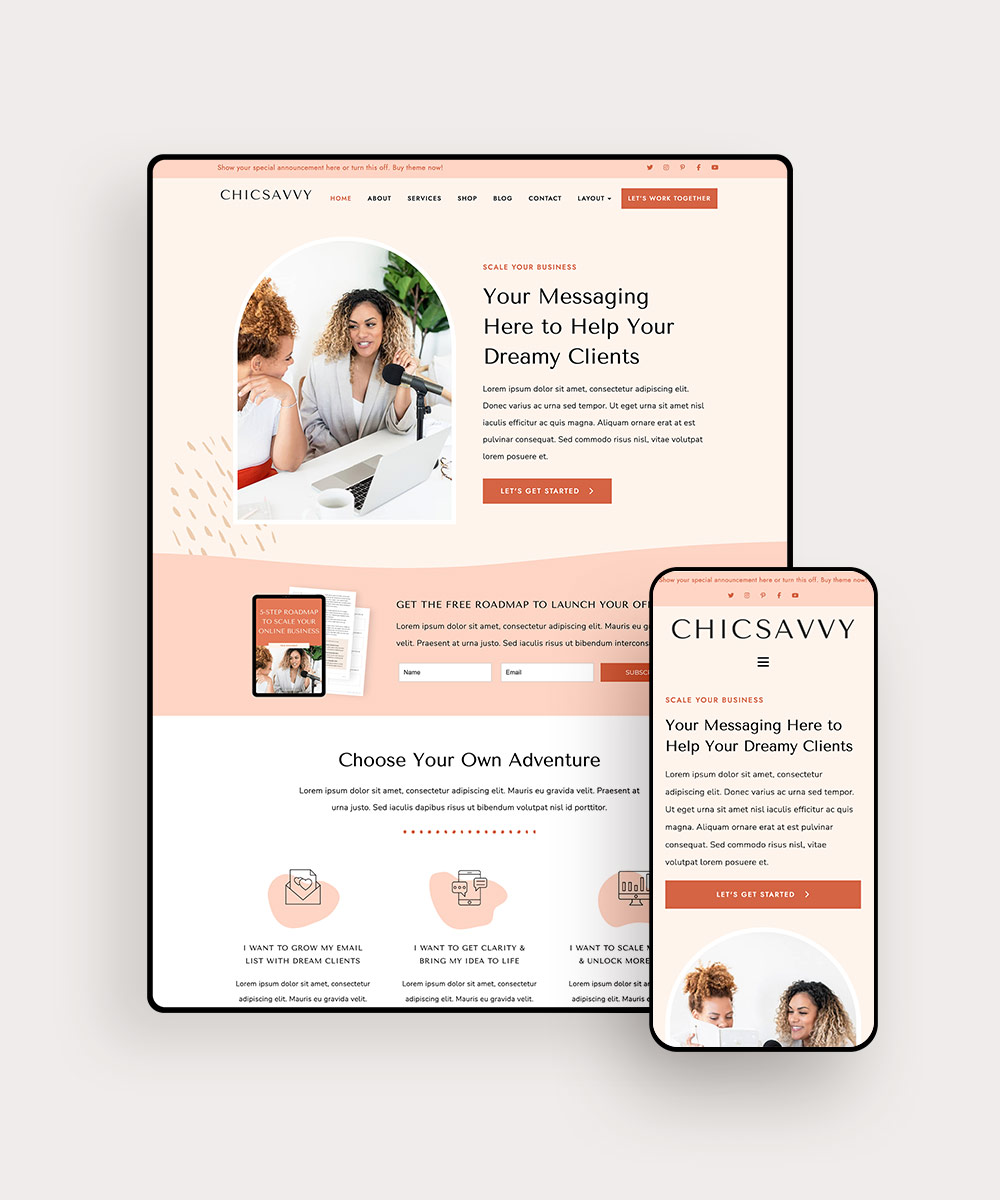
Email marketing tools are important for your WordPress site. They help you reach more people. MailChimp is a popular choice. It is easy to use and has many features. Constant Contact offers many templates. This makes email design simple. ConvertKit is good for bloggers. It helps manage subscribers easily.
Some tools offer free trials. This lets you test them before buying. Look for tools that integrate with WordPress. This makes setup easy. Automation is a key feature. It saves time and boosts engagement. Choose tools that offer analytics. Analytics help you track your success. Good tools improve your marketing efforts.
Credit: www.bluchic.com
Analytics Tools
Analytics tools help you understand your website’s visitors. They show you how people find your site. These tools tell you which pages get the most visits. They also show how long people stay on your site. This data helps you make better decisions. Google Analytics is a popular choice. It is free and easy to use. Another option is Jetpack for WordPress users. It offers insights right from your dashboard. You can also try MonsterInsights. It connects Google Analytics with WordPress. This makes viewing data simpler. Having these tools is important for your site’s success.
Credit: www.bluehost.com
Frequently Asked Questions
What Is Essential For A WordPress Website Setup?
To set up a WordPress website, you’ll need hosting, a domain name, and the WordPress software. Hosting stores your site’s files, while a domain is your online address. Install WordPress on your hosting server to start building. Choose themes and plugins to enhance functionality and design.
Do I Need A Domain Name For WordPress?
Yes, a domain name is crucial for your WordPress site. It acts as your website’s unique address online. Choose a memorable and relevant domain name that reflects your brand. Purchase it from a domain registrar before connecting it with your hosting account for easy access.
Why Is Web Hosting Important For WordPress?
Web hosting is vital because it stores your website’s data. It ensures your site is accessible online. Choose reliable hosting with good speed and uptime. Consider factors like bandwidth, storage, and customer support. A good host enhances your site’s performance and user experience.
How Do Themes Impact WordPress Design?
Themes define your site’s appearance and layout. They offer customization options for colors, fonts, and styles. Choose a theme that aligns with your brand and user experience. Premium themes provide advanced features and support. Ensure the theme is responsive for mobile users.
Conclusion
Creating a WordPress webpage involves several key purchases. Start with a reliable hosting service. Choose a domain name that reflects your brand. Invest in a professional theme for better design. Add essential plugins for functionality and security. Consider premium plugins for advanced features.
Don’t forget SSL certificates for secure connections. Budget wisely to balance cost and quality. Research thoroughly before buying anything. Prioritize your needs to make smart choices. With these purchases, your WordPress site will be ready to launch. Remember, a well-prepared site attracts visitors and builds trust.
Keep your website updated for long-term success.


