
Have you ever wondered what powers your favorite WordPress website’s features and functionalities? If you’re curious about how WordPress plugins can enhance your site, you’re in the right place.
Imagine being able to add special features to your website without the hassle of coding. That’s what a WordPress plugin does for you! These handy tools transform your site, adding everything from SEO enhancements to e-commerce capabilities, all with just a few clicks.
By understanding what plugins do, you can unlock the potential of your WordPress site, making it more powerful and efficient. Keep reading to uncover the magic behind WordPress plugins and discover how they can revolutionize your online presence!
WordPress Plugin Basics
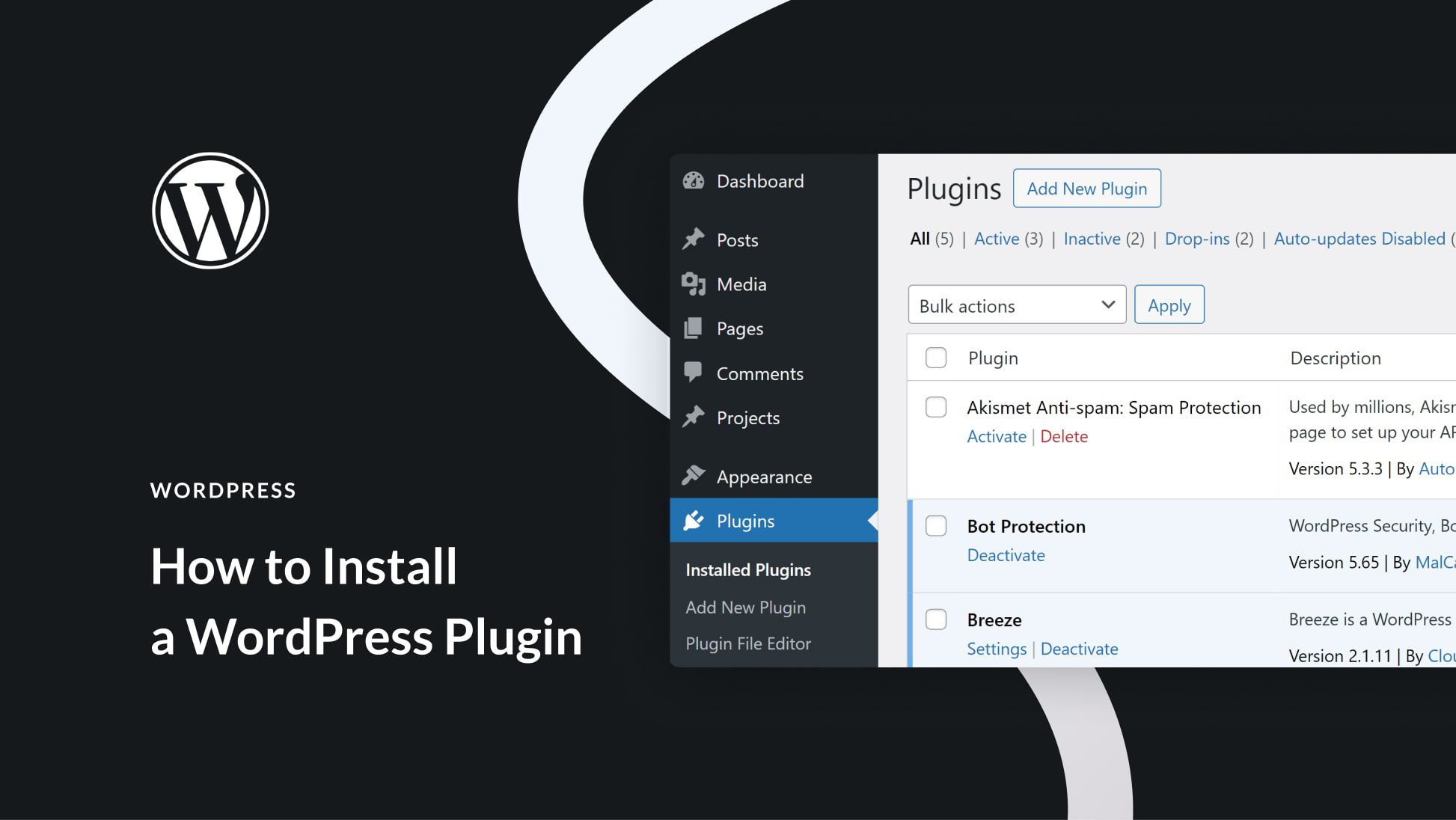
A WordPress plugin adds features to your website. It is like a small program. You can easily install it. Plugins help you manage your site better. They offer new tools and options. Some plugins help with security. Others help with design. You can find plugins for almost everything. This makes WordPress very flexible. Many plugins are free to use. Some might cost money. Always check ratings before installing. Good ratings mean the plugin works well.
Keep plugins updated. Updates fix bugs and improve features. Too many plugins can slow your site. Choose only the ones you need. This keeps your site fast and safe.

Credit: diviflash.com
Enhancing Functionality
WordPress plugins are like special tools for your website. They add custom features to make your site better. Want a contact form? There’s a plugin for that. Need a shop on your site? A plugin can help. These plugins are easy to use. You don’t need to be a tech expert. Just install the plugin. Your website can do more now. It’s like giving it superpowers!
Plugins let you add unique features without coding. You can choose from thousands of plugins. Each one has a different job. Some help with design. Others help with security. Want to track visitors? There’s a plugin for it. Plugins make your site special. They help you stand out. It’s like customizing your favorite toy!
Plugins can make your site run faster. Some plugins clean up unnecessary files. Others help your site load quickly. A fast site keeps visitors happy. It also helps your site rank better on search engines. A plugin can even help with SEO tasks. This means more people can find your site. A speedy site is a happy site. Plugins help with that.
Design And Layout Options
WordPress plugins offer many design and layout options. They help you change the look of your site. Each plugin can provide different themes and templates. These themes make your site look unique. Templates allow you to change parts of your site. You can mix and match them. Find what suits your style best.
Visual customization is easy with plugins. They let you adjust colors, fonts, and more. Make your website stand out. Change images and backgrounds as needed. These changes can make your site more engaging. Visitors will enjoy a better experience. The right plugin can make all the difference.
Seo Optimization
A WordPress plugin helps improve your website’s search rankings. It optimizes your site’s SEO. Keywords are important. Plugins let you add them easily. They also help with image alt text. This makes your site more visible.
Plugins help with meta tags and descriptions too. These are small bits of text. They tell search engines about your page. Good descriptions attract more clicks. More clicks mean better rankings. Using a plugin makes this easy. It’s a useful tool for any website owner.
Security Enhancements
Plugins add extra security layers to WordPress sites. They guard against viruses and hackers. Strong firewalls stop harmful attacks. Some plugins scan for malware. They find and fix problems. This helps keep your website safe.
Losing data can be scary. Backups are very important. Plugins offer automatic backups. They save your data often. This way, if something goes wrong, you have a copy. You can restore lost data easily. Backups protect your hard work.
E-commerce Integration
A WordPress plugin enhances e-commerce sites by adding specific functions. It enables seamless integration with various online tools. This simplifies shopping experiences for users and improves website management for businesses.
Online Store Setup
A WordPress plugin helps make online stores. It provides tools to display products. Customers can see and choose items. The plugin manages inventory. It tracks how many products are left. Store owners can add descriptions and prices. This makes shopping easy.
Payment Gateways
Plugins connect stores to payment gateways. These gateways allow secure payments. Customers can pay using credit cards. Plugins support many payment options. PayPal and Stripe are popular choices. Transactions are safe and fast. This builds trust with buyers.
Social Media Connectivity
WordPress plugins help share posts easily. They add buttons for Facebook, Twitter, and more. Users click these buttons to share content. This spreads the word quickly. More shares mean more views. Plugins make this simple for everyone. No coding skills needed. Just install and configure. Your content reaches a wider audience. Sharing tools boost engagement. They encourage interaction. People love to share what they like.
Integrate social media feeds into your site. WordPress plugins pull the latest posts. They display them neatly on your pages. Keep content fresh and engaging. Visitors see real-time updates. This connects your site to social platforms. It brings more life to your website. Feeds show dynamic content. They keep users coming back for more. Easy to set up, too. Just a few clicks and you’re done. Stay connected with your audience.
Credit: www.elegantthemes.com
User Experience Improvements
A WordPress plugin can make site navigation easier. It can add dropdown menus for quick access. This helps users find information fast. Plugins can also create breadcrumbs. Breadcrumbs show the path to a page. This helps users know where they are. Plugins can improve mobile navigation too. A simple menu for phones is important. Everyone can use the site easily.
Interactive features make a site more fun. Plugins can add sliders for images. Sliders let images move across the screen. Users can see many pictures quickly. Another feature is contact forms. These forms help users send messages. Users can ask questions or give feedback. Adding polls and quizzes is possible too. These are fun for users. They can learn and engage more.
Analytics And Tracking
WordPress plugins offer valuable insights about site visitors. These tools show who visits your site. You can see where they come from. Understand what pages they like. This helps in knowing your audience better. Visitor insights are key to improving site content. They help in making content more engaging.
Plugins track site performance metrics. They measure how fast pages load. They show how well your site works. Plugins also monitor user actions. This includes clicks and scrolls. Performance metrics help in identifying problem areas. They are essential for site improvements. They ensure smooth user experiences.
Choosing The Right Plugin
Find out what your website needs. Does it need a contact form? Or maybe an image gallery? Understand what features are essential. This helps you choose a plugin that fits your goals. Make a list of important tasks your website should do. This will guide your plugin search. Keep it simple and clear.
Check if the plugin works with your WordPress version. Some plugins may not be updated for new versions. Look at user reviews to see if others had issues. A plugin that breaks your site is no good. Always make sure it’s a good fit. Ensure it doesn’t conflict with other plugins. Compatibility is key for a smooth website.
Credit: www.hostpapa.com
Frequently Asked Questions
What Is The Purpose Of A WordPress Plugin?
A WordPress plugin extends the functionality of your website. It allows you to add features without modifying core files. Plugins help customize your site, enhancing performance and user experience. They are essential for integrating third-party services and tools effortlessly.
How Do Plugins Enhance Website Functionality?
Plugins add new features and capabilities to your WordPress site. They can improve SEO, security, and design elements. By using plugins, you can create a unique, user-friendly experience. They provide tools for customizing your site without coding skills.
Are Plugins Easy To Install On WordPress?
Yes, installing plugins on WordPress is straightforward. You can search, install, and activate plugins directly from the dashboard. Most plugins come with easy-to-follow instructions. This process enables quick enhancement of your site’s features and functionality.
Can Plugins Affect Website Performance?
Yes, plugins can impact website performance if not managed properly. Too many plugins may slow down your site. It’s crucial to choose optimized and regularly updated plugins. Regularly check compatibility with your WordPress version to maintain site speed and efficiency.
Conclusion
WordPress plugins simplify your website tasks. They add features effortlessly. Need better security? There’s a plugin for that. Want improved SEO? Another plugin can help. Plugins enhance user experience. They make managing your site easier. Choose wisely for optimal results.
Regular updates ensure compatibility. Always check reviews before installing. This helps avoid potential issues. Overloading with plugins can slow down your site. Use only what’s necessary. Explore various options available. Experiment to find what works best. Plugins are powerful tools.
They transform your WordPress site. Embrace them to meet your unique needs.


