
Imagine having the power to decide how much you pay for a digital product or service. Sounds intriguing, right?
“Pay What You Want” WordPress plugins bring this innovative concept to life, offering a fresh, flexible approach to pricing. Whether you’re a blogger, entrepreneur, or developer, these plugins can transform how you monetize your content and connect with your audience.
How does it work? And more importantly, how can it benefit you? Stick around to discover how this pricing strategy can boost your WordPress site, engage your audience, and potentially increase your earnings.
Concept Of Pay What You Want
Pay What You Want began as a simple idea. People paid what they felt was fair. This idea grew with artists and musicians. They wanted fair payments for their work. The digital age made this idea spread fast. It reached writers and designers. People liked the freedom in payment choice. It was a new way to support creators. The concept showed trust between buyer and seller. It made buying more personal and friendly.
Creators get many benefits from Pay What You Want. They gain more supporters who appreciate their work. Fans feel happy paying what they wish. This method builds strong relationships with supporters. Creators often get more money than expected. It allows creative freedom and flexibility. They can share work without strict pricing. This helps creators focus on quality and passion. It brings joy to both creator and fan.
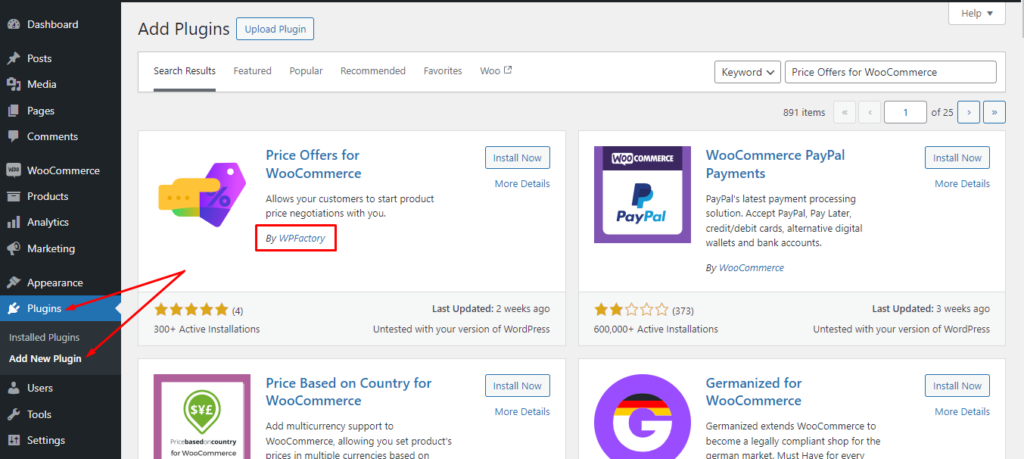
Credit: wpfactory.com
WordPress Integration
WordPress offers various plugins to help with payments. These plugins let users choose how much to pay. They are simple to use and install. Some plugins have more features than others. They may offer reports and tracking. This helps in managing the payments easily.
Popular plugins include GiveWP and PayPal donation. These plugins provide easy setup. Users can start accepting payments quickly. They allow flexibility in payment amounts. Many plugins support multiple payment methods. This gives users more choices.
Setting up a payment system in WordPress is easy. First, choose a plugin that fits your needs. Install and activate the plugin. Configure the settings as desired. Set payment options and amounts. Add the payment button to your page or post. Test the system to ensure it works well. Adjust settings if needed.
Most plugins offer guides to help with setup. Follow the guide step by step. Make sure to check for updates regularly. Updates can improve plugin functions. They may fix bugs or add new features. Always ensure your payment system is secure.
User Experience Design
Crafting content that grabs attention is key. Use simple and clear words. Break text into small paragraphs. This helps the reader stay focused. Add images to make it interesting. People love visuals. Use bold text for important points. It draws the eye. Keep sentences short and simple. Easy words make it better. Engage readers by asking questions. It makes them think. Encourage feedback to improve your content. Always be friendly and inviting.
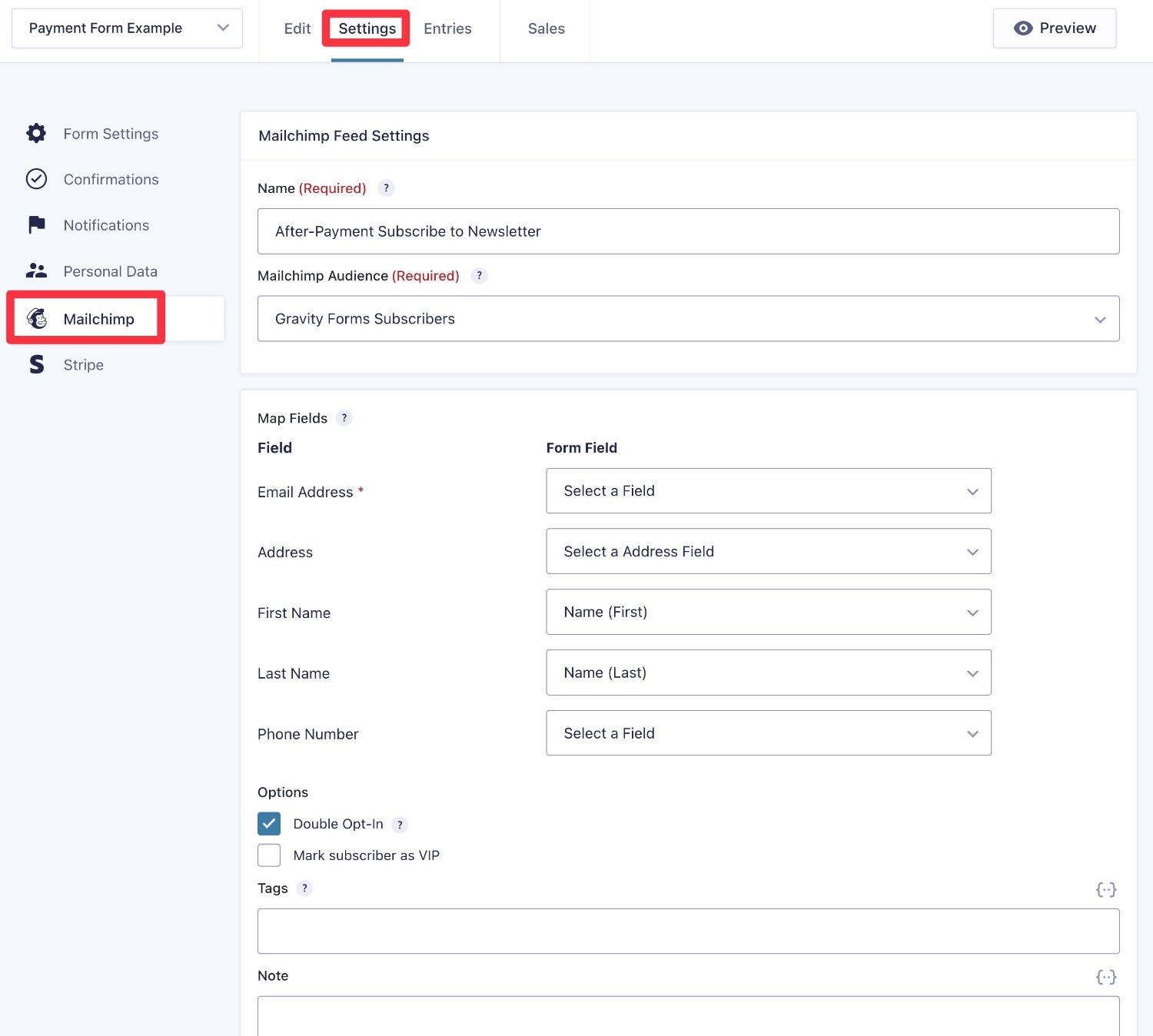
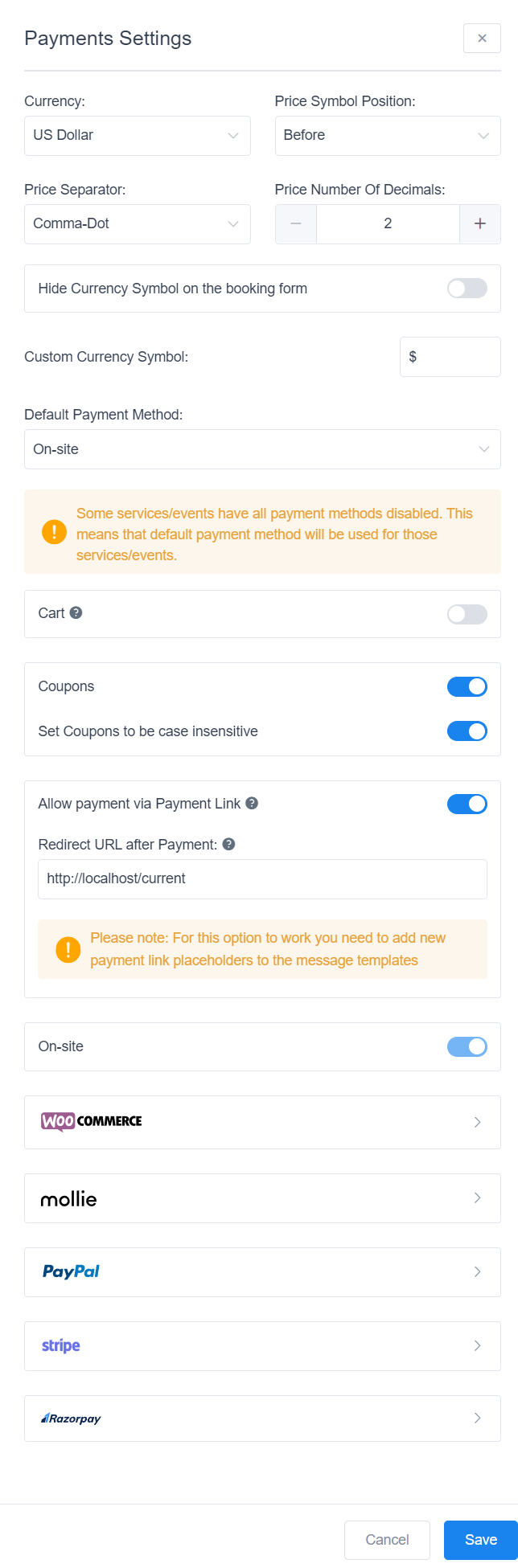
Make paying easy and quick. Offer different payment choices. Some prefer cards, others use PayPal. Keep the steps simple. Less is more. Short forms help users. They save time. Ensure the payment page is secure. Safety builds trust. Show a progress bar. Users like knowing their place in a process. Clear error messages help users fix mistakes. Always guide them kindly. Thank users after payment. A simple “thank you” goes a long way.
Credit: www.gravityforms.com
Marketing Strategies
Pay What You Want models can draw many visitors. People like the idea of choice. Having control over the price makes them curious. They feel more connected to the product. Social media can spread the word fast. Share stories about happy users. Encourage them to share their experiences too. This creates a buzz. A buzz brings more eyes to your site. Use clear and friendly messages to welcome everyone.
A loyal audience returns often. They talk about your site to others. Offering value helps build this loyalty. Give more than just a product. Share tips, stories, or fun facts. Keep your content fresh and exciting. Engage with your audience directly. Ask for feedback. Listen to their needs. Show them that you care. Happy visitors often become loyal fans.
Challenges And Solutions
Payment amounts can change often. This makes planning hard. Predicting income becomes tricky. Some pay less, some pay more. This can cause problems. Setting a minimum amount might help. It ensures some income. Users still feel in control. They choose how much to pay. It’s a balance between freedom and stability. Tracking payments regularly is key. It helps understand patterns. Adjust strategies as needed. This keeps the system running smoothly.
Keeping the system alive is important. Regular updates help keep interest. Offer extra value for paying users. This encourages them to pay more. Share success stories from others. This shows the system works. Build a community around your platform. People like to belong. They support what they love. Feedback from users is valuable. It helps improve the system. Make changes based on this feedback. This keeps users happy.
Case Studies
Many businesses use the Pay What You Want model. It works well for them. One bakery let customers pay any amount. They saw an increase in sales. People felt more trust and freedom. A music band did the same. They allowed fans to choose the price for albums. It led to more downloads and fan loyalty. These examples show it can be good for businesses.
Some businesses failed with this model. They learned important lessons. First, communication is key. Customers need to know why they can pay what they want. Second, set a minimum price. This helps cover basic costs. Third, trust is a big factor. Customers must feel trusted. Lastly, not every business will succeed. It depends on the type of service or product.
Credit: wpamelia.com
Frequently Asked Questions
What Is “pay What You Want” For WordPress?
“Pay What You Want” is a pricing strategy for WordPress. It allows customers to set their own price. This approach can increase customer engagement and attract more buyers. It also encourages donations and supports creators. Many WordPress plugins support this flexible pricing model.
How Do I Implement It On WordPress?
To implement “Pay What You Want,” use a compatible WordPress plugin. Plugins like “PWYW” or “Name Your Price” are popular options. These plugins allow easy integration with WooCommerce. They provide customizable pricing fields and support various payment gateways. Installation and setup are user-friendly.
What Are The Benefits Of Using This Model?
This model boosts customer satisfaction and conversion rates. It encourages impulse purchases and supports creators financially. Customers feel empowered by setting their own price. It also attracts a wider audience, increasing brand loyalty. “Pay What You Want” can enhance user experience and engagement.
Are There Any Drawbacks To Consider?
Yes, there are potential drawbacks. Customers might pay less than expected, impacting revenue. Not all products suit this model. Some customers may feel awkward setting a price. Consider product type and target audience carefully. Test the model to find the right balance.
Conclusion
Pay What You Want WordPress plugins offer flexibility and choice. They empower users to set prices that match their budgets. This approach builds trust and encourages customer engagement. Businesses can attract diverse audiences by offering this model. It’s a way to understand customer preferences better.
This strategy can lead to increased satisfaction and loyalty. Consider integrating it to enhance your WordPress site’s user experience. Experiment with different pricing options. See what works best for your audience. This approach can create a win-win situation for both businesses and customers.
Give it a try and see the benefits unfold.


