
Are you looking to create a stunning website without delving into the complexities of coding? If so, you’ve probably come across terms like “WordPress” and “Bootstrap.”
But what exactly is WordPress Bootstrap, and how can it revolutionize your website-building experience? Imagine having the power to design a site that looks professional and functions seamlessly, all while saving time and effort. WordPress Bootstrap is your key to unlocking this potential.
In this blog post, you’ll discover how the integration of WordPress and Bootstrap can simplify your web development process. We’ll explore the benefits of using these powerful tools together and how they can transform your website into a responsive, mobile-friendly masterpiece. Stick around, and you’ll find out why WordPress Bootstrap might just be the game-changer you’ve been searching for.
WordPress And Bootstrap Basics
WordPress is a powerful tool for creating websites. Millions use it worldwide. It helps you build blogs or full websites. Easy to use. No coding needed. Themes and plugins make it flexible. You can customize your site. Free to use. Many resources available online. Learning WordPress is simple.
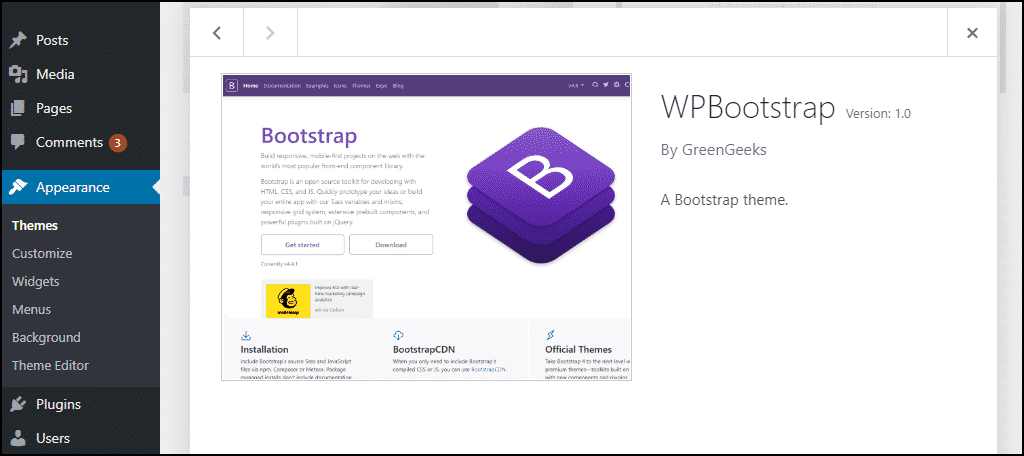
Bootstrap is a framework for web design. It simplifies layout creation. Responsive and mobile-friendly. Popular among developers. Pre-designed templates available. Grid system helps organize content. Styles for buttons, forms, and more. Easy integration with sites. Speeds up web development.
Credit: www.greengeeks.com
Integrating Bootstrap With WordPress
Bootstrap helps make websites look clean and organized. It offers pre-made designs that save time. With Bootstrap, your site can be responsive. This means it works well on phones, tablets, and computers. Developers find Bootstrap easy to use. It offers many customization options. You can change colors and fonts quickly. This makes your site unique. Bootstrap also supports modern browsers. It ensures your site looks good everywhere. Using Bootstrap can make your WordPress site better.
First, download Bootstrap files. Then, locate the theme folder. Next, add Bootstrap files here. In your theme’s header.php, link Bootstrap CSS. In footer.php, link Bootstrap JavaScript. Check if your site looks right. Adjust if necessary. Bootstrap is now part of your WordPress site.
Customizing WordPress Themes With Bootstrap
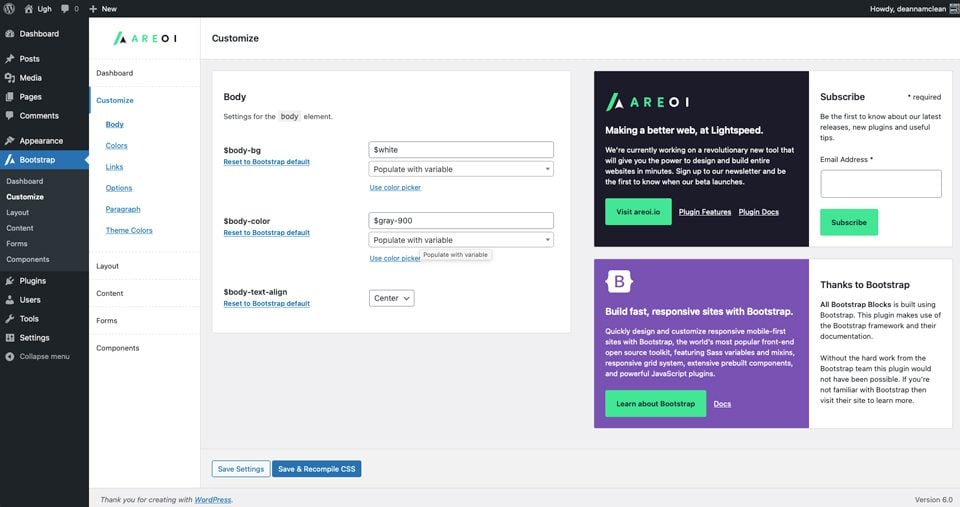
Bootstrap helps you make custom themes for WordPress. It provides ready-made pieces you can use. This makes building fast and easy. You can change the look of your site with simple steps. Bootstrap’s CSS and JavaScript are key. They help you create a unique design. With them, you can style your theme just how you like.
Bootstrap has many parts you can use. Buttons, forms, and navigation bars are some examples. These components work well with WordPress. Using them can make your site look better. They also help with site functions. Each component is easy to add to your theme. This makes your site more user-friendly and appealing.
Enhancing Website Performance
WordPress Bootstrap helps your website look good on all devices. It makes the site fit phones, tablets, and computers. Visitors will have a smooth experience. They won’t have to zoom in or out. The layout adjusts automatically. Easy to navigate, even for small screens.
Slow websites can be frustrating. WordPress Bootstrap can help with this. It uses clean and efficient code. This means pages load faster. Visitors don’t wait long for content. Fast loading keeps users happy. More people will stay on your site. Better performance can boost your site’s success.
Common Challenges And Solutions
WordPress Bootstrap combines WordPress with Bootstrap’s responsive design. Users often face compatibility issues. Updating themes and plugins can resolve this. Customization is another challenge, but using child themes and proper documentation helps streamline the process.
Compatibility Issues
WordPress and Bootstrap sometimes clash. Themes might not support all Bootstrap features. This causes design problems. Developers often face compatibility issues. Bootstrap scripts may conflict with WordPress scripts. This can break site layouts. To fix this, use a child theme. It helps in customizing without losing updates. Ensure all scripts load properly. Check for plugin conflicts. Update them regularly. Developers should test changes. Testing on different devices is important. Always back up your site. This prevents data loss.
Optimizing Bootstrap In WordPress
Bootstrap is heavy. It can slow down websites. Optimizing Bootstrap improves speed. Load only needed components. Avoid extra CSS and JavaScript. Minify files before using them. This reduces file size. Use a content delivery network (CDN). It helps in faster loading. Choose a lightweight theme. This makes the site faster. Limit the number of plugins. Plugins can affect site speed. Regularly monitor site performance. Tools like Google PageSpeed Insights are useful. Always keep your site updated.
Popular Plugins And Tools
WordPress Bootstrap combines the flexibility of WordPress with the responsive design of Bootstrap. It helps developers create mobile-friendly websites effortlessly. This tool simplifies web development by offering pre-designed templates and components.
Top Bootstrap Plugins
Bootstrap plugins make sites look good. They help create responsive designs. Some popular plugins are WP Bootstrap Blocks and Easy Bootstrap Shortcode. These plugins allow you to add buttons, forms, and grids easily. Websites look neat and clean with them.
Essential Tools For Developers
Developers need tools to build websites fast. Bootstrap Studio and Pinegrow are powerful tools. They help in designing with drag and drop features. These tools save time and make work easy. Visual Studio Code is another tool for coding. It helps in writing clean code.
Future Trends
WordPress Bootstrap combines the flexibility of WordPress with Bootstrap’s responsive design. This blend creates websites that adapt to any device. Developers appreciate its ease of use, while users enjoy seamless browsing experiences.
Evolving Design Patterns
Design patterns change with time. They help websites look fresh and modern. Designers use new styles to keep websites interesting. WordPress themes often update with these patterns. This keeps them trendy and useful.
WordPress And Bootstrap Innovations
Bootstrap helps make websites work well on phones and computers. It uses a grid system to arrange things neatly. This makes websites easy to use. New updates in Bootstrap bring fresh tools. These tools make designing faster and easier.
WordPress and Bootstrap work well together. They help create beautiful, functional sites. As both evolve, they offer more exciting options for developers. This duo continues to be popular. Many use them to build stunning websites.
Credit: www.elegantthemes.com
Credit: www.youtube.com
Frequently Asked Questions
What Is WordPress Bootstrap Used For?
WordPress Bootstrap is a framework used to create responsive and mobile-friendly websites. It combines WordPress themes and Bootstrap’s CSS and JavaScript components. This helps developers streamline the design process and build websites efficiently.
How To Integrate Bootstrap With WordPress?
To integrate Bootstrap with WordPress, you can enqueue Bootstrap’s CSS and JavaScript files in your theme’s functions. php. Alternatively, use a WordPress theme that already includes Bootstrap. This ensures your site is responsive and visually appealing.
Is WordPress Bootstrap Beginner-friendly?
Yes, WordPress Bootstrap is beginner-friendly. It provides pre-designed components and templates, making it easy for newcomers to design responsive websites. With its extensive documentation and community support, beginners can quickly grasp its functionality.
Can Bootstrap Improve WordPress Site Speed?
Bootstrap can improve WordPress site speed by offering lightweight CSS and JavaScript components. This optimizes loading times and enhances user experience. However, it’s essential to ensure that unused components are removed to maintain efficiency.
Conclusion
WordPress Bootstrap simplifies web design for everyone. It combines ease and flexibility. This tool makes creating responsive sites straightforward. Designers and developers enjoy better control. Adjust layouts with minimal coding. Improve user experience effortlessly. Consistent design across devices? Achievable with Bootstrap.
Beginners find it accessible. Experts appreciate its robust features. Dive in, explore, and build beautiful sites. Understanding WordPress Bootstrap enhances your web projects. Increase site functionality without much effort. For a seamless design process, it’s a great choice. Discover its benefits today and elevate your web presence.


