
Imagine having the power to shape the content on your WordPress site without the risk of accidental chaos. The Contributor role in WordPress offers a perfect balance of creativity and control.
But what exactly can you do as a Contributor? Maybe you’re new to WordPress or perhaps you’re looking to assign roles in a way that maximizes productivity. Either way, understanding the Contributor role can be a game-changer for you and your team.
You’ll discover the specific capabilities of a Contributor and how this role can streamline your content creation process. By the end, you’ll know exactly how to harness the potential of Contributors to keep your site fresh and dynamic, without compromising on quality and security. Are you ready to unlock the full potential of your WordPress site? Let’s dive in!
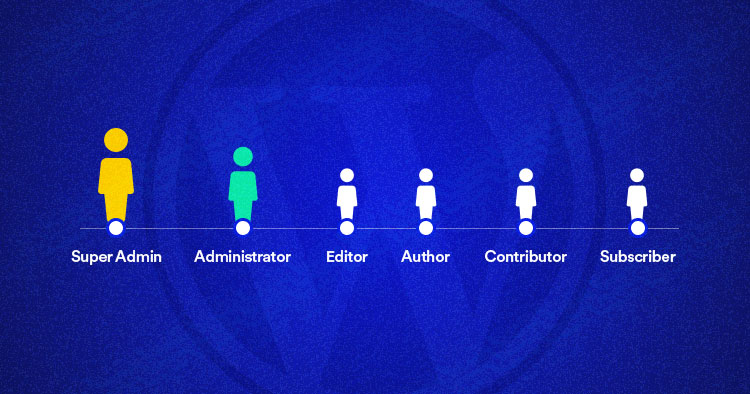
Credit: www.cloudways.com
Contributor Role Overview
The Contributor role in WordPress is simple. Contributors can write and edit their own posts. They cannot publish them. This role is perfect for new writers. They can focus on writing. They cannot add images or media. Contributors need approval from editors or admins. Once approved, their posts go live. Contributors can see comments on their posts. They cannot approve or delete them. They can learn by writing and editing. This helps them grow as writers. Contributors do not need technical skills. WordPress is easy to use for them. This role is a great start for beginners.
Creating Content
Contributors can draft posts using the WordPress editor. They have access to basic tools for writing. Using the editor is simple. It’s like typing in a text box. Add headings and images to make content interesting. Formatting text is easy too. Bold, italic, and lists are available.
Saving drafts is important. Contributors can save work and continue later. Preview option lets them see how the post looks. It helps in checking layout before sending for review. Remember, contributors cannot publish. They need someone with higher access.
WordPress editor is user-friendly. It’s designed for easy use. Even beginners find it simple. Drafting posts is fun. Contributors play a big role in content creation. Their drafts are valuable to the team.
Managing Content
Contributors can edit their own posts. They can draft new content. They can also update drafts. This allows them to refine ideas. Contributors cannot publish posts. They need help from editors. Contributors can add tags. They can also add categories. This helps in organizing content. Contributors can view comments. They cannot approve them. This keeps control with editors.
Contributors cannot upload files. No images or videos. This limits their creativity. They cannot change settings. No access to plugins or themes. Contributors cannot delete posts. This is a safety measure. They cannot manage comments. Editors handle this part. Contributors have no access to menus. They can’t change layouts. This keeps the website stable. Editors have more control.
Collaboration With Other Roles
Contributors can write drafts for the website. Editors check these drafts. They make sure everything is correct. Editors can also help with grammar and spelling. Contributors learn a lot by working with editors. They see how a good post is made. Editors give feedback to help contributors improve. This teamwork makes the website better.
Administrators manage the website. They can give contributors access to write. Contributors can ask administrators questions. They can ask for help if needed. Administrators can change roles and permissions. They make sure everyone does their job well. Contributors should follow the rules set by administrators. This keeps the site running smoothly.
Benefits Of The Contributor Role
Contributor roles in WordPress help people join in. They can write posts and share ideas. This role lets them see their work online. It’s exciting for them. They feel part of a team. Their ideas matter. This role is great for beginners. They learn by doing. It’s a fun way to start writing. Everyone can try it. It builds confidence. People want to write more. They like being part of the site.
Quality of content stays high. Contributors can write but not publish. Editors check their work first. This makes sure posts are good. Mistakes get fixed. Posts look better. Readers enjoy them more. Editors help improve writing. Contributors learn from feedback. Everyone works together. The site stays neat and tidy. It’s easy to read. Good content keeps visitors coming back. They trust the site.

Credit: publishpress.com
Limitations And Challenges
Contributors can write posts but not publish them. An editor or admin must approve posts. This adds a step to get content live. Contributors need to wait for approval. This can slow down the publishing process. Sometimes, contributors feel frustrated by this. They may want more freedom.
Contributors can’t upload images or files. This means they need help from others. They must ask editors or admins to add media. This limits how creative they can be. Contributors might feel their work lacks full expression. They depend on others to complete their posts.
Enhancing Contributor Experience
Contributors can benefit from clear training materials. Short guides and video tutorials help them learn. Understanding how to use WordPress tools is important. Contributors need to know how to format posts. They learn to add images and links. Regular support meetings can be helpful. These meetings answer questions and solve problems. Contributors can share tips and tricks. A community forum can also be useful. Contributors talk and help each other there. Easy access to resources builds confidence. It makes them better at their role.
WordPress offers many tools and plugins for contributors. They help with writing and editing posts. Plugins can check spelling and grammar. Some plugins suggest SEO improvements. Contributors can use these to make posts better. A plugin can also manage images. It helps to resize and crop them. Contributors find these tools useful. They make writing easy and fun. It helps contributors do their job well. Tools and plugins simplify tasks.
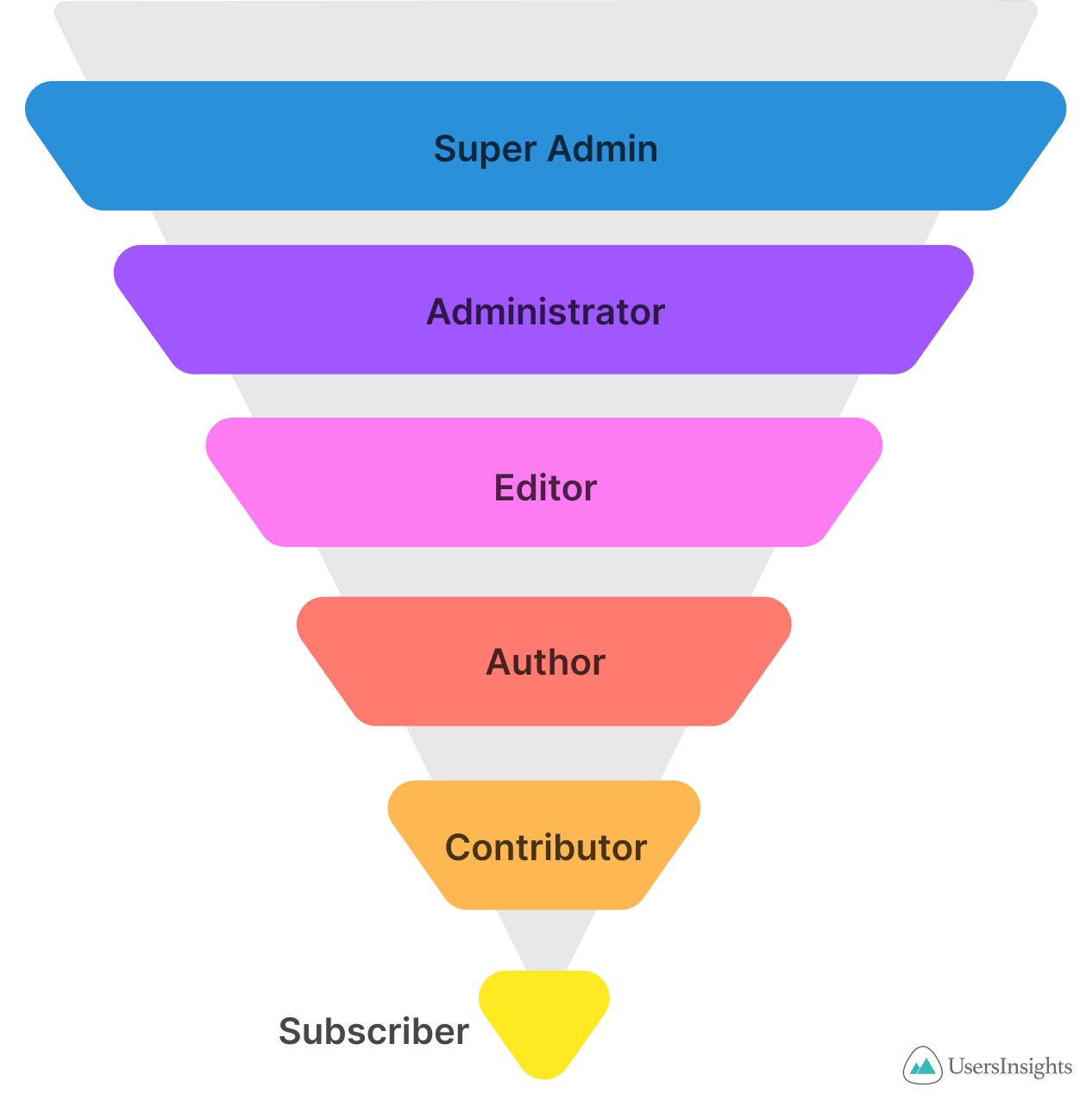
Credit: usersinsights.com
Frequently Asked Questions
What Is The Contributor Role In WordPress?
The contributor role in WordPress allows users to write and submit posts for review. Contributors cannot publish their own posts. They also cannot upload media files, but they can edit their own posts until they are approved by an editor or administrator.
Can Contributors Edit Published Posts In WordPress?
No, contributors cannot edit published posts in WordPress. Once their submitted posts are published, only users with higher roles, such as editors or administrators, can make edits. Contributors can only edit their drafts or pending posts before publication.
How Do Contributors Submit Posts For Review?
Contributors can write and save their posts as drafts in WordPress. Once ready, they can submit their drafts for review. An editor or administrator must review and approve these drafts before they are published.
Can Contributors Upload Media Files In WordPress?
No, contributors cannot upload media files in WordPress. This restriction is due to the limited permissions of the contributor role. Only users with higher roles, such as authors, editors, or administrators, can upload media files to the site.
Conclusion
The contributor role in WordPress offers flexibility. It lets writers submit content for review. Great for those learning the ropes. Ideal for team projects too. Contributors focus solely on writing. No distractions from technical tasks. Editors can guide and approve posts.
This keeps quality high. Collaboration is smooth and efficient. Contributors enhance content creation. Their role is valuable and straightforward. Perfect for growing teams. WordPress makes managing roles easy. Assign contributors, and streamline your content process. Boost productivity with organized roles.
Make the most of WordPress features. Engage your audience with consistent, quality content.


